






FAQ: Can the LO frequency of the downconverter be modified (e.g., from 1750 MHz to 875 MHz or 750 MHz)?
Q: Hello, can the down converters we bought from you be modified to cut the LO frequency in half? They currently operate at 1750 MHz—can they work around 875 MHz or be set to 750 MHz?
A: Yes, the LO (Local Oscillator) frequency can be modified. However, we strongly recommend that the modification be carried out by our engineers, or that you return the unit to us for adjustment to ensure optimal performance and stability.
If you prefer to modify it yourself, it is also possible by following the procedure below.
🔧 Self-Modification Guide
Table of Contents
1. Hardware Setup
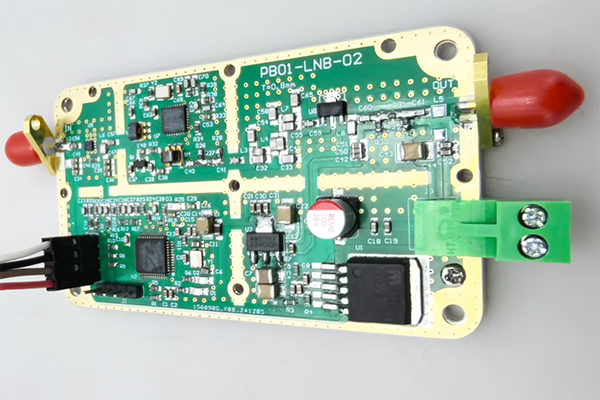
- Open the metal enclosure of the FDC (Frequency Down Converter).
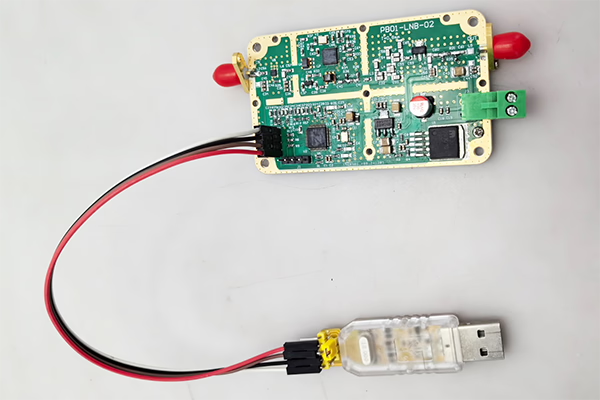
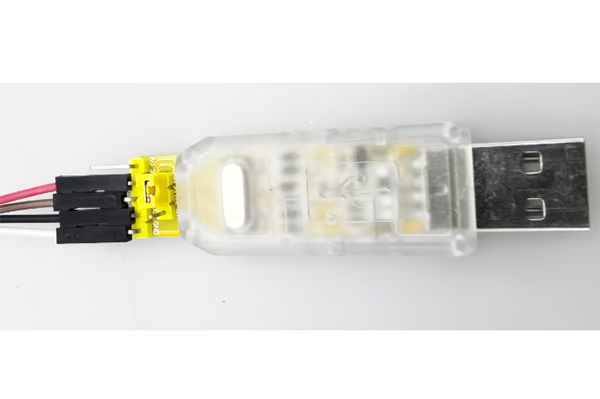
- Connect the device to your computer using a USB-to-TTL adapter.
Wiring (3 connections only):
- TX → RX
- RX → TX
- GND → GND
You may also make the cable yourself if needed.

2. Software Control via Serial Port
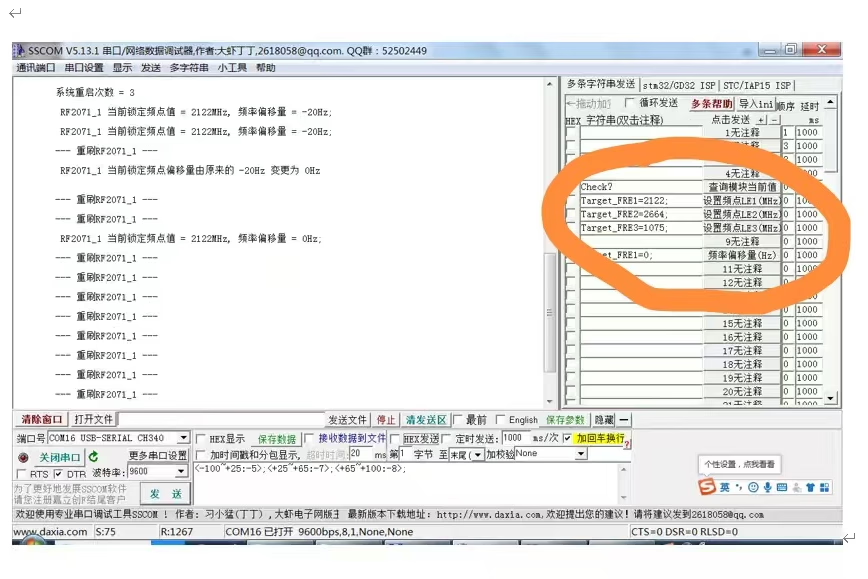
Use a serial terminal tool to send commands to the module.
3. Check Current Status
Command:
check?
Description:
- Returns the current operating status and detected frequency values.
Important:
- The command must end with a question mark (?), otherwise it will be invalid.
4. Modify LO Frequency
You can adjust the LO frequency by sending the following commands:
Target_FRE1=XXXX;
Target_FRE2=XXXX;
Target_FRE3=XXXX;
Explanation:
XXXX= desired frequency value (unit: MHz)- Each command corresponds to a specific LO module (LE1 / LE2 / LE3)
- The system will automatically relock to the new frequency after setting
Examples:
- Set LO to 875 MHz:
Target_FRE1=875;
- Set LO to 750 MHz:
Target_FRE1=750;
Important:
- Each command must end with a semicolon (;), otherwise it will be invalid.
⚠️ Important Notes
- Ensure the target LO frequency is within the supported operating range of the hardware.
- Changing the LO may affect IF output frequency and system performance.
- Improper configuration may lead to signal instability or loss of lock.
✅ Recommendation
For best results and to avoid potential issues, we recommend:
- Contacting our engineering team for guidance, or
- Returning the unit to us for professional modification and calibration
If you have any questions or need the configuration software, feel free to contact us.
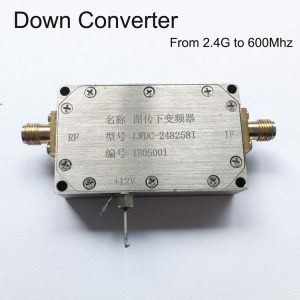
BDC Block Down Converter

BDC Block Down Converter
3200-3800MHz to 200-800MHz COFDM Down Converter BDC – RF Frequency Shifter
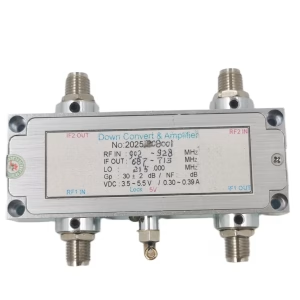
BDC Block Down Converter
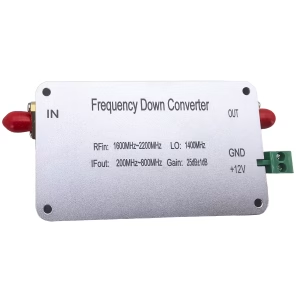
BDC Block Down Converter
1600-2200 MHz frequency down converter to 200-800 MHz mixer BDC
BDC Block Down Converter

BDC Block Down Converter
BDC Block Down Converter
Frequency 2100-2500Mhz down to 350-750Mhz COFDM RF Down Converter BDC
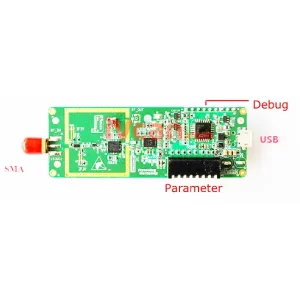
BDC Block Down Converter
Frequency Down Converter 2.4G to 250Mhz DVB-T COFDM Digital HDTV RF Microwave Module Board
Ask A Question
Thank you for your response. ✨