AV over IP Video Encoder 2090 FAQ – R380 player UIAV over IP Video Encoder 2090 FAQ – R380 player UI remote viewing
Table of Contents
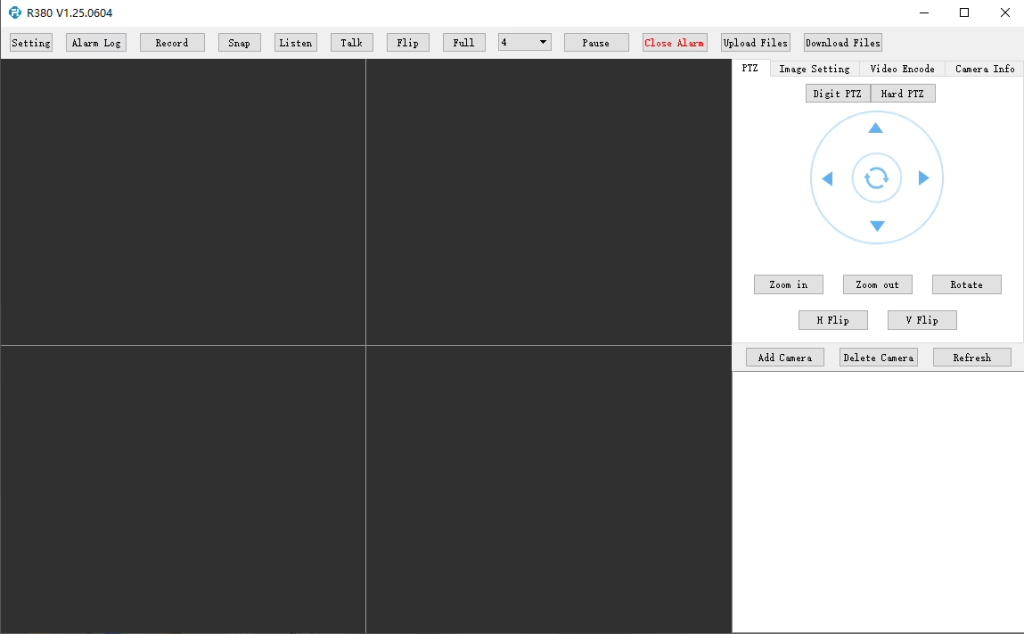
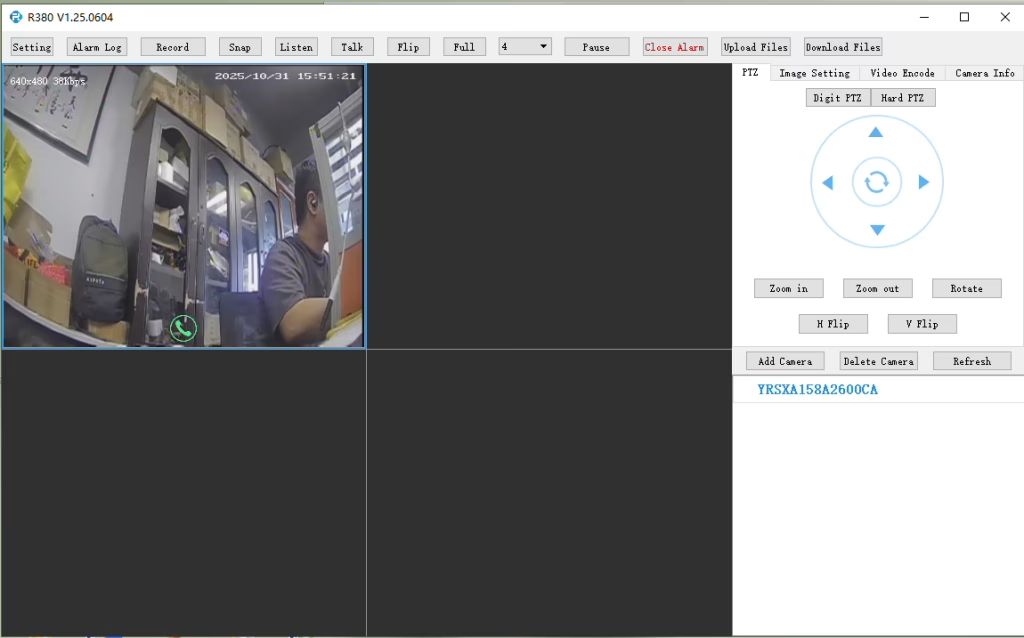
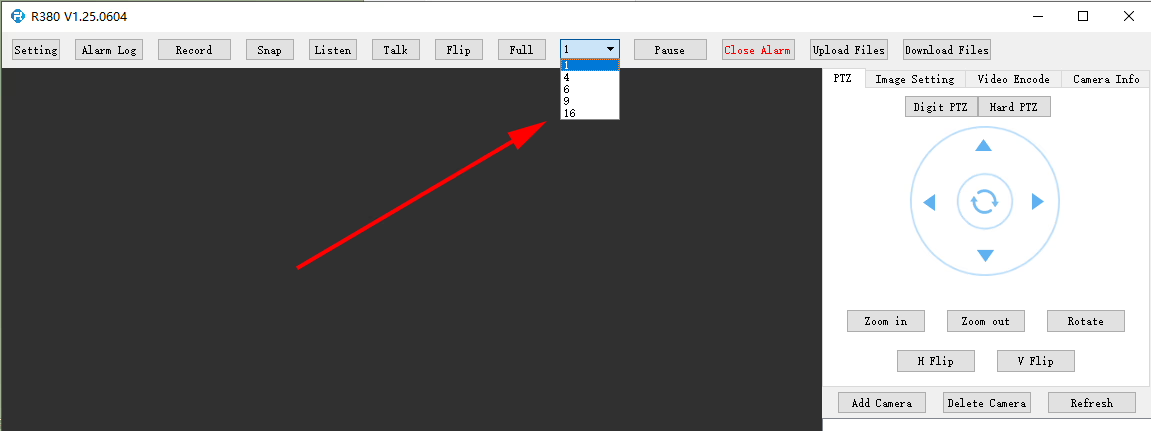
Does the R380 Player support multi-screen or simultaneous video playback?
At R380 player, it can set here.
Q: I need to connect to the LTE web UI to set up the required APN. My SIM uses a private APN and does not provide public Internet access, but it assigns a local IP address. I want to access this local IP to establish an RTSP stream from my office to a remote encoder over a 4G LTE connection. Is this supported?
At the moment, this use case is not fully supported in the current firmware. APN Configuration Limitation The current firmware does not support direct user configuration of the APN through the LTE web UI or the 4G module interface. Current System Behavior In the existing design, the APN settings are managed by the main SoC, which handles the dial-up process. As a result, APN configuration must be performed through our encoder module rather than directly on the LTE module itself. Network Access Consideration In your scenario, since the SIM uses a private APN without Internet access and only provides a local IP, accessing the device (e.g., for RTSP streaming) depends on the operator’s private network routing. This requires proper APN configuration and network-side support to enable end-to-end connectivity. Planned Improvement Our engineering team is evaluating a firmware update to add user-configurable APN support. This enhancement will provide more flexibility for private network deployments such as yours. The estimated development timeline is approximately 7–10 days.
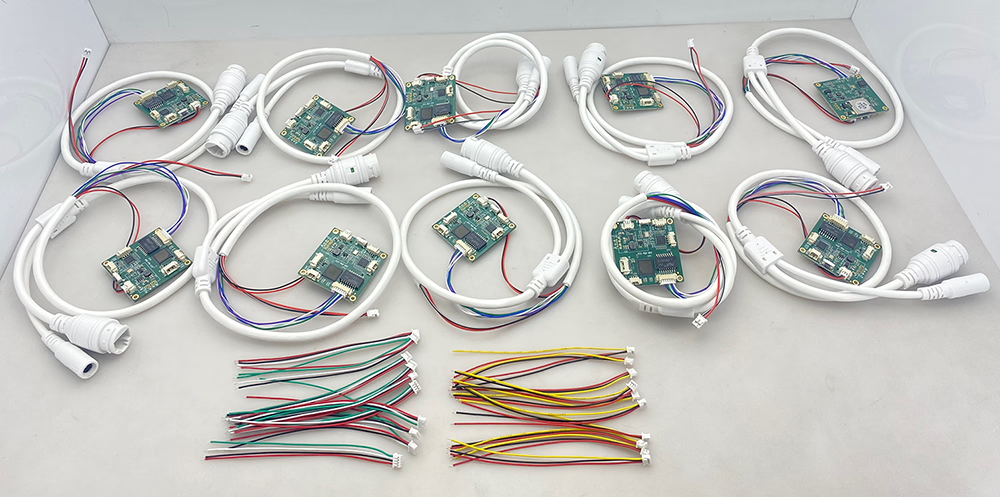
10 pcs encoder analog to digital converter
Q: How do I enable the TF card auto recording function?
A: To enable TF card auto recording, please log in to the device’s Web Configuration Interface and manually configure the recording settings.
You can follow these steps:
Open the device Web UI in your browser.
Go to Settings or Storage Configuration.
Find the TF Card Recording option.
Enable or disable TF card recording as needed.
Check the TF card status and capacity information:
Confirm whether the TF card is detected correctly.
Verify the available storage capacity.
Check if the TF card status shows Readable or Unformatted.
If the TF card is shown as Unformatted, please format the card before enabling recording.
Note: It is recommended to use a compatible, high-speed TF card for stable recording performance.
enable recording on tf card of cvbs to ip encoder board
check TF card size to see enable recording setting ok or not
Supports dual USB camera video encoding, and RTSP streaming; local CVBS/HDMI output; switchable display modes
Mass Production
2
Dual-Channel Encoder (1× USB Visible Light + 1× USB Thermal Imaging camera)
2× USB input
Supports dual USB camera (visible + thermal) capture, encoding, and RTSP streaming; local CVBS/HDMI output; switchable display modes
Mass Production
3
RTSP Decoder HDMI/CVBS Display Module
HDMI + CVBS output
Supports up to 4×1080P@30fps RTSP stream decoding; Support video streaming protocol forwarding; HDMI/CVBS output display
Sample Available
4
RTSP Decoder HDMI/CVBS Display Module with 4.3"/5" LCD
HDMI output + LCD screen
Supports up to 4×1080P@30fps RTSP stream decoding; protocol forwarding; HDMI/CVBS output display
Debugging
5
Dual-Channel Encoder (1× USB Visible Light + 1× CVBS Analog)
1× CVBS + 1× USB UVC input
Dual video (USB + CVBS), encoding and RTSP streaming; local CVBS/HDMI output; switchable display modes
Debugging
6
Dual-Channel Encoder (1× USB UVC + 1× AHD Analog)
1× AHD + 1× USB UVC input
Dual video capture (USB + AHD), encoding and RTSP streaming; local CVBS/HDMI output; switchable display modes
Debugging
7
Dual-Channel Encoder (1× CVBS + 1× AHD Analog Video)
CVBS + AHD 2 video input
Dual analog video capture, encoding and RTSP streaming; local CVBS/HDMI output; switchable display modes
Debugging
8
Dual-Channel Encoder (1× CMOS Camera + 1× USB Thermal Imaging camera)
1× USB interface
Supports CMOS + USB thermal camera capture, encoding and RTSP streaming; local CVBS/HDMI output; switchable display modes
Mass Production
For customized video input/output conversion solutions not listed in our products, please contact us for OEM/ODM support. We can develop tailored products based on your requirements.






















Ask A Question
Thank you for your response. ✨