AV over IP Video Encoder 2090 سوالات متداول – رابط کاربری پخش کننده R380AV over IP Video Encoder 2090 پرسشهای متداول – مشاهده از راه دور رابط کاربری پخشکننده R380
فهرست مطالب
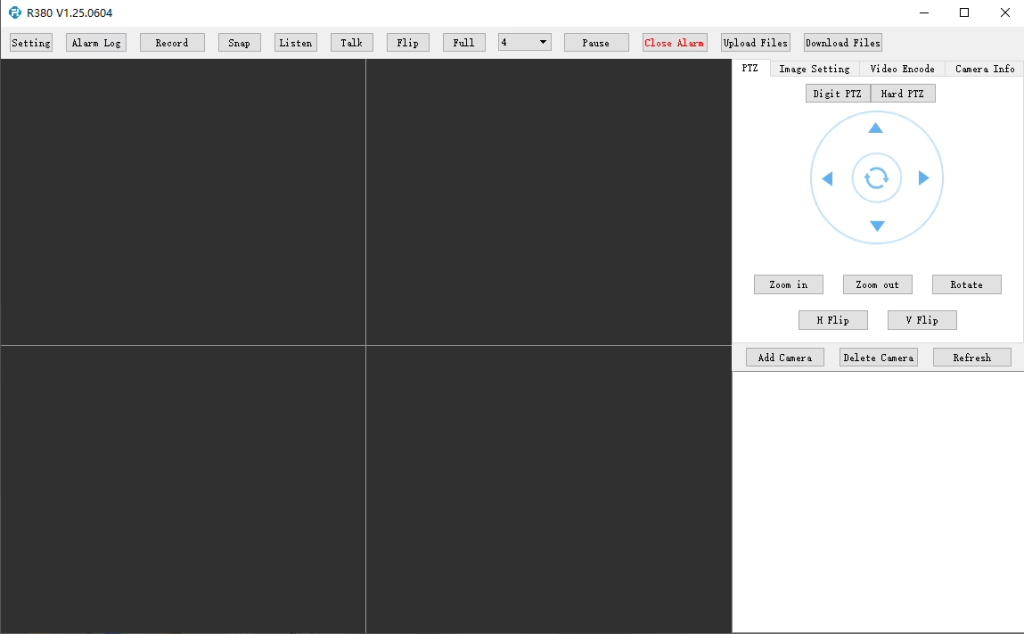
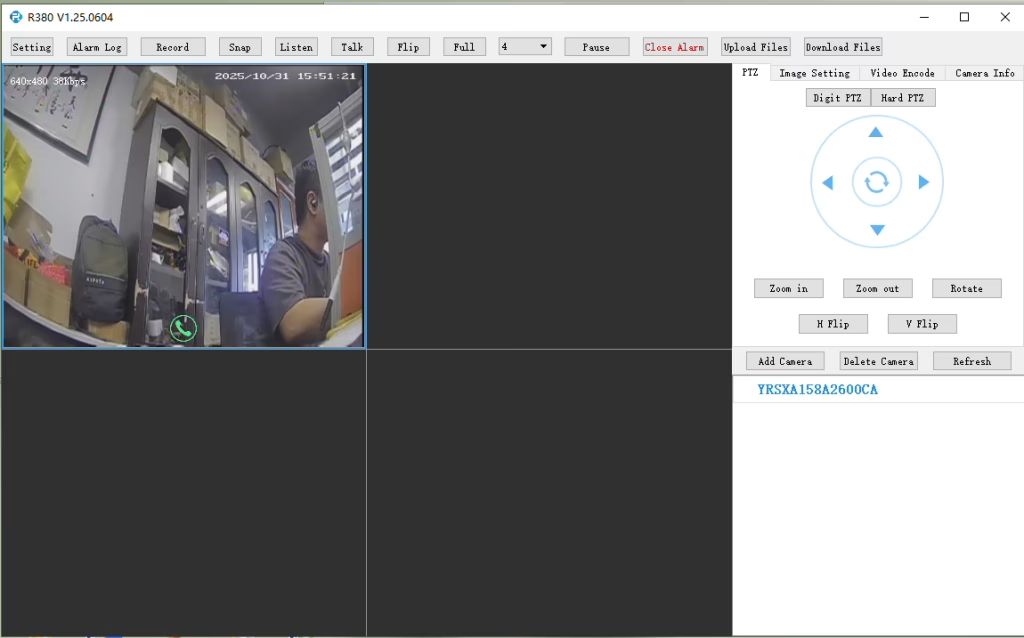
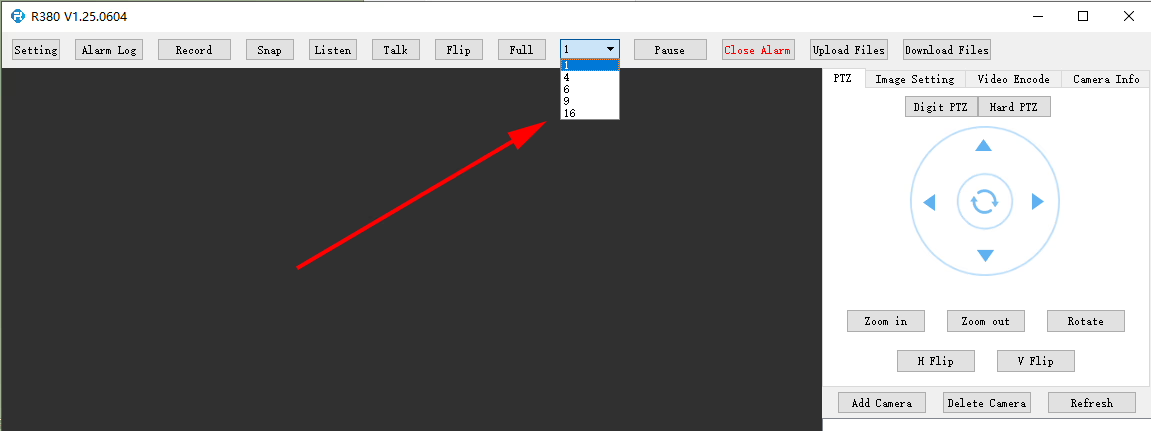
آیا پخش کننده R380 از پخش ویدیوی چند صفحه ای یا همزمان پشتیبانی می کند؟?
در پخش کننده R380, می تواند در اینجا تنظیم شود.
Q: I need to connect to the LTE web UI to set up the required APN. My SIM uses a private APN and does not provide public Internet access, but it assigns a local IP address. I want to access this local IP to establish an RTSP stream from my office to a remote encoder over a 4G LTE connection. Is this supported?
درحال حاضر, this use case is not fully supported in the current firmware. APN Configuration Limitation The current firmware does not support direct user configuration of the APN through the LTE web UI or the 4G module interface. Current System Behavior In the existing design, the APN settings are managed by the main SoC, which handles the dial-up process. در نتیجه, APN configuration must be performed through our encoder module rather than directly on the LTE module itself. Network Access Consideration In your scenario, since the SIM uses a private APN without Internet access and only provides a local IP, accessing the device (به عنوان مثال, for RTSP streaming) depends on the operator’s private network routing. This requires proper APN configuration and network-side support to enable end-to-end connectivity. Planned Improvement Our engineering team is evaluating a firmware update to add user-configurable APN support. This enhancement will provide more flexibility for private network deployments such as yours. The estimated development timeline is approximately7–10 days.
10 انکودر کامپیوتر مبدل آنالوگ به دیجیتال
Q: How do I enable the TF card auto recording function?
آ:To enable TF card auto recording, please log in to the device’sWeb Configuration Interfaceand manually configure the recording settings.
You can follow these steps:
Open the device Web UI in your browser.
رفتن به تنظیمات یا Storage Configuration.
Find theضبط کارت TF گزینه.
Enable or disable TF card recording as needed.
Check the TF card status and capacity information:
Confirm whether the TF card is detected correctly.
Verify the available storage capacity.
Check if the TF card status showsخواندنی یا Unformatted.
If the TF card is shown asUnformatted, please format the card before enabling recording.
توجه داشته باشید:It is recommended to use a compatible, high-speed TF card for stable recording performance.
enable recording on tf card of cvbs to ip encoder board
check TF card size to see enable recording setting ok or not
پشتیبانی از CMOS + ضبط دوربین حرارتی USB, رمزگذاری و جریان RTSP; خروجی محلی CVBS/HDMI; حالت های نمایش قابل تغییر
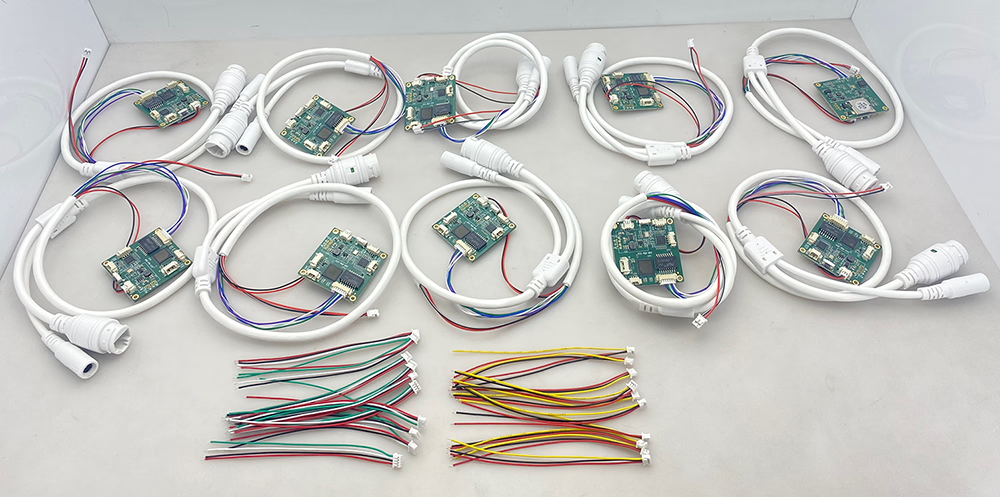
تولید انبوه
برای راه حل های تبدیل ورودی/خروجی ویدیویی سفارشی شده که در محصولات ما ذکر نشده است, لطفا برای پشتیبانی OEM/ODM با ما تماس بگیرید. ما می توانیم محصولات متناسب با نیاز شما را توسعه دهیم.






















سوال بپرسید
از پاسخ شما سپاسگزاریم. ✨