






Table of Contents
Automatic Antenna Tracker System User Manual PDF
- 1. Packing Item Details………………………………………………………………………. 1
- 2. Product Description……………………………………………………………………………… 3
- 2.1. parameters………………………………………………………………………….. 3
- 2.2. Interface and switch……………………………………………………………….. 4
- 3. Installation and Wiring………………………………………………………………………….. 5
- 3.1. Track gimbal installation……………………………………………………………. 5
- 3.2. antenna installation…………………………………………………………………… 9
- 3.3. powered by ………………………………………………………………………….. 9
- 3.4. interface connection…………………………………………………………………. 10
- 4. Operation interface……………………………………………………………………………. 11
- 4.1. Track gimbal information………………………………………………………….. 11
- 4.2. Tracking PTZ Operation Guide…………………………………………………… 12
- 5. Initial test……………………………………………………………………………. 19
- 6. Precautions……………………………………………………………………………. 19
- 6.1. about MavLinkprotocol…………………………………………………… 19
- 6.2. Track pitch angle (pitch) deviation………………………………………… 21
- 6.3. tracking azimuth deviation………………………………………………………. 21
- 6.4. DLink &baud rate (baudrate)……………………………………. 21
- 6.5. Antenna and fixed structural parts…………………………………………………… 21
- 6.6. Definition of bottom aviation plug interface…………………………………………………… 22
1. Packing Item Details
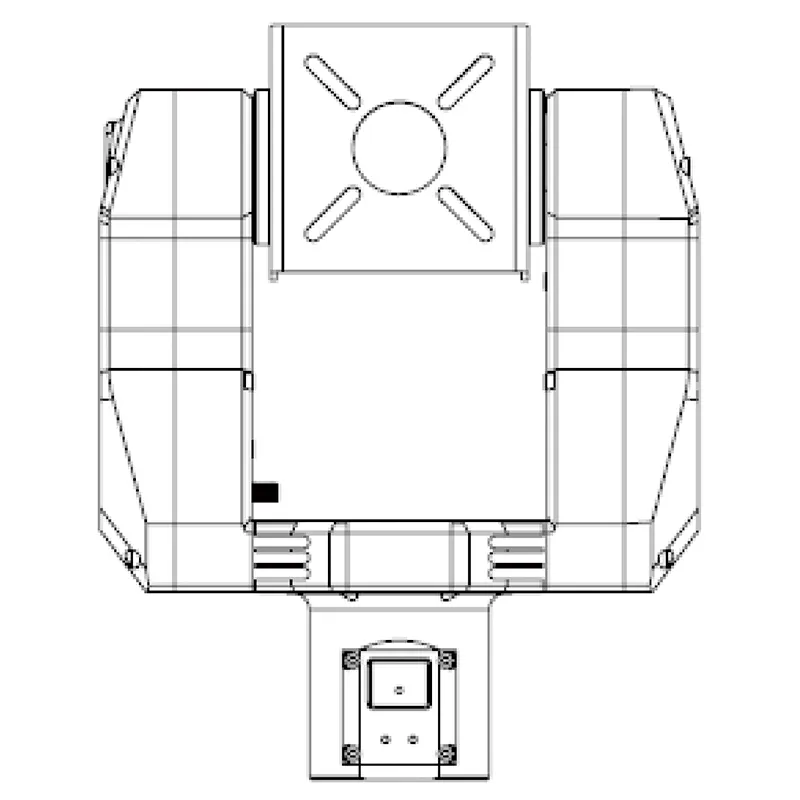
Automatic Antenna Tracker gimbal
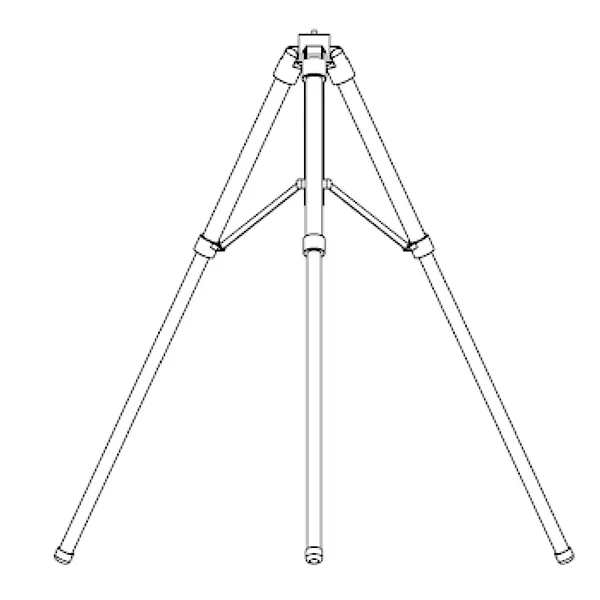
Automatic Antenna Tracker Tripod
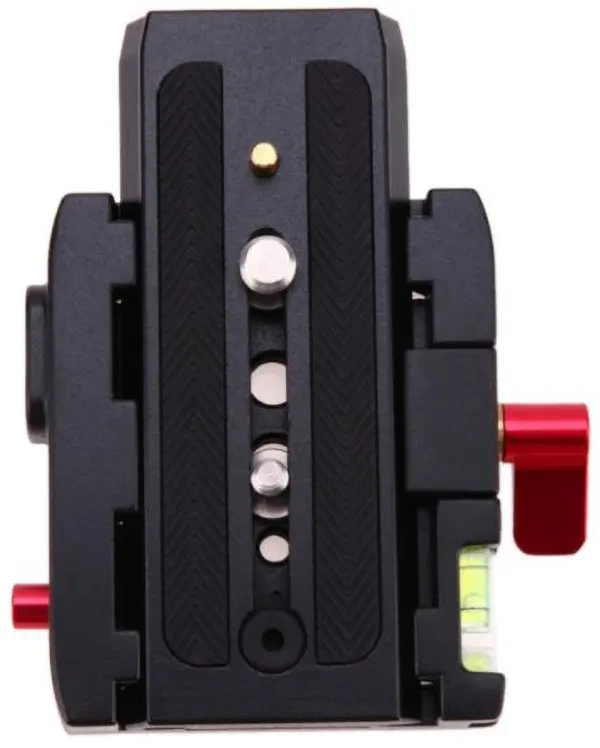
Gimbal quick install plate (base + plate clamp)
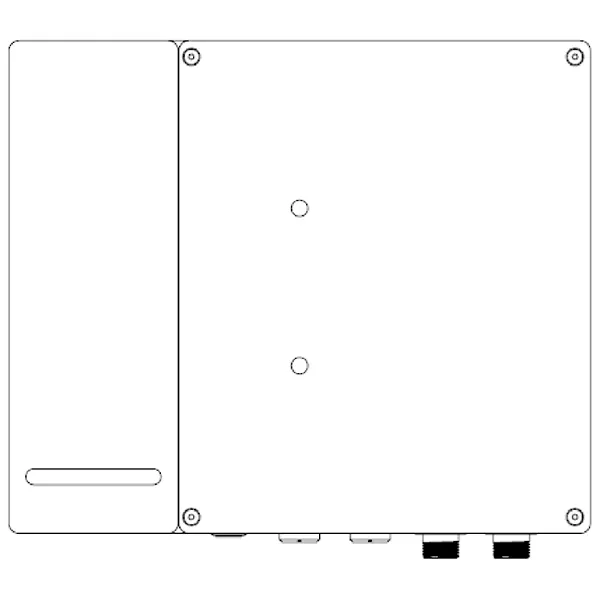
Gimbal base
Automatic Antenna Tracker Cables
Feeder X1
One end is an internal thread SMA connector, and the other end is an internal thread N connector, which are respectively connected to the tracking gimbal and antenna.

Feeder X2
One end is an internal thread SMA connector, and the other end is an internal thread N connector, which are respectively connected to the tracking gimbal and antenna.
PTZ cablex1
Connect the aviation connector of the gimbal base and the aviation connector of the gimbal.

4 in 1 Multifunction Cablex1
One end is connected to the aviation connector of the gimbal base, and the other end is respectively connected to the SBUS receiver and the computer.
More details, coming soon.

FAQ
Q1: Why can’t my Mavlink connect to the automatic antenna tracker via wireless video and data transmission?
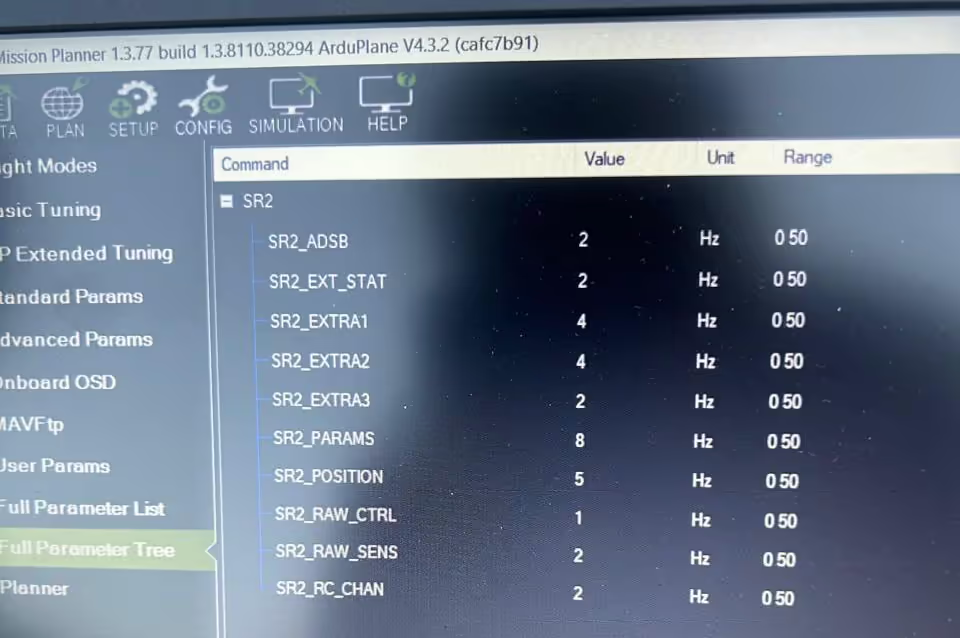
A: Please make sure the baud rates are the same for the flight control, video transmission, and AAT Automatic Antenna Tracker (1916). Please show us the three setting pictures.
From your text, it is hard to find a problem, please send us your connection picture or video. Please check the flight controls’ baud rates first, Our video data transmission (TX900) and tracker can change to meet it.
Ask A Question
Thank you for your response. ✨