






विषयसूची
स्वचालित एंटीना ट्रैकर सिस्टम उपयोगकर्ता मैनुअल पीडीएफ
- 1. पैकिंग आइटम विवरण………………………………………………………………………. 1
- 2. उत्पाद वर्णन……………………………………………………………………………… 3
- 2.1. पैरामीटर………………………………………………………………………….. 3
- 2.2. इंटरफ़ेस और स्विच……………………………………………………………….. 4
- 3. स्थापना और वायरिंग………………………………………………………………………….. 5
- 3.1. जिम्बल इंस्टालेशन को ट्रैक करें……………………………………………………………. 5
- 3.2. एंटीना स्थापना…………………………………………………………………… 9
- 3.3. द्वारा संचालित ………………………………………………………………………….. 9
- 3.4. इंटरफ़ेस कनेक्शन…………………………………………………………………. 10
- 4. ऑपरेशन इंटरफ़ेस……………………………………………………………………………. 11
- 4.1. जिम्बल जानकारी ट्रैक करें………………………………………………………….. 11
- 4.2. ट्रैकिंग पीटीजेड ऑपरेशन गाइड…………………………………………………… 12
- 5. प्रारंभिक परीक्षण……………………………………………………………………………. 19
- 6. सावधानियां……………………………………………………………………………. 19
- 6.1. MavLinkप्रोटोकॉल के बारे में…………………………………………………… 19
- 6.2. ट्रैक पिच कोण (आवाज़ का उतार-चढ़ाव) विचलन………………………………………… 21
- 6.3. अज़ीमुथ विचलन पर नज़र रखना………………………………………………………. 21
- 6.4. D- लिंक &बॉड दर (बॉड दर)……………………………………. 21
- 6.5. एंटीना और निश्चित संरचनात्मक भाग…………………………………………………… 21
- 6.6. बॉटम एविएशन प्लग इंटरफ़ेस की परिभाषा…………………………………………………… 22
1. पैकिंग आइटम विवरण
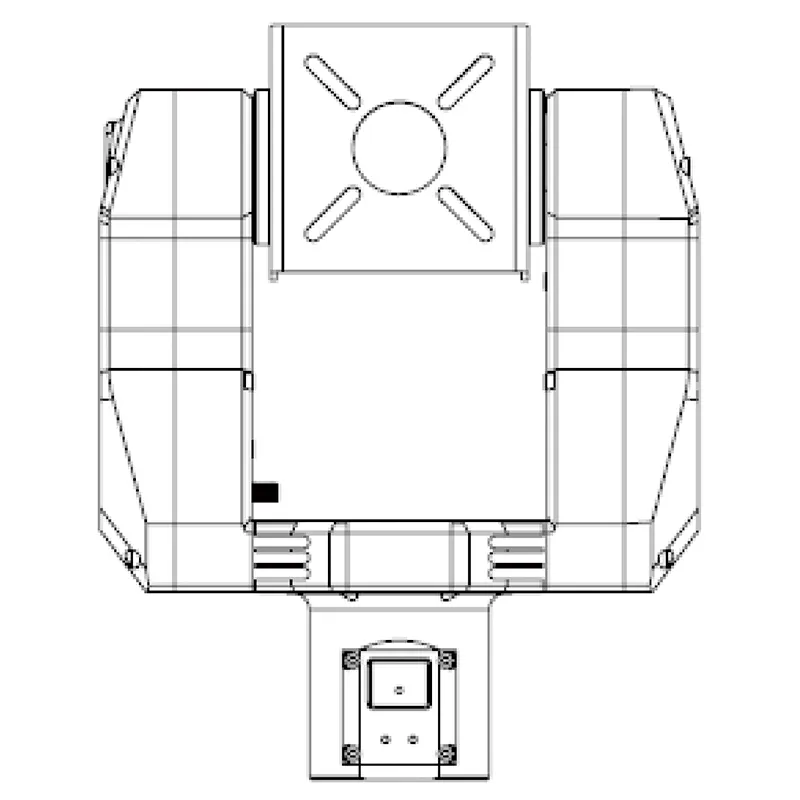
स्वचालित एंटीना ट्रैकर जिम्बल
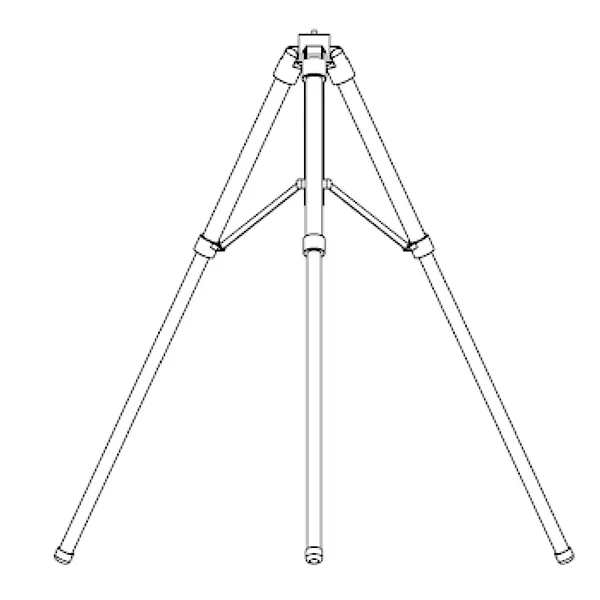
स्वचालित एंटीना ट्रैकर तिपाई
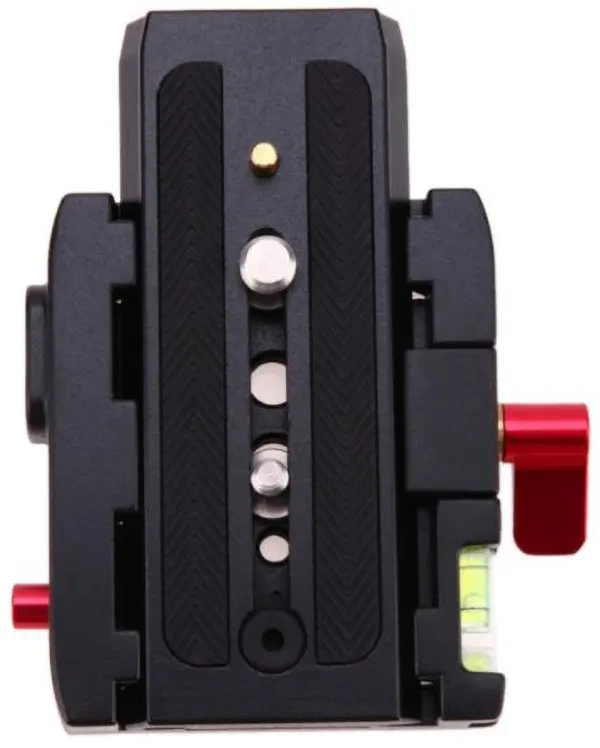
जिम्बल त्वरित इंस्टाल प्लेट (आधार + प्लेट दबाना)
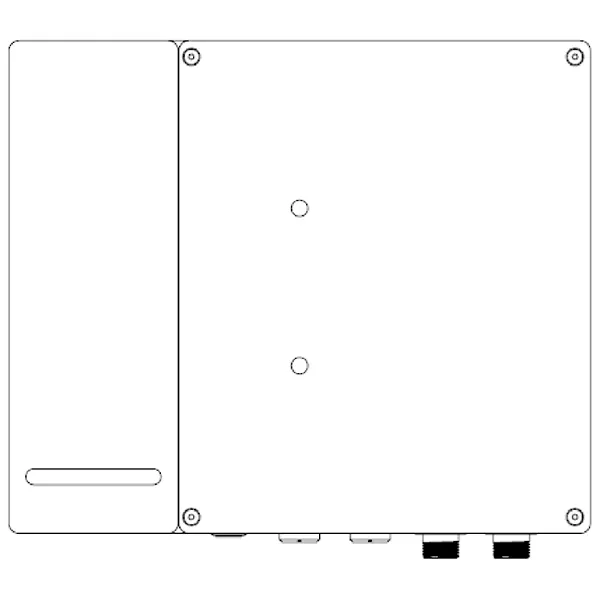
जिम्बल आधार
स्वचालित एंटीना ट्रैकर केबल
फीडर X1
एक सिरा एक आंतरिक थ्रेड एसएमए कनेक्टर है, और दूसरा सिरा एक आंतरिक थ्रेड एन कनेक्टर है, जो क्रमशः ट्रैकिंग जिम्बल और एंटीना से जुड़े होते हैं.

फीडर X2
एक सिरा एक आंतरिक थ्रेड एसएमए कनेक्टर है, और दूसरा सिरा एक आंतरिक थ्रेड एन कनेक्टर है, जो क्रमशः ट्रैकिंग जिम्बल और एंटीना से जुड़े होते हैं.
पीटीजेड केबलx1
जिम्बल बेस के एविएशन कनेक्टर और जिम्बल के एविएशन कनेक्टर को कनेक्ट करें.

4 में 1 मल्टीफंक्शन केबलx1
एक सिरा जिम्बल बेस के एविएशन कनेक्टर से जुड़ा है, और दूसरा सिरा क्रमशः एसबीयूएस रिसीवर और कंप्यूटर से जुड़ा है.
अधिक जानकारी, जल्द आ रहा है.

सामान्य प्रश्न
Q1: मेरा मावलिंक वायरलेस वीडियो और डेटा ट्रांसमिशन के माध्यम से स्वचालित एंटीना ट्रैकर से कनेक्ट क्यों नहीं हो सकता है?
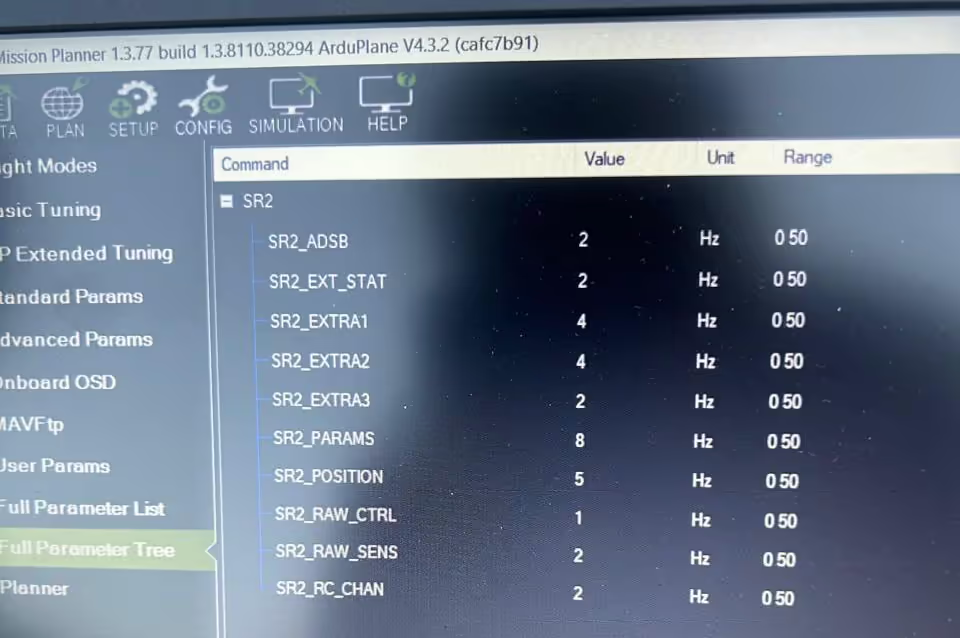
ए: Please make sure the baud rates are the same for the flight control, वीडियो प्रसारण, and AAT Automatic Antenna Tracker (1916). Please show us the three setting pictures.
From your text, it is hard to find a problem, please send us your connection picture or video. Please check the flight controls’ baud rates first, Our video data transmission (TX900) and tracker can change to meet it.
प्रश्न पूछें
आपका संदेश भेज दिया गया है