






Съдържание
Ръководство за потребителя на системата за автоматично проследяване на антена PDF
- 1. Подробности за опаковъчния артикул………………………………………………………………………. 1
- 2. Описание на продукта……………………………………………………………………………… 3
- 2.1. параметри………………………………………………………………………….. 3
- 2.2. Интерфейс и превключвател……………………………………………………………….. 4
- 3. Монтаж и окабеляване………………………………………………………………………….. 5
- 3.1. Инсталация на кардана за коловоз……………………………………………………………. 5
- 3.2. монтаж на антена…………………………………………………………………… 9
- 3.3. задвижвани от ………………………………………………………………………….. 9
- 3.4. интерфейсна връзка…………………………………………………………………. 10
- 4. Операционен интерфейс……………………………………………………………………………. 11
- 4.1. Проследяване на информация за кардан………………………………………………………….. 11
- 4.2. Ръководство за работа с проследяване на PTZ…………………………………………………… 12
- 5. Първоначален тест……………………………………………………………………………. 19
- 6. Предпазни мерки……………………………………………………………………………. 19
- 6.1. относно MavLinkprotocol…………………………………………………… 19
- 6.2. Ъгъл на наклон на пистата (стъпка) отклонение………………………………………… 21
- 6.3. проследяване на отклонението на азимута………………………………………………………. 21
- 6.4. DLink &скорост на предаване (скорост на предаване)……………………………………. 21
- 6.5. Антена и неподвижни структурни части…………………………………………………… 21
- 6.6. Дефиниция на долния авиационен щепсел интерфейс…………………………………………………… 22
1. Подробности за опаковъчния артикул
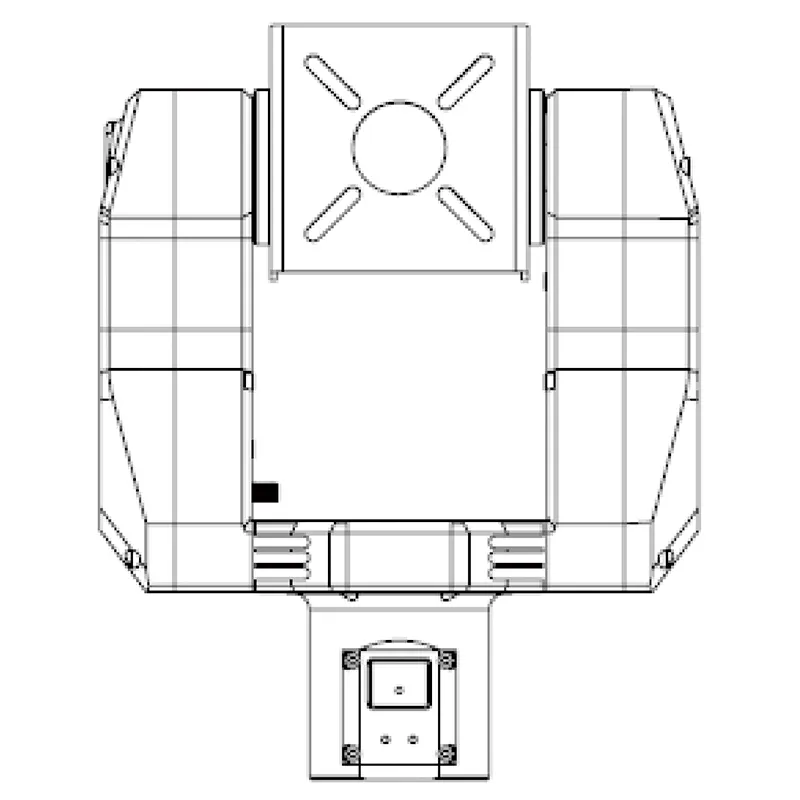
Кардан за автоматично проследяване на антена
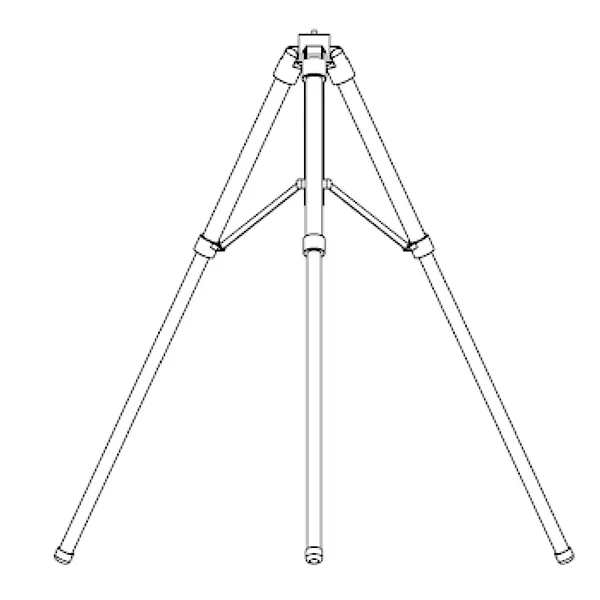
Статив за автоматично проследяване на антена
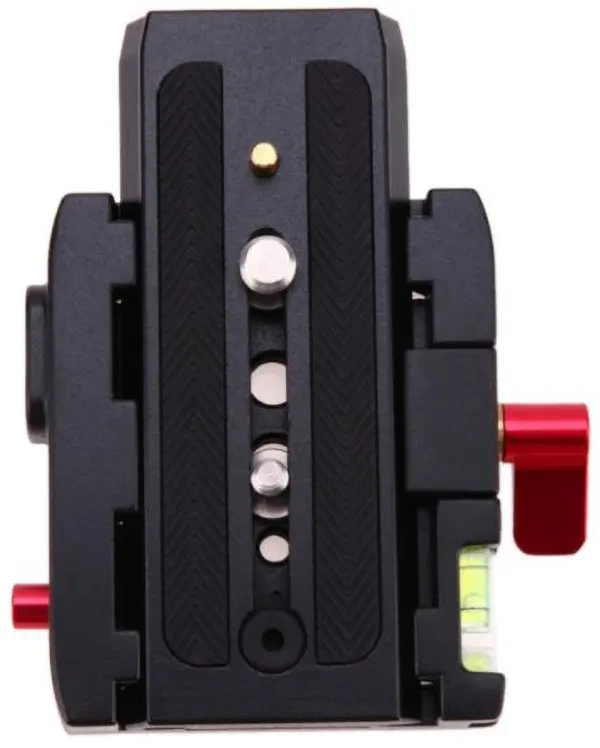
Карданна плоча за бързо инсталиране (база + скоба за плоча)
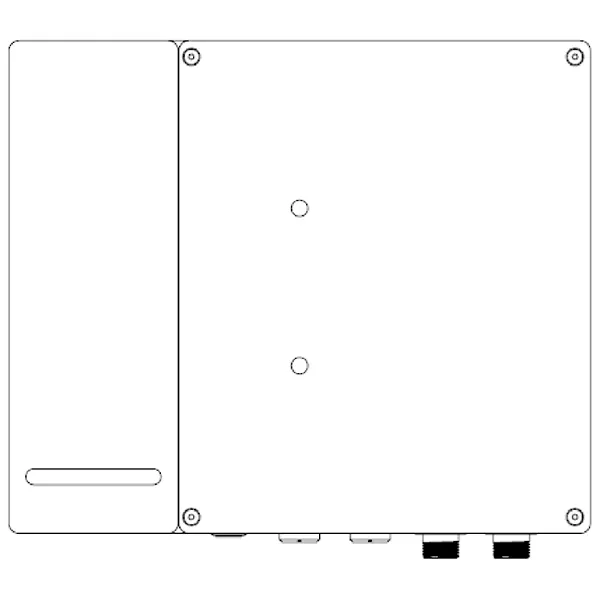
Карданна основа
Кабели за автоматично проследяване на антена
Хранилка X1
Единият край е SMA конектор с вътрешна резба, а другият край е N конектор с вътрешна резба, които са съответно свързани към проследяващия кардан и антената.

Хранилка X2
Единият край е SMA конектор с вътрешна резба, а другият край е N конектор с вътрешна резба, които са съответно свързани към проследяващия кардан и антената.
PTZ кабел x1
Свържете авиационния конектор на основата на кардана и авиационния конектор на кардана.

4 в 1 Мултифункционален Cablex1
Единият край е свързан към авиационния конектор на основата на кардана, а другият край е свързан съответно към SBUS приемника и компютъра.
Повече информация, очаквайте скоро.
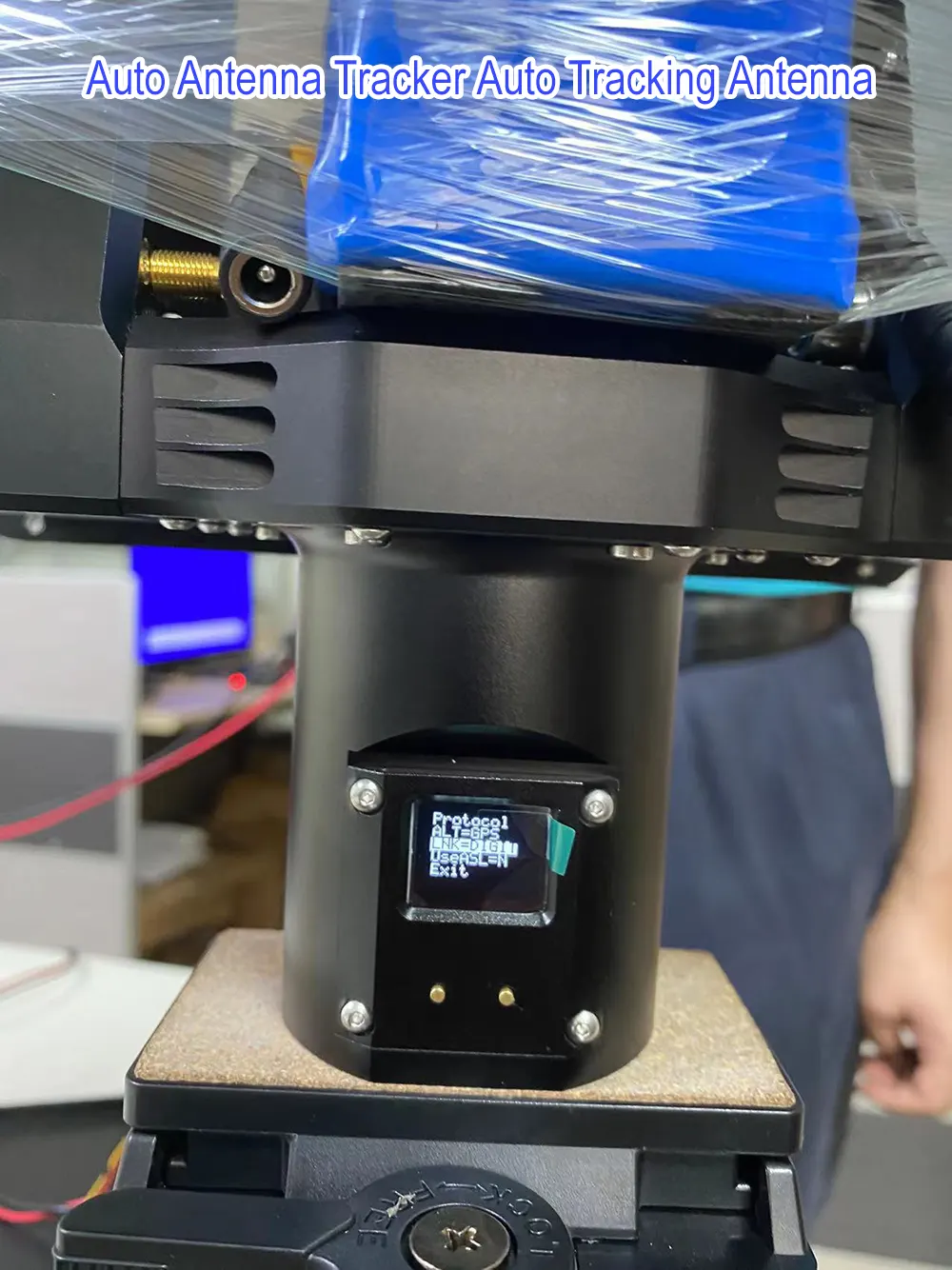
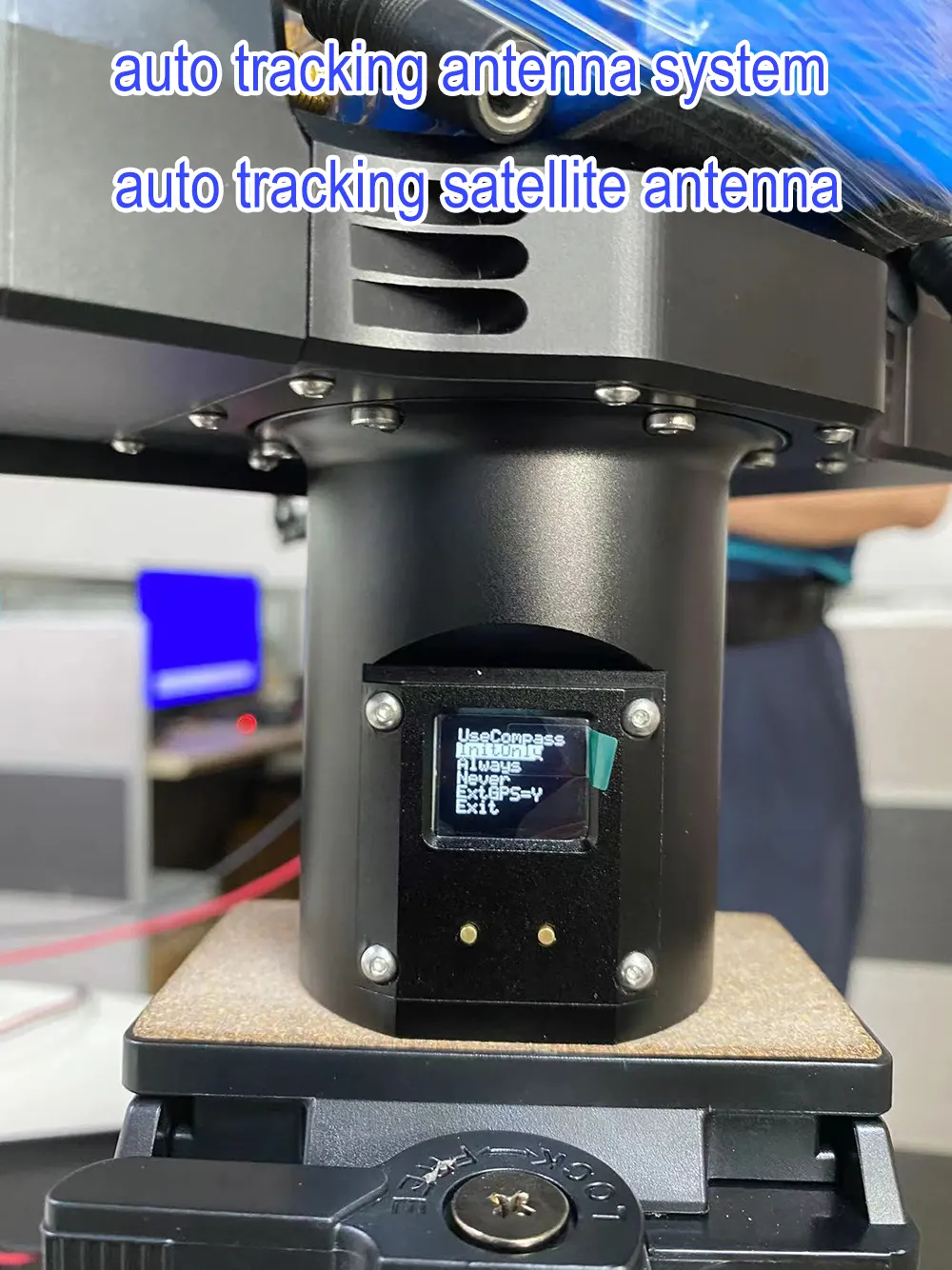

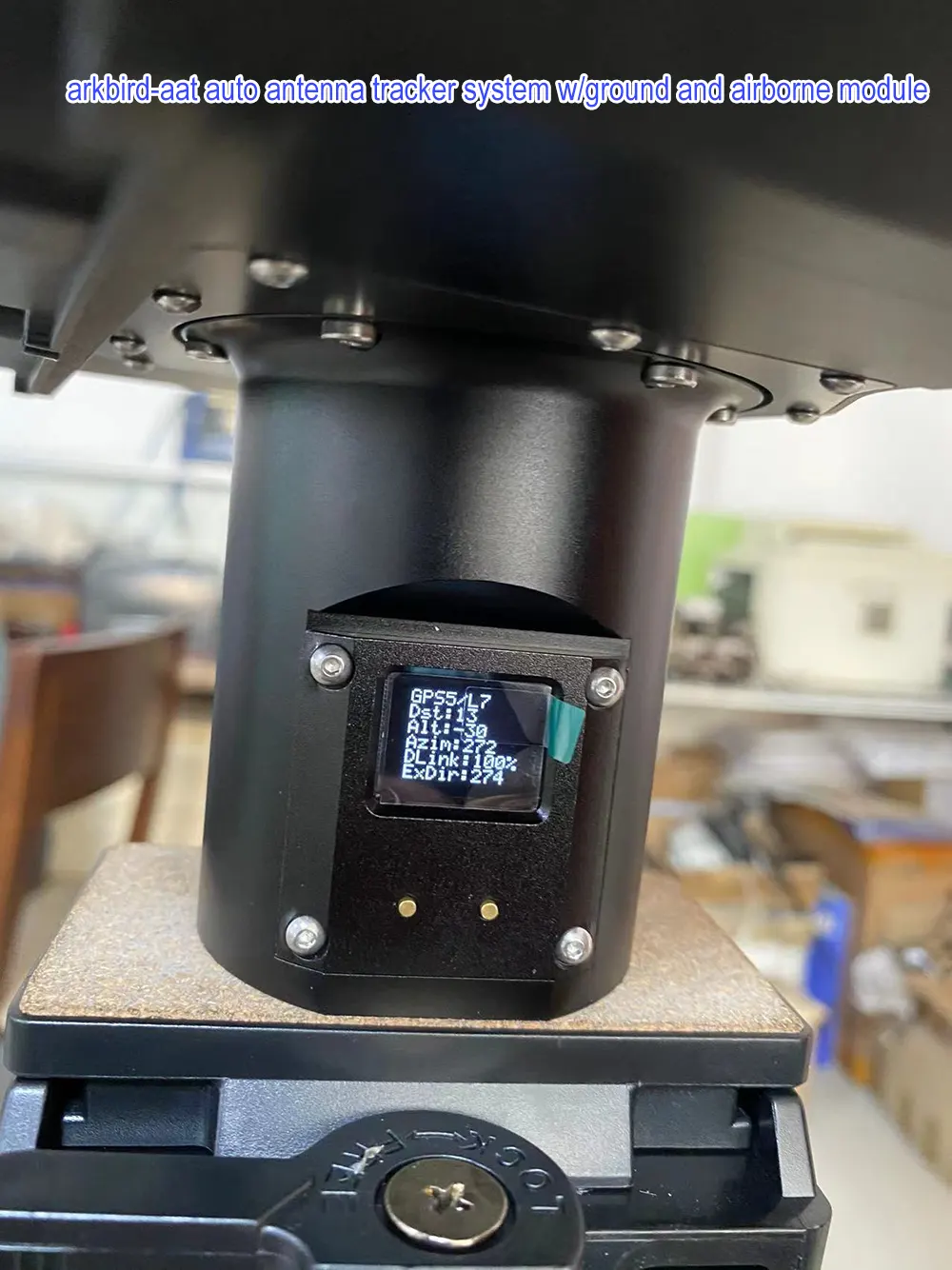
ЧЗВ
Q1: Защо моят Mavlink не може да се свърже с автоматичния тракер на антената чрез безжично предаване на видео и данни?
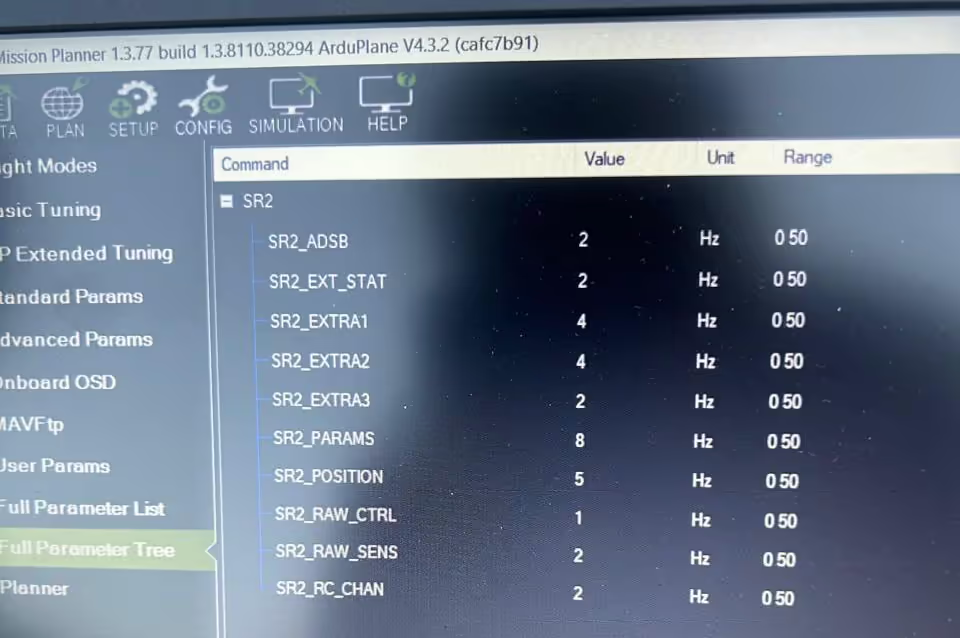
A: Моля, уверете се, че скоростите на предаване са еднакви за управлението на полета, видео предаване, и AAT автоматично проследяване на антена (1916). Моля, покажете ни трите снимки за настройка.
От твоя текст, трудно е да се намери проблем, моля, изпратете ни вашата снимка или видеоклип за връзка. Моля, проверете управлението на полета’ първо скоростта на предаване, Нашето предаване на видео данни (TX900) и тракерът може да се промени, за да го посрещне.
Задай въпрос
Вашето съобщение е изпратено