





Important Notice:
This page provides legacy ISDB-T firmware information for existing iVcan customers and users of our previous digital TV products.
Firmware files are hardware-specific. Please confirm the exact model, chipset, and hardware version before upgrading.
Wrong firmware may cause startup failure, remote-control problems,or loss of device functions.
2026 Update
Our current product focus has moved to:
- – Wireless Video Transmission
- – COFDM Video Links
- – FPV Drone Video Systems
- – CVBS/HDMI to IP Encoders
For new projects, please contact our engineering team.
Table of Contents
ISDB-T Firmware Update Information (2026)
We continue to provide ISDB-T firmware support information for our existing customers and legacy digital TV receiver products.
Please note that ISDB-T firmware is hardware-specific. The correct software depends on:
- ISDB-T chipset model
- Main processor
- Tuner module
- Remote control code
- PCB hardware version
- Country TV standard
Before downloading or upgrading firmware, please send us:
- Photo of your ISDB-T receiver
- Current firmware version
- Chipset information (if available)
- Description of the problem
Our engineers will check compatibility before recommending an upgrade file.
ISDB-T firmware upgrade steps
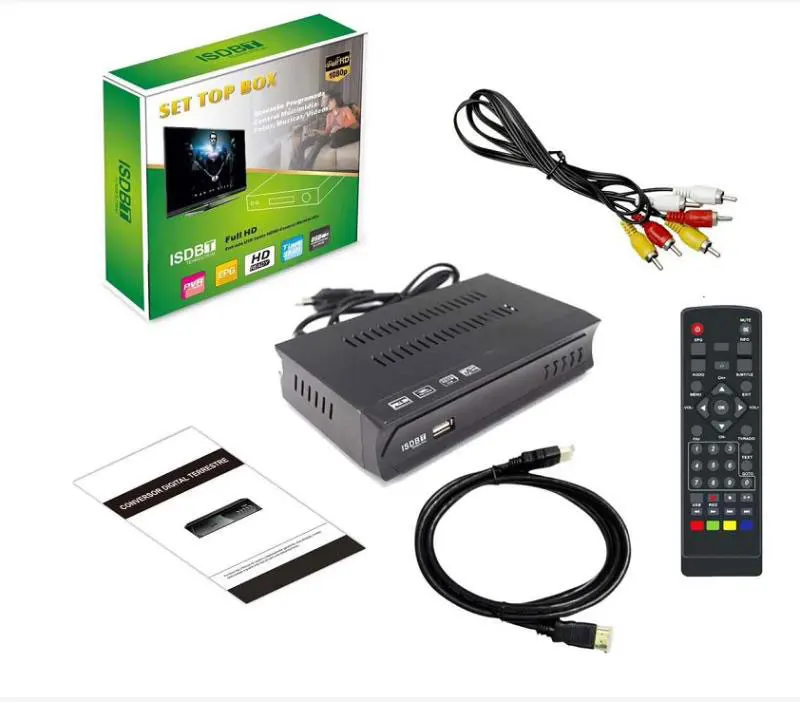
Please upgrade like the below steps. Please contact us for the latest ISDB-T firmware.
ISDB-T Upgrade Steps:
- Please Copy the upgrade file to USB Stick, it is better that there is no other file on the USB stick.
- Disconnect the power of the tv box
- Plug the USB Stick into the TV box USB connector
- Re-connect the power of the tv box.
- The tv box will upgrade automatically, please don’t power off during upgrading, otherwise, the tv box will lose firmware.
- After the upgrade is ok, it will restart automatically, then you can auto-search the tv program
ISDB-T firmware upgrade has a problem, please contact us.

The below firmware is listed for our existing customer, if you need to upgrade or repair your machine, please confirm the hardware is the same as ours or ask us to check first. No-confirmation upgrade operation may lose the remote controller function or no-startup machine again if the hardware (chipset) is different, the last solution is to replace the correct firmware IC from your tv box-producing factory. (See the video, on how to upgrade the software from computer to tv boxboard)
Because the firmware is different from the normal pc software, the software doesn’t need to consider the hardware most time. The firmware is working only on the right and on the same model as the main chipset. It controls the I/O and saved the remote controller code at the firmware. Different factories or suppliers used totally different firmware, even the box looks the same. They may use different chipsets and remote controller codes.
ISDB-T software firmware download
Here are some ISDB-T software firmware upgrades for download.
| Vcan1047 | 8M ISDB-T with Bots View starting Logo for Botswana Real Test Video | Download |
| Vcan1046 | 6M ISDB-T with EWBS (EWBS Emergency Warning Broadcast System) for Peru Philippines | Download |
| Vcan1047 | 8M ISDB-T for the Maldives | Contact us |
| ISDB-T9821 | ISDB-T9821 Solve 1 channel audio video Synchronize problem for Brazil, version picture | Download |
| Vcan1779 | 8M ISDB-T upgrade firmware for Botswana Market 8M Bandwidth ISDB-T is only for Botswana and Maldives, Japan Philippines and South America ISDB-T Bandwidth is 6M, please don’t download to use this. | Download |
| Vcan1047 | 6M ISDB-T receiver for Philippines Digital TV Receiver | Download |
| ISDB-T7800 | Four-antenna ISDB-T in-car tv box for Japan 日本のカーデジタルテレビ | Download |
USB ISDB-T PC software driver download
| Vcan1717 | Driver and software for ISDB-T USB stick of R820T2 Chipset | Download |
| Vcan1717 | Driver and software for ISDB-T USB stick of F0012 Chipset | Download |
FAQ
Q1: Do you have a universal upgrade firmware for my tv box?
A1: No. Because each tv box factory used many different tuner and decoder chipsets, these chipsets have different software codes. When their engineers design these tv boxes, they will use different I/O pins to control the tv box layout and design the printed circuit board. So even the same factory for various models, their upgrade software is also different. And more, some remote control like the same but the inside user code and function code is different according to the buyers’ requirement when ordering.
So the best and correct solution for you to get the upgrade firmware, please ask your supplier or dealer.
Otherwise, the wrong firmware will be dysfunctional on your tv box.
Q2: What should I do if the tv box is frozen when loaded after upgrading the wrong firmware?
A2: Sorry, I don’t know your tv box hardware details, maybe the upgrade firmware is not compatible with your hardware. Please try to ask your tv box supplier (factory) to offer you the correct upgrade firmware, which firmware should be loaded from the USB stick, and re-write the correct firmware back to your tv box.
Some tv boxes used the same appearance or the gift box, but the hardware, chipset, control i/o, and remote control code are different from the different produce factories. Please make sure that the upgrade firmware is suitable for your tv box or not before upgrading.
Q3: Can iVcan provide firmware for third-party ISDB-T receivers?
A3: Because ISDB-T devices use different chipsets, tuner modules,
memory sizes and remote-control codes, we cannot provide universal firmware.
Please contact your original supplier or provide detailed hardware information.
Q4: What products does iVcan provide now?
A4: iVcan mainly develops wireless video transmission products, including COFDM video links, FPV transmitters, video encoders and customized wireless communication systems.
Q5: How do I know if my ISDB-T receiver needs a firmware update?
A5: An ISDB-T receiver may need a firmware update when you experience problems such as:
Channel scanning failure
Missing TV channels
Audio and video synchronization problems
Receiver freezing
Startup logo stuck
Incorrect menu language
Remote control operation problems
However, firmware update is only useful when the problem is related to software. Some issues are caused by hardware limitations or incorrect signal settings.
Q6: Can I use ISDB-T firmware from another receiver model?
A6: No. ISDB-T firmware is usually designed for a specific hardware platform.
Different receivers may use different:
ISDB-T demodulator chipset
CPU processor
Flash memory size
Tuner module
Remote control code
PCB design
Even if two ISDB-T boxes look similar, the firmware may not be compatible.
Using the wrong firmware may cause:
No boot
No signal reception
Remote control failure
Receiver malfunction
Always confirm the exact model before upgrading.
Q7: Can firmware update change ISDB-T frequency or TV standard?
A7: Firmware can sometimes improve channel scanning compatibility, but it cannot change the hardware-supported TV standard.
For example:
Japan ISDB-T
Brazil ISDB-Tb
Philippines ISDB-T
Botswana 8MHz ISDB-T
may have different broadcast parameters.
Please confirm your country and ISDB-T standard before updating.
Q8: Can I upgrade an ISDB-T receiver to support new channels?
A8: It depends on the receiver hardware.
A firmware update may help with:
New channel scanning tables
Software bugs
Menu improvements
Stability improvements
But firmware cannot add missing hardware functions such as:
New decoder chipset
New tuner capability
Different broadcast standard support
Q9: My ISDB-T receiver stopped working after a wrong firmware update. What should I do?
A9: If the receiver cannot start after an incorrect firmware upgrade:
Do not repeatedly install different firmware files.
Check the original model number.
Find the correct firmware from the manufacturer.
If necessary, rewrite the firmware chip using a programmer.
Please provide:
Receiver photo
Model number
Chipset information
Previous firmware version
for troubleshooting.
Q10: Does ISDB-T firmware support Android devices or USB receivers?
A10: Some ISDB-T USB sticks and Android ISDB-T receivers require special software or drivers.
The required software depends on:
USB chipset
ISDB-T tuner chip
Operating system
Application version
Please check the receiver model before downloading drivers or firmware.
Q11: Why does my ISDB-T receiver have video but no sound?
A11: Possible reasons include:
Audio codec incompatibility
Incorrect firmware version
Broadcast audio format difference
Receiver hardware limitation
Firmware update may solve some compatibility issues, but not all audio decoder limitations can be fixed by software.
Q12: Do you provide ISDB-T firmware for all brands?
A12: No.
There are many ISDB-T receiver manufacturers and models.
We provide firmware information mainly for our own products and confirmed compatible devices.
Before firmware upgrade, please contact us with your device information.
If you upgrade the wrong firmware or your tv box programmable chipset has lost the firmware, you need to re-write the firmware to your tv box from the computer. Please check the operation in the below video.
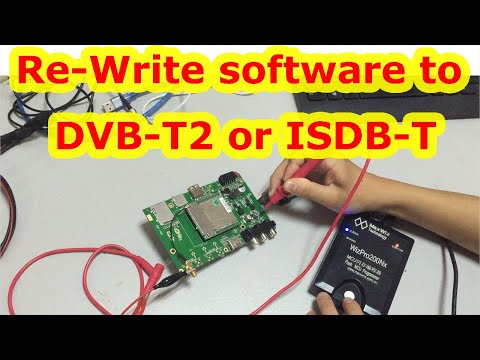
ISDB-T Upgrade from PC to TV box (program, burn chipset)

ISDB-T EWBS

ISDB-T 8M Bandwidth for Maldives and Botswana

ISDB-T 6M For Philippines, Costa Rica, South America
ISDB-T Adopted Countries
ISDB-T Categories
ISDB-T Bandwidth
ISDB-T Segment
ISDB-T Antenna Quantity
ISDB-T Frequency
ISDB-T Related
ISDB-T Chipset
ISDB-T knowledge
-
 single antenna Car ISDB-T Digital TV Box HD fullSeg Receiver Mobile Digital TV Receiver for Brazil Chile Peru
 -
4×4 terrestrial digital tuner FT44F 4×4地デジチューナー
-
Car ISDB-T TV STB USB full seg set-top box remote control antenna
-
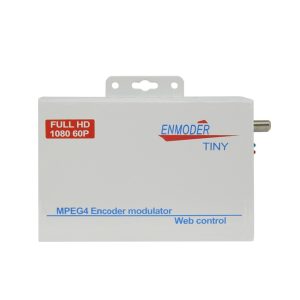
ISDB-T modulator encoder Digital HDMI CVBS in DVB-T ISDB-T RF out Converter 1 Route Vcan1474
-
ISDB-T digital tv receiver
-
VCAN0870 ISDB-T MPEG4 digital tv receiver terrestrial tuner set top box analog converter antenna
-
HDMI in MPEG4 H264 encoder Extender Via Web NMS Management Convert HDMI To DVB-T or ISDB-T Over Coaxial 1080P out
-
14 inch Digital TV DVB-T2 H.265 ISDB-T ATSC portable player Vcan1616
-
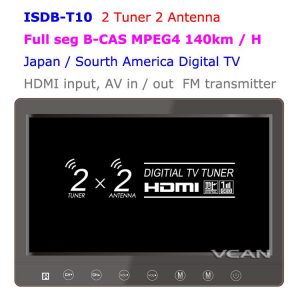
2 tuner 2 antenna isdb-t digital tv receiver 10.1 inch full segment digital TV receiver for Japan mini b-cas card reader high speed moving
-
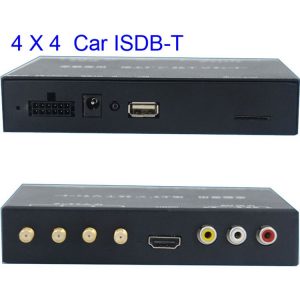
ISDB-T7800 Car four tuner ISDB-T Full One Segment four antenna Mini B-cas card
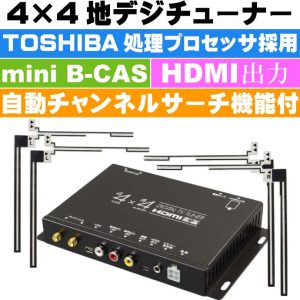
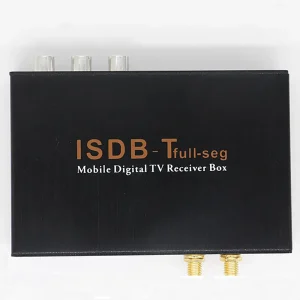
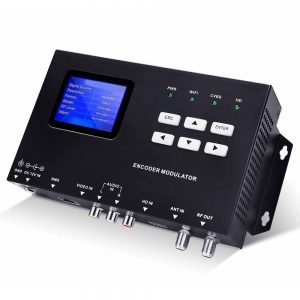
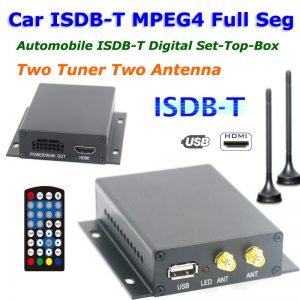
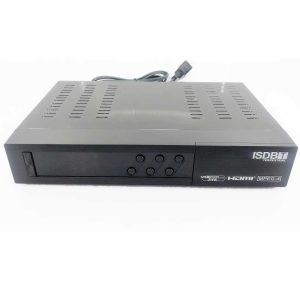
Please contact us for the ISDB-T firmware upgrade if you have any questions.
1508_ISDBT_512M, Adv-isdbt06, AR928, Cordya TB-1, DTV-4000 Aquario, HW: 7805836650, ISDBT_R850X, ISDB-T7805, Keen, LWGBO, MCD 888, MSD7805, MSD7085-ISDBT, MT-PTV10T2, Novacom, NOVA ISDBT-T7102 DECODIFICADOR TDA, UTECH DTV-1000, Vmade,


Do you have upgrade firmware for strong decorders?
Buenas actualizador para modelo ISDBT U-006
DZ-CO3S requiere actualizar se congela iptv , YouTube para PERU
Se você atualizar o firmware errado, talvez o controle remoto esteja com defeito, talvez a caixa de TV não consiga inicializar corretamente. Agora é melhor encontrar o firmware de atualização original para atualizar novamente.
Obrigado. Não temos o novo firmware de atualização para seus dispositivos.
comprei uma multmidia aguia power, modelo ap-7006, usa o progama do isdb-t acho que estar desatualizado, pq nao abre, queria saber se tem atualização. obrigado boa noite
Atualizei com a versão errado, o que devo fazer agora?
após atualizar não pegou mais nenhum canal!