







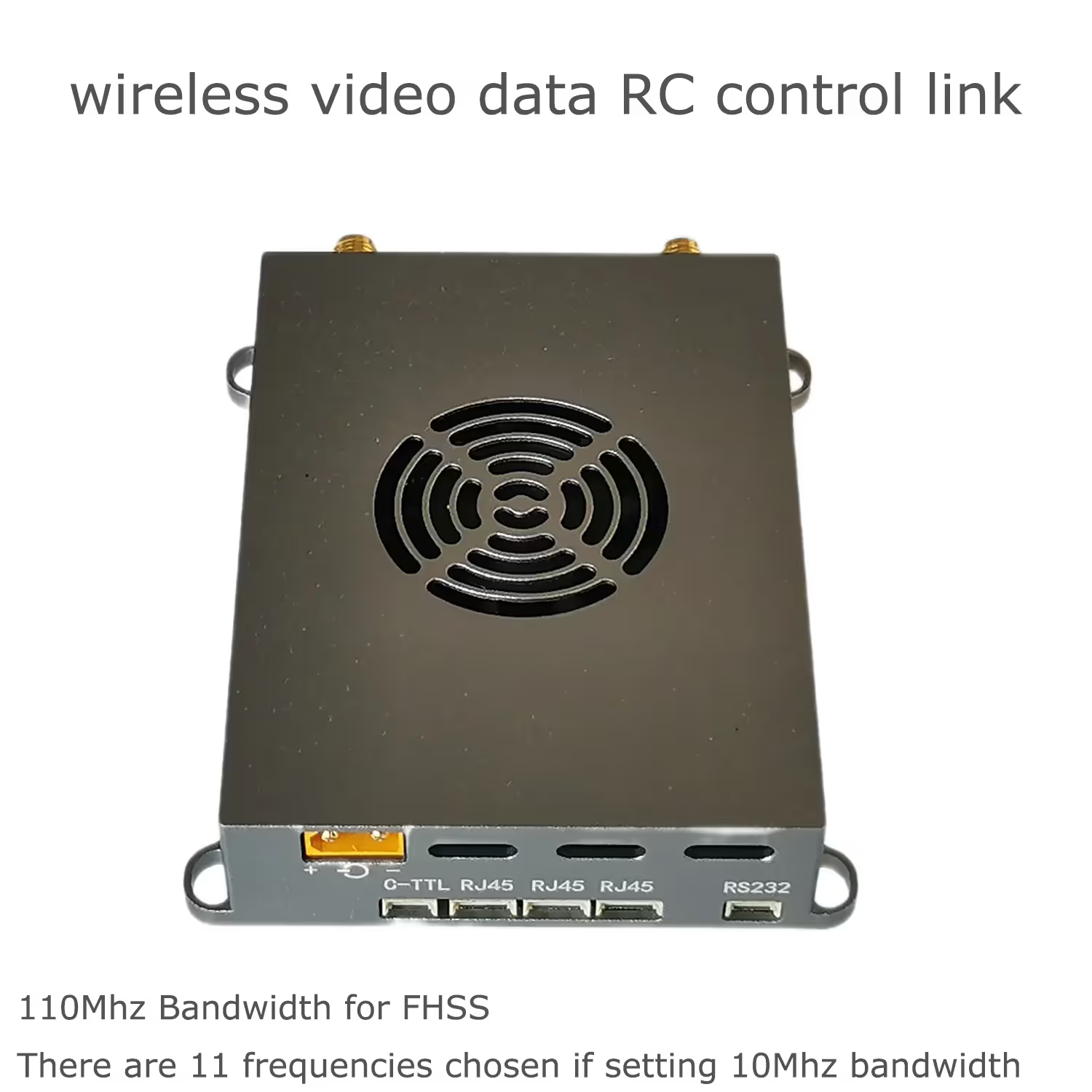
wireless video data RC control link for IP camera long-range ethernet camera transmitter and receiver FHSS
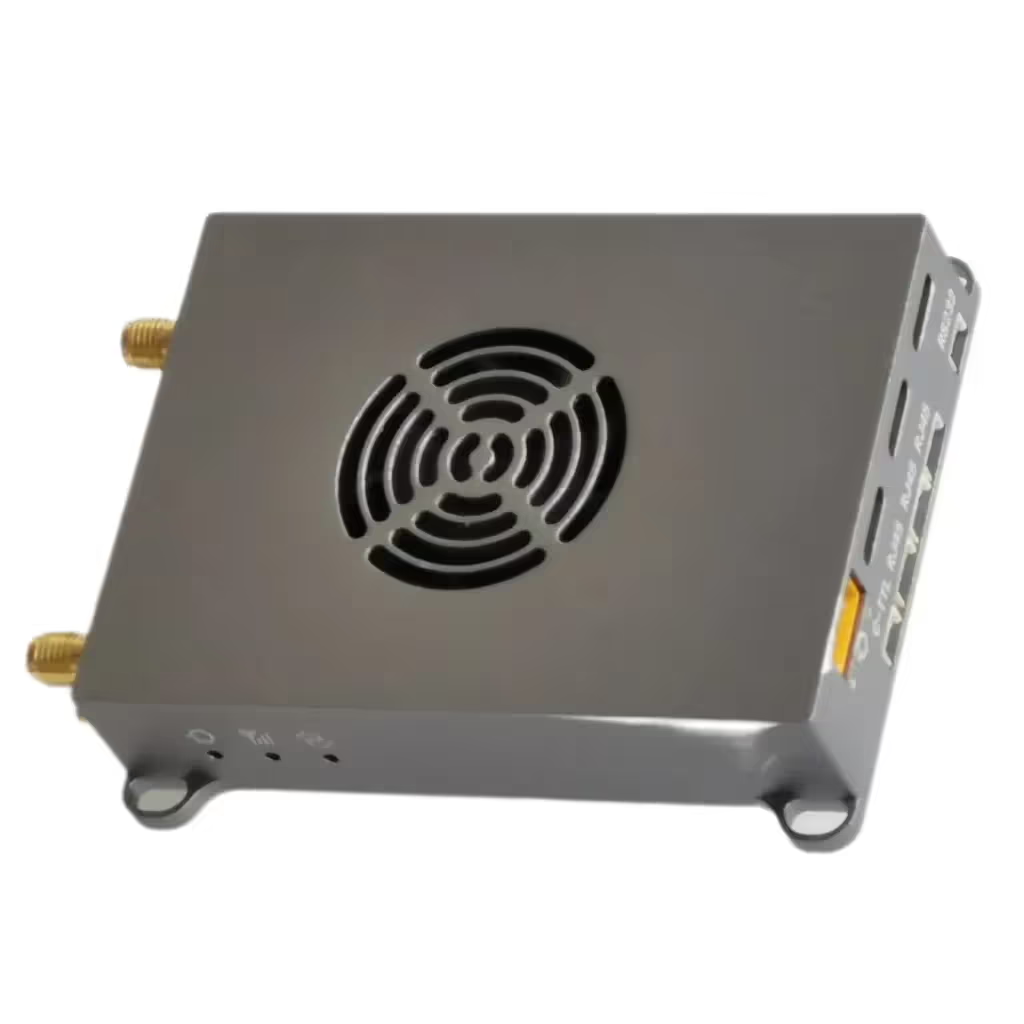
Table of Contents
Optional PA power amplifier
Vcan1806-2W
Vcan1806-5W
Vcan1806-10W
Introduction
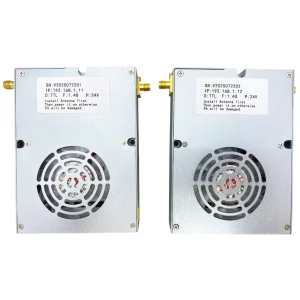
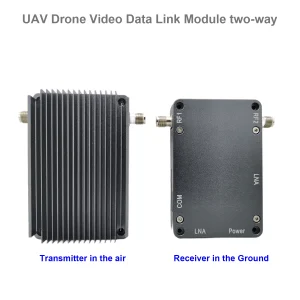
The wireless video data RC control link realizes long-range two-way wireless video, audio, and data transmission, and the longest air-to-ground transmission distance can reach about 22km.
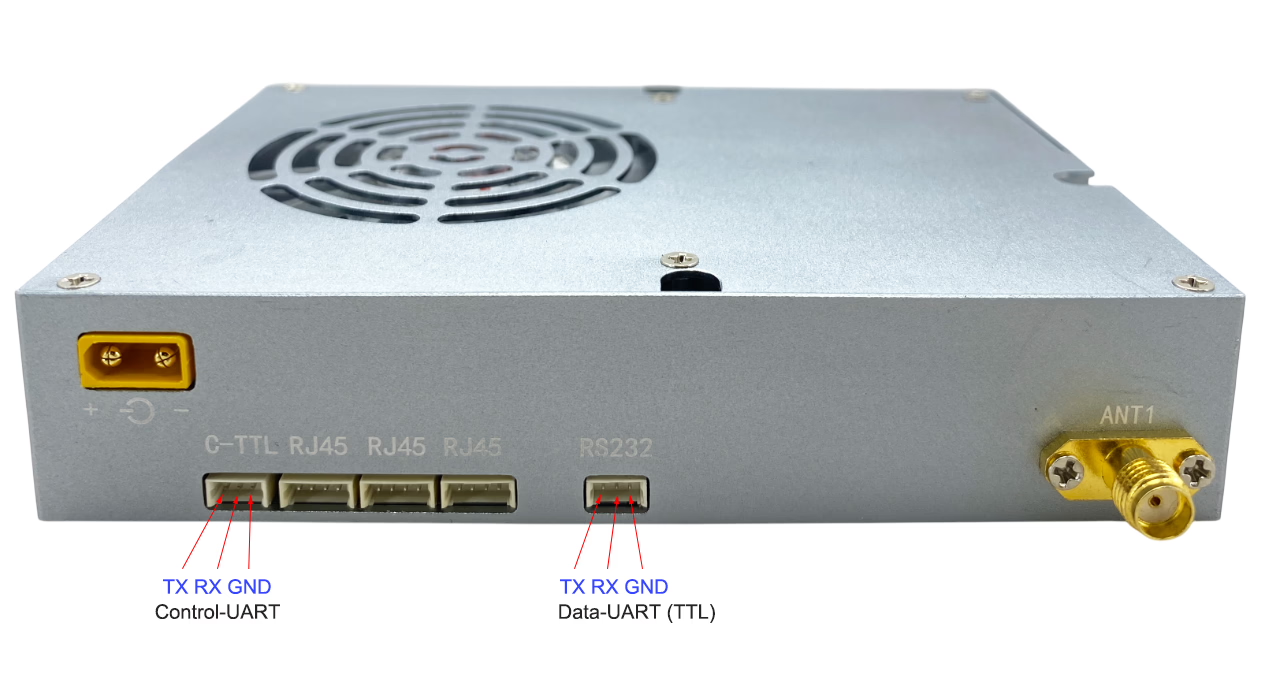
The wireless video data RC control link provides multiple service interfaces, including 3 Ethernet ports, 1 RS232 serial port, and 1 control serial port.
There is more and more unmanned equipment, and the mutual interference between links is becoming more and more serious. The link’s anti-interference ability is particularly important. For this reason, we specially launched a strong anti-interference video transmission, which supports automatic jumping of 22 frequency points. frequency supports 15-150 kilometers transmission distance, supports dual network ports 4 serial ports (232, TTL, 485, 422 optional), 2-way Sbus, supports high and low temperatures -40 to +85 degrees. Support point-to-point, point-to-multi-point, Mesh ad hoc network. Supports small form factor micro boards.
Features
- Based on OFDM technology, two-way broadband wireless link equipment.
- Business interface: 3 wireless transparent transmission Ethernet ports, 1 wireless transparent transmission RS232 serial port, 1 TTL control serial port ✔ Dual antennas: SMA connector, primary and secondary antennas, dual-transmit and dual-receive mode (2T2R), support MiMo
- Wireless working frequency band: 566~678MHz, 1420~1530MHz, support automatic frequency selection within the frequency band
- Wireless bandwidth: 1.4MHz, 3MHz, 5MHz, 10MHz, 20MHz, 40MHz, air interface rate up to 100Mbps ✔ Modulation method: QPSK/QAM16/QAM64 automatic adaptation.
- Networking mode: point-to-point, point-to-multi-point star network, Mesh network (customized), a central node can connect up to 31 access nodes. ✔ Wireless transmission power: 300mW*2
- The node receiving sensitivity: Sensitivity -95dBm at 20MHz bandwidth.
- Support AES128 encryption and decryption.
- Device configuration and wireless working status can be viewed through the network port Web UI or the control serial port.
- Power supply: 12~18V
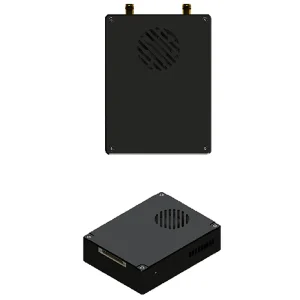
- Dimensions: 83.7*61*19mm (excluding connectors protruding from the housing, etc.).
- Weight: Less than 140g
Interface
| interface | illustrate |
| RJ45*3 | 3 individual 4Pin PH1.25mm seats,3x Each Ethernet port devices are in bridging mode (IP same address) |
| RS232 | RS232 data serial port,3Pin PH1.25mm Spacer |
| C-TTL | 3Pin PH1.25mm Seat, control serial port, TTL level |
| Power in | XT30PW-M connector, power input interface |
| ANT1 | SMA external threaded inner hole, main antenna interface |
| ANT2 | SMA external threaded inner hole, auxiliary antenna interface |
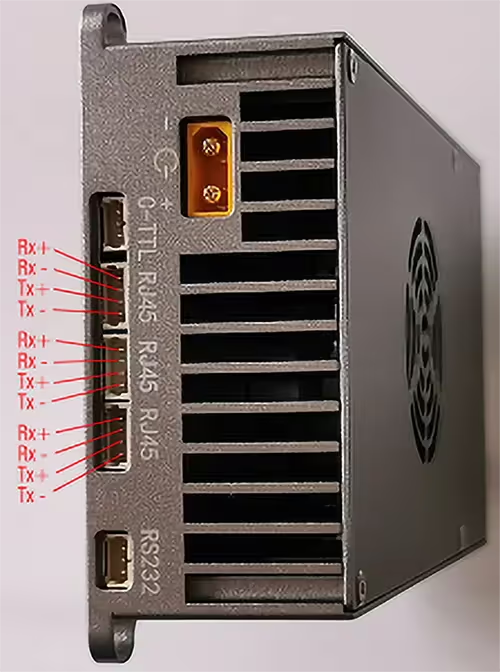
RJ45 Ethernet port
The three Ethernet ports are internally bridging (with the same IP address), and the wireless network port is in the transparent transmission mode of IP data.
For applications that require HDMI/SDI/AV/AHD video transmission, the video transmitter must add H265/H264 encoding board, which can be directly connected to the 4Pin Ethernet port for matching use.
RS232 data serial port
1 channel RS232 serial port for transparent data transmission, 3PIN PH1.25mm spacing socket, the signal of each PIN pin is shown in the figure below. The default baud rate is 115200, which can be changed through the Web UI or the AT command of the control serial port.
Control serial port
Control serial port (C-TTL), 3PIN PH1.25mm pitch socket, see the above picture for the signal of each PIN pin. The upper computer can configure and view the parameters and working status of the wireless link device through the AT command of the control serial port.
Working light
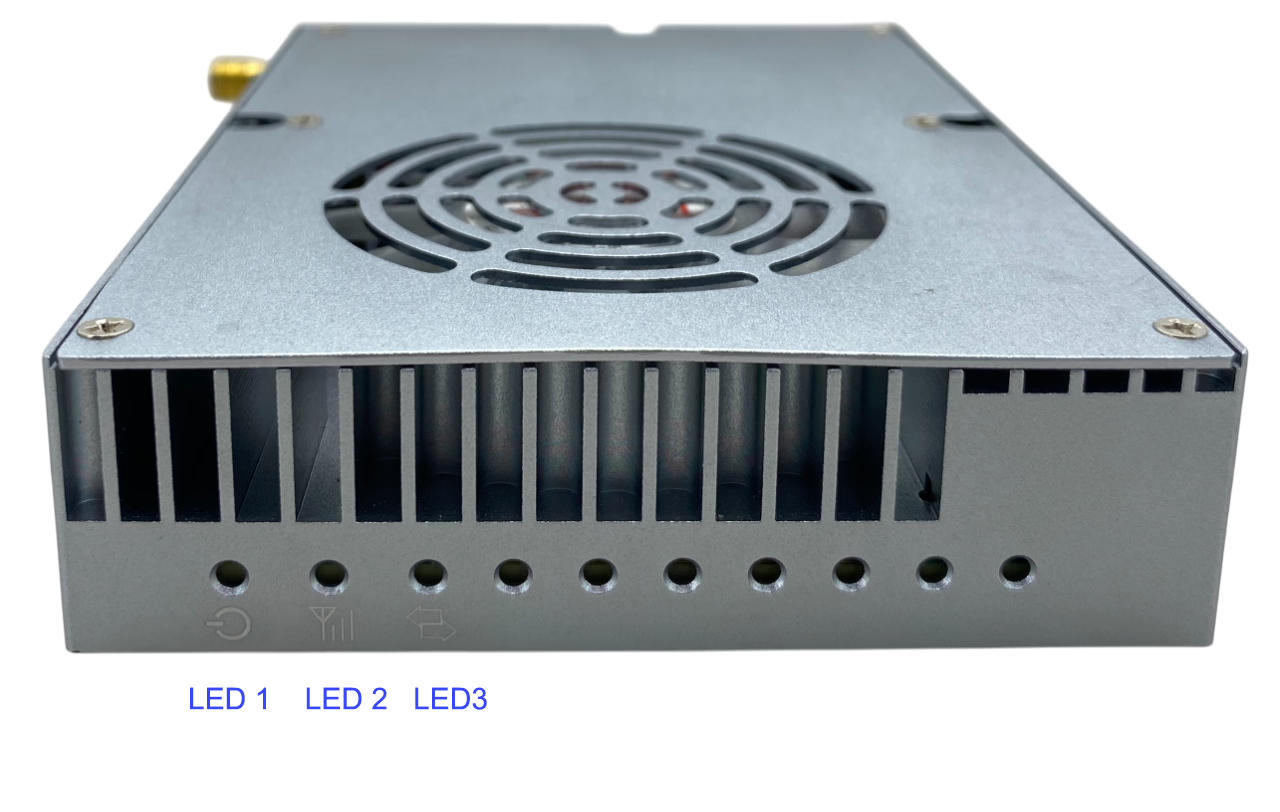
LED1: Red power indicator light, always on when the power supply is normal.
LED2: blue indicator light.
LED3: Green indicator light. The working status of LED2 and LED3 is as follows:
| Central node | LED2: Blue indicator light is always on
LED3: Green indicator light does not shine |
| access node | LED3: Green indicator light is always on after the link with the central node is successfully established |
LED2: Blue light indicator wireless link signal strength:
|
Application:
The use of wireless video data RC control link can realize long-distance two-way wireless data communication, point-to-point two-way communication, and point-to-multi-point star network two-way communication.
In point-to-multi-point communication, if two access nodes need to communicate through the central node, each node is in the same wireless local area network, and all access nodes and the central node share the wireless working bandwidth, and the device will automatically average Assign system speed. The data transmission from the central node to the access node is called the downlink, and the data transmission from the access node to the central node is called the uplink.
In point-to-point or point-to-multi-point communication, the downlink and uplink share the wireless working bandwidth. When the device is shipped, the default setting is the ratio of uplink rate to downlink rate = 4:1. Therefore, if the device is used to transmit IP Camera video data, the IP camera should be connected to the access node.
The device will automatically and dynamically adjust the wireless transmission rate according to the carried business data stream. When the amount of carried business data is smaller, the transmission distance will be farther under the same conditions. Therefore, when the device is used to transmit IP Camera video data, the wireless transmission distance can be improved by appropriately reducing the IP Camera video encoding bit rate.
Functions Customized
According to the networking mode: Vcan1806-P2P and Vcan1806-Mesh
-
Vcan1806-P2P: Point-to-Point; Maximum 64 Nodes and shared 100Mbps.
- One Transmitter (Access Node) and One Receiver (Central Node)
- One Transmitter (Access Node), One Repeater (Central Node) and One Receiver (Access Node).
- One Point to Multi-Points.
- One Transmitter (Central Node) and Many Receivers (Access Node).
- Many Transmitters (Access Node) and One Receiver(Central Node) .
- Transmission Range
- Vcan1806-P2P-22KM
- Vcan1806-P2P-55KM
- Vcan1806-P2P-150KM
-
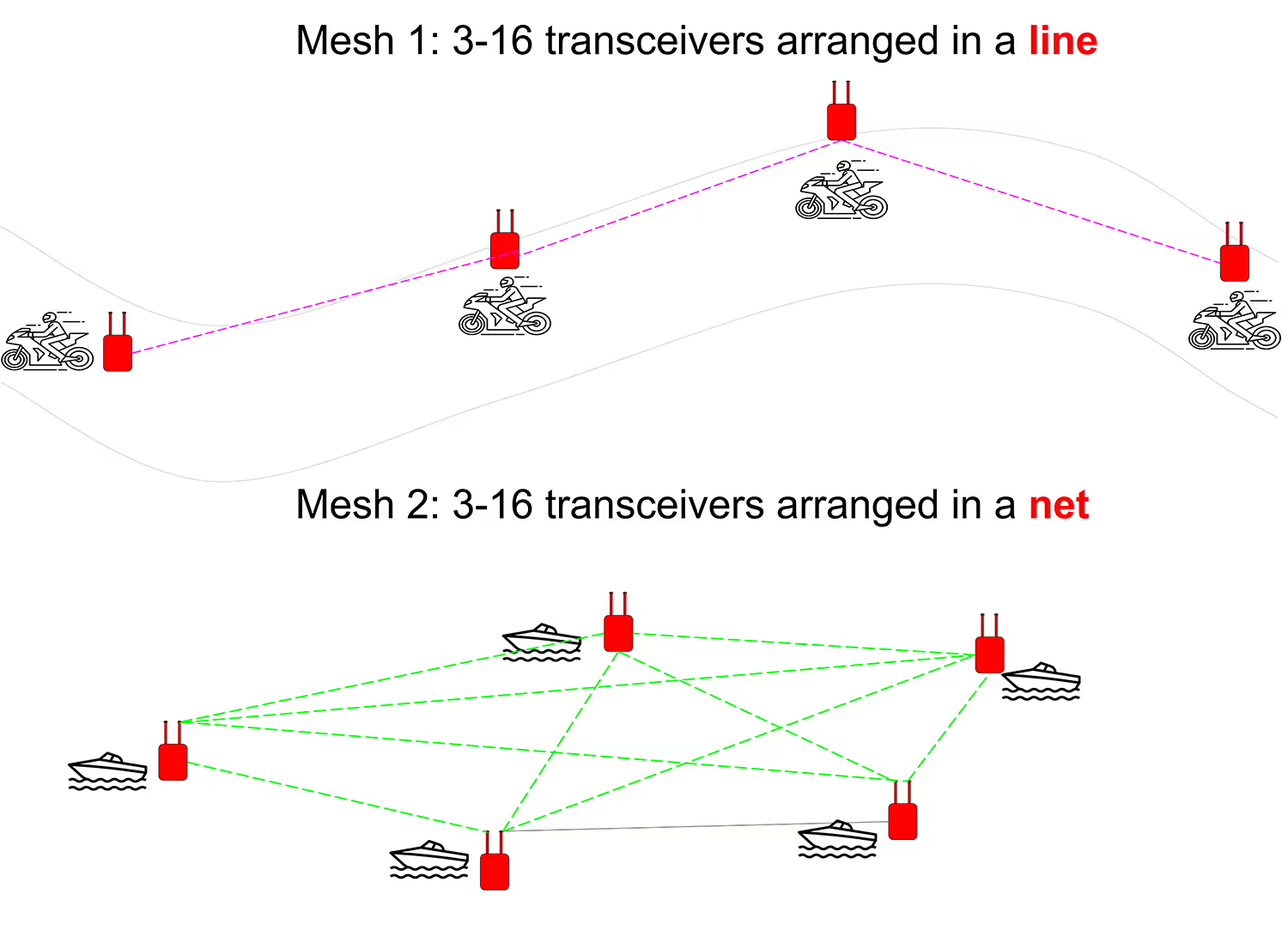
Vcan1806-Mesh: Mesh Networking.
- 50Mbps: Maximum 16 Nodes and shared 50Mbps
- Vcan1806-Mesh50, Support 100km
- 60Mbps: Maximum 4 Nodes-2 hops and shared 60Mbps
- Vcan1806-Mesh60-5WX1: One 5-watt Power Amplifier inside
- Vcan1806-Mesh60-5WX2: Two 5-watt Power Amplifiers inside
- 100Mbps: Maximum 32 Nodes and shared 100Mbps
- Vcan1806-Mesh100-2WX2: Support 35km. Two 2-watt Power Amplifiers inside.
- Vcan1806-Mesh100-5WX2-16: Maximum 16 Nodes Support 100km
- Vcan1806-Mesh100-5WX2-32: Maximum 16 Nodes Support 100km‘
- 50Mbps: Maximum 16 Nodes and shared 50Mbps
Notes: This product has many options. We will customize certain functions according to your needs. The descriptions or functions mentioned here may be different from the products you actually ordered. Please refer to the order confirmed by actual communication.
FAQ
Q: Do you have equipment that supports 5km ground transmission between densely populated buildings?
A: All transmission distances mentioned in our price list or website refer to the transmission distance from the drone in the visual range to the ground receiver.
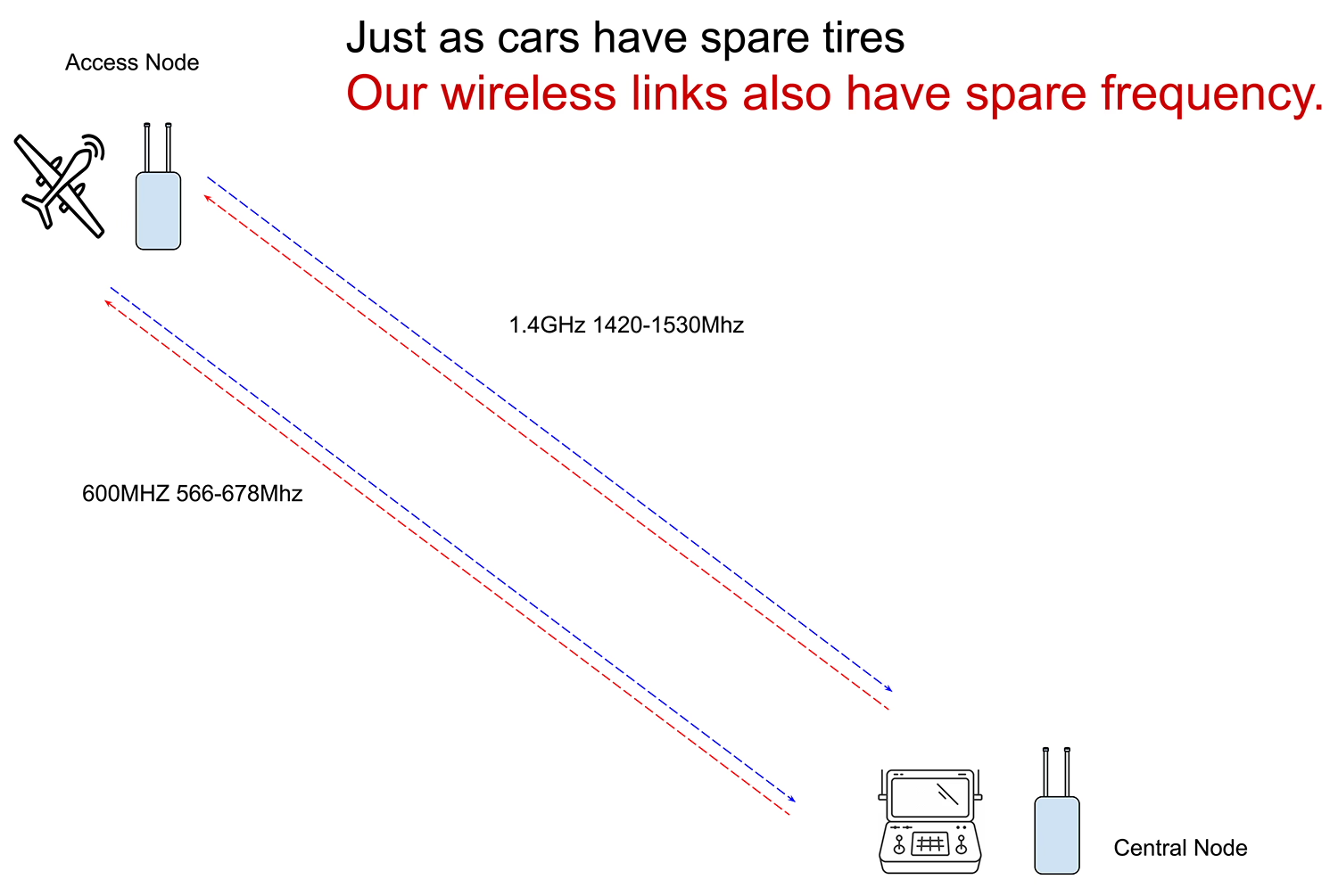
Q2: How does the dual frequency of this model work? When one frequency is interfered with, will it automatically jump to another frequency?
A2: Vcan1806 supports two frequencies working simultaneously: 1.4G (1420~1530MHz) and 600Mhz (566~678MHz).
When 1.4GHz is interfered, 600MHz can still allow the device to work normally. When 600MHz is interfered, 1.4GHz will also allow the device to maintain good communication.
Just like the drone in the air and the ground workstation are connected by two links at the same time. If one link is interfered, the other link can also keep the two devices unobstructed between our wireless video data transceiver.
The original FHSS frequency hopping function is also supported. If there is interference at 1.4GHz, our device will automatically search between 1420-1530Mhz and automatically switch to the frequency with the strongest signal. For example, if there is interference at 1420Mhz, it may automatically switch to 1500Mhz, which is the frequency with the least interference.
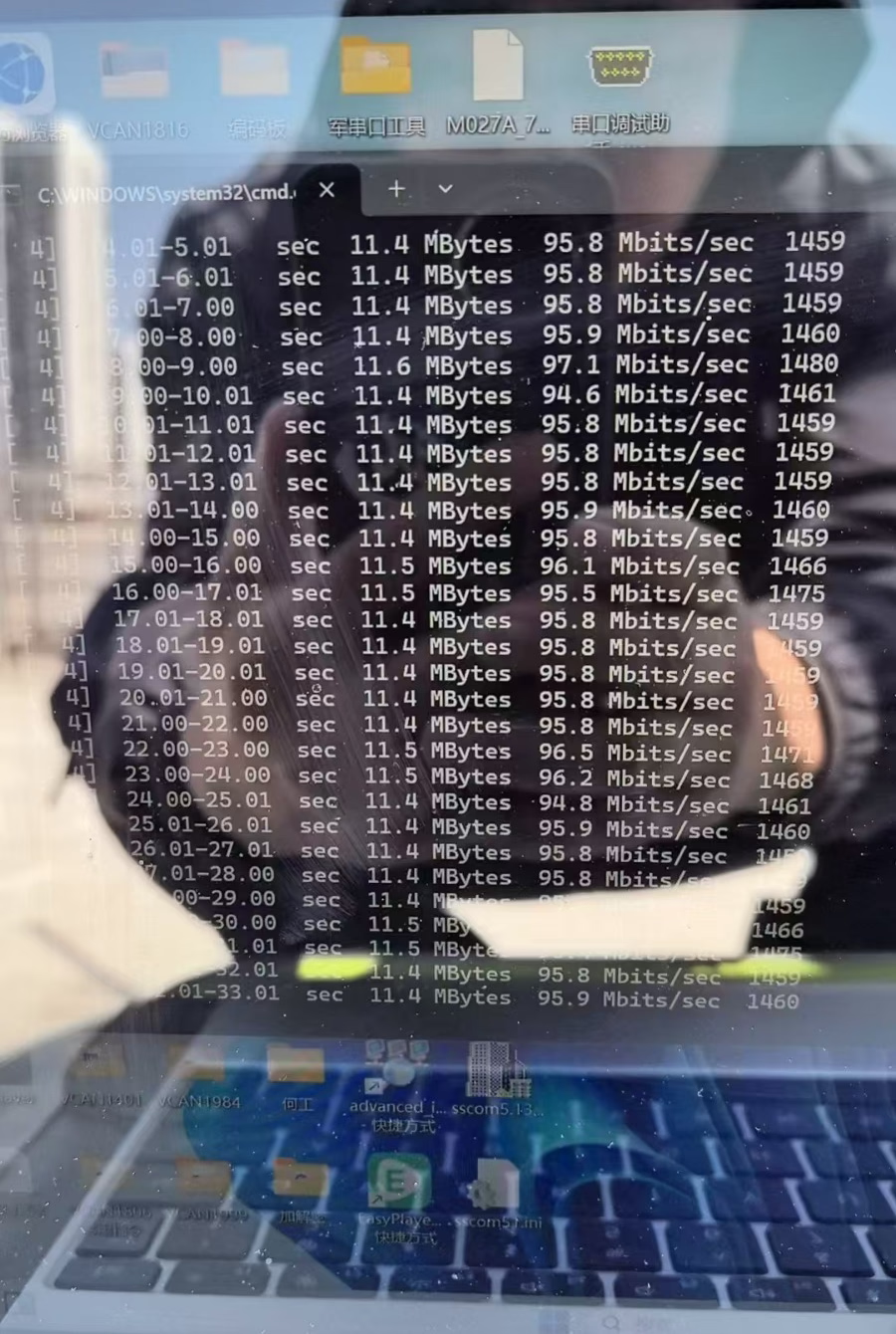
Q3: What is the maximum transmission rate supported by this bidirectional dual-band frequencies of drone wireless link?
A3: Support 100Mbps.
Q4: What is the ID and password for accessing the web UI page management?
A4: Both the username and password for accessing the web UI management interface are admin by default.




Reviews
There are no reviews yet.