






The long-range VTX video transmitter module model is Vcan1681.
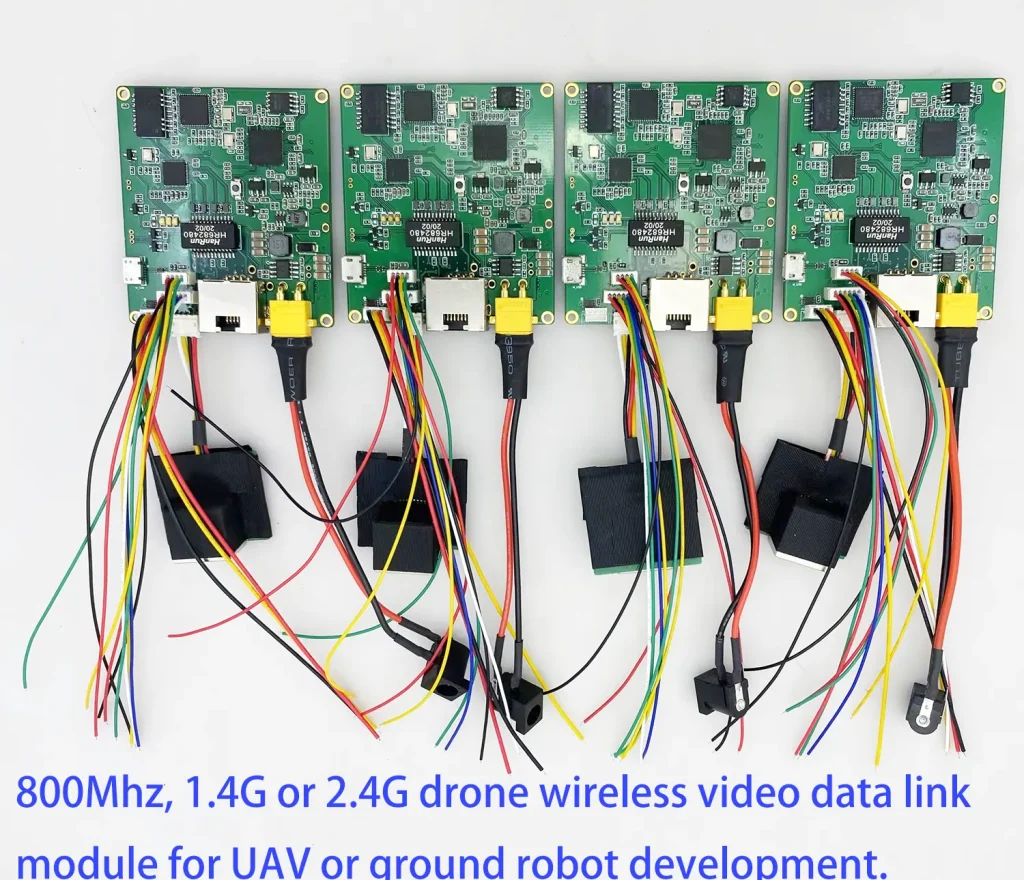

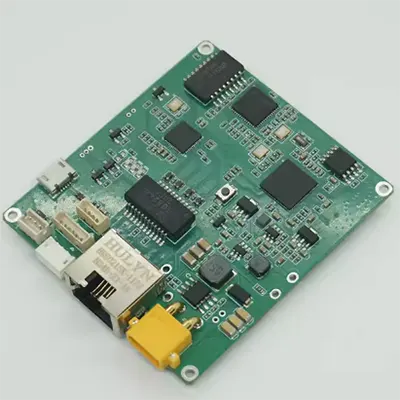
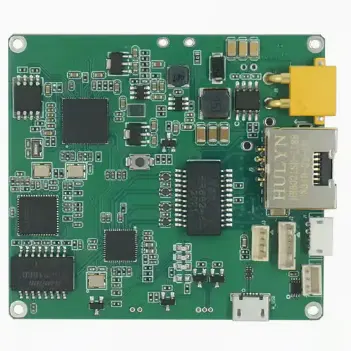
What is a long-range VTX video transmitter?
Table of Contents
What is the working range of your long-range VTX?
Without an extra Power Amplifier, our long-range VTX Vcan1681 has 300mW PA inside, it supports 0~15km.
Plus 2-watt power amplifier, the transmission distance can reach 30km in the visual range. (our model is TX900)
Plus 5-watt power amplifier, the transmission distance can reach 80km.
Plus 10-watt power amplifier, the transmission distance can reach 150km.
Recently I encountered a problem visiting the air unit (transmitter) from the ground unit (receiver).
Everything works okay, but the problem is that it looks like it has locked me out from accessing the air unit via the ground unit. When I try to access the air unit by its IP address, it brings up that login screen. When I connect via ethernet, it works fine, but through the ground unit, it asks to log in. Two days ago everything was fine.
Now I changed the side IP address and I can’t even ping it anymore, but the link is still okay, and I can access it directly.
Solution:
Please clear your browser’s cookie information and visit again and it should solve the problem.
You should have used our devices with multiple versions of firmware. However, with the same IP address, the browser cached the cookies of different versions of the firmware, resulting in a confusing display. Clearing the cookies of the browser and visiting again should solve the problem. No need to restore the factory settings of our equipment, as you said.
Can I use the Ethernet2 port on tx900 as an input port?
Why I am asking, I had Raspberry PI connected to the Ethernet1 port and streaming video. Now I have the same unit connected to the Ethernet2 port, and I got nothing. I can see activity on that port but no video goes through on the other side. I can’t even ping it video the Ethernet2. Are they bridged?
Reply: The ethernet1 and the ethernet 2 are the two ports of the switch chip inside.
The two network ports of Vcan1681 and TX900 bridge internally. They are equivalent to the network ports of a network switch.
You need to check whether there is any problem with the 4PIN network port connection cable and whether there is any IP address conflict in the LAN (including our 1618 device). Each of our 1618s takes up two IP addresses.
If you have not modified the IP address at the time of shipment, the default is 192.168.1.12 and 192.168.xxx.12, and the docked 1681 defaults to 192.168.1.11 and 192.168.xxx.11 (XXX is hidden here, only for customized advanced users.)
Verification is also very simple. Connect eth1 and eth2 of the 1681 module to two PCs’ network ports, and check if the PCs can communicate normally by pinging each other.)
Maybe the RJ45 cable and the ethernet 2 do not closely contact the ethernet 2.
It showed the IP address in the management login section as the internal MCU address.
The 192.168.168.x network segment is Modem’s IP.
The 192.168.1.x network segment is the IP of the MCU.
Is your long-range VTX video transmitter module possible to send data, voice over them?
Yes.
There are two RJ45 ethernet interfaces for video or internet data, one set of audio interfaces, and three sets of data interfaces. If you transmit data, the data interface can be used rs232, TTL, sbus, etc. It can be modified according to your needs.
What about the software and firmware of the long-range VTX video transmitter module?
Just use your own software.
We are equivalent to providing a wireless network, Connect two computers or network devices.
So does it work like a wave relay?
Yes, max Support 7 ~ 8 relays at one line.
More details, https://ivcan.com/drone-repeater-solution/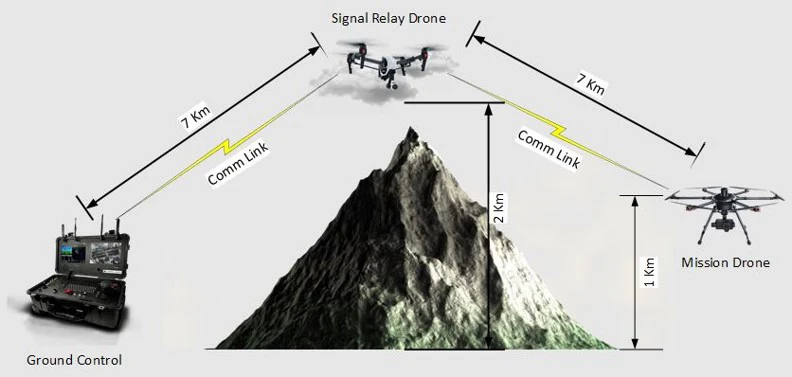
How does the long-range VTX work?
I want to explain the working scenario of the long-range VTX.
Two drones will be in the air with HD cameras and one modem will be on the ground connected to the display.
The transceiver modem in the air will send videos from the air to the ground + some more useful information. They will also receive some camera control and PTT commands from the ground.
Another transceiver modem on the ground will receive videos from the air and will display them on some LCD or send them on ethernet. It will also send camera control + PTT commands to drones in the air.
What is the frequency range of the module?
800Mhz, 1.4G, and 2.4G.
Hello! Is it possible to connect a camera with the RTSP protocol to the transmitter?
Yes, support.
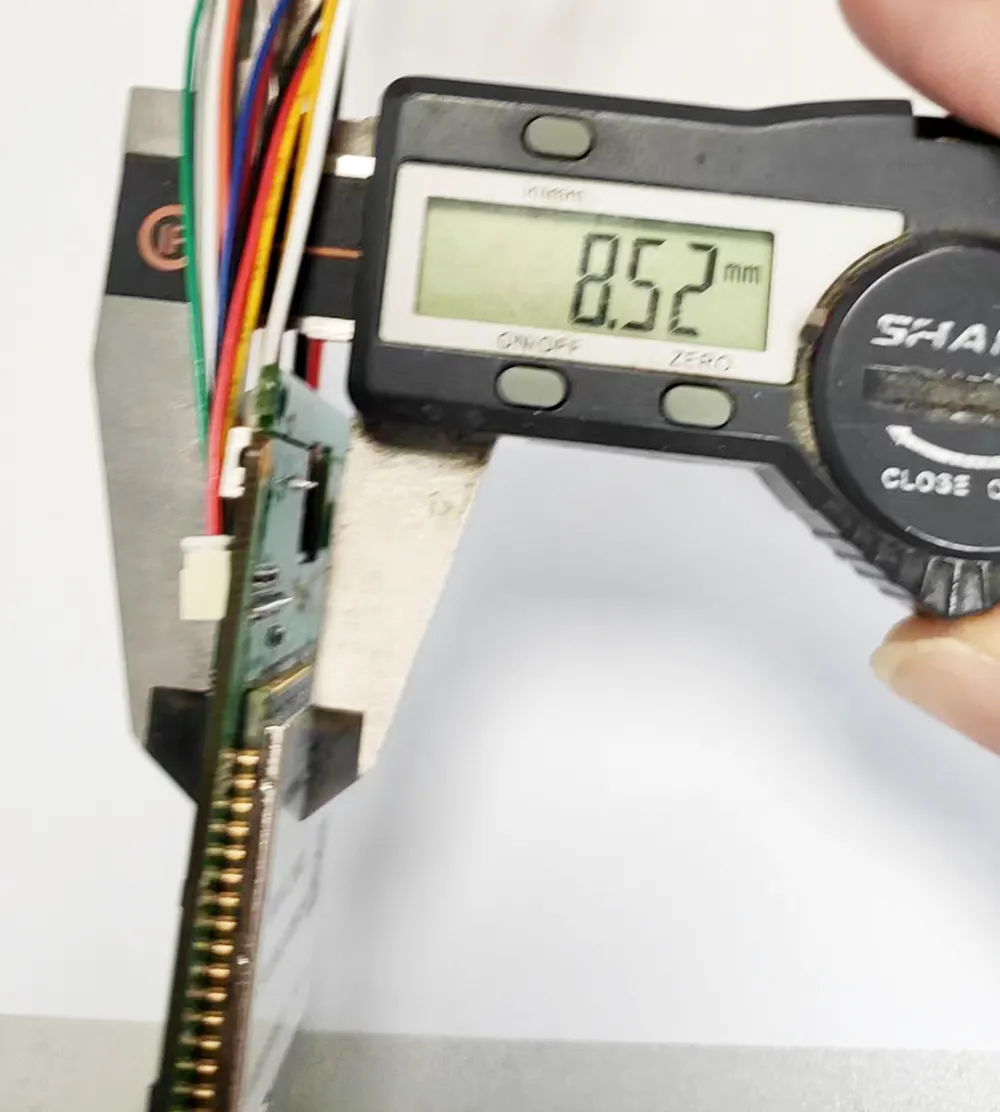
Can you remove the power and ethernet connector to keep the PCBA thinner?
Yes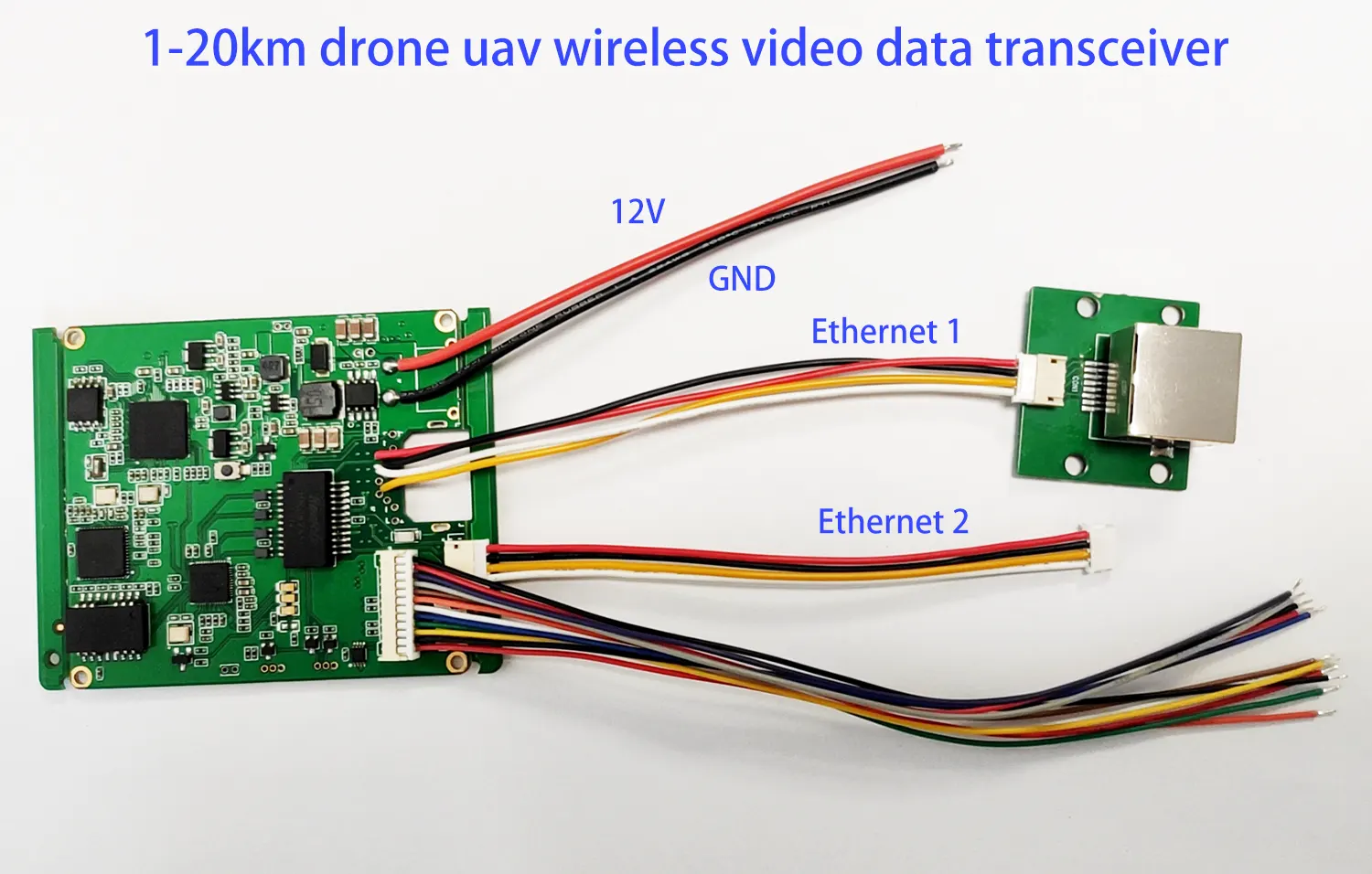
Does the video transmitter and receiver module support frequency hopping across all three bands if a tri-band antenna is used?
The PA power amplifier shouldn’t support all three bands.
This model operates within a single frequency range, such as 800 MHz, 1.4 GHz, or 2.4 GHz.
I’m designing a 2.4 GHz RF transceiver module for a 100 km range, but I haven’t found a ready-made device suitable for my rocket.
Vcan1681 meets your demand. First of all, it can work in the 2.Ghz frequency range, although we don’t recommend 2.4Ghz. This is the commonly used operating frequency of WiFi, and many devices are 2.4Ghz, which will cause interference to the two-way video data transceiver you need.
You also mentioned that you need to work within a range of 100 kilometers. In addition to the core module Vcan1681, you need to add an amplifier to support 100 kilometers. At least a 10-watt amplifier is required. We have a ready-made product that supports 2.4Ghz, 10-watt amplifier, and 100-kilometer range. The model is TX900-10W.
Q: Is it possible to extend the 2.4 GHz frequency range down to 2375 MHz on the current or future modem units?
A: The current 2.4 GHz models support 2401.5 MHz to 2481.5 MHz. Extending down to 2375 MHz is not possible with the existing chipset, neither for current units nor foreseeable future versions. Achieving 2375 MHz operation would require a different RF chipset and a custom model, which would be considered a separate product with different specifications.
The external serial port of this module is TTL level. Customers are advised not to hot-swap the serial port cable while powered on, otherwise there will be a risk of damaging the serial port/serial port protection device.

How to assemble the drone video data transceiver module to become tx900
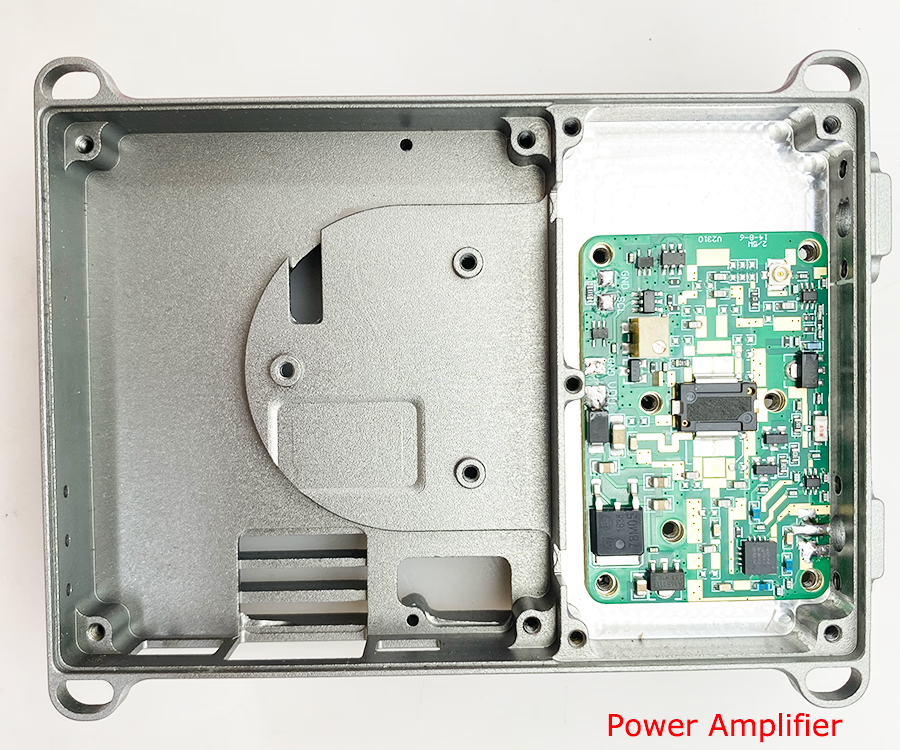
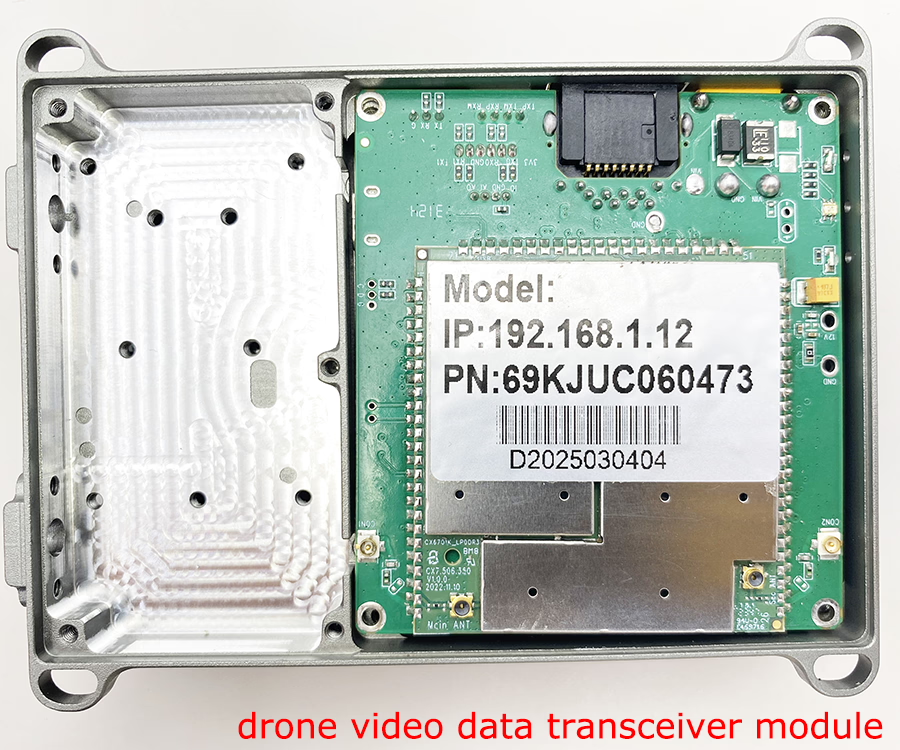
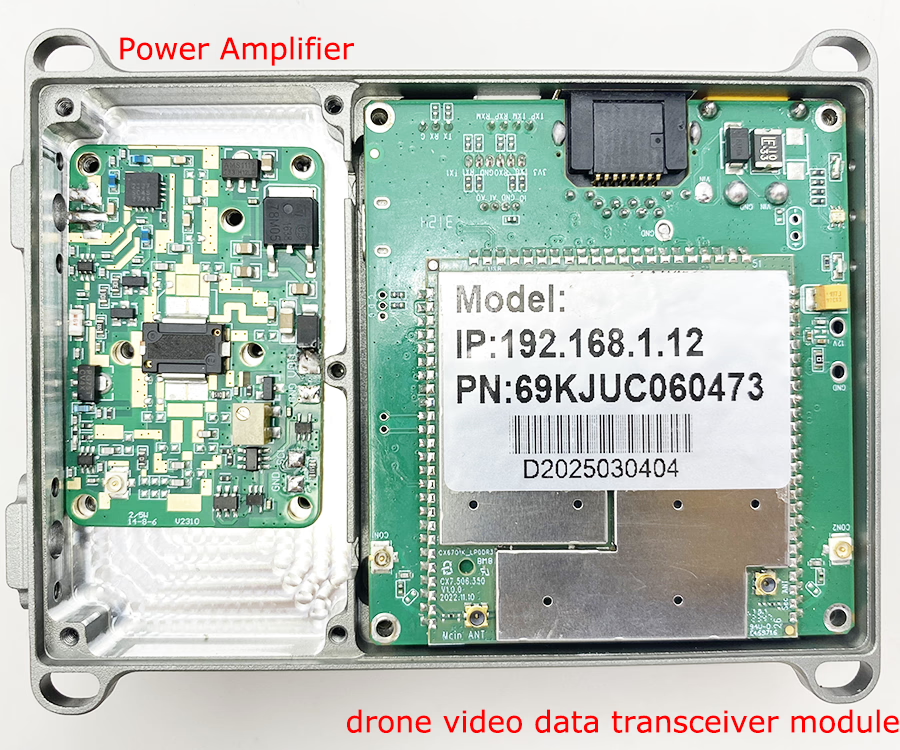
Do you have a specific aluminum case for these two-ways transceiver modules?
We can offer you the below accessories.
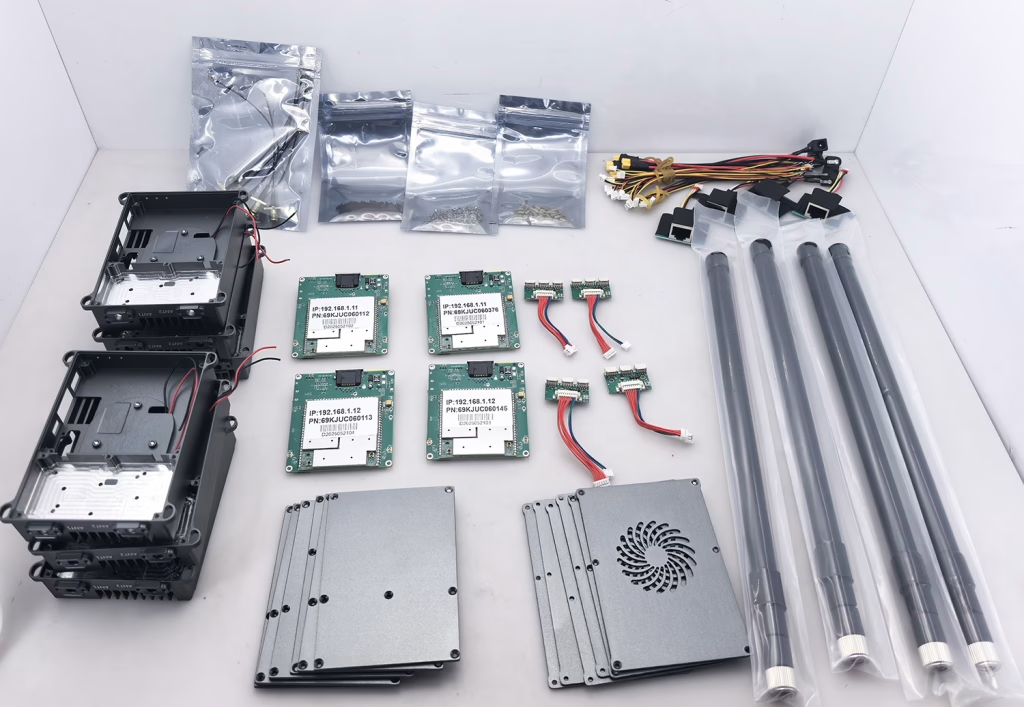
- Extra CNC aluminum case with cooling fan: USD55.
- RS232 to TTL / Sbus data converter board: USD18
- 800M or 1.4G or 2.4G antenna USD15.
- Extra PA power amplifier: 2W:USD320; 5W:USD450; 10W: USD798
How can I know the IP address corresponding to each receiver so that I can log in to the management page?
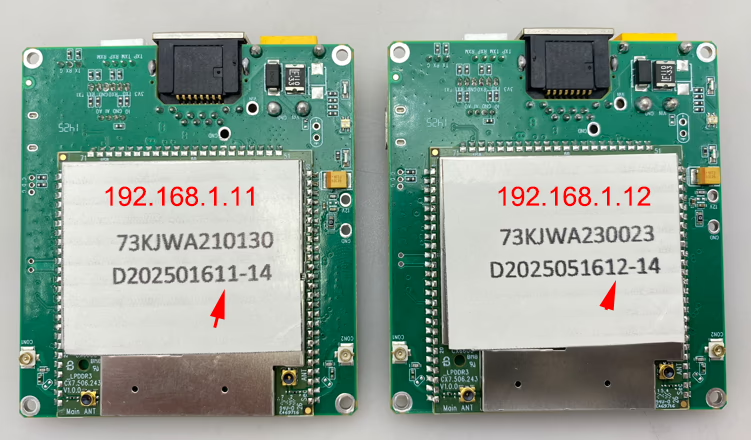
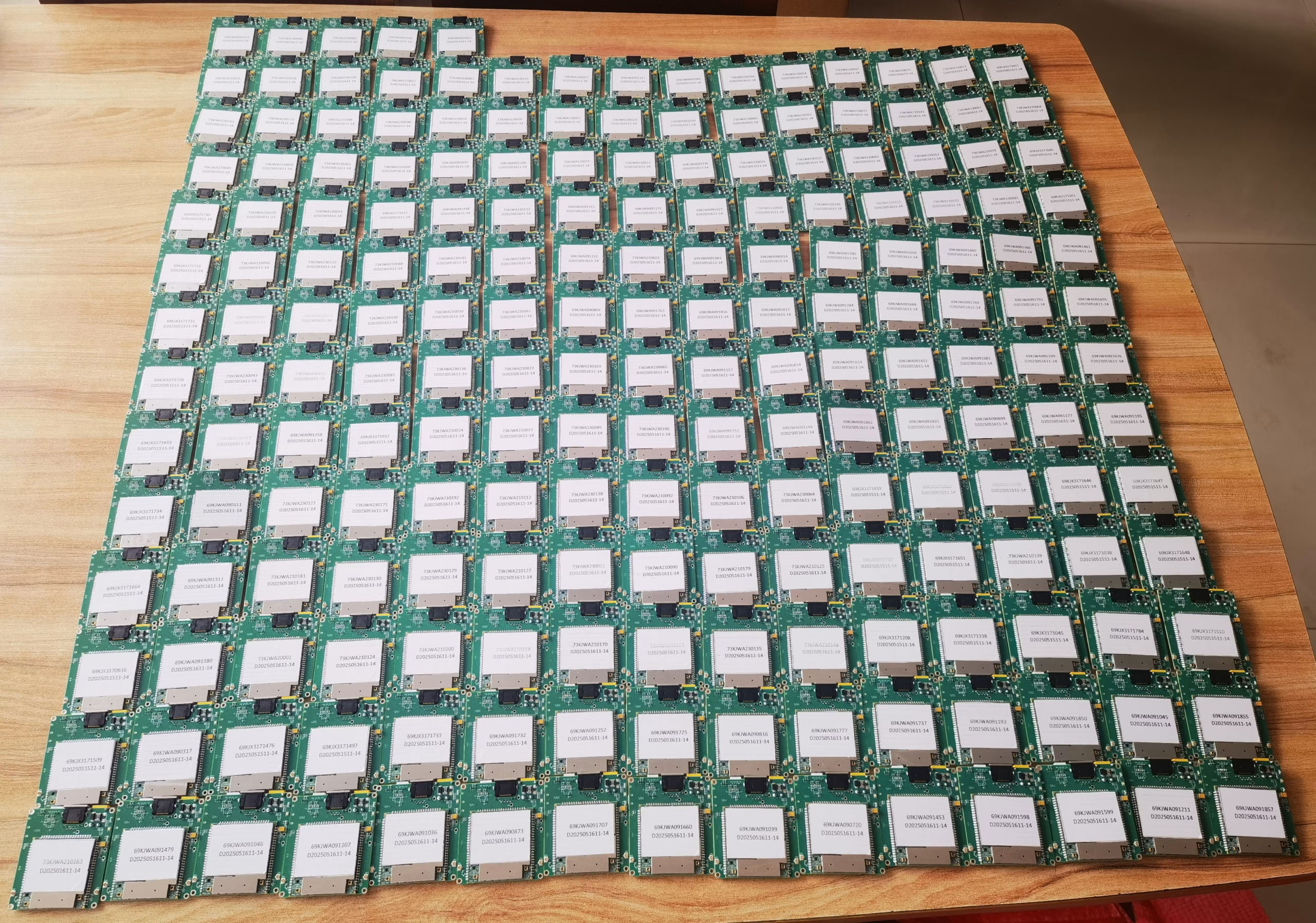
If the serial number of each module ends with 11, then its corresponding IP address is 192.168.1.11. If it ends with 12, then its corresponding IP address is 192.168.1.12.
The serial number in the above picture has 14 added to it, indicating that the default frequency band is 1.4GHz.
If the login page requires a username and password, please enter admin and admin respectively.
If you have changed the default IP address and have forgotten it, please enter 192.192.192.192.
What will I get if I need two transceiver modules with all the accessories and 4 trial antennas?
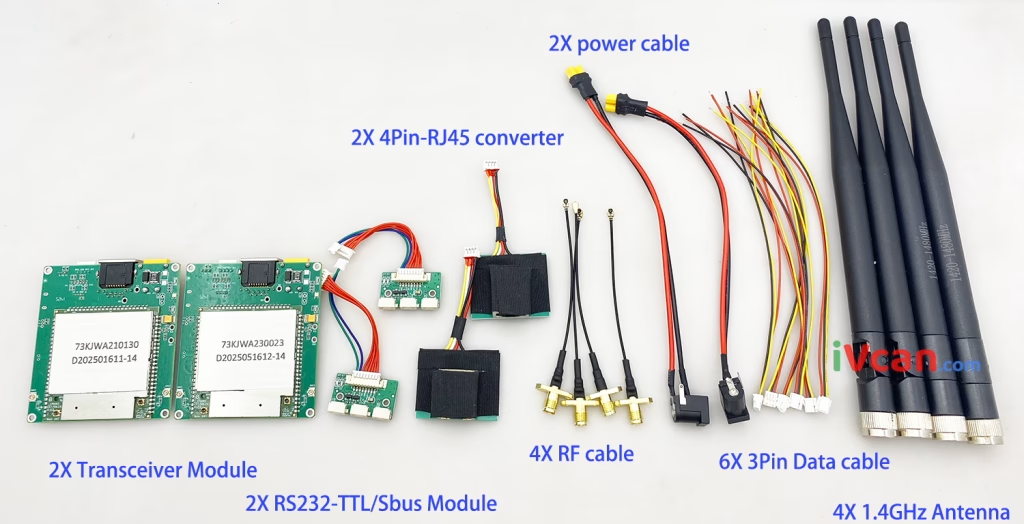
- 2X pieces transceiver module
- 2X RS232-TTL / Sbus module (TTL for flight control and Sbus for remote control)
- 2X 4pin-RJ45 converter cable (RJ45 ethernet connector for IP camera or computer)
- 4X RF cable (RF converter cable for external transceiver antenna)
- 2X Power cable
- 6X 3Pin data cable (each cable has TX, RX, GND)
- 4X 1.4GHz antenna (according to your demand, we also can off you 800MHz or 2.4GHz trial antenna)
Can the drone video data module connect to other nearby systems?
A: The module may detect other units operating nearby. However, connection is controlled through encryption key pairing. Only modules configured with the same encryption key can connect to each other.
How can I ensure that each air unit connects only to its corresponding ground unit?
How can I ensure that each air unit connects only to its corresponding ground unit?
A: Please configure a unique encryption key for each air-ground set:
- Log in to the Web Management Page of the module.
- Set a unique encryption key.
- Ensure the same encryption key is configured on both the transmitter (air unit) and receiver (ground unit).
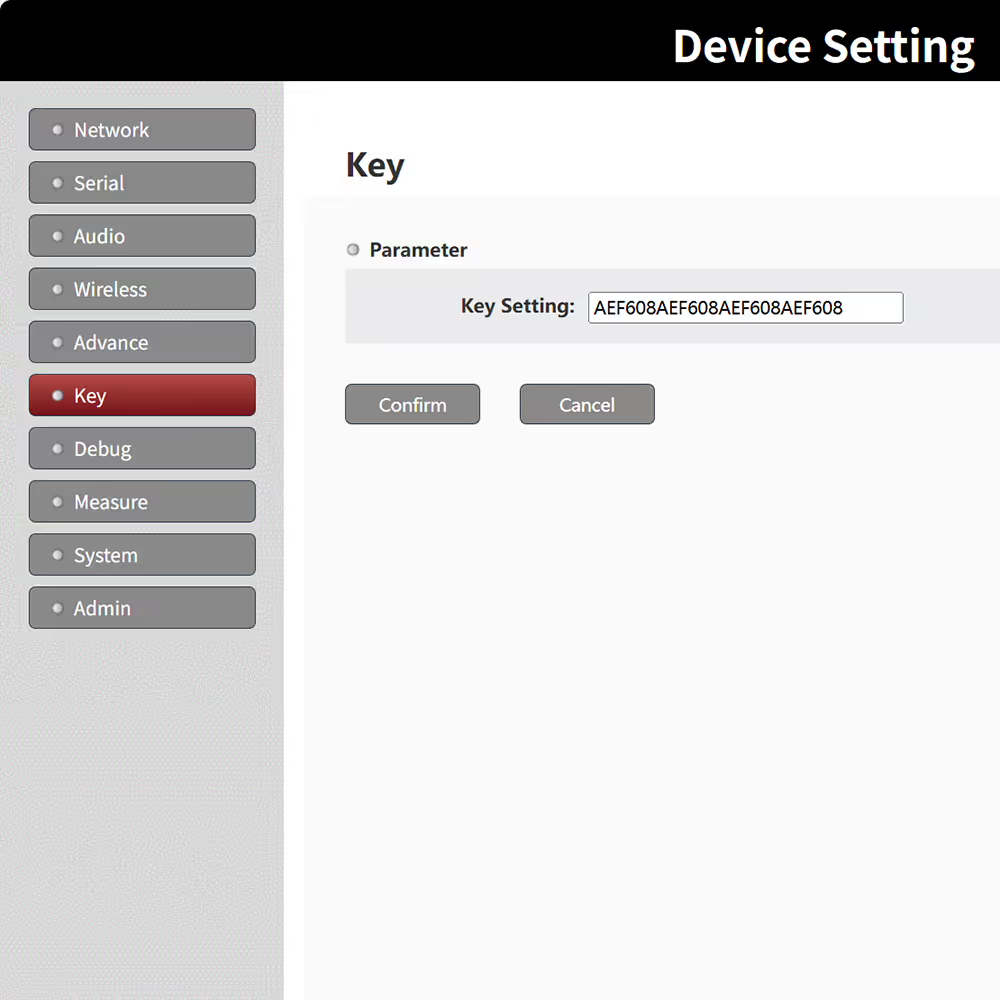
After configuration:
- Modules with the same encryption key will automatically pair and communicate.
- Modules with different encryption keys will not connect.
Will different drone sets interfere or connect with each other if operating nearby?
A: No. As long as each air-ground pair is configured with a different encryption key, each set will operate independently and securely.
This ensures:
- One-to-one pairing
- No cross-connection between nearby systems
- Secure and isolated communication
Ask A Question
Thank you for your response. ✨