






If you encounter a problem with our wireless COFDM HDMI video transmitter-receiver, such as the two models below, and they do not work properly, you can try to find the cause from the following:
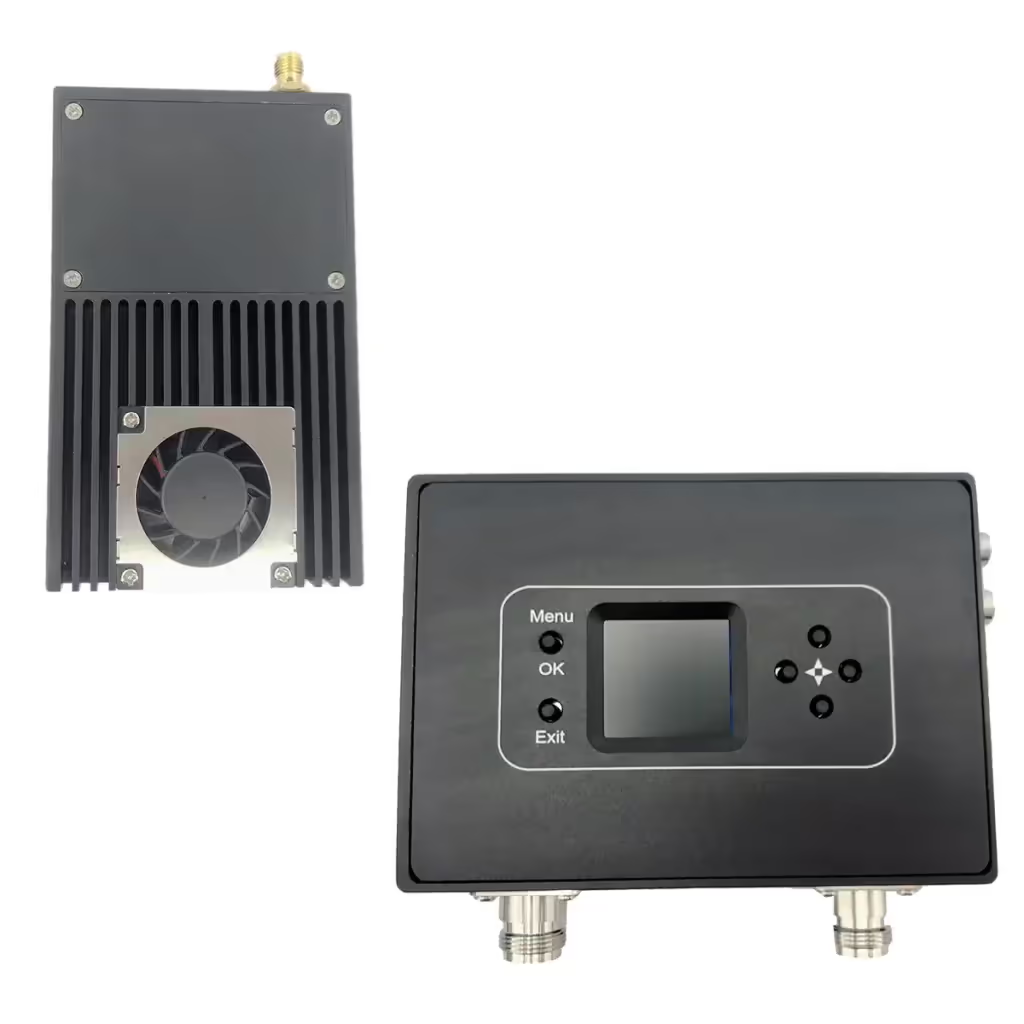

Table of Contents
1. Reset the parameters to the default factory configuration of the wireless COFDM HDMI video transmitter-receiver.
Below are the default factory settings for the transmitter and receiver at 595Mhz, if you have adjusted the parameters please remember to adjust them back.
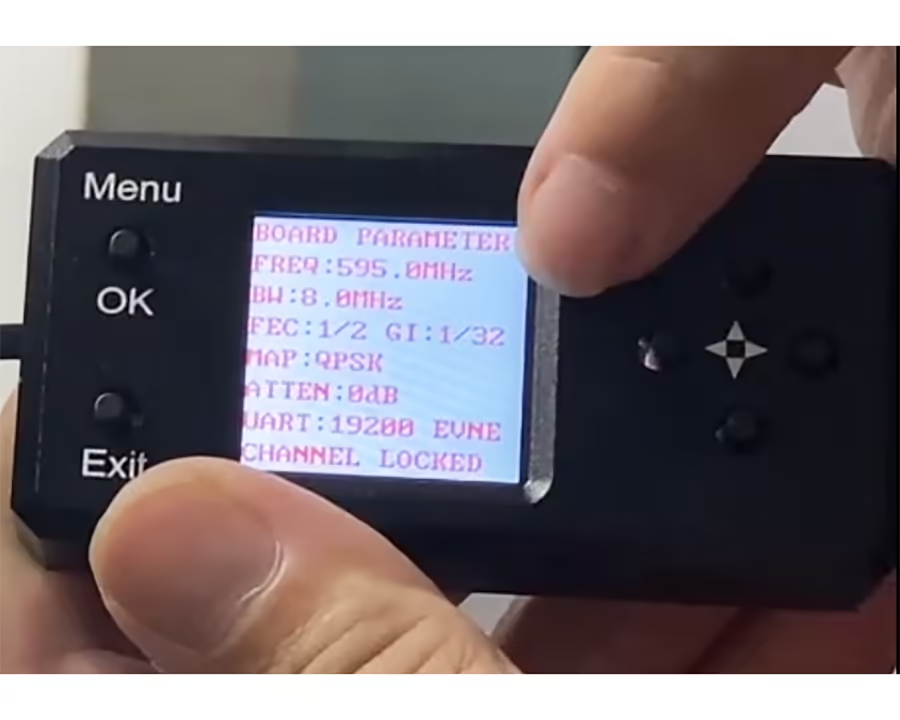
Wireless COFDM HDMI Video Transmitter
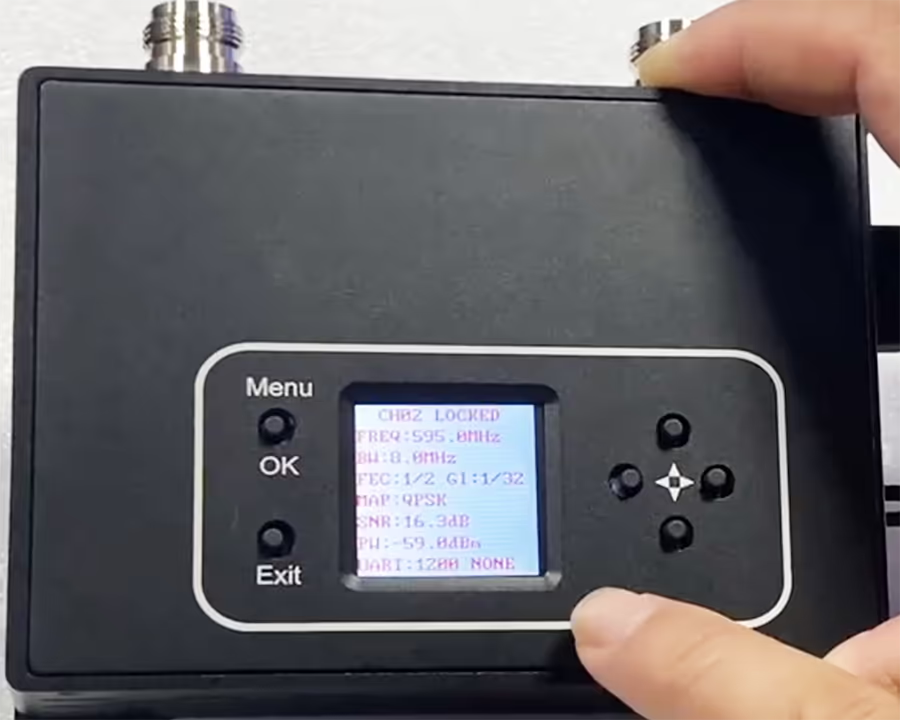
Wireless COFDM HDMI Video Receiver
2. Check the camera of the wireless COFDM HDMI video transmitter-receiver
Please note that our wireless COFDM HDMI video transmitter-receiver only supports 1080P, it does not support 1080i.
So the camera input video supports 720×480 60I(NTSC), 720×576 50I(PAL), 720 50P, 720 60P, 1080 50I, 1080 60I, 1080 24P, 1080 25P, 1080 30P, 1920X1080 50P, various modes are adaptive.
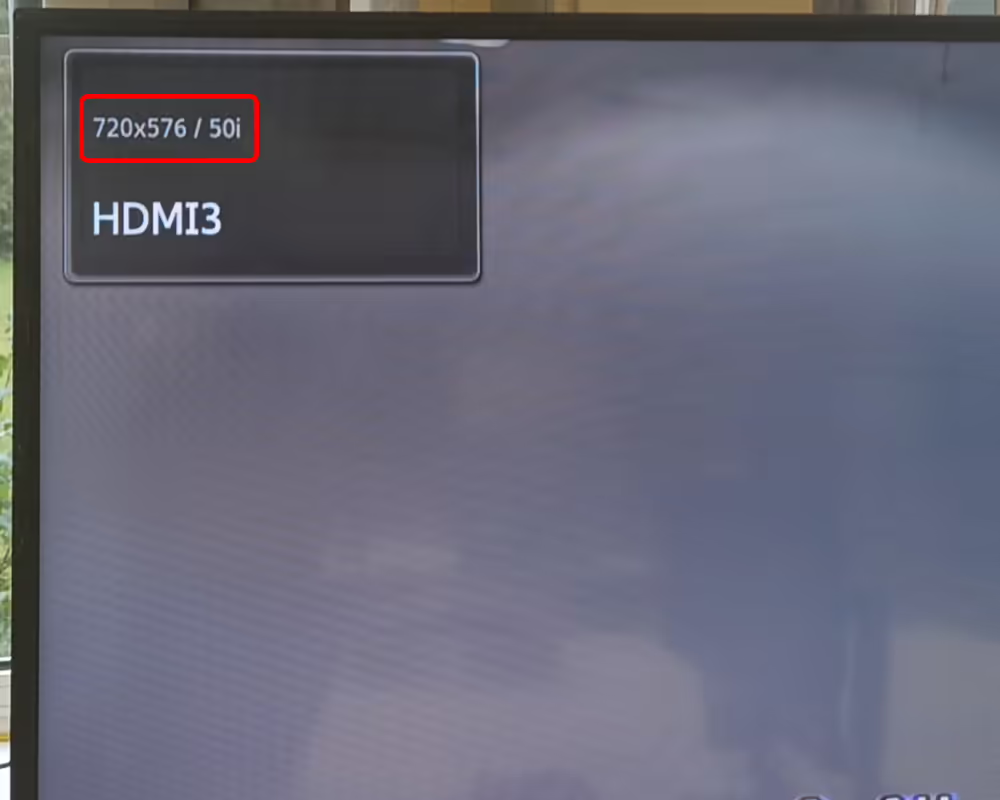
Does not support 1080i or 720i
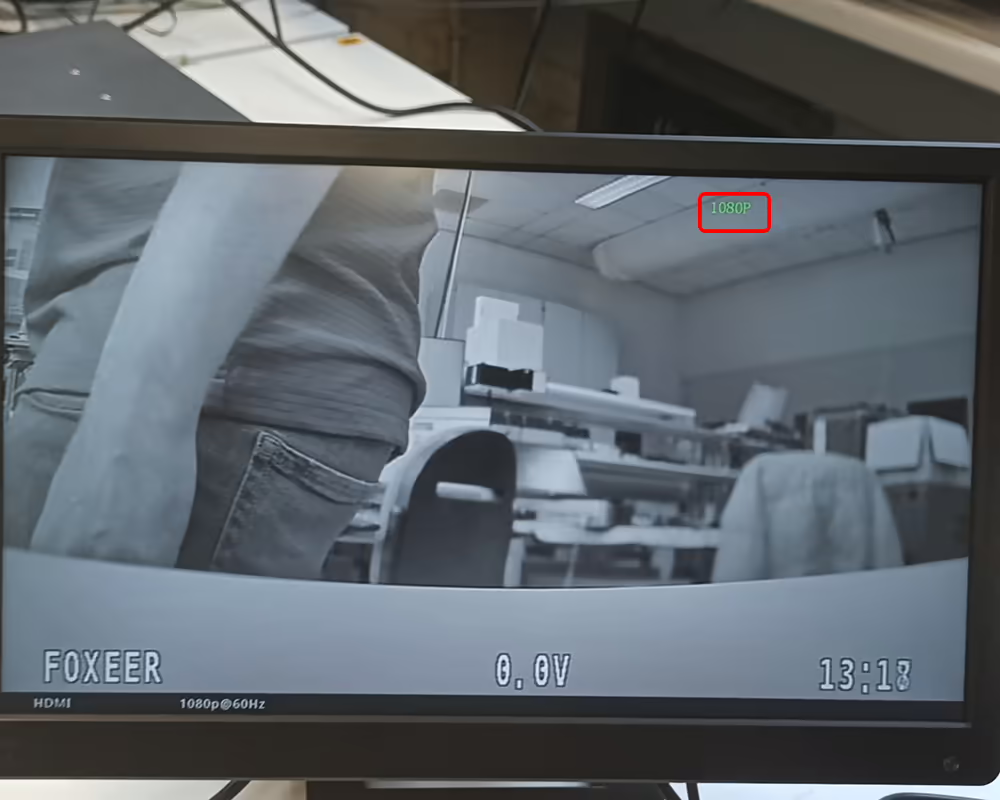
Support 1080p or 720p
3. Check the power indicator light on the side of the transmitter
Troubleshoot possible faults of the wireless COFDMHDMI video transmitter receiver by the startup indicator light. You can take a short video for us.
Our engineers cannot find faults in your simple text but can find potential problems in videos or pictures.
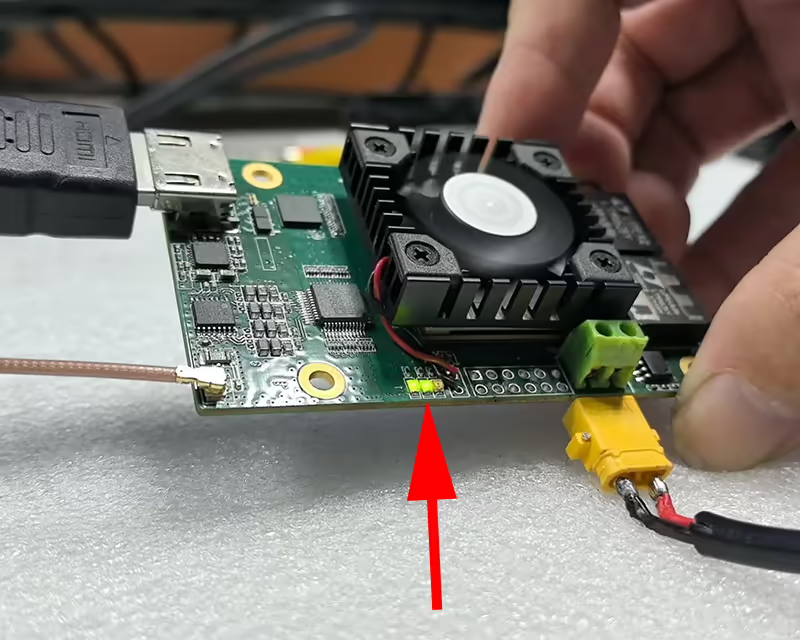
The indicator light is on the PCBA of the transmitter
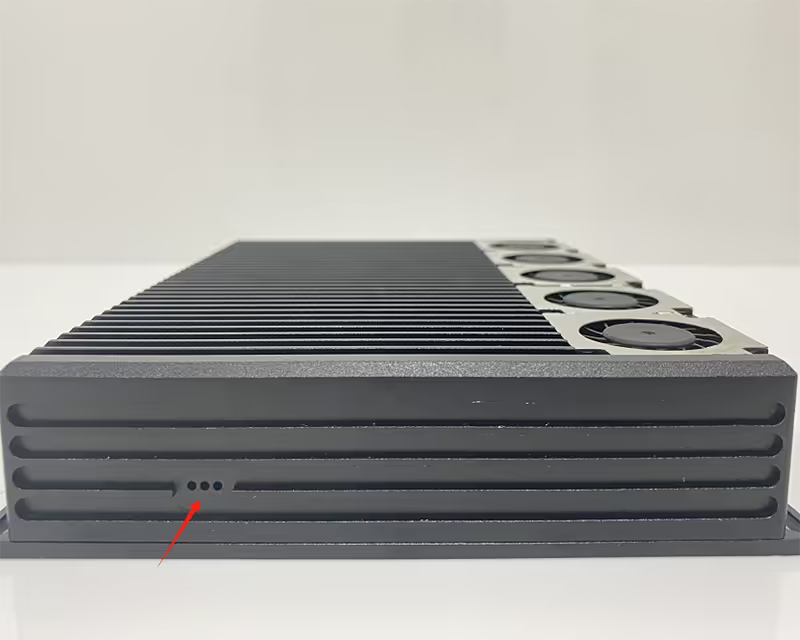
The indicator light is on the shell of the transmitter.
There are three small holes on the side of the transmitter to see if the HDMI signal is detected. From left to right, the first is the indicator light that detects the HDMI signal, the second is the indicator light that the device is working normally, and the third is the power-on self-test indicator light. The third indicator light goes out after the self-test is completed.
At power on, the middle LED lights up first. When an HDMI source is plugged in, the left LED starts lighting up.
After powering off and restarting, all three lights will light up when the device is turned on. When the HDMI signal is recognized, another light will light up. If the second light is not on, then the HDMI signal is not detected.
4. Check whether the HDMI display connected to the receiver is normal
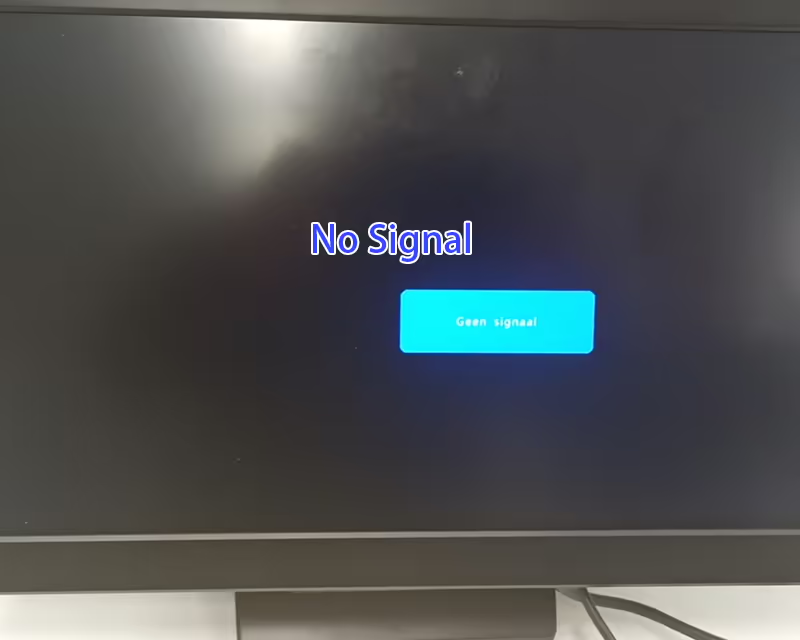
No Signal
If the monitor connected to the wireless COFDM HDMI video receiver displays “no signal”, it means that the receiver has no signal output to the monitor, the receiver is faulty, or there is a problem with the HDMI cable from the receiver to the monitor.
Do you have other HDMI cables?
Some ordinary HDMI cables are missing two thin wires, and the HDMI signal cannot be recognized when there is no feedback signal. In addition, ordinary cables are easily affected by radio frequency interference.
Ask A Question
Thank you for your response. ✨