how to configure UAV video data air transmitter and ground receiver

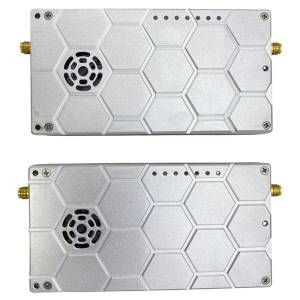
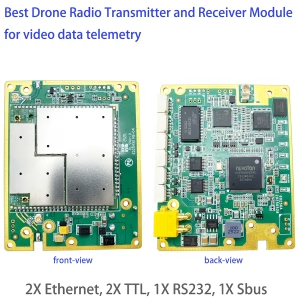
How to configure UAV video data air transmitter and ground receiver, suitable below model.

Price range: $722.00 through $1,250.00

How to configure UAV video data air transmitter

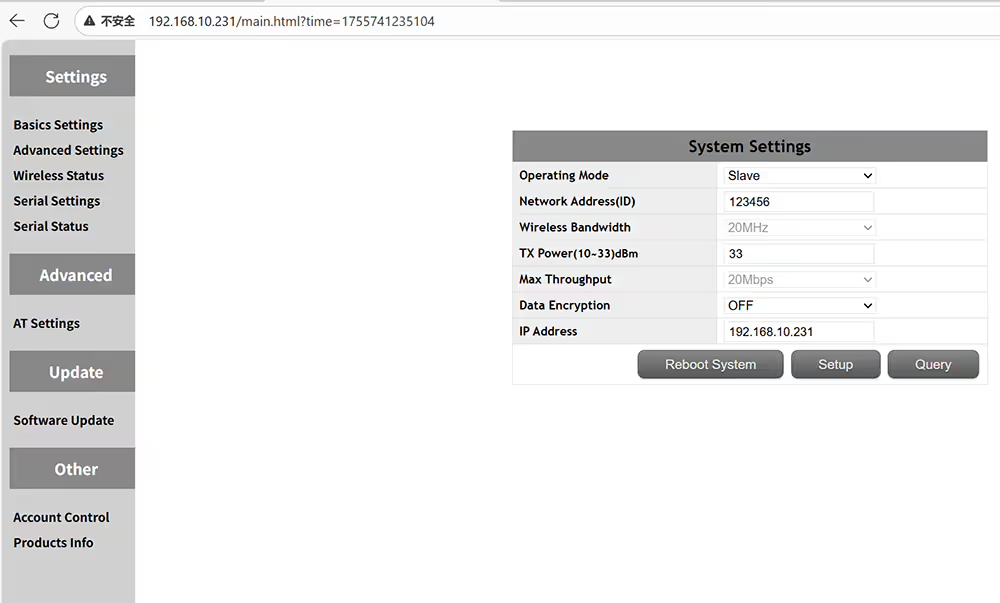
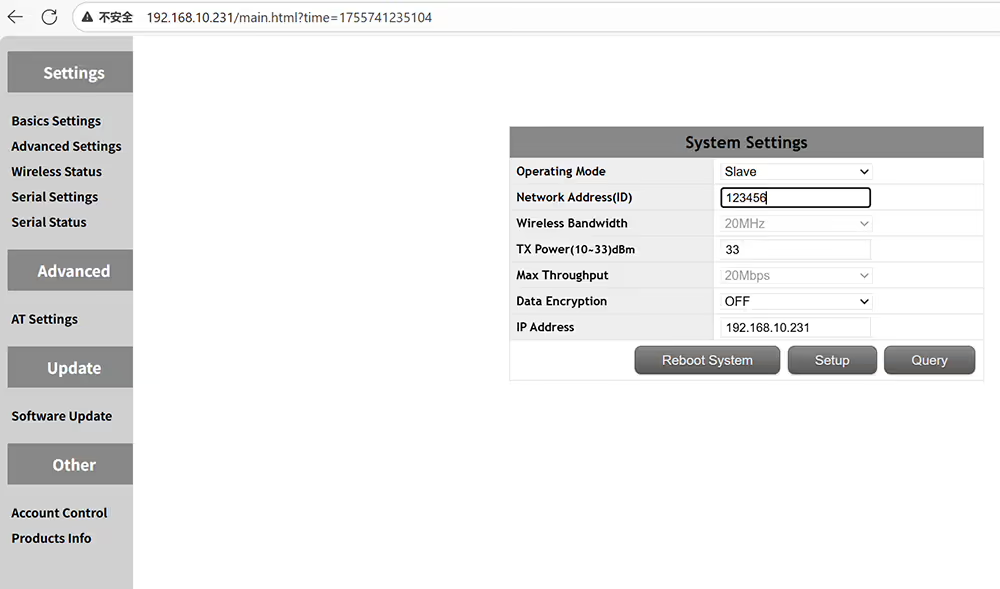
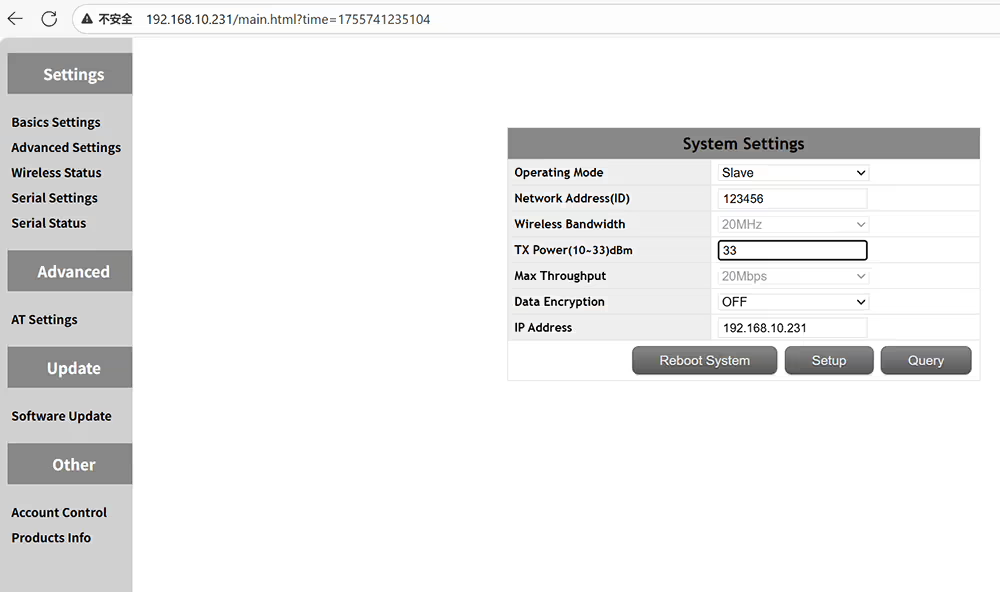
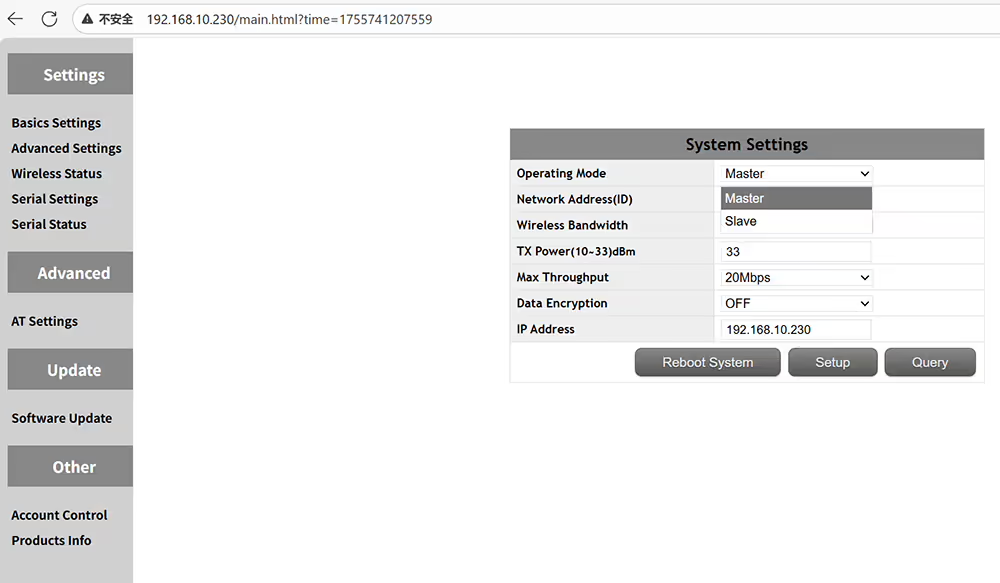
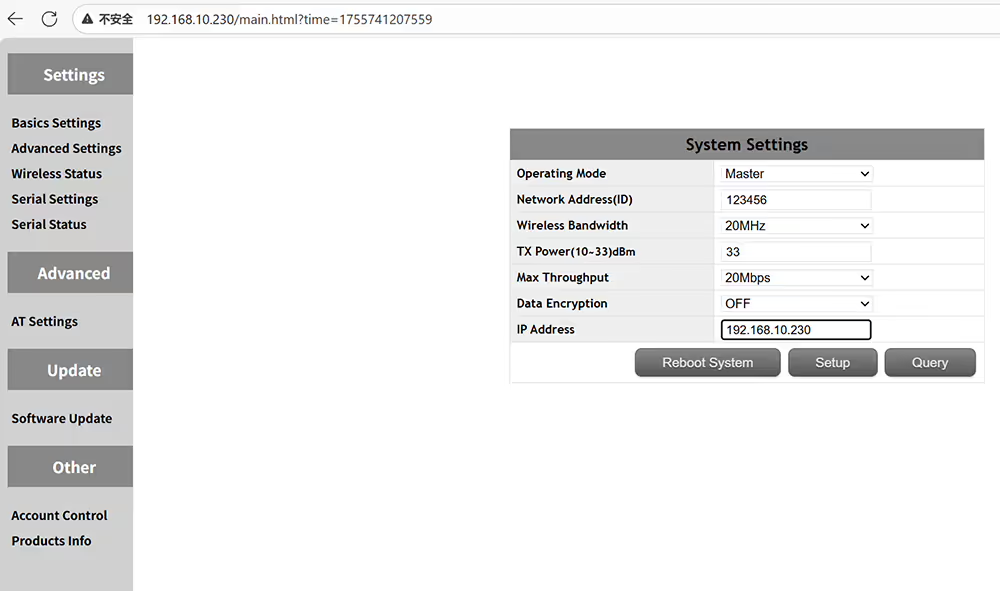
How to set air unit UAV video data transmitter
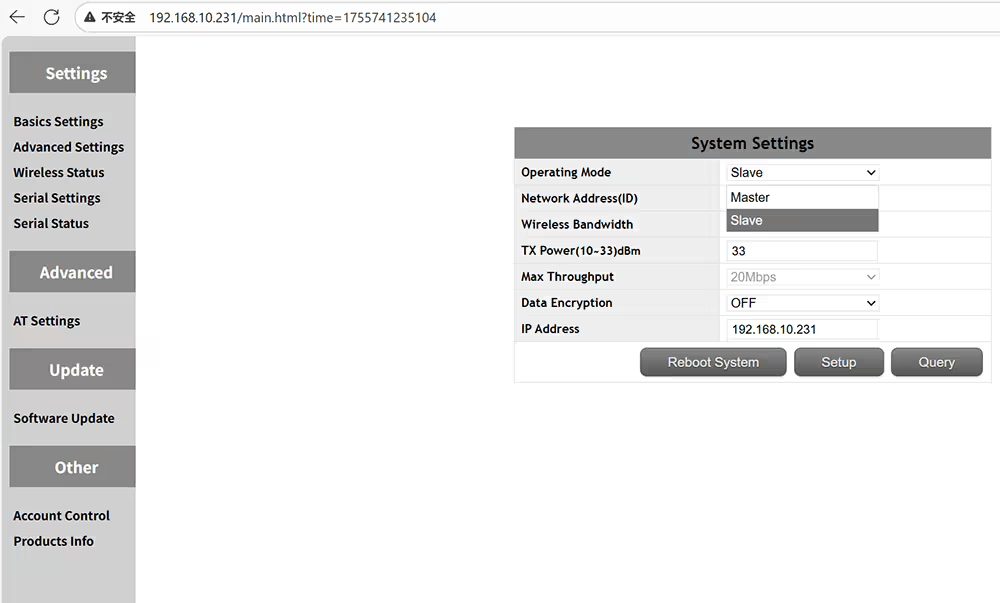
master is central node means ground receiver slave is access node means air transmitter
please set same id if you want to pair transmitter and receiver
The output power amplifier can be set to less than 2 watts
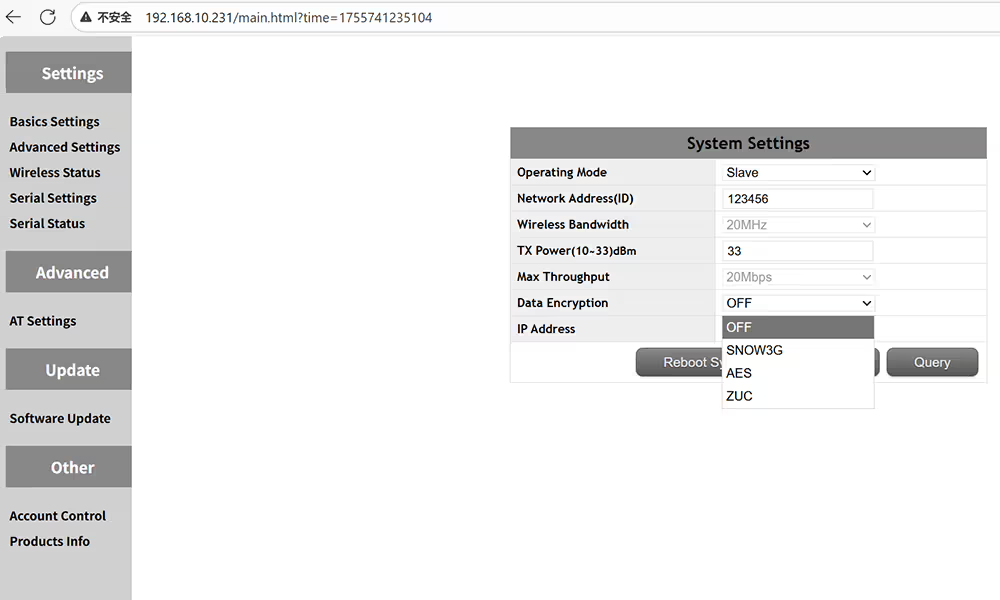
Optional encryption method SNOW3G AES ZUC
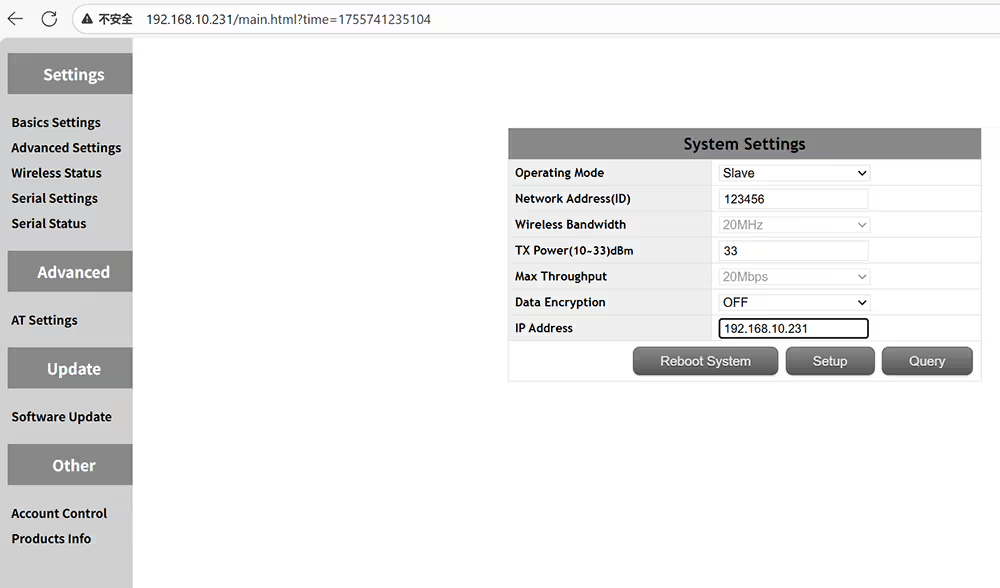
Customize the IP address of the device and ensure in the same network segment
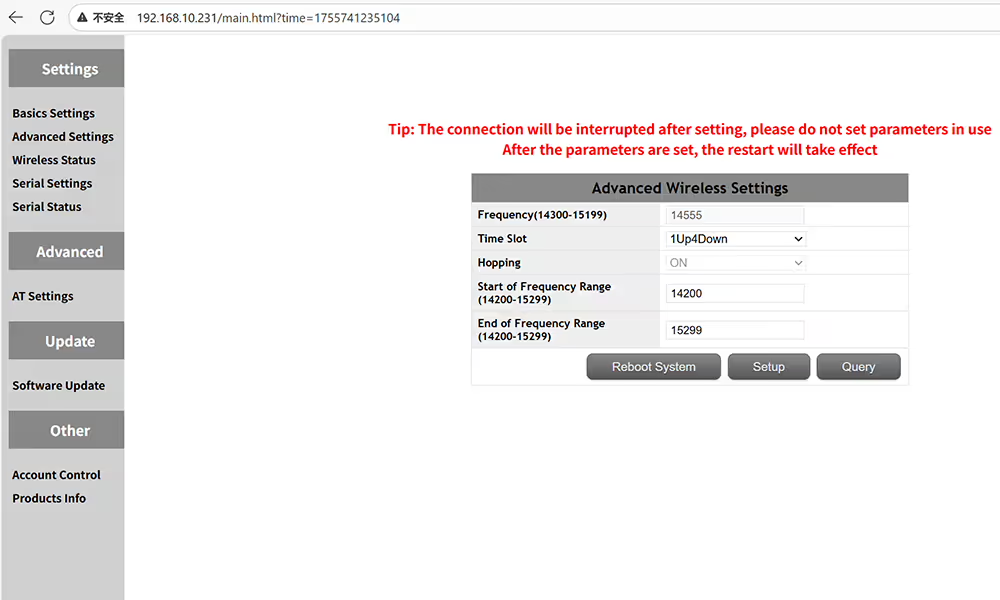
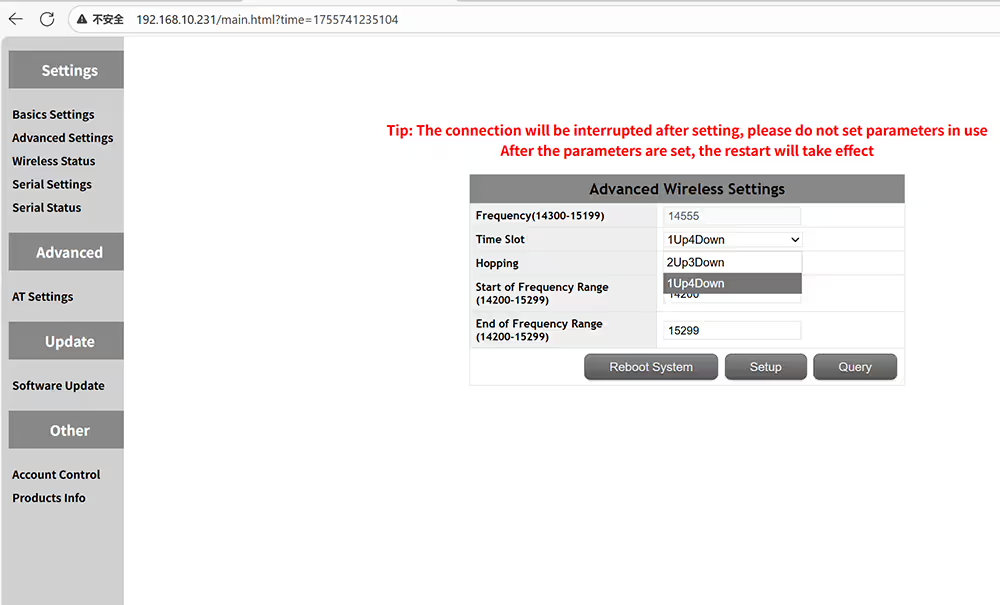
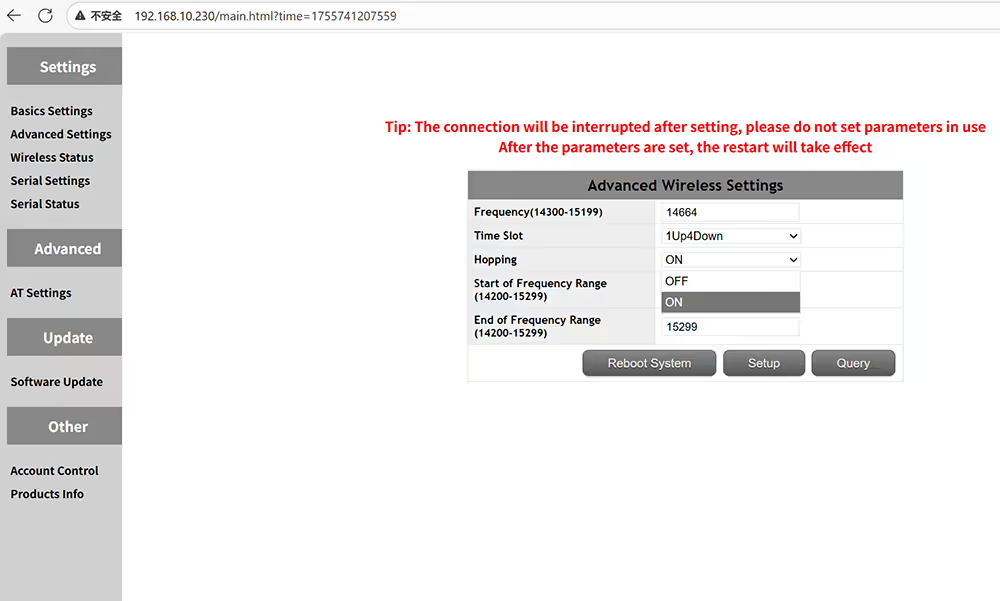
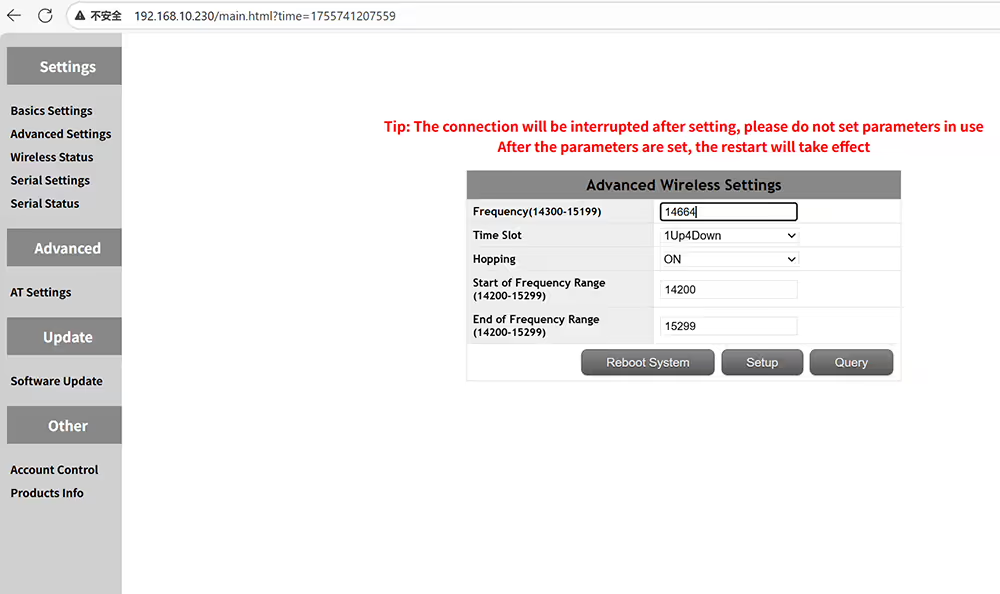
Advanced settings of frequency and time slot on the air side
Please make sure the master and slave time slots are the same
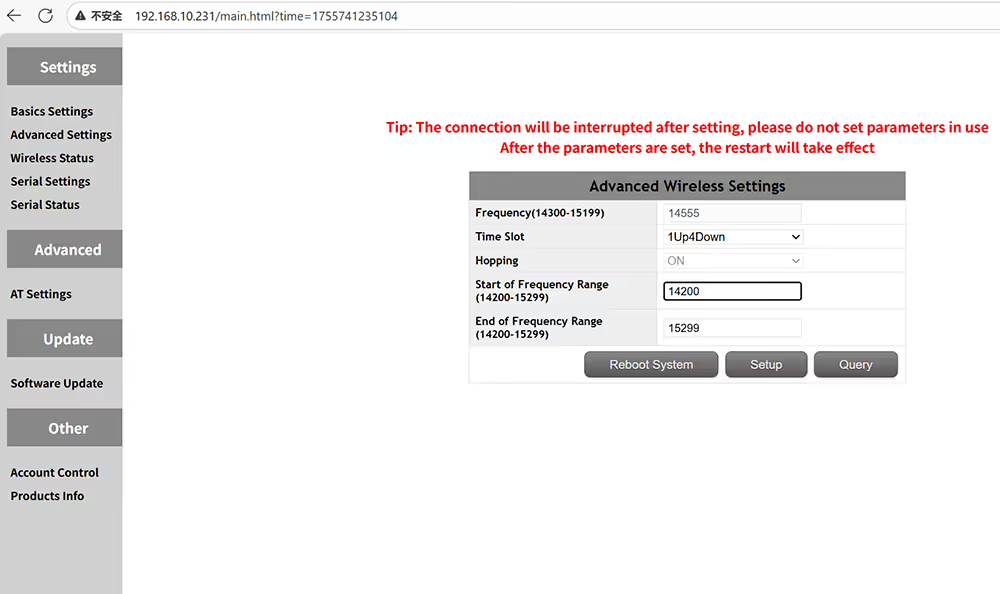
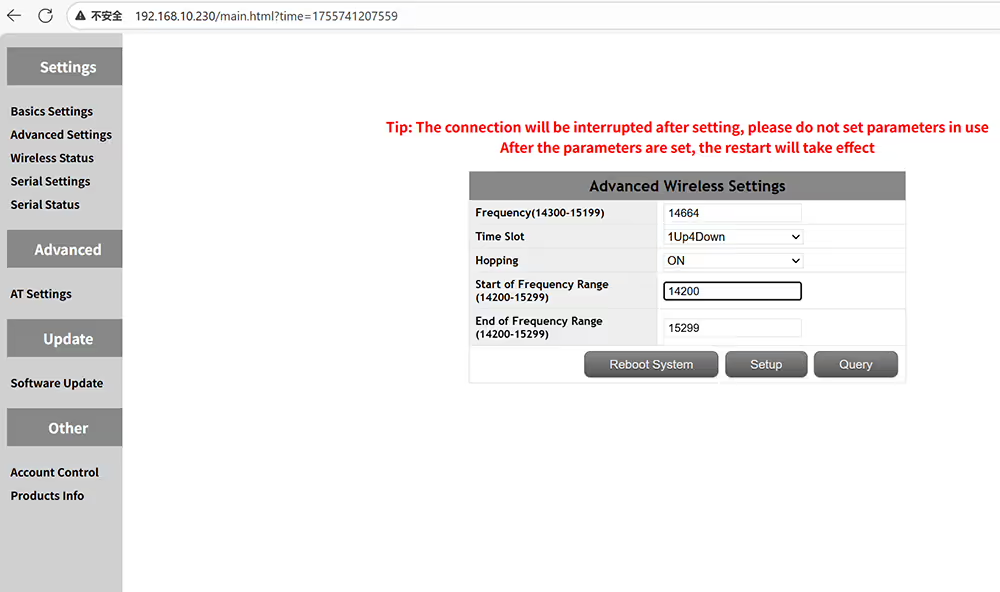
Set the start frequency of the operating frequency range
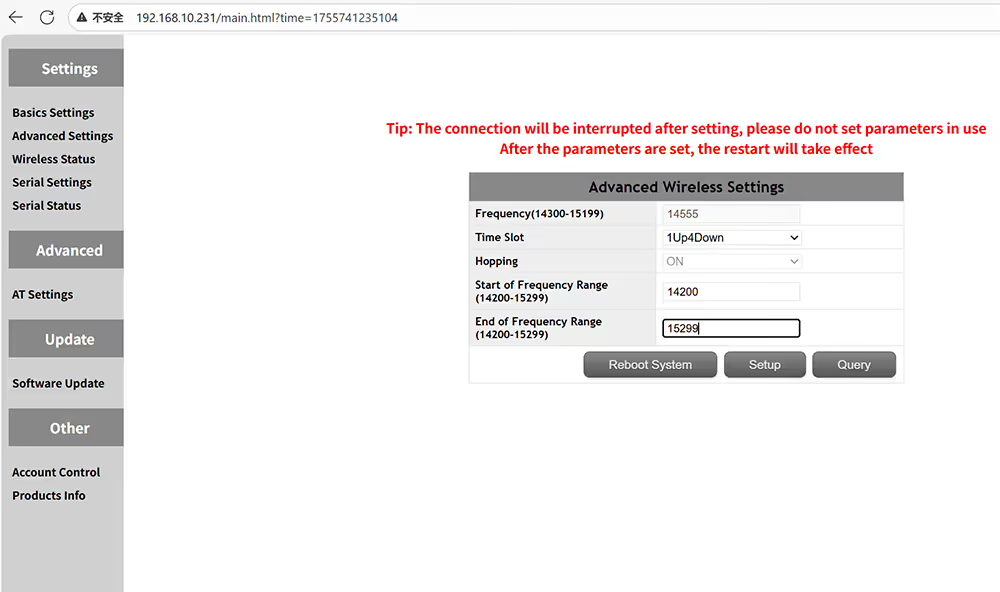
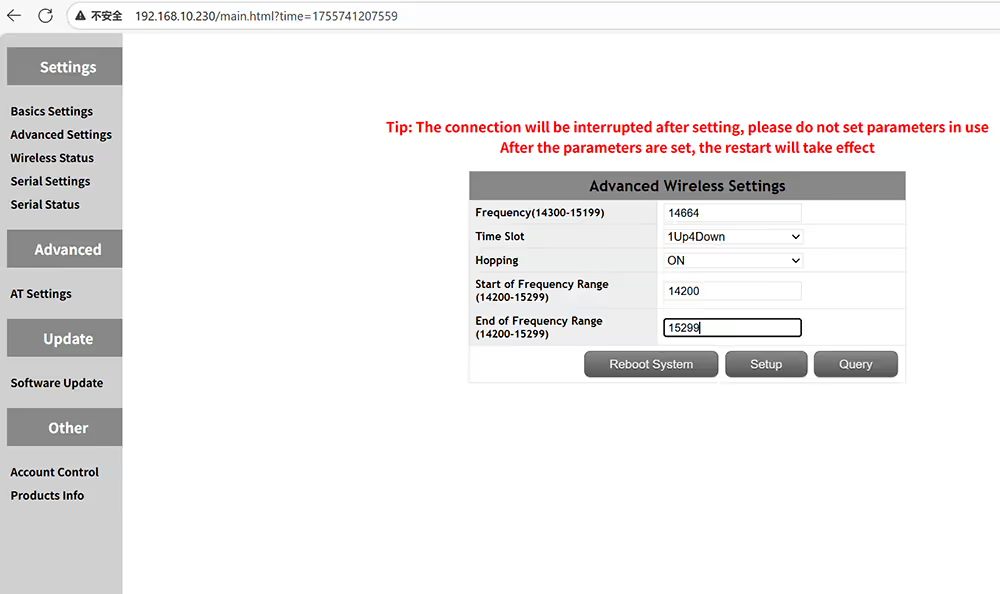
Set the end frequency of the operating frequency range
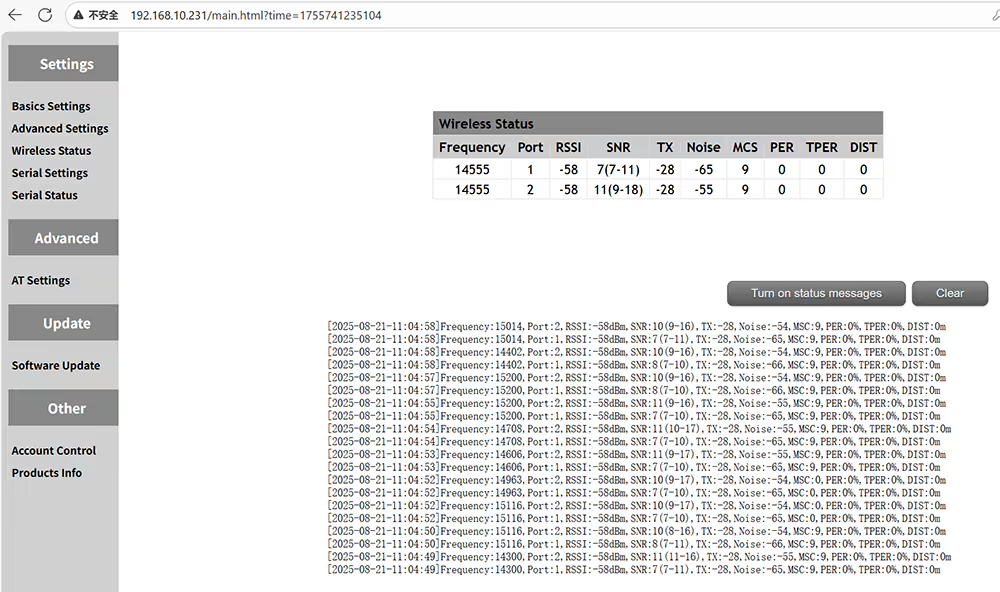
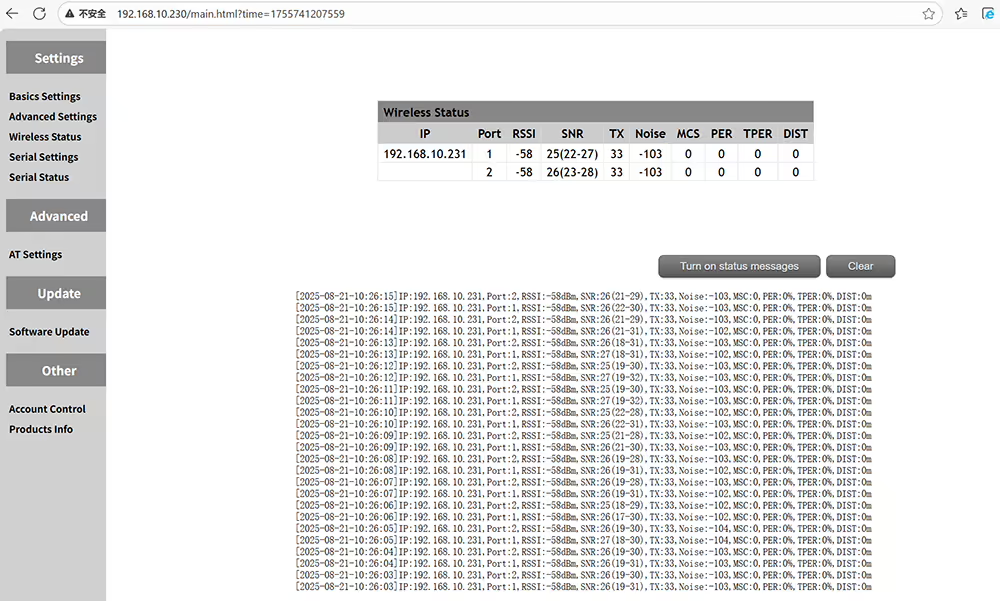
Query wireless status including frequency RSSI SNR NOISE MSC PER TPER distance
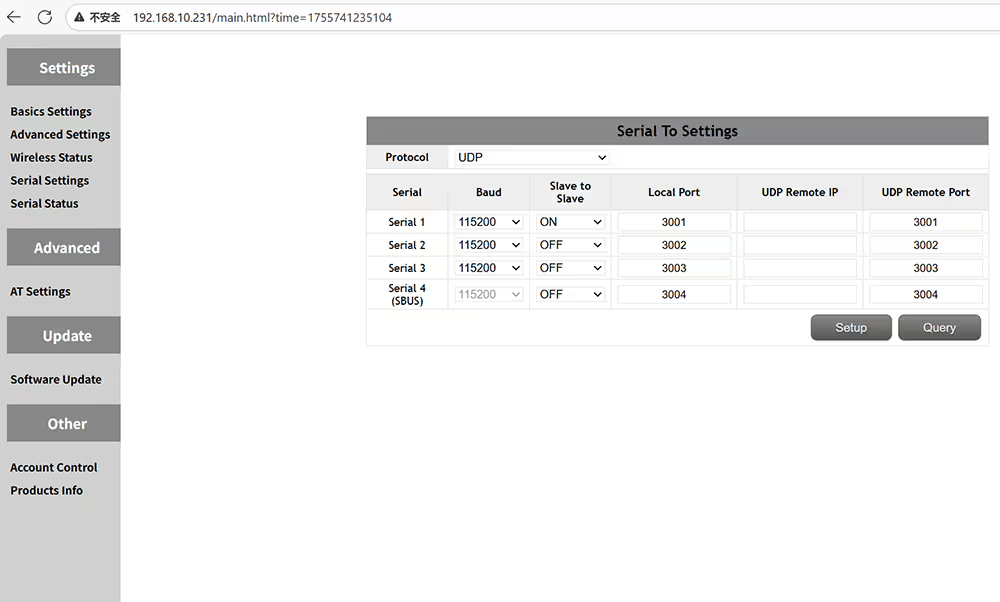
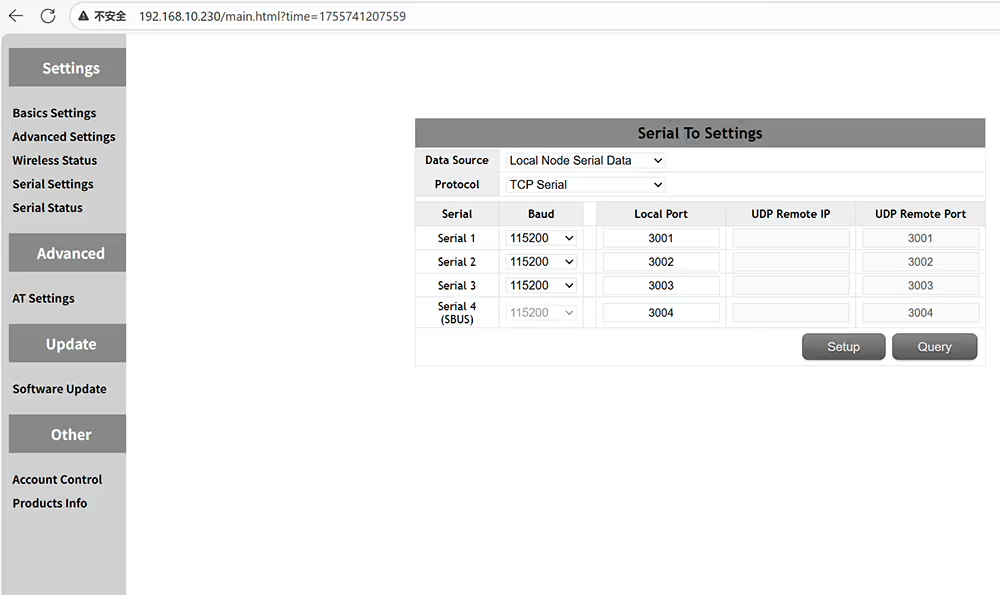
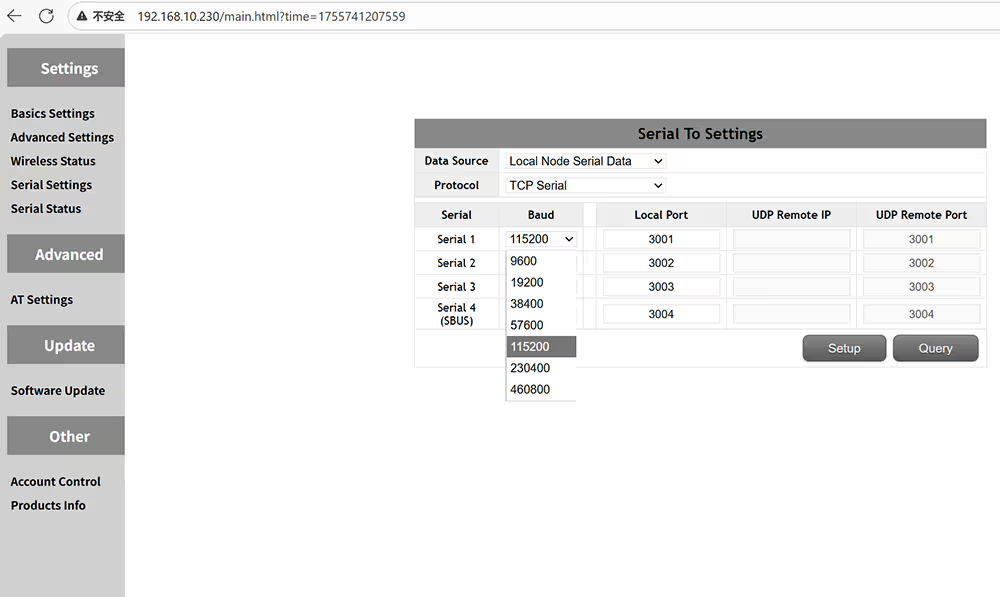
Data serial port definition settings
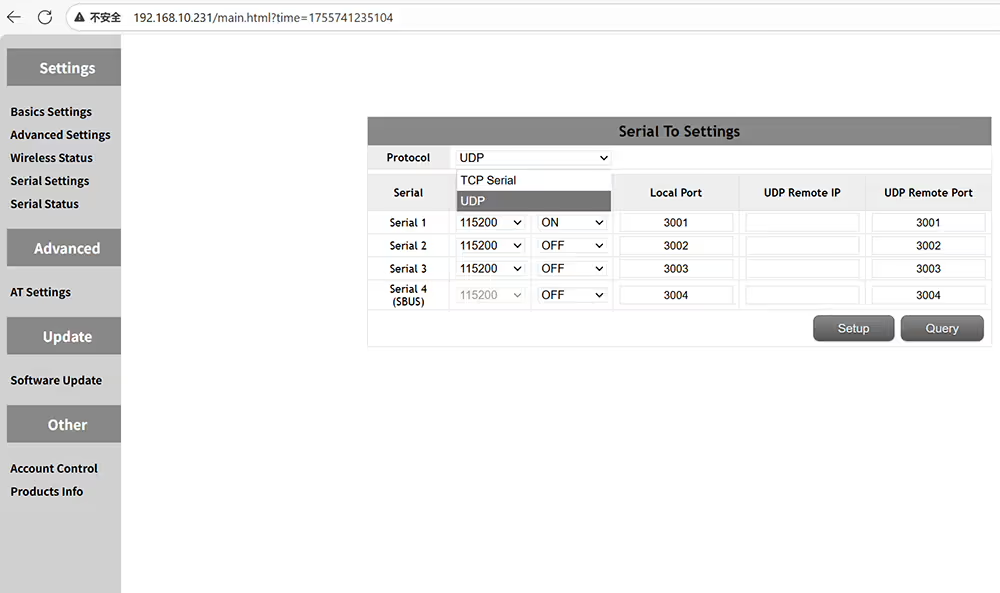
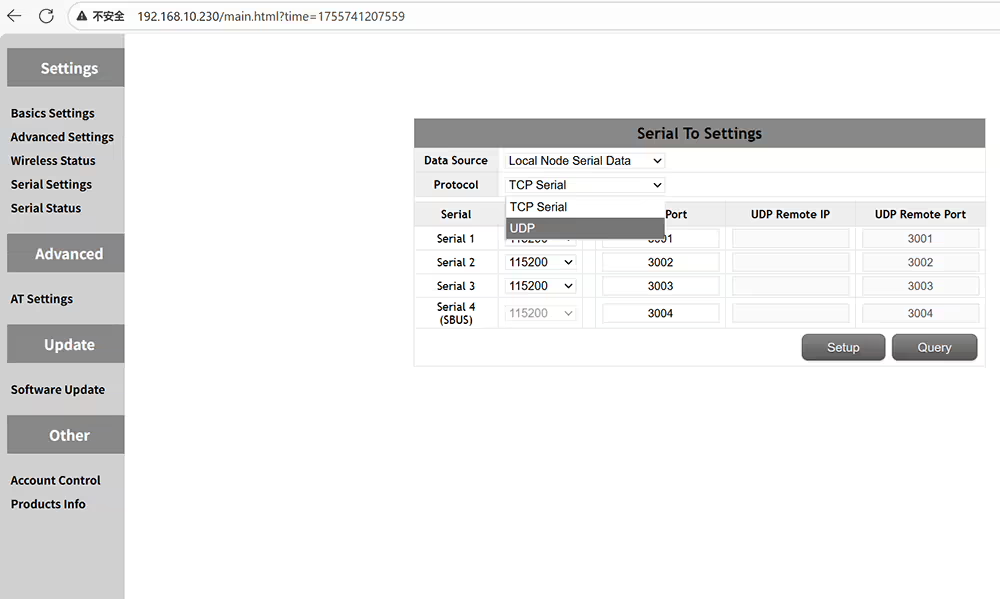
Supported protocols are TCP and UDP
Supported baud rates include 9600, 19200, 38400, 57600, 115200, 230400, and 460800
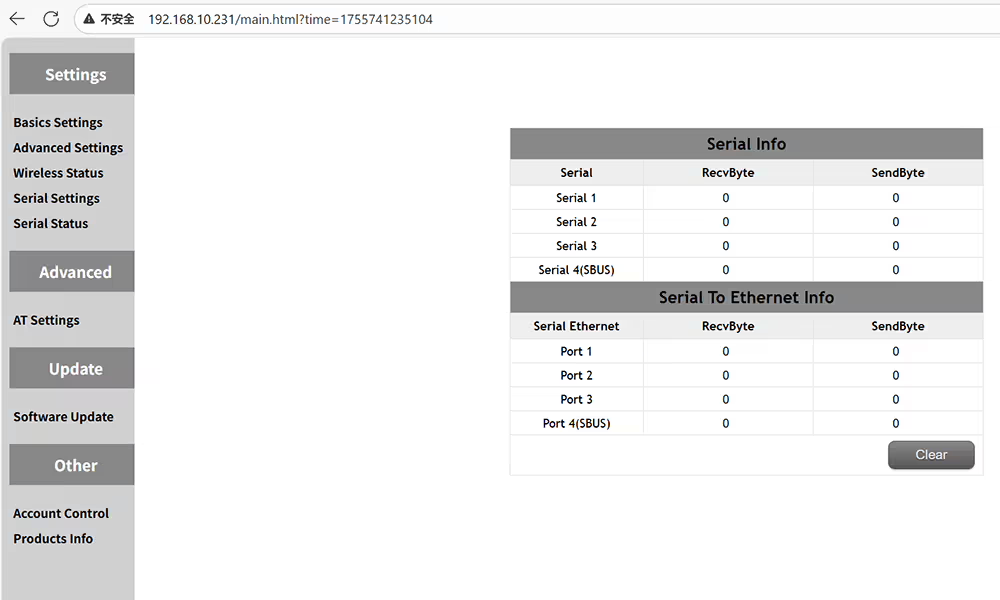
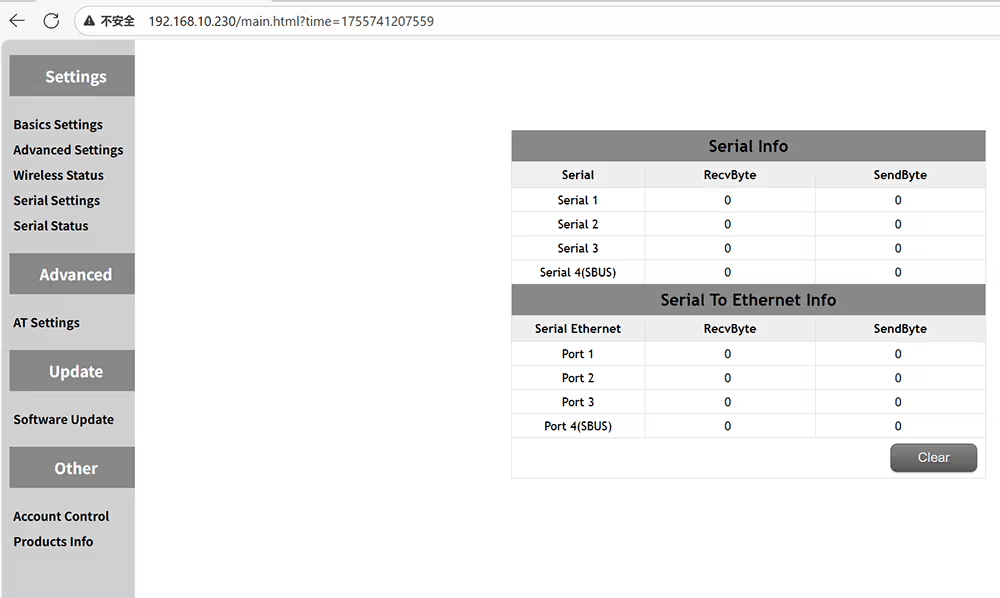
Check the status of the serial port, such as the amount of data sent and received
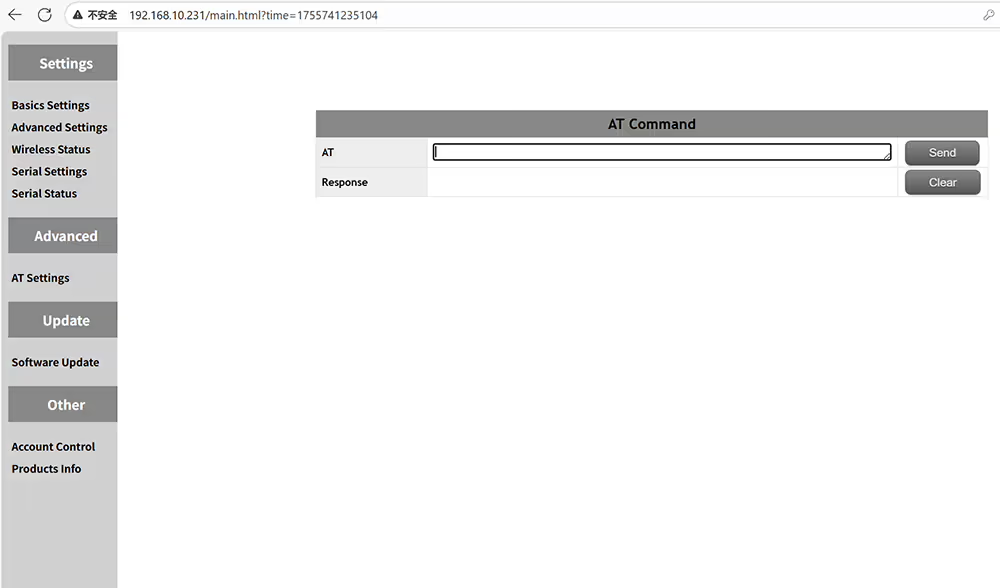
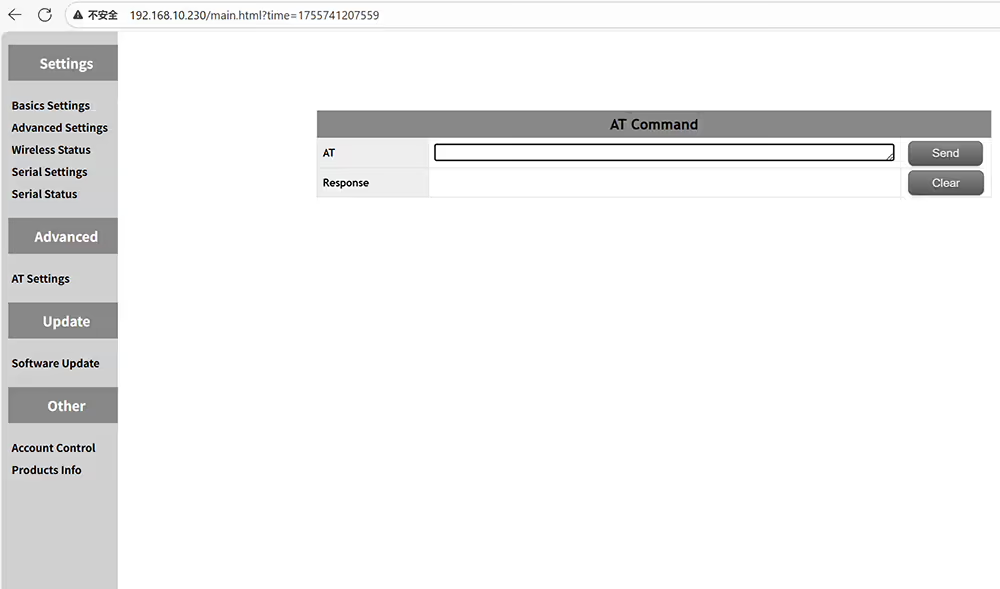
Send AT commands to get more function information
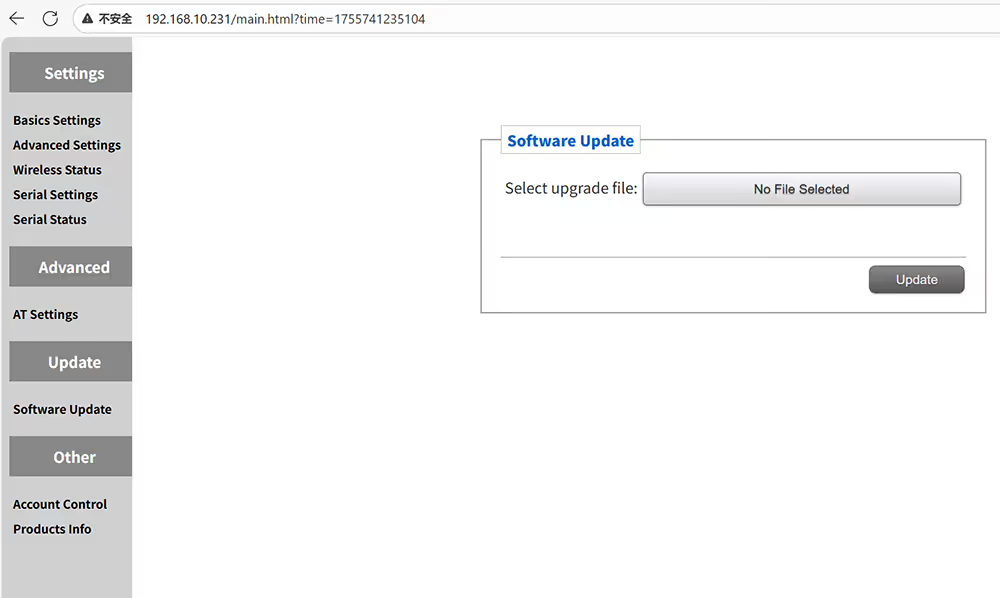
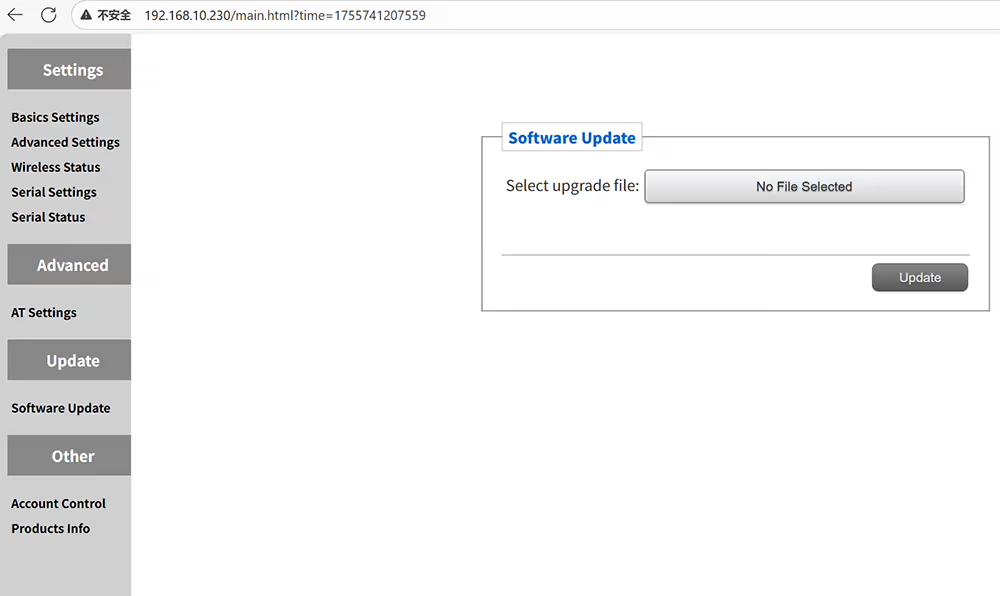
Upgrade your UAV's video data transceiver
Upgrade your UAV’s video data transceiver
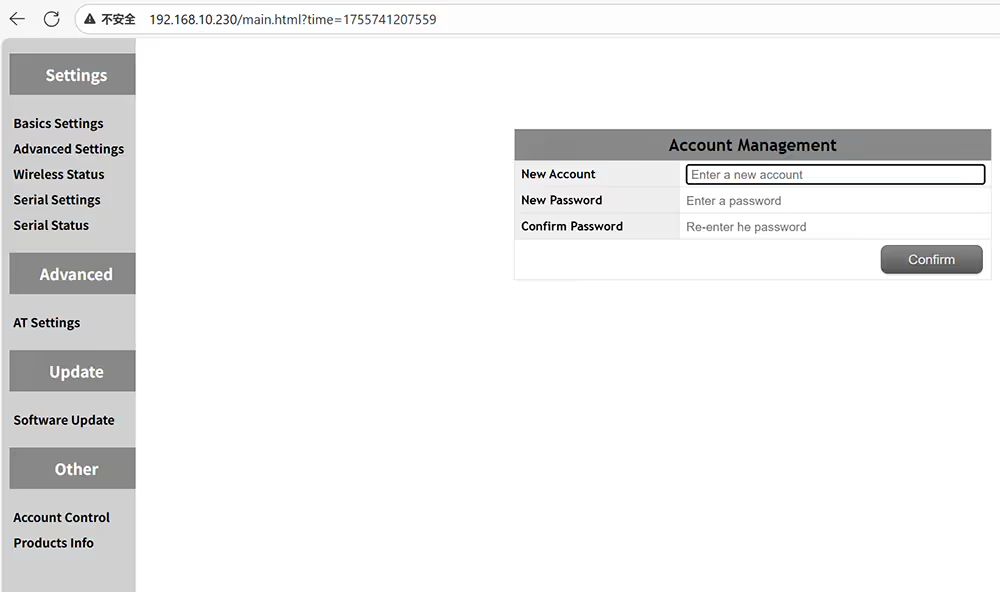
Modify the username and password of the web UI management page
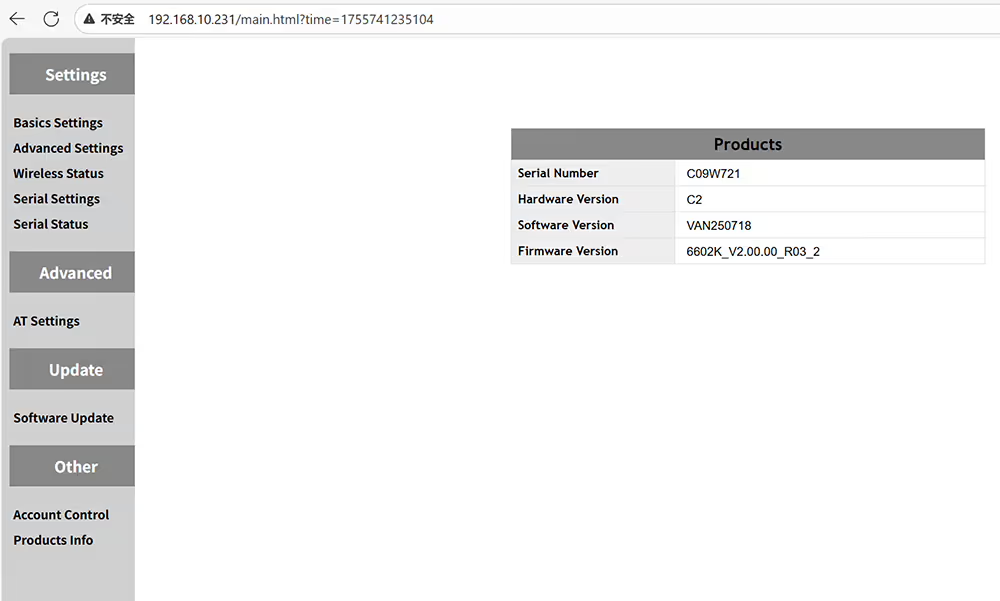
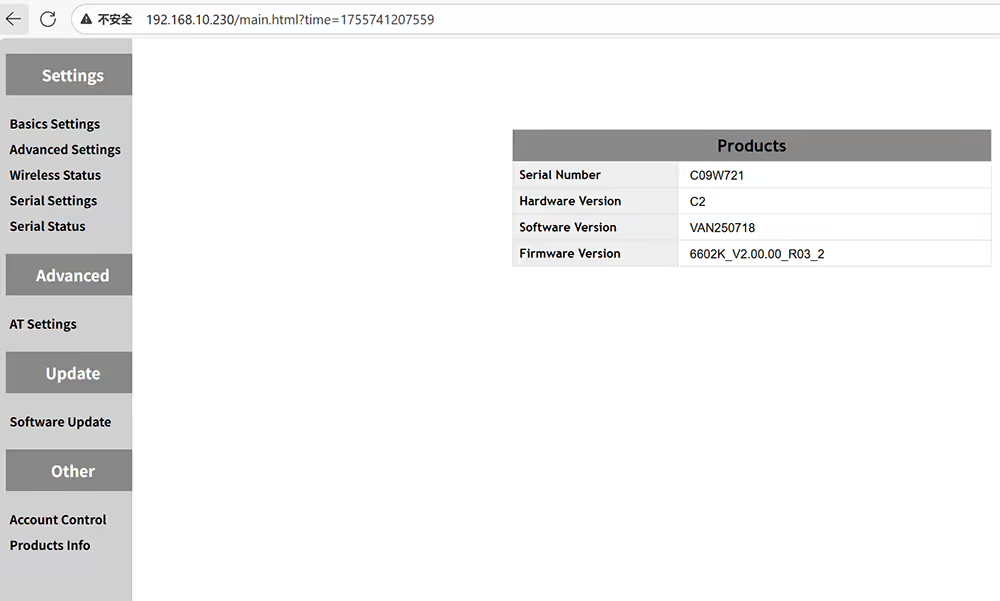
Query the hardware and software information of the current device

How to configure UAV video data ground receiver

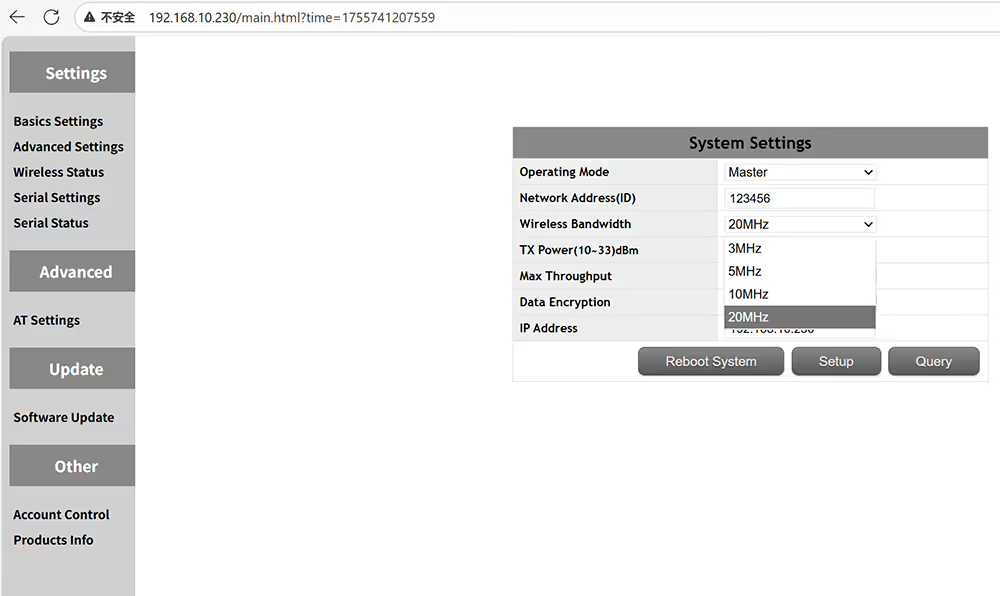
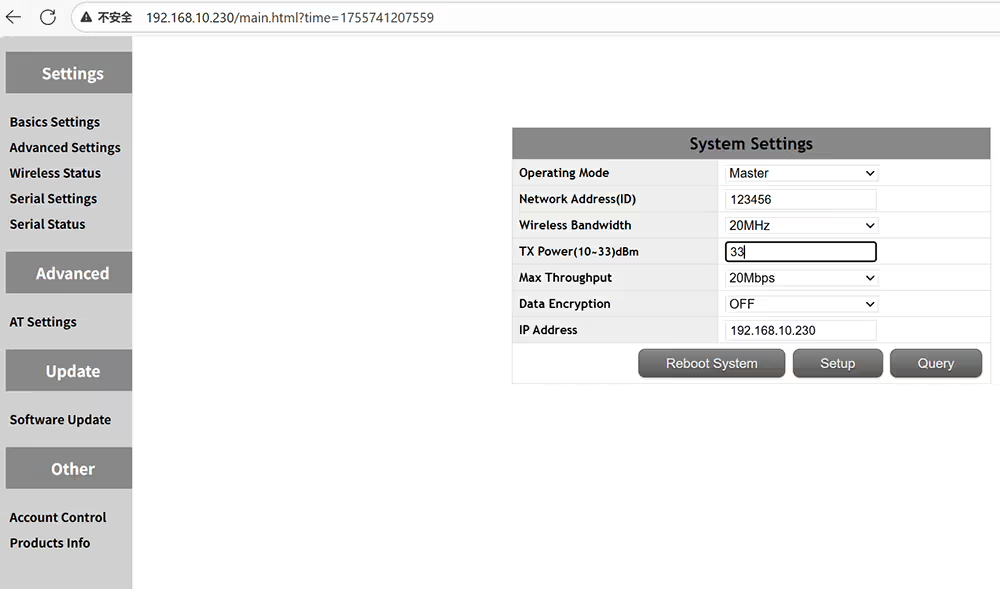
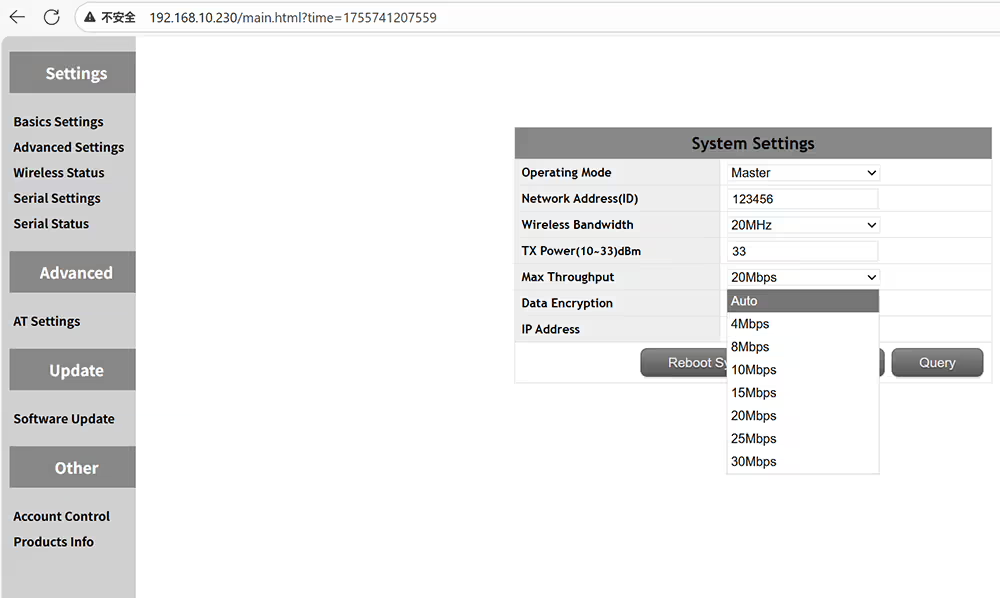
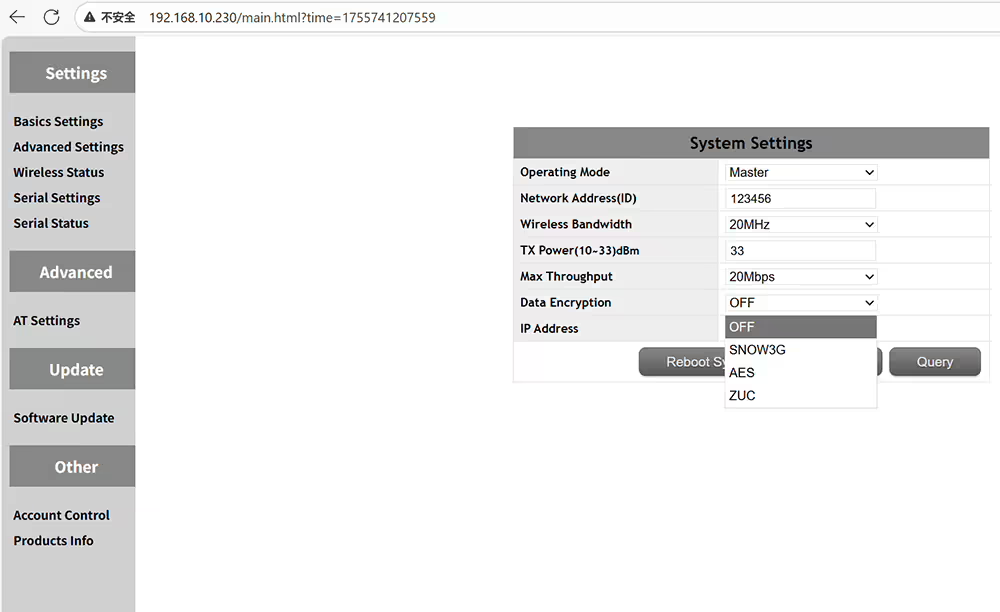
How to set role ID bandwidth tx power encryption ip address of ground receiver
drone ground receiver is master and air transmitter is slave
Only the same ID can be used for pairing
Optional transmission wireless bandwidth 3MHz 5MHz 10MHz 20MHz
Optional transmission power output from 10-33 dBm
Optional transmission max throughput auto 4-8-10-15-20-25-30Mbps
Optional data encryption method SNOW3G AES ZUC
Set the IP address + must in the same network segment with the air transmitter
Frequency hopping off then you can fix a working frequency
time slot set on 1up4down for p2p or 2Up3Down for relay networking
FHSS on or off to allow frequency hopping to avoid jamming
Manually enter the start frequency of the transmission frequency range
Manually enter the end frequency of the transmission frequency range
wireless status for RSSI SNR and transmission distance
four serial ports can set baud rate and port number
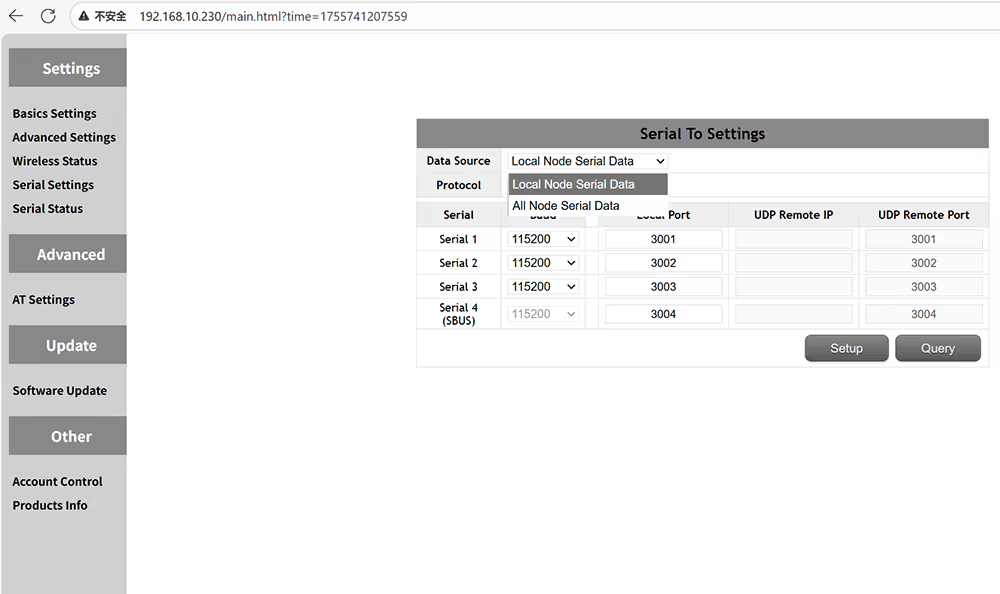
local node serial data or all nodes serial data
chooses UDP or TCP serial protocol
Change the baud rate according to the flight controller or device specifications
Check the status of data transmission and reception for the transmitter and receiver
AT commands can be used to query or execute additional functions
It can be upgraded to the latest firmware
Set a password for the admin panel to prevent unauthorized access and modifications
Check the hardware software and firmware version of the device
Price range: $722.00 through $1,250.00
Ask A Question

← Back

Thank you for your response. ✨