







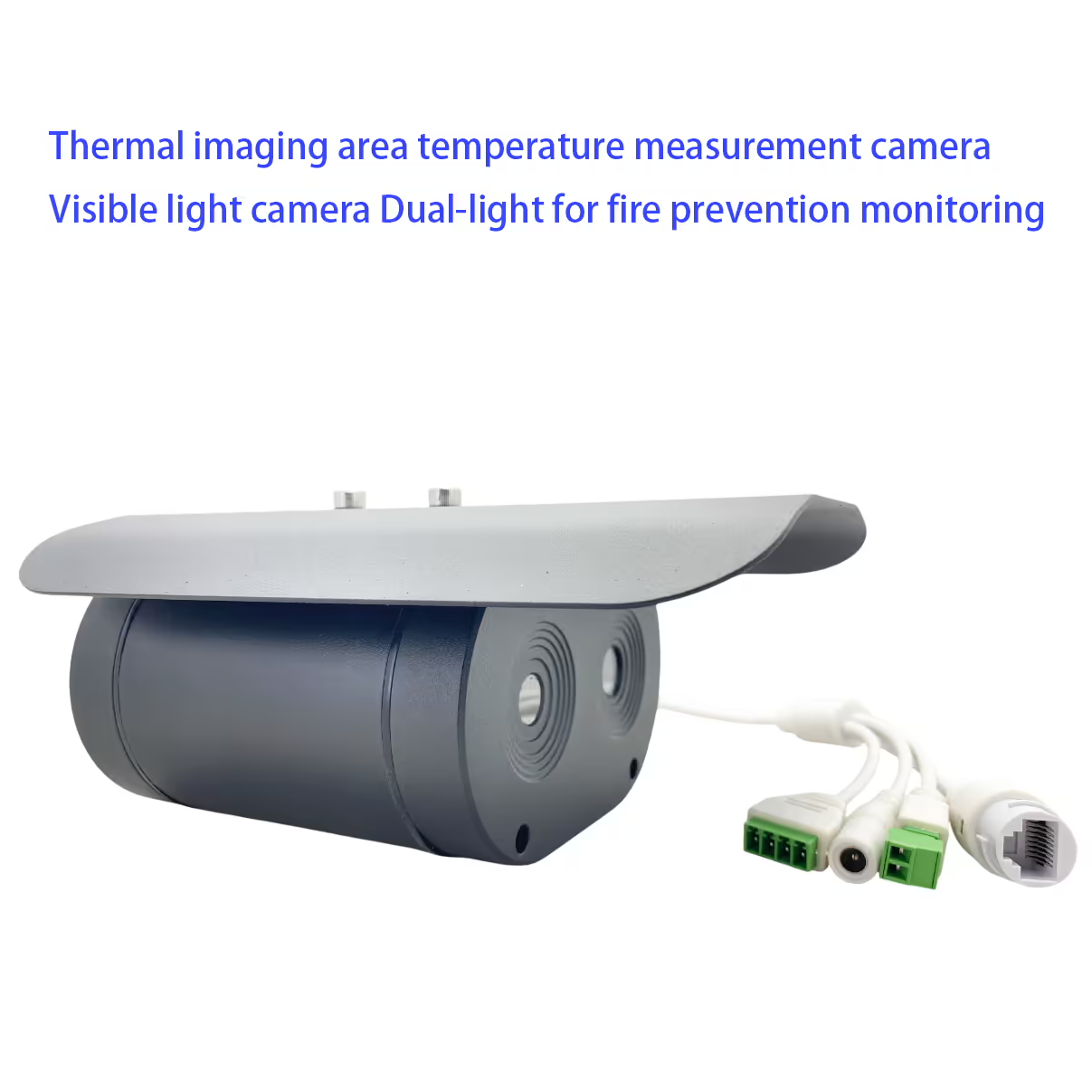
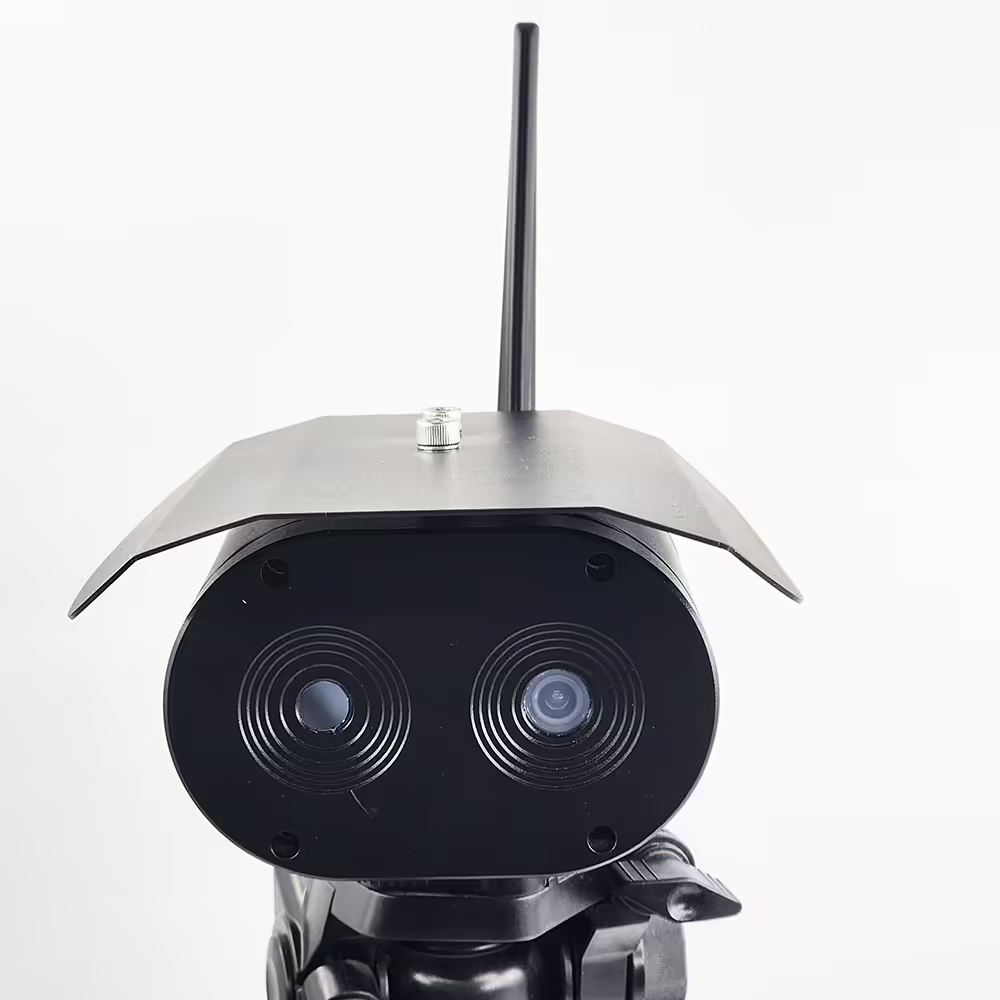
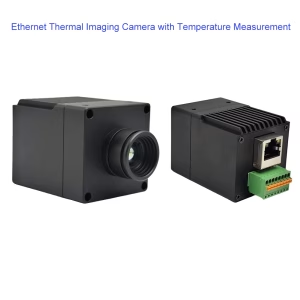
دوربین اندازه گیری دمای منطقه تصویربرداری حرارتی و دوربین نور مرئی دو نور برای نظارت بر پیشگیری از آتش سوزی
فهرست مطالب
ویژگی
- دوربین مادون قرمز با حساسیت بالا
- دوربین قابل مشاهده HD با کیفیت بالا
- می توان از آن برای تشخیص دما در مکان های مختلف استفاده کرد
- تشخیص نفوذ منطقه, تشخیص مرزی, تشخیص اجسام در دمای بالا
- حالت اندازه گیری دمای چند منطقه ای پشتیبانی می شود
- حفاظت IP67
- برای تشخیص دمای بدن انسان از راه دور 1 تا 4 متر استفاده می شود
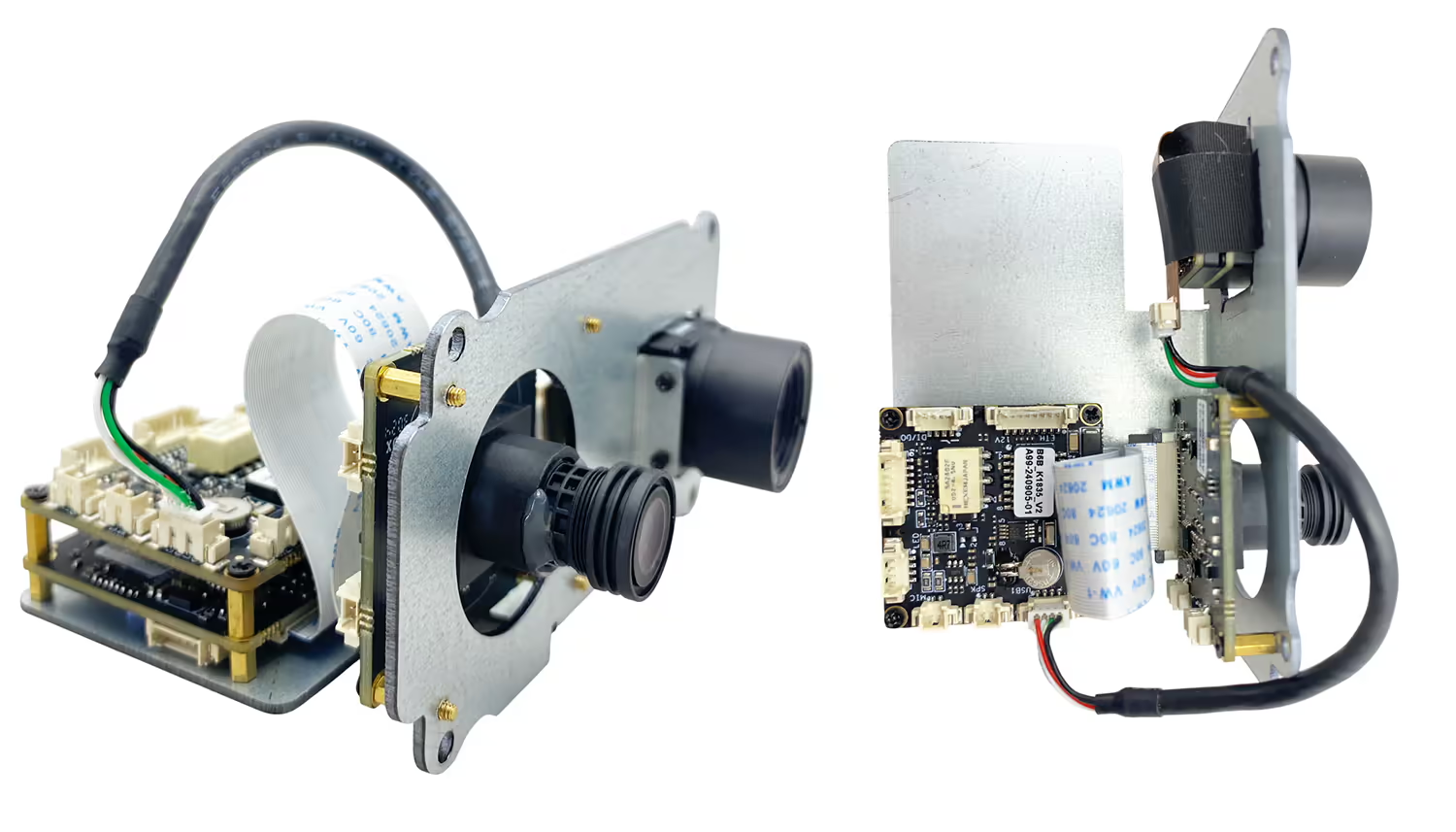
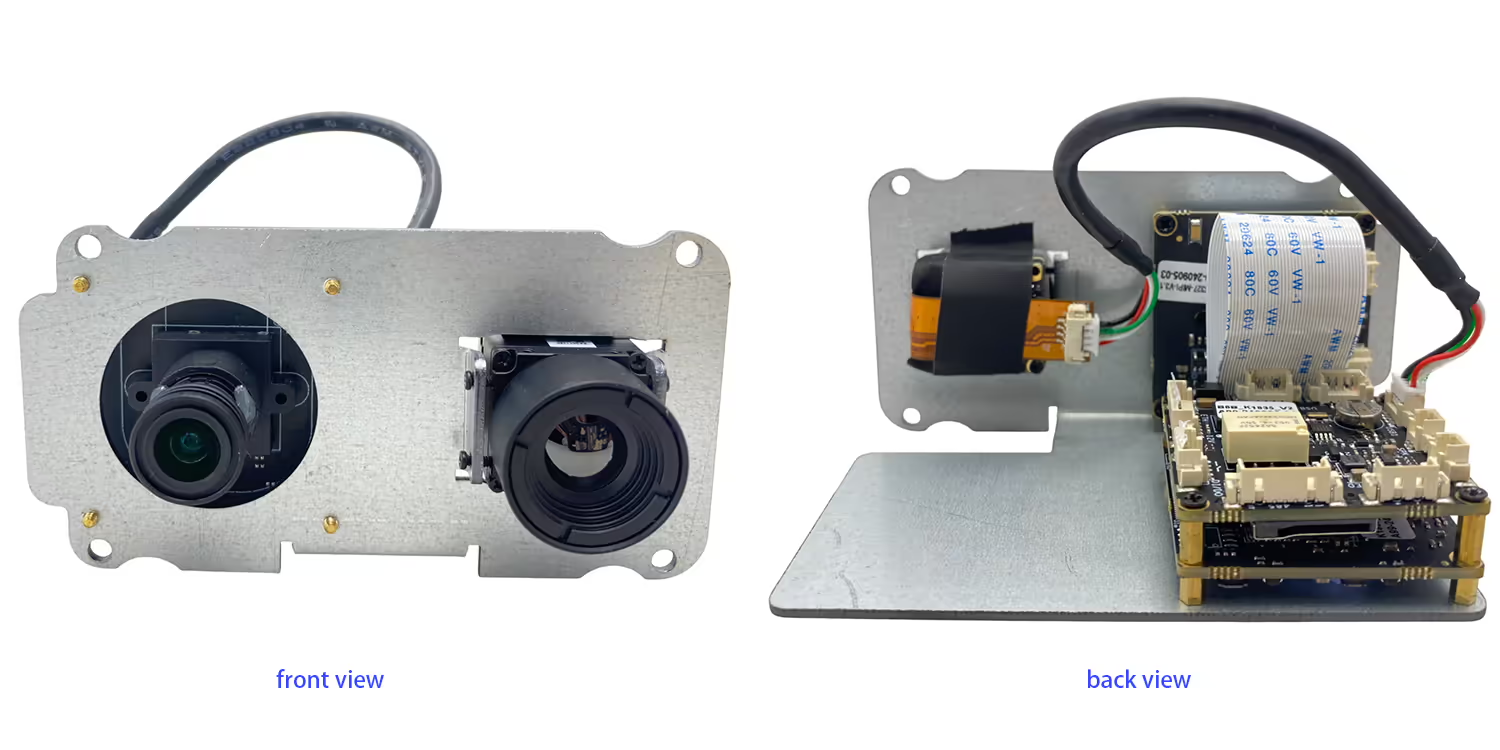
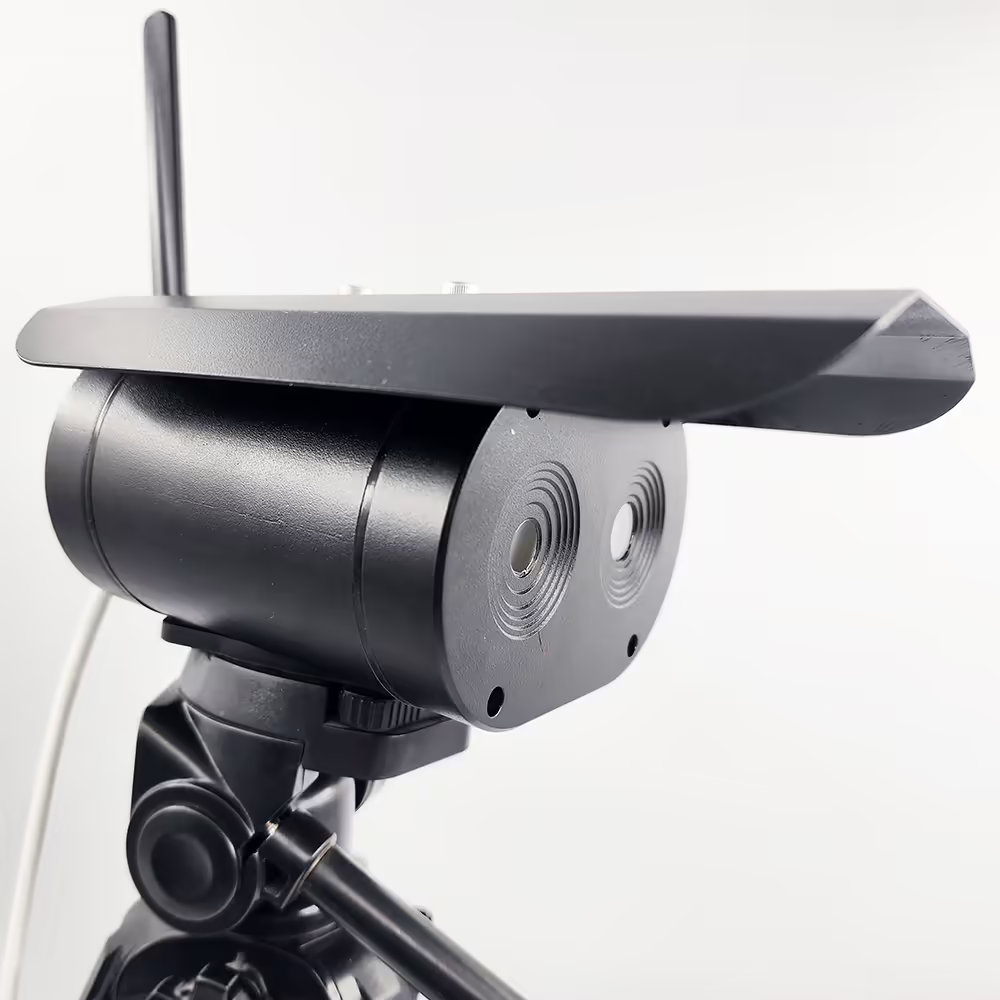
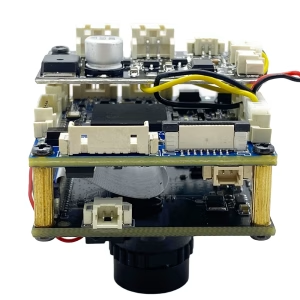
- دوربین + مادربرد تعبیه شده + ساختار یکپارچه بدنه سیاه, اندازه کوچکتر و وزن سبک تر
- بدون نیاز به کامپیوتر, خروجی سیگنال ویدئویی استاندارد HDMI, مستقیماً به مانیتور متصل می شود
- تصحیح خودکار, بدون ترس از تاثیر تغییرات دمای محیط بر تصویربرداری حرارتی
- الگوریتم اندازه گیری دقیق دمای پیشانی, فیلتر کردن پس زمینه تاثیر دمای بالا
- پشتیبانی از تشخیص ماسک, دمای غیر طبیعی بدن, زنگ یادآوری فوری 9 ضبط بلادرنگ سرور شبکه اختیاری برای تجزیه و تحلیل داده ها به ابر متصل شوید

مشخصات
| دوربین قابل مشاهده | |
| وضوح | 4 میلیون پیکسل |
| سنسورهای تصویر | GC4653 1/3 اینچ |
| دستگاه های تصویربرداری | CMOS |
| دوربین مادون قرمز | |
| نوع آشکارساز | آشکارساز خنک نشده اکسید وانادیوم |
| وضوح | 384*288 آشکارساز با حساسیت بالا, پشتیبانی از تنظیم کنتراست |
| لنز | 3.8میلی متر یا 6.2 میلی متر یا 10 میلی متر |
| محدوده اندازه گیری دما | 0 ℃-550 ℃ |
| دقت اندازه گیری دما | ± 2 درجه سانتیگراد یا ± 2٪ از خواندن, هر کدام حداکثر باشد |
| باندهای عامل | 814 ام |
| NETD | ≤60mK (F/1300K, 50هرتز) |
| نرخ فریم | 50هرتز |
| سایر پارامترها | |
| دمای عملیاتی | -20℃~80℃ |
| رابط | RJ45 |
| محیط نصب | داخلی یا خارجی |
| نصب و راه اندازی: | براکت ها, نصب دیواری, بالا بردن |
پرسش و پاسخ
Q1: Does your thermal + day light dual lens camera work well with 1.4g communication system support rc link for controlling the drone in real-time too?
A1: بله, it is working well with our TX900, 1.4Ghz wireless video data RC link.
Q2: What is the default IP address of the camera?
A2: The default IP address of the dual lens thermal imaging camera is 192.168.1.185.
Q3: What are the default login credentials for the camera?
A3:
-
نام کاربری: مدیر
-
کلمه عبور: 123456
Q4: How do I log in to the camera’s web interface?
A4: Connect the camera and your computer to the same network, ensure your computer is in the same IP subnet, then open a web browser and enter HTTP://192.168.1.185. و HTTP://192.168.1.168.Log in using the default username and password.
Q5: Can the IP address and password be changed?
A5: بله. پس از ورود به سیستم, you can modify the network settings and change the password through the camera’s web management interface. It is recommended to change the default password for security purposes.
Q6: After changing the device IP to my home network, why is the daylight (نور مرئی) video missing while the thermal video still works?
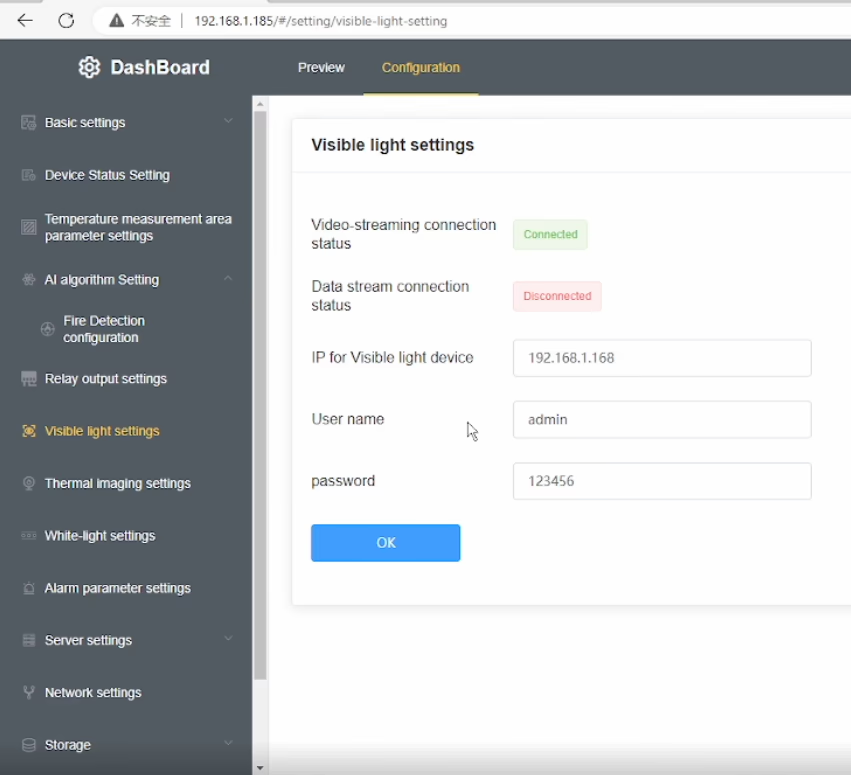
A6: This model has a built-in visible light IPC (دوربین IP) in addition to the thermal camera. When you change the main device IP address, the visible light IPC IP address must also be updated accordingly. If the IPs are not in the same network segment, the daylight video will not display.
Q7: How can I restore the daylight (نور مرئی) تصویری?
A7: Please follow these steps:
-
Modify the visible light IPC IP address so that it is in the same subnet as the main device IP.
-
را وارد کنید correct visible light IPC IP address in the device’s Visible Light Settings منو.
-
Ensure that the current visible light IP shown in the menu is in the same network segment as the device IP.
-
If your computer uses a fixed IP address, add an additional IP address to your network adapter that matches the device subnet to ensure proper communication.
Q8: Why does the thermal video still display normally?
A8: The thermal camera is integrated directly into the main device, so it is not affected by the visible light IPC network configuration. Only the visible light video depends on correct IPC IP settings.
Q9: What is the key point to avoid this issue in the future?
A9: Whenever you change the device IP address, always make sure that the visible light IPC IP, این device IP, و computer IP are all within the same network segment.
Q10: Does this dual-sensor (تصویربرداری حرارتی + نور مرئی) camera support PoE power supply? اگر بله, what is the supported voltage (or PoE standard)? (PoE=Power over Ethernet)
A10: پشتیبانی. Please indicate this requirement when placing the order, and we will add the accessory inside the unit accordingly.
منوی OSD در ویدیو




Albert –
Captures detailed thermal images, enabling precise identification of temperature variations across different areas.