







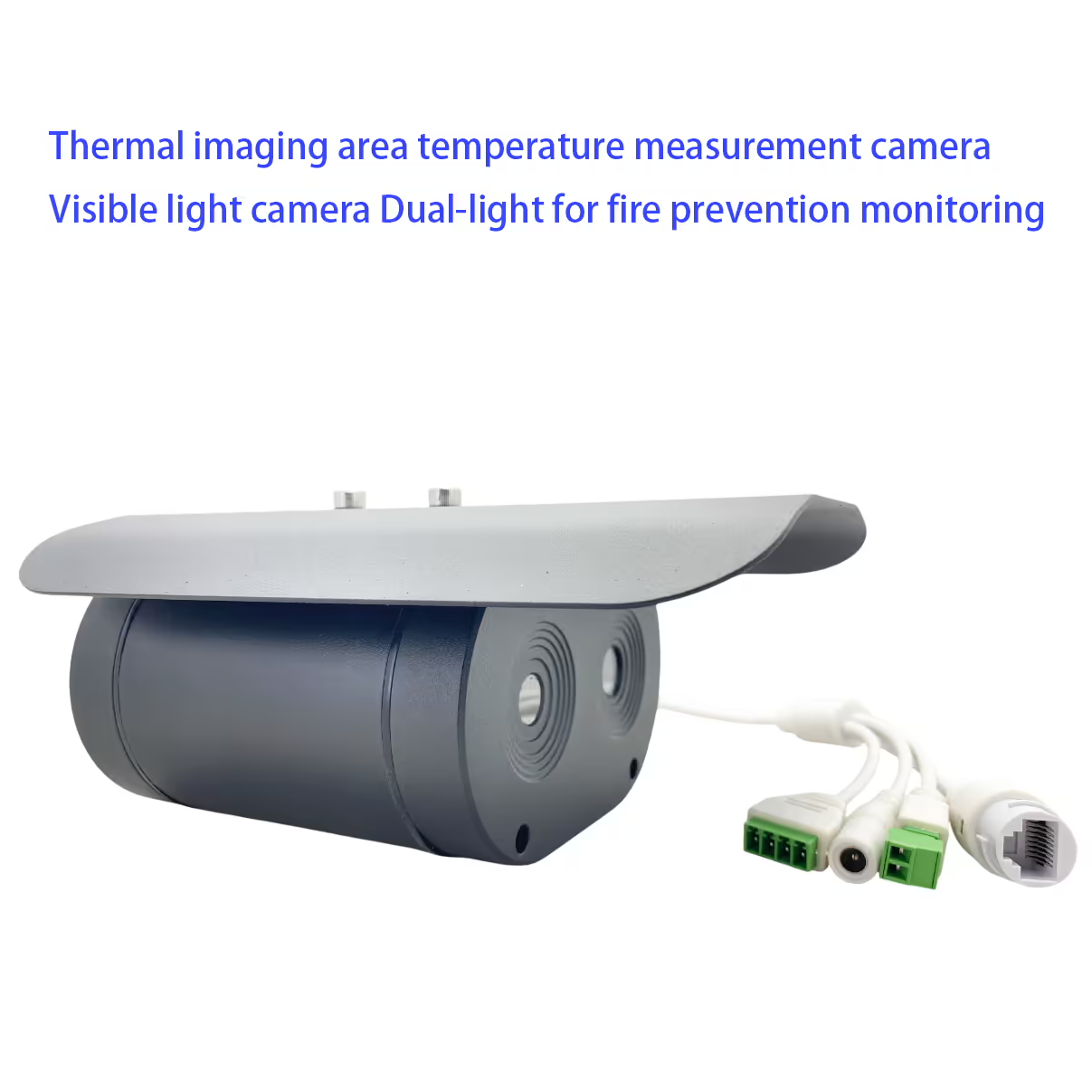
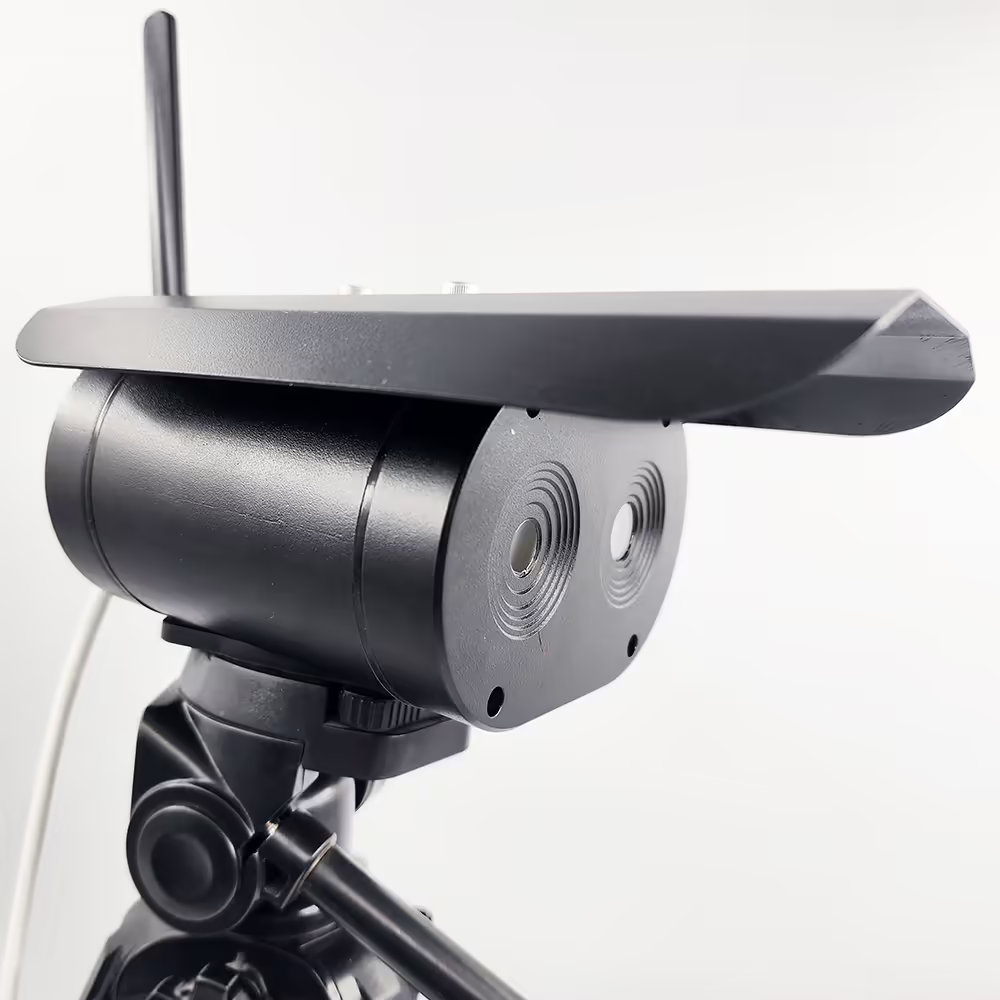
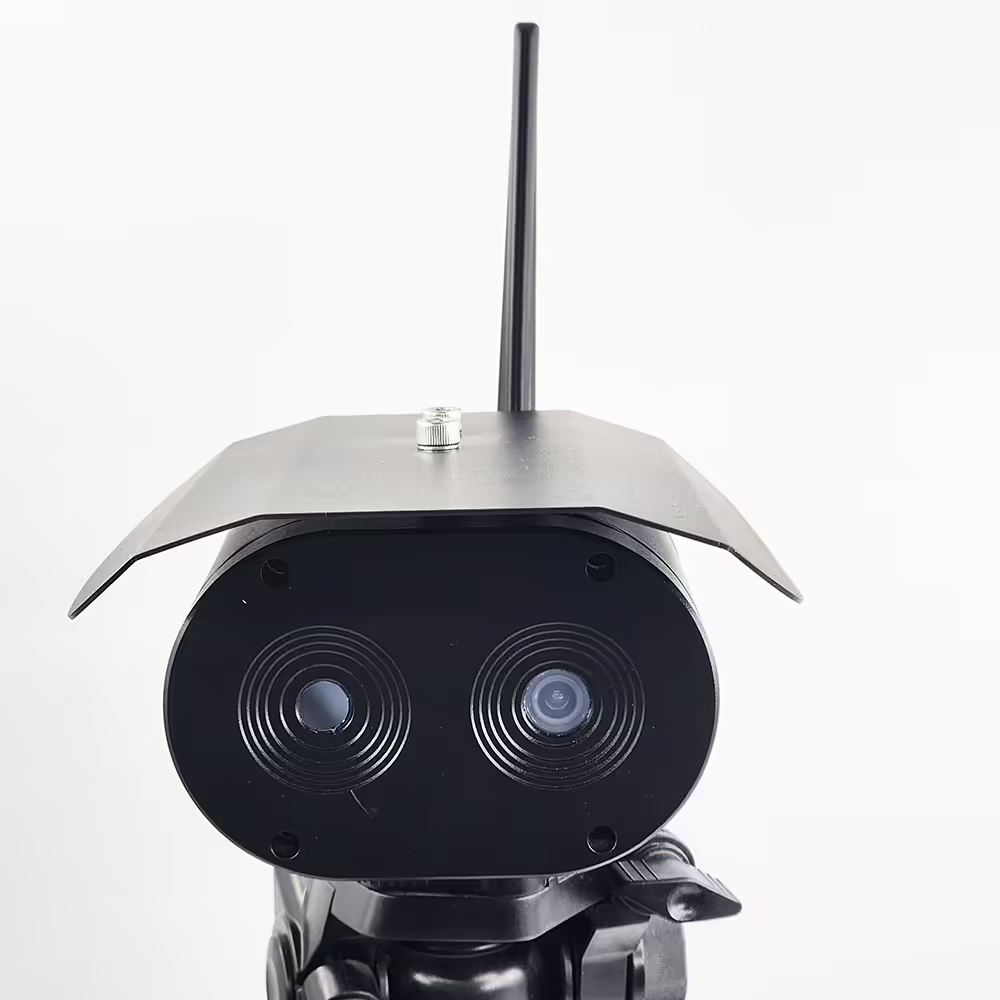
מצלמת מדידת טמפרטורה באזור הדמיה תרמית ומצלמת אור נראה אור כפול לניטור מניעת שריפות
תוכן העניינים
מאפיין
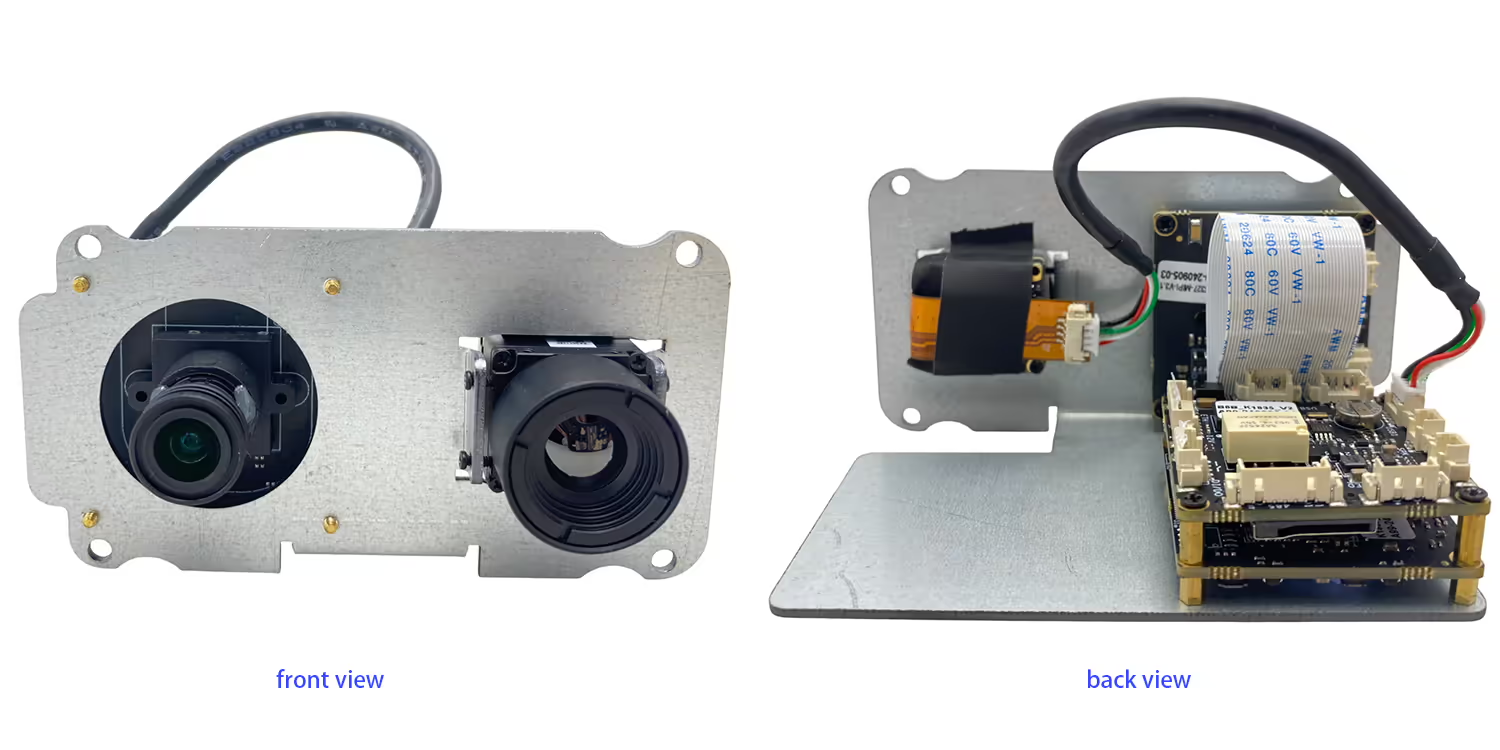
- מצלמת אינפרא אדום ברגישות גבוהה
- מצלמת HD ברזולוציה גבוהה
- זה יכול לשמש לזיהוי טמפרטורה במקומות שונים
- זיהוי חדירה לאזור, זיהוי חוצה גבולות, זיהוי עצמים בטמפרטורה גבוהה
- מצב מדידת טמפרטורה מרובה אזורים נתמך
- הגנה על IP67
- משמש לזיהוי טמפרטורת גוף אדם למרחקים ארוכים 1m ~ 4m
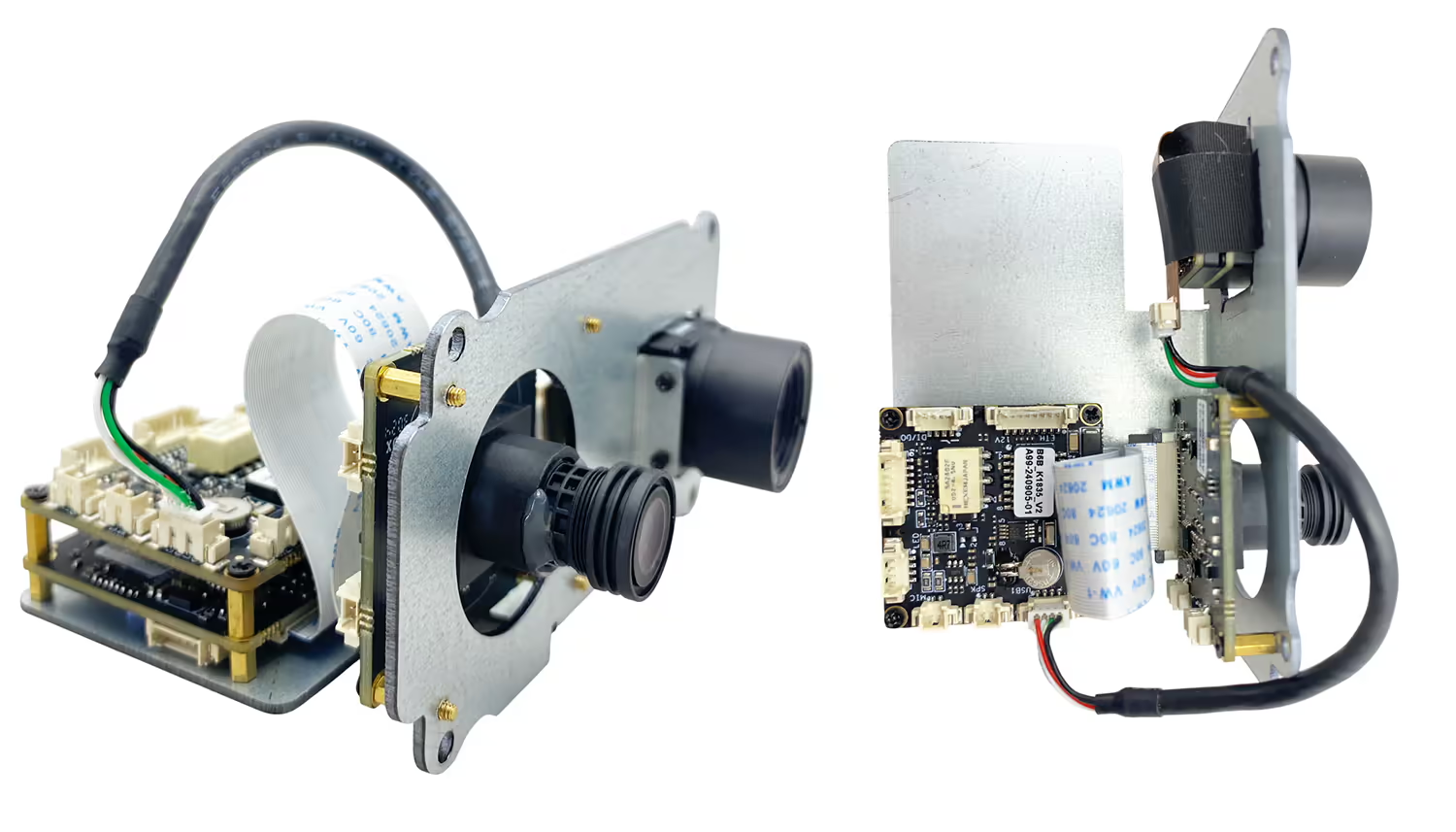
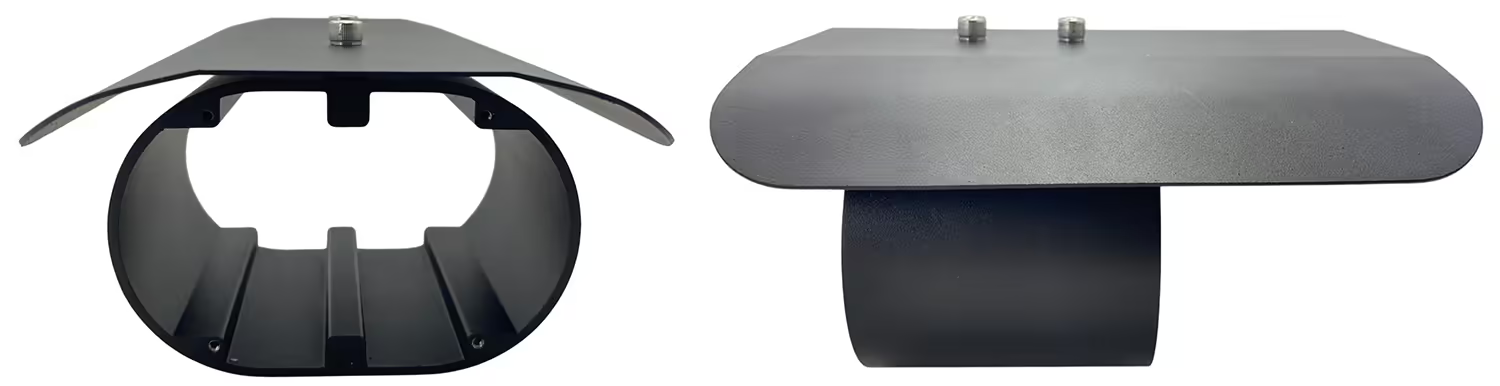
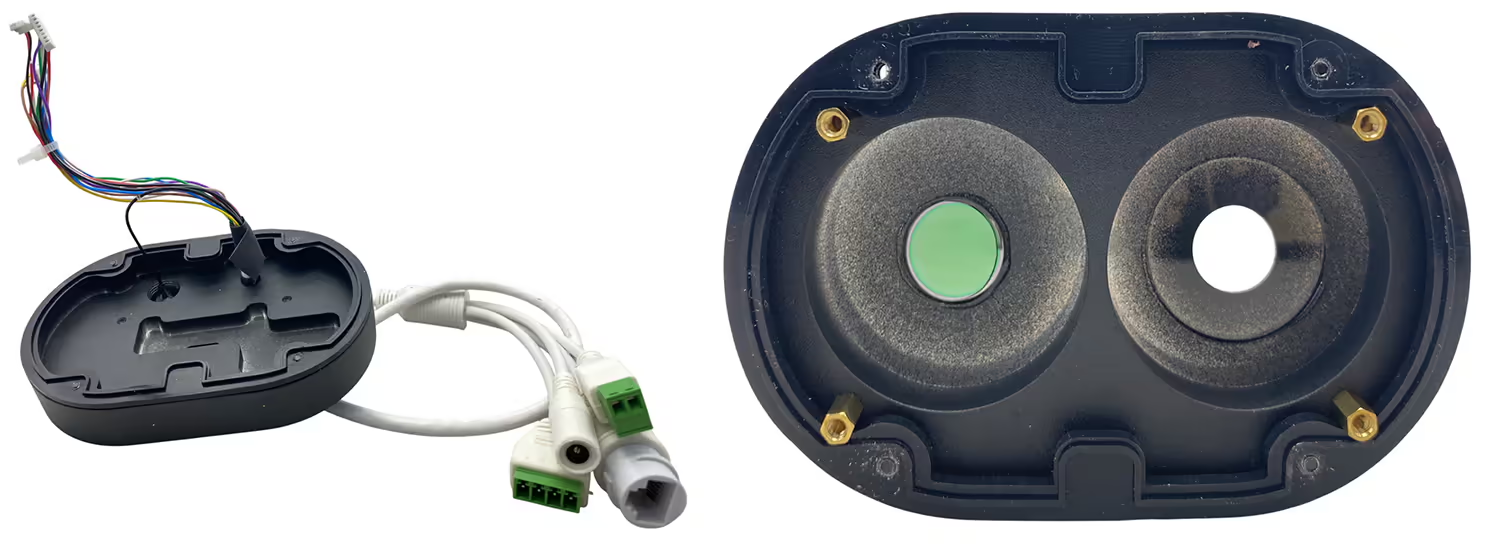
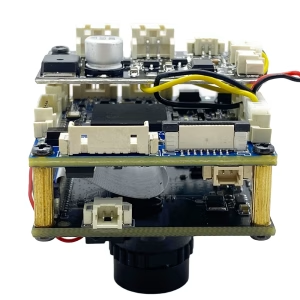
- מַצלֵמָה + לוח אם משובץ + מבנה משולב גוף שחור, גודל קטן יותר ומשקל קל יותר
- אין צורך במחשב, פלט אות וידאו סטנדרטי של HDMI, מחובר ישירות למסך
- תיקון אוטומטי, אין חשש מהשפעת שינויי טמפרטורת הסביבה על הדמיה תרמית
- מדידת אלגוריתם מדויקת של טמפרטורת המצח, סינון רקע השפעה על טמפרטורה גבוהה
- תמיכה בזיהוי מסכות, טמפרטורת גוף לא תקינה, אזעקת תזכורת מיידית 9 לכידה בזמן אמת שרת רשת אופציונלי התחבר לענן לניתוח נתונים

מִפרָט
| מצלמה גלויה | |
| פתרון הבעיה | 4 מיליון פיקסלים |
| חיישני תמונה | GC4653 1/3 אינץ' |
| מכשירי הדמיה | CMOS |
| מצלמת אינפרא אדום | |
| סוג גלאי | גלאי ונדיום אוקסיד לא מקורר |
| פתרון הבעיה | 384*288 גלאי רגישות גבוהה, תומך בהתאמת ניגודיות |
| עֲדָשָׁה | 3.8מ"מ או 6.2 מ"מ או 10 מ"מ |
| טווח מדידת טמפרטורה | 0 ℃-550 ℃ |
| דיוק מדידת טמפרטורה | ± 2°C או ±2% מהקריאה, המקסימום מביניהם |
| להקות הפעלה | 8~14 אממ |
| NETD | ≤60mK (F/1,300K, 50הרץ) |
| קצב פריימים | 50הרץ |
| פרמטרים אחרים | |
| טמפרטורת פעולה | -20℃ ~ 80 ℃ |
| מִמְשָׁק | RJ45 |
| סביבת התקנה | בפנים או בחוץ |
| הַתקָנָה: | סוֹגְרַיִם, הרכבה על הקיר, הנפה |
שאלות נפוצות
Q1: עושה את התרמית שלך + מצלמת עדשה כפולה לאור יום עובדת היטב עם מערכת תקשורת 1.4 גרם תומכת קישור rc לשליטה במזל"ט בזמן אמת מדי?
A1: כן, זה עובד טוב עם שלנו TX900, 1.4קישור RC לנתוני וידאו אלחוטיים Ghz.
Q2: מהי כתובת ה-IP המוגדרת כברירת מחדל של המצלמה?
A2: כתובת ה-IP המוגדרת כברירת מחדל של מצלמת ההדמיה התרמית עם העדשה הכפולה היא 192.168.1.185.
Q3: מהם אישורי הכניסה המוגדרים כברירת מחדל עבור המצלמה?
A3:
-
שם משתמש: מנהל
-
סיסמה: 123456
Q4: איך אני נכנס לממשק האינטרנט של המצלמה?
A4: חבר את המצלמה והמחשב שלך לאותה רשת, ensure your computer is in the same IP subnet, then open a web browser and enter http://192.168.1.185. ו http://192.168.1.168.Log in using the default username and password.
ש 5: Can the IP address and password be changed?
A5: כן. לאחר הכניסה, you can modify the network settings and change the password through the camera’s web management interface. It is recommended to change the default password for security purposes.
שאלה 6: After changing the device IP to my home network, why is the daylight (אור גלוי) video missing while the thermal video still works?
A6: This model has a built-in visible light IPC (מצלמת מעקב שמתחברת לרשת האינטרנט) in addition to the thermal camera. When you change the main device IP address, the visible light IPC IP address must also be updated accordingly. If the IPs are not in the same network segment, the daylight video will not display.
ש 7: How can I restore the daylight (אור גלוי) וִידֵאוֹ?
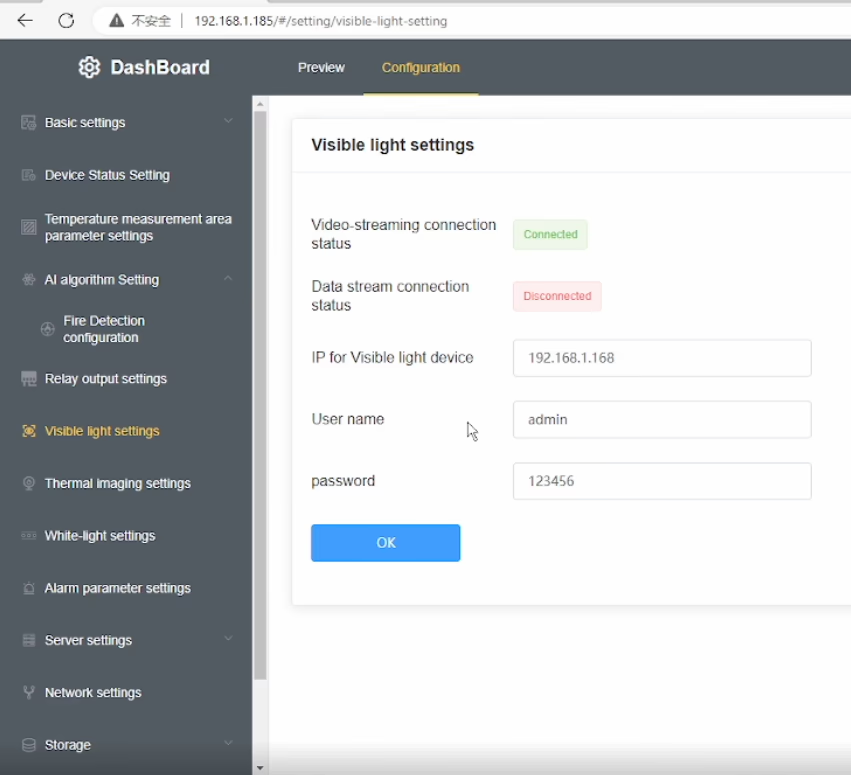
A7: Please follow these steps:
-
Modify the visible light IPC IP address so that it is in the אותה רשת משנה as the main device IP.
-
הזן את correct visible light IPC IP address in the device’s Visible Light Settings תַפרִיט.
-
ודא כי current visible light IP shown in the menu is in the same network segment as the device IP.
-
If your computer uses a fixed IP address, add an additional IP address to your network adapter that matches the device subnet to ensure proper communication.
שאלה 8: Why does the thermal video still display normally?
A8: The thermal camera is integrated directly into the main device, so it is not affected by the visible light IPC network configuration. Only the visible light video depends on correct IPC IP settings.
שאלה 9: What is the key point to avoid this issue in the future?
A9: Whenever you change the device IP address, always make sure that the visible light IPC IP, ה device IP, וה computer IP are all within the אותו קטע רשת.
שאלה 10: Does this dual-sensor (הדמיה תרמית + אור גלוי) camera support PoE power supply? אם כן, what is the supported voltage (or PoE standard)? (PoE=Power over Ethernet)
A10: נתמך. Please indicate this requirement when placing the order, and we will add the accessory inside the unit accordingly.
תפריט OSD בווידאו





Albert –
Captures detailed thermal images, enabling precise identification of temperature variations across different areas.