







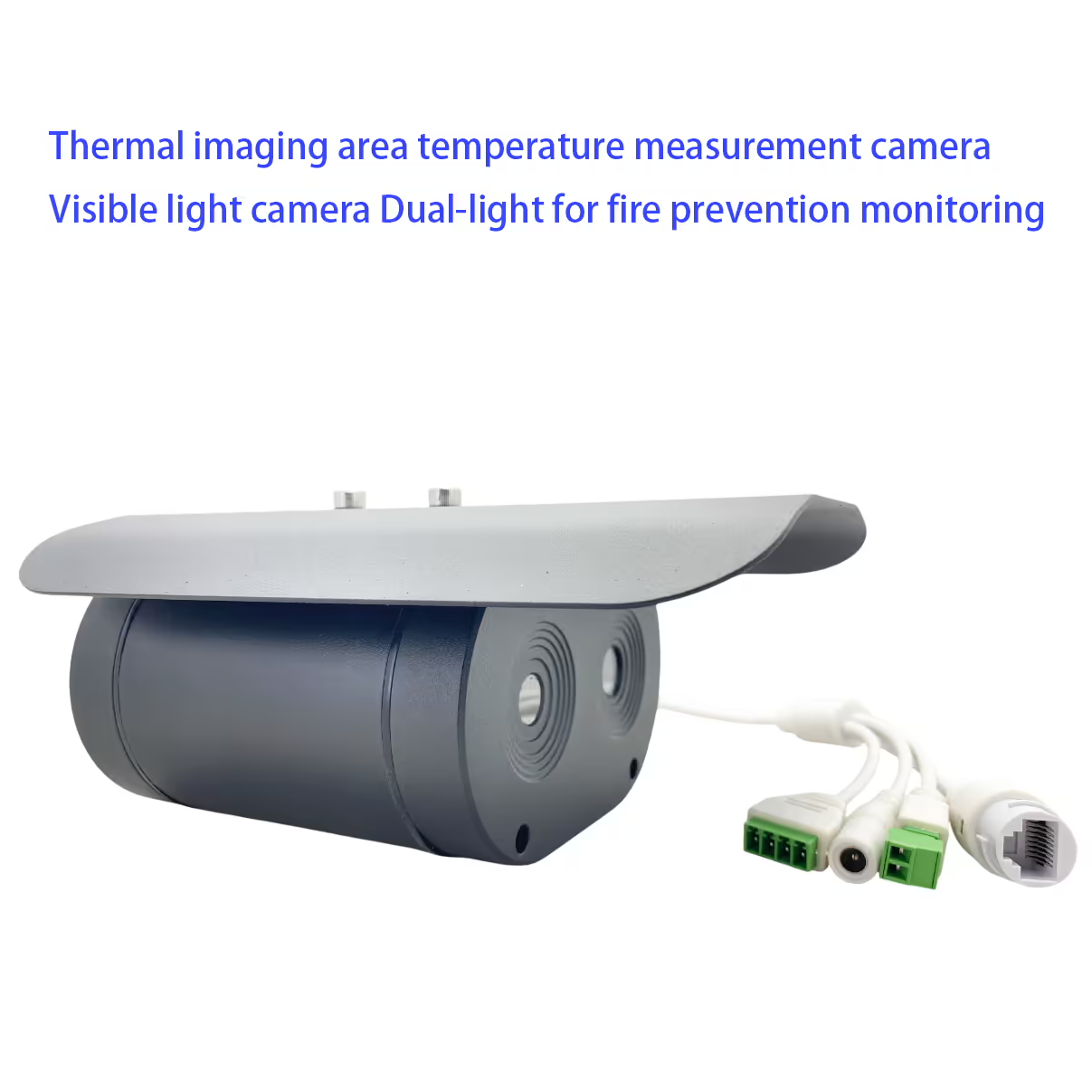
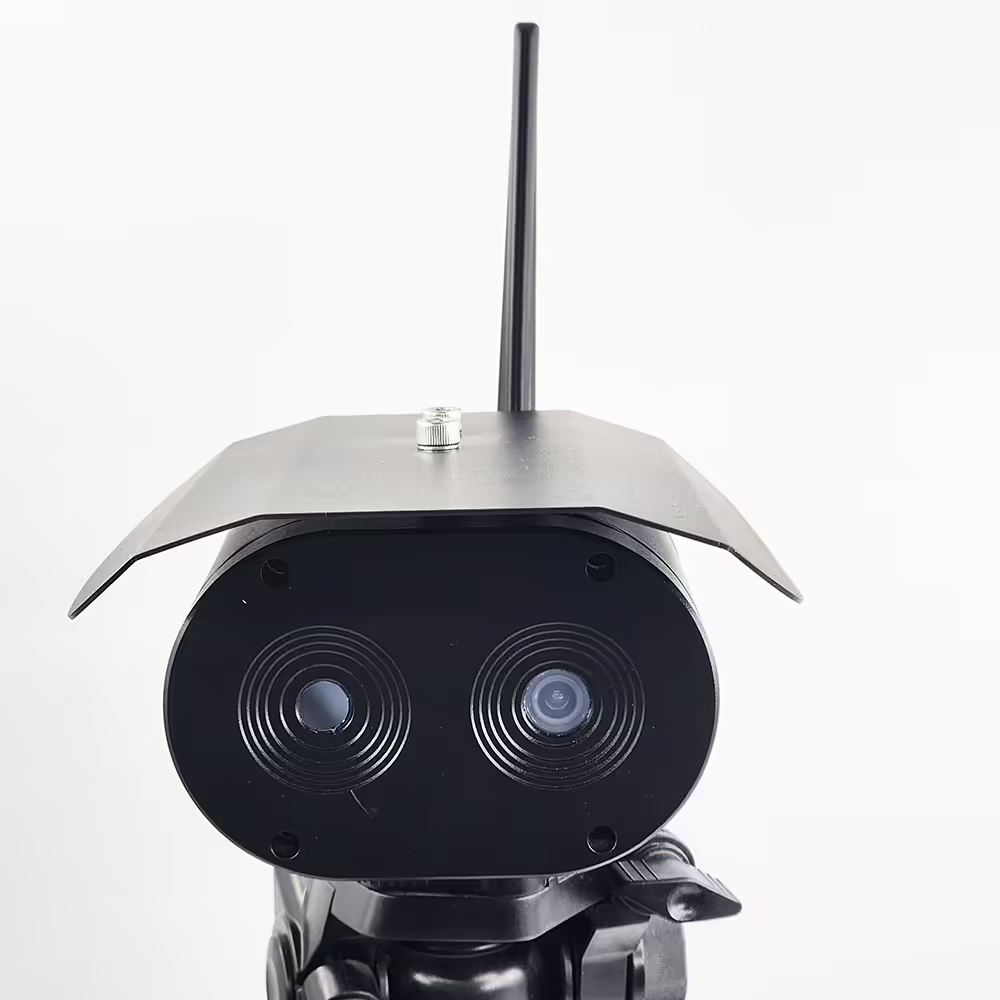
Thermische beeldcamera voor gebiedstemperatuurmeting en camera voor zichtbaar licht Dubbel licht voor bewaking van brandpreventie
Inhoudsopgave
Kenmerk
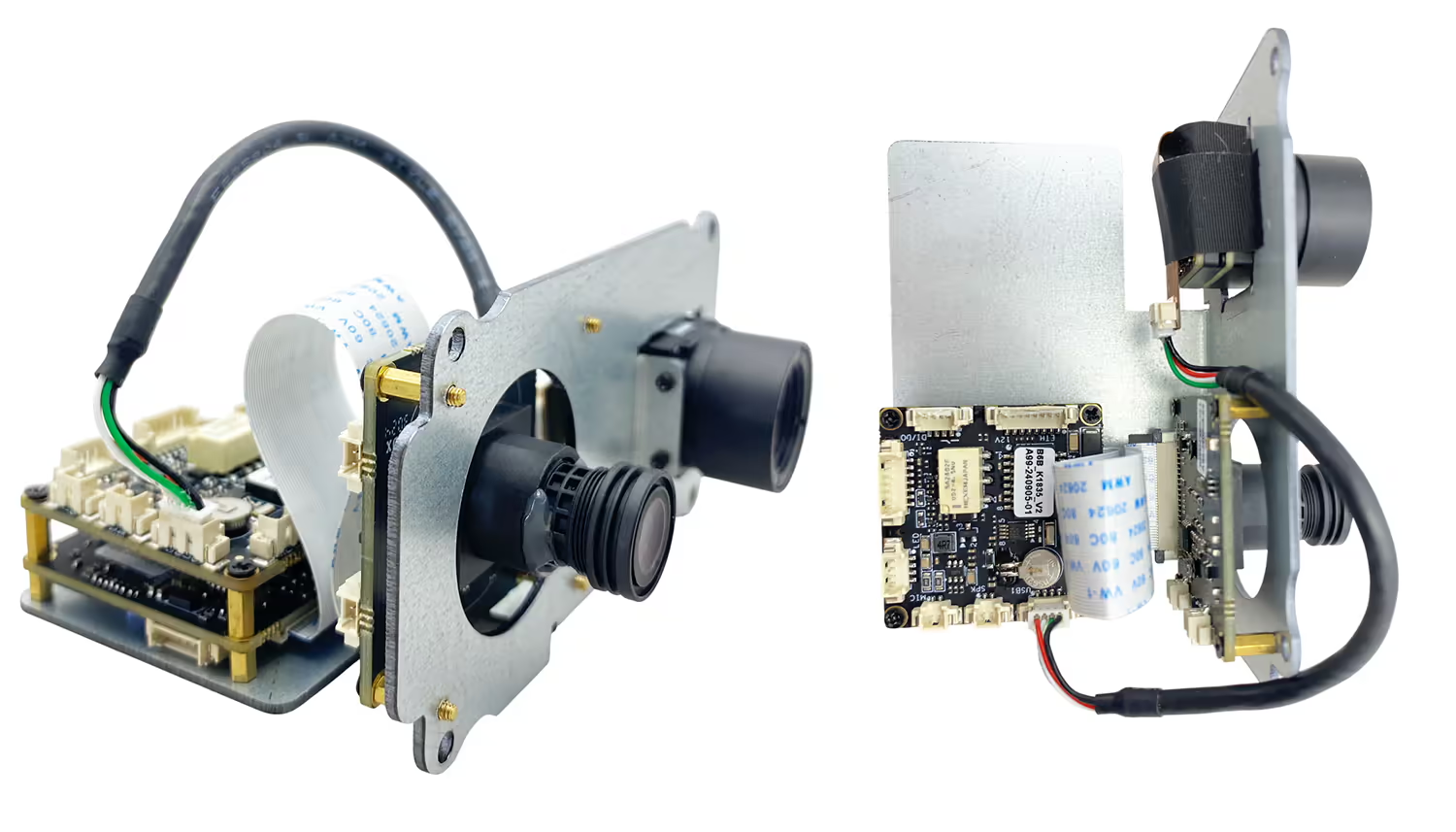
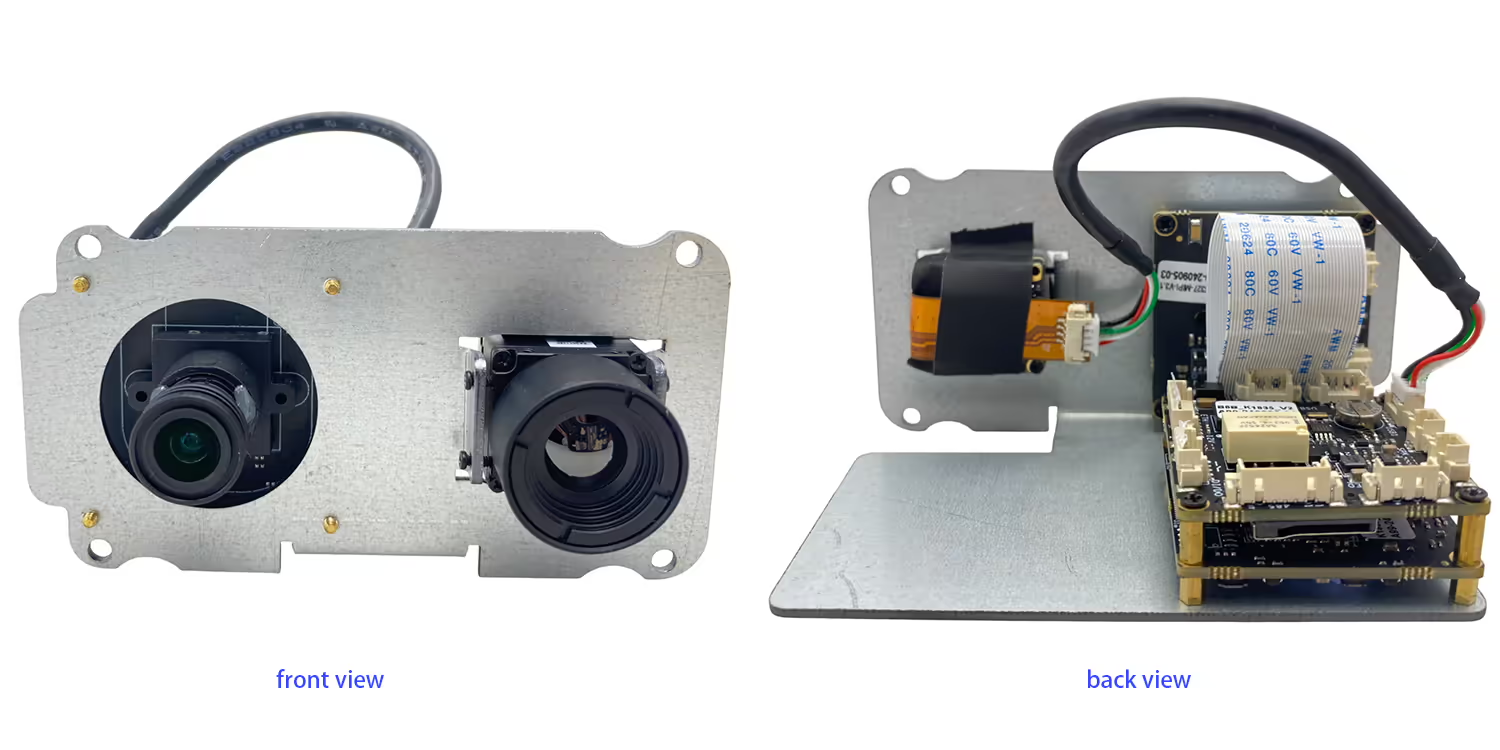
- Hoge gevoeligheid Infraroodcamera
- High-Definition HD zichtbare camera
- Het kan op verschillende plaatsen worden gebruikt voor temperatuurdetectie
- Inbreuk op het gebied van gebied, Grensoverschrijdende detectie, Objectdetectie op hoge temperatuur
- Multi-Zone temperatuurmeetmodus wordt ondersteund
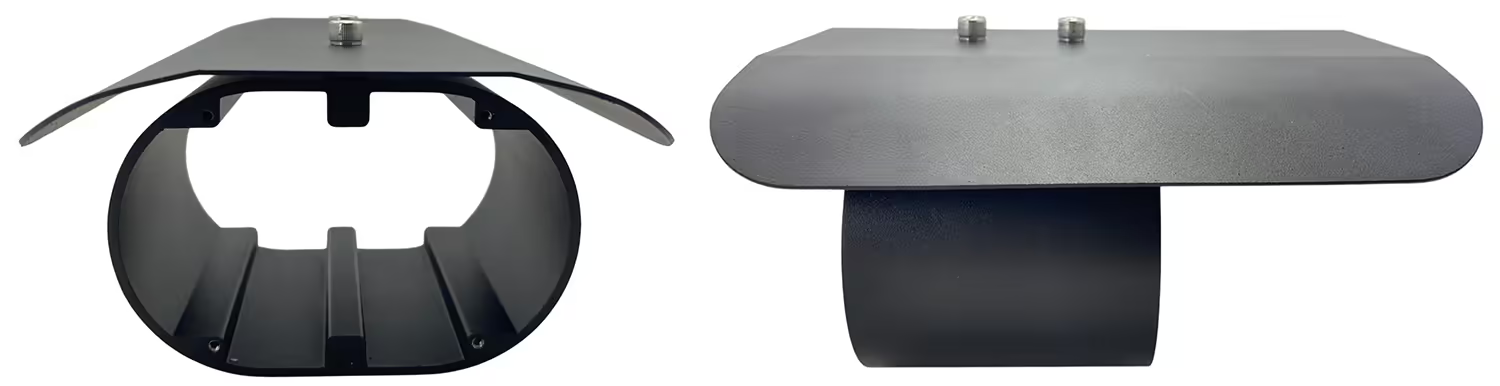
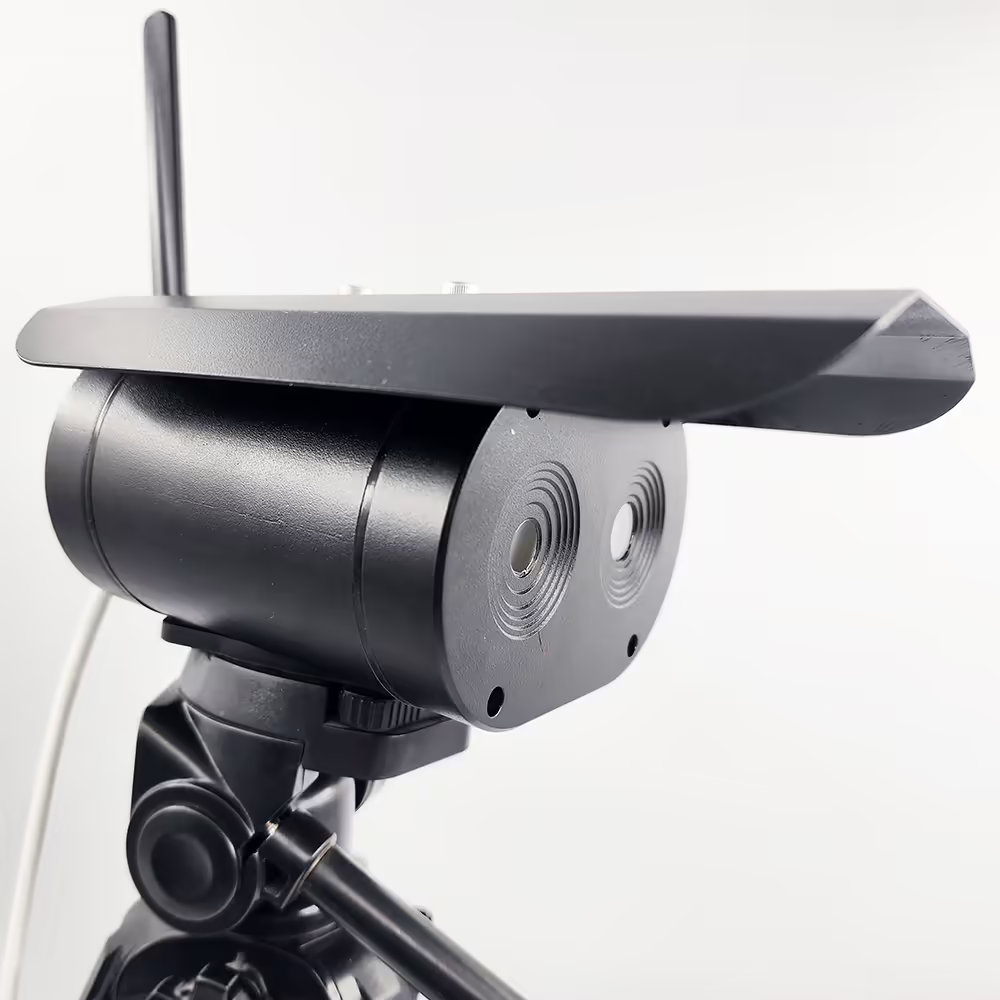
- IP67 -bescherming
- Gebruikt voor langeafstand van het menselijk lichaamstemperatuurdetectie 1m ~ 4m
- Camera + ingebed moederbord + Geïntegreerde zwarte lichaamsstructuur, kleiner formaat en lichter gewicht
- Geen computer vereist, HDMI standaard videosignaaluitgang, direct verbonden met de monitor
- Automatische correctie, Geen angst voor de impact van veranderingen in omgevingstemperatuur op thermische beeldvorming
- Nauwkeurige algoritme -meting voor voorhoofdtemperatuur, Filtering van de achtergrond hoge temperatuur impact
- Ondersteuning maskerherkenning, abnormale lichaamstemperatuur, Direct herinneringsalarm 9 Real-time vastleggen Optionele netwerkserver verbinding maken met de cloud voor data-analyse

Specificatie
| Zichtbare camera | |
| resolutie | 4 Million Pixels |
| Beeldsensoren | GC4653 1/3 " |
| Imaging -apparaten | CMOS |
| Infraroodcamera | |
| Detectortype | Vanadiumoxide ongekoelde detector |
| resolutie | 384*288 Hoge gevoeligheidsdetector, Ondersteuning van contrastaanpassing |
| lens | 3.8mm of 6,2 mm of 10 mm |
| Temperatuurmeetbereik | 0 ℃ -550 ℃ |
| Temperatuurmeting nauwkeurigheid | ± 2 ° C of ± 2% van de lezing, welke maximaal is |
| Operationele bands | 8~ 14 One |
| Netd | ≤60mk (f/1.300K, 50Hz) |
| Frame rate | 50hz |
| Andere parameters | |
| bedrijfstemperatuur | -20℃ ~ 80 ℃ |
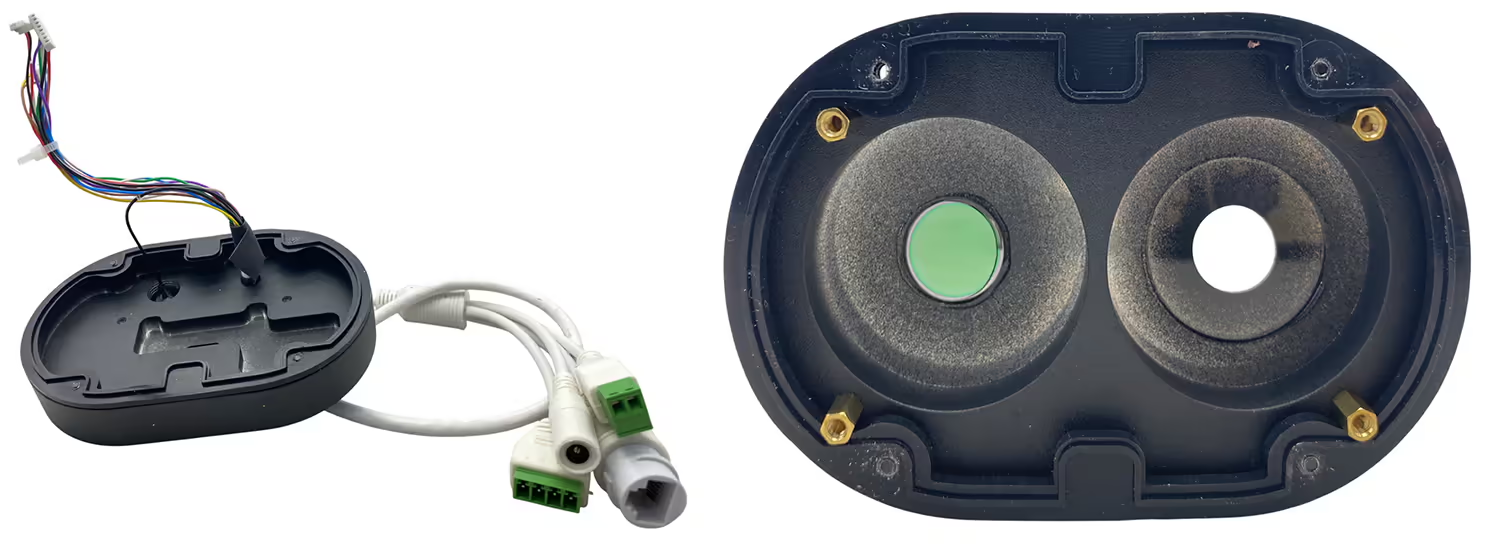
| interface | RJ45 |
| Installatieomgeving | Binnen of buiten |
| Installatie: | Beugels, muurmontage, hijs |
FAQ
Q1: Gaat uw thermisch + Daglicht Dual Lens Camera werkt goed met 1.4G Communication System Support RC Link voor het besturen van de drone ook in realtime?
A1: Ja, het werkt goed met onze TX900, 1.4GHZ Wireless Video Data RC Link.
Q2: What is the default IP address of the camera?
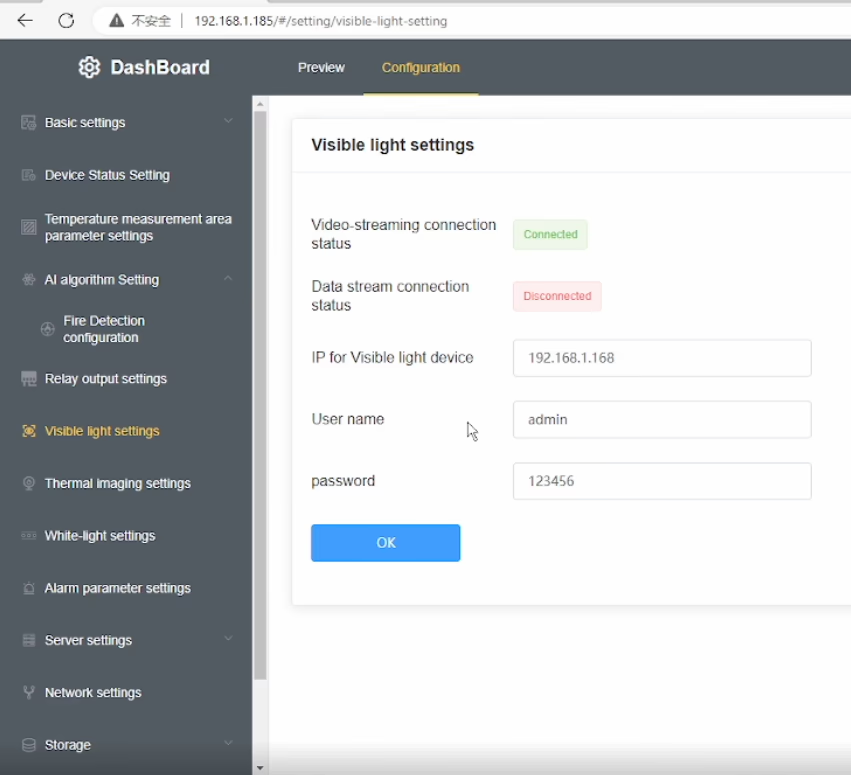
A2: The default IP address of the dual lens thermal imaging camera is 192.168.1.185.
Q3: What are the default login credentials for the camera?
A3:
-
Gebruikersnaam: beheerder
-
Wachtwoord: 123456
Q4: How do I log in to the camera’s web interface?
A4: Connect the camera and your computer to the same network, ensure your computer is in the same IP subnet, then open a web browser and enter http://192.168.1.185. en http://192.168.1.168.Log in using the default username and password.
V5: Can the IP address and password be changed?
A5: Ja. Na het inloggen, you can modify the network settings and change the password through the camera’s web management interface. It is recommended to change the default password for security purposes.
V6: After changing the device IP to my home network, why is the daylight (zichtbaar licht) video missing while the thermal video still works?
A6: This model has a built-in visible light IPC (IP camera) in addition to the thermal camera. When you change the main device IP address, the visible light IPC IP address must also be updated accordingly. If the IPs are not in the same network segment, the daylight video will not display.
V7: How can I restore the daylight (zichtbaar licht) video-?
A7: Please follow these steps:
-
Modify the visible light IPC IP address so that it is in the hetzelfde subnet as the main device IP.
-
Voer de correct visible light IPC IP address in the device’s Visible Light Settings menu.
-
Ensure that the current visible light IP shown in the menu is in the same network segment as the device IP.
-
If your computer uses a fixed IP address, add an additional IP address to your network adapter that matches the device subnet to ensure proper communication.
Q8: Why does the thermal video still display normally?
A8: The thermal camera is integrated directly into the main device, so it is not affected by the visible light IPC network configuration. Only the visible light video depends on correct IPC IP settings.
Vraag 9: What is the key point to avoid this issue in the future?
A9: Whenever you change the device IP address, always make sure that the visible light IPC IP, de device IP, en de computer IP are all within the hetzelfde netwerksegment.
Q10: Does this dual-sensor (thermische beeldvorming + zichtbaar licht) camera support PoE power supply? Zo ja, what is the supported voltage (or PoE standard)? (PoE=Power over Ethernet)
A10: ondersteunde. Please indicate this requirement when placing the order, and we will add the accessory inside the unit accordingly.
OSD -menu in video



Albert –
Legt gedetailleerde thermische afbeeldingen vast, het mogelijk maken van een nauwkeurige identificatie van temperatuurvariaties op verschillende gebieden.