






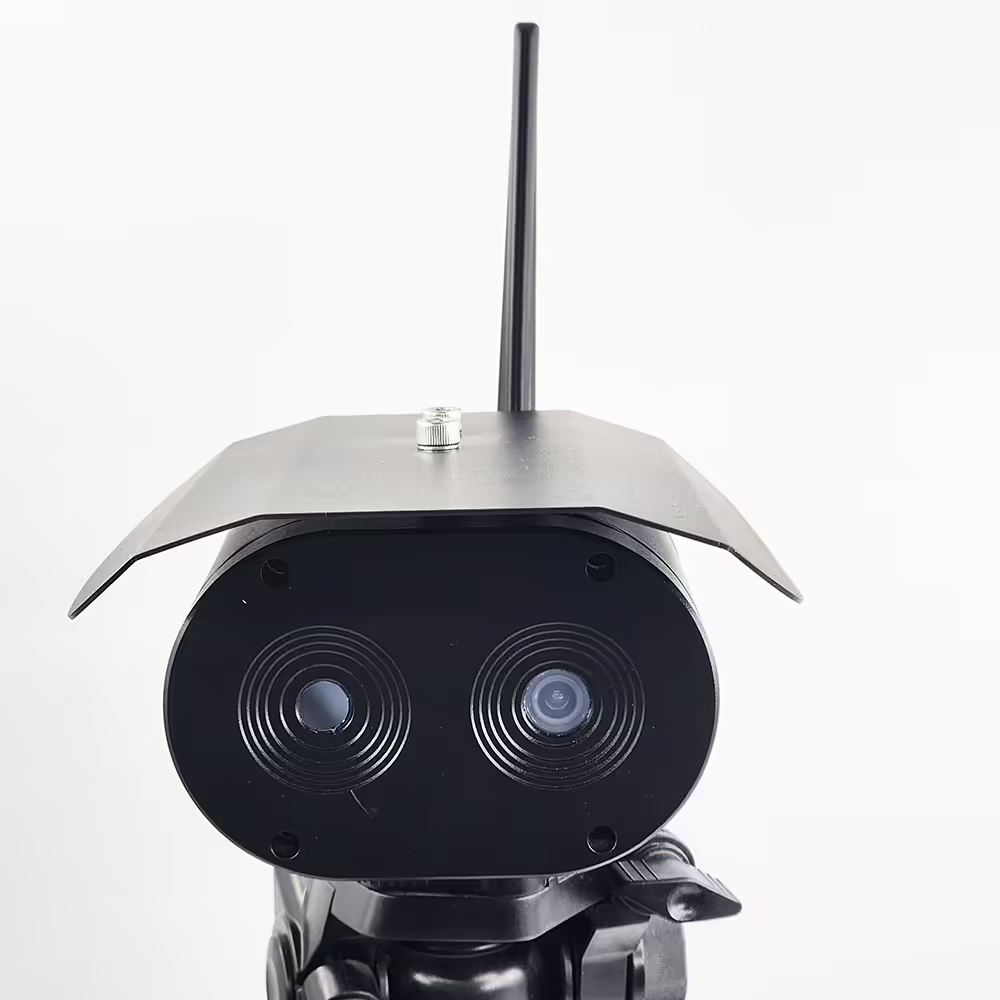
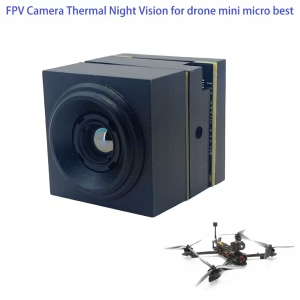
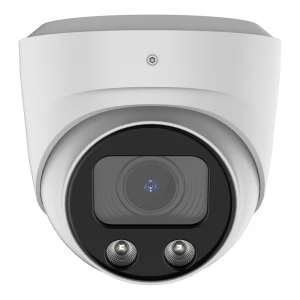
Cámara de medición de temperatura del área de imágenes térmicas y cámara de luz visible Luz dual para monitoreo de prevención de incendios
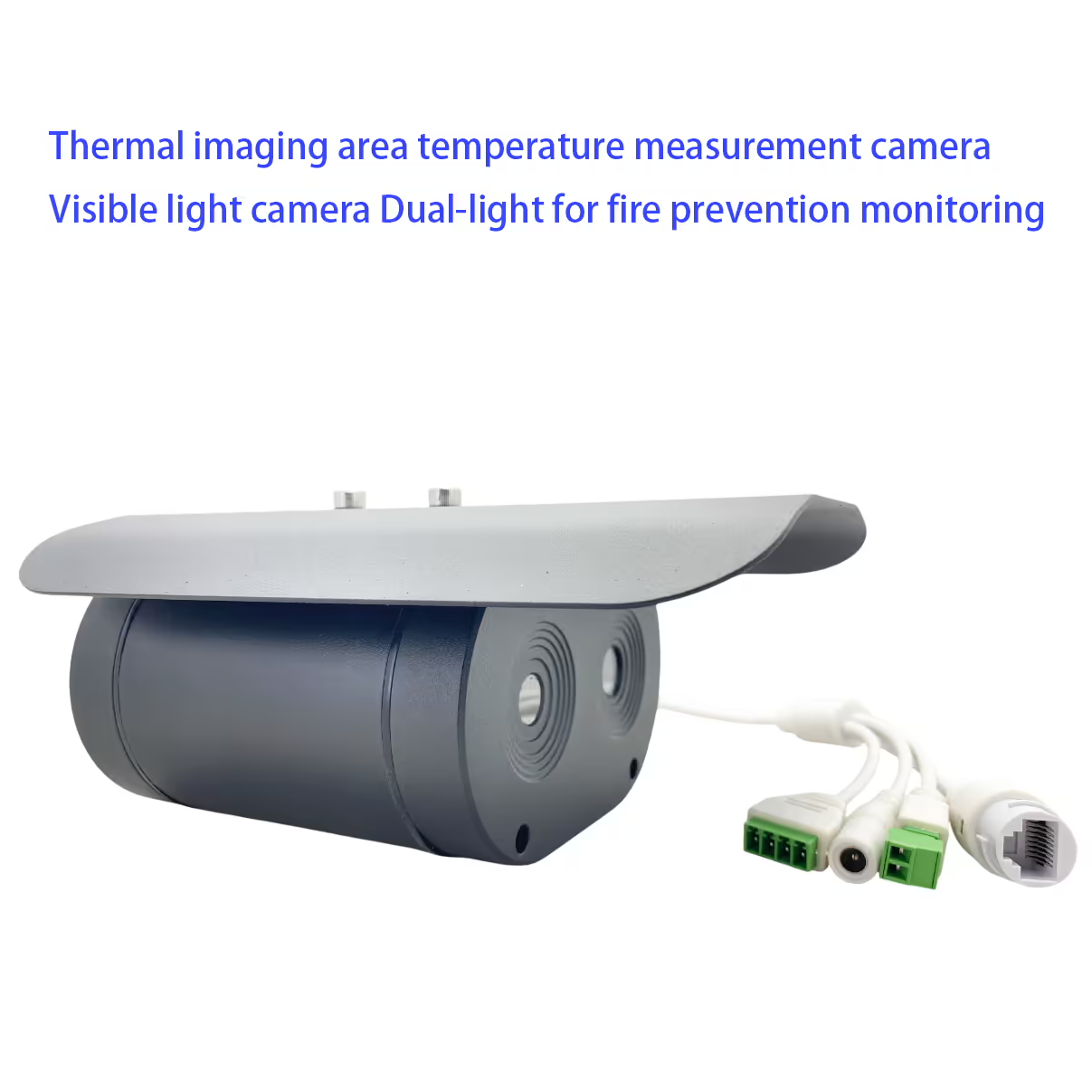
Tabla de contenido
Característica
- High sensitivity infrared camera
- High-definition HD visible camera
- It can be used for temperature detection in various places
- Area Intrusion Detection, Cross-Border Detection, High Temperature Object Detection
- Multi-zone temperature measurement mode is supported
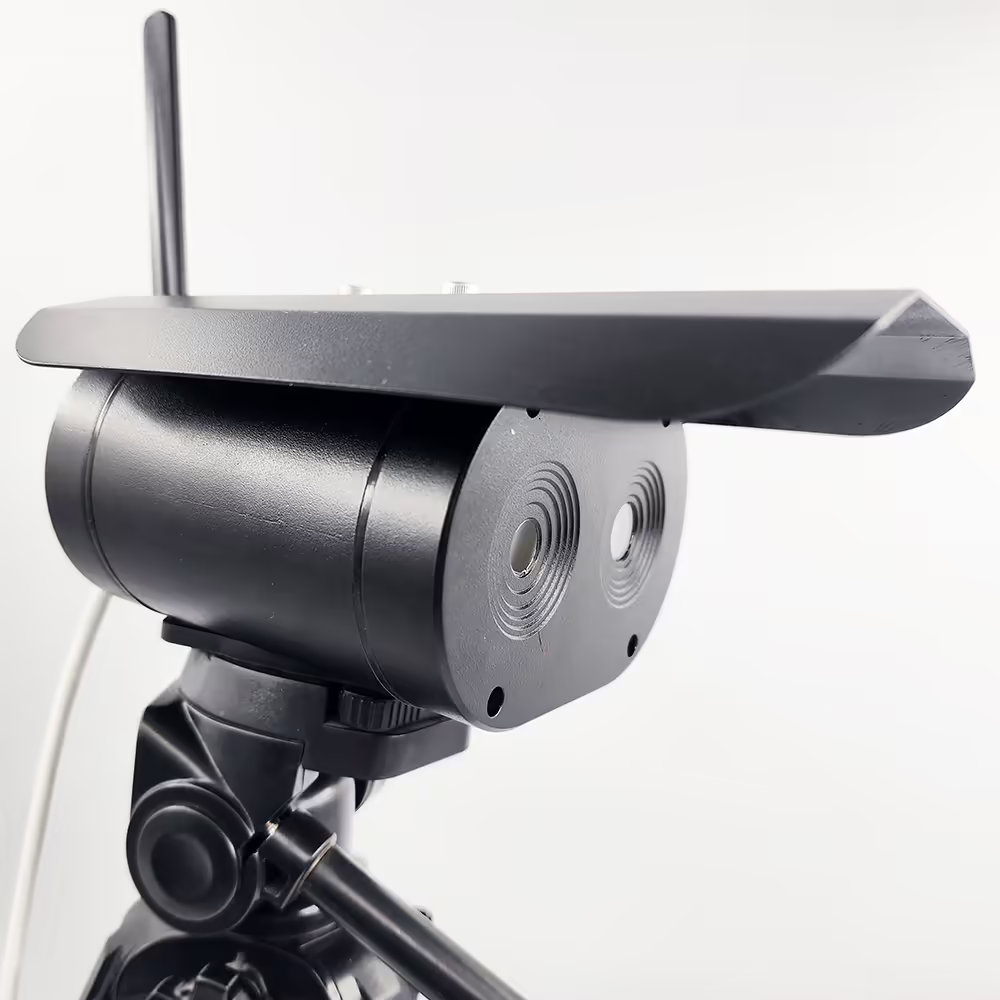
- IP67 protection
- Used for long-distance human body temperature detection 1m~4m
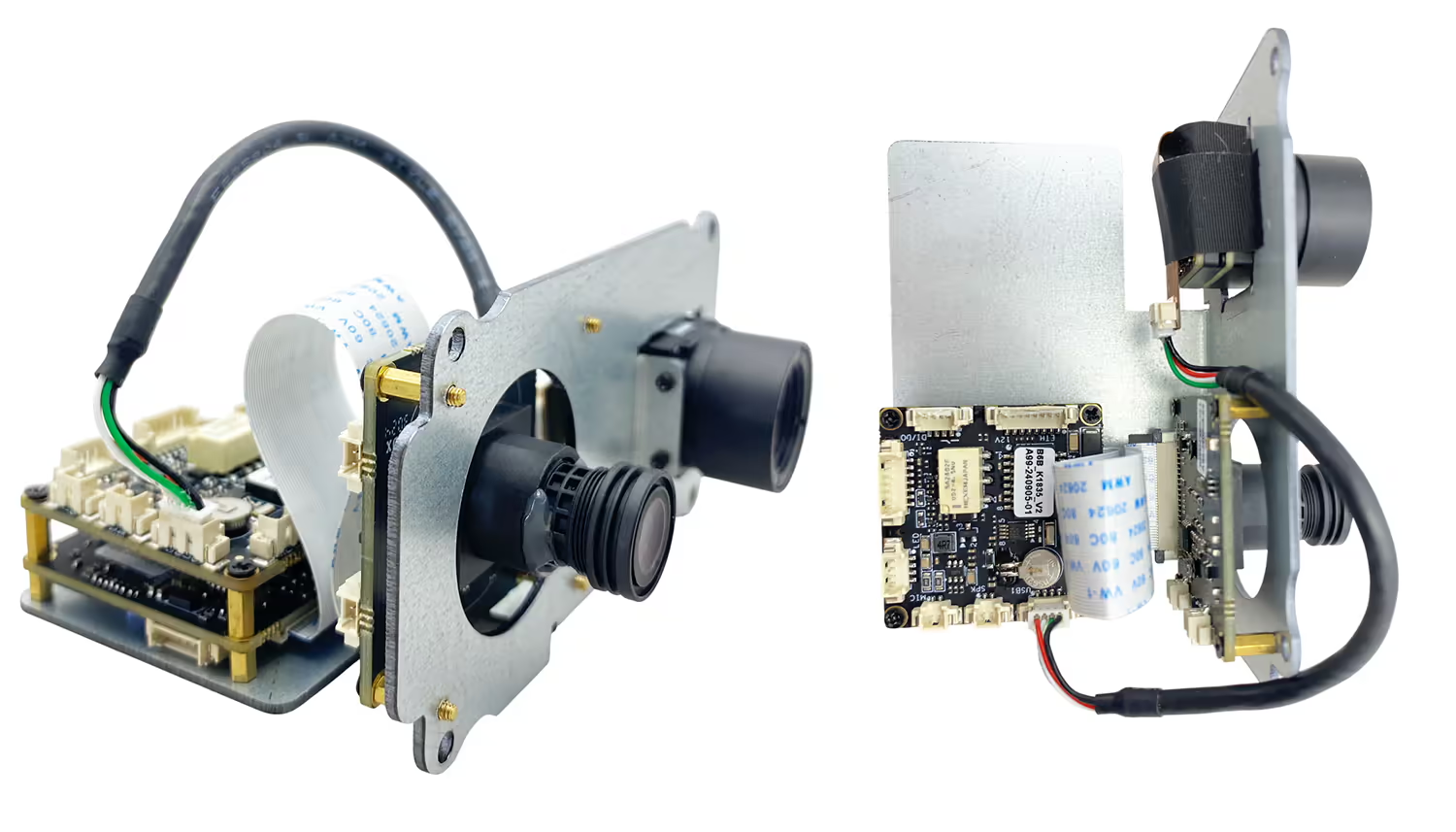
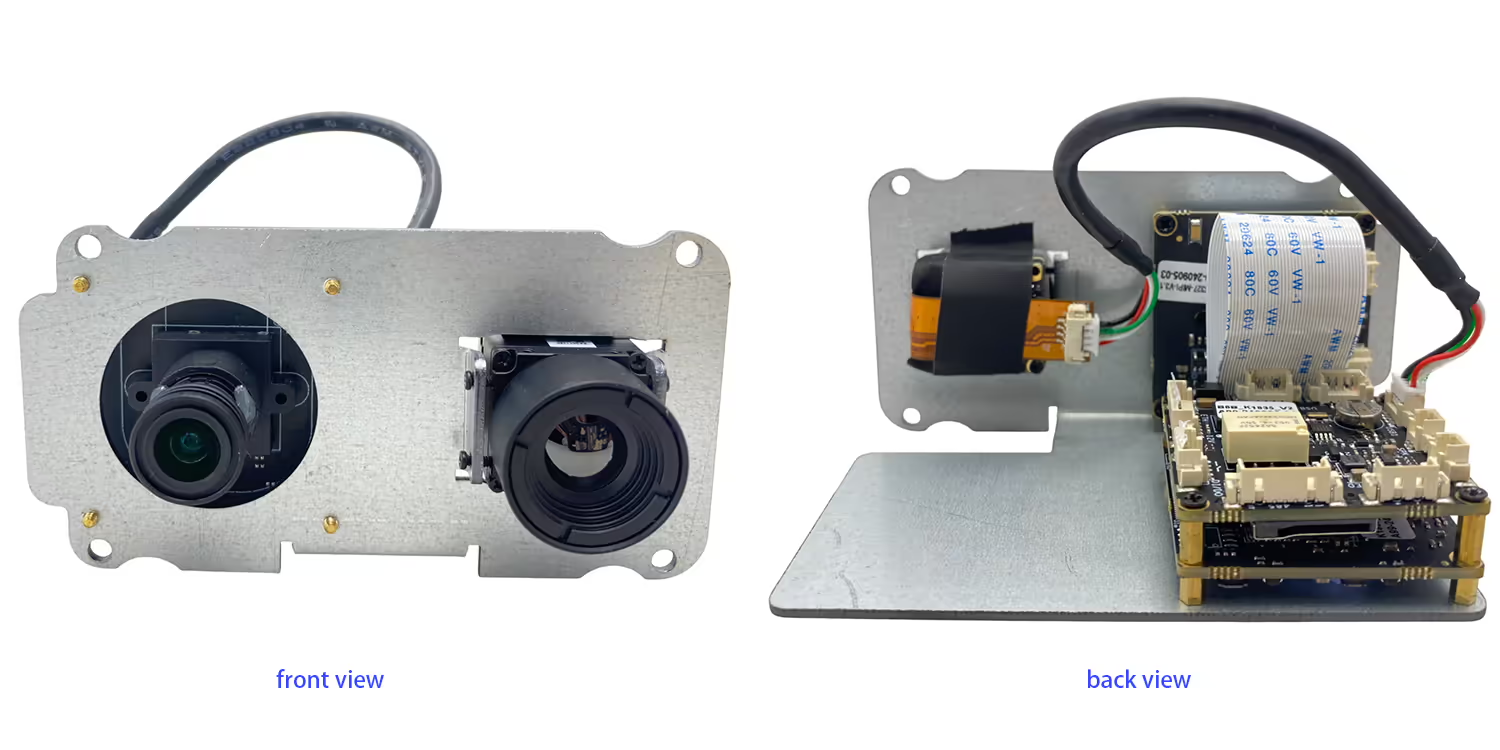
- Cámara + embedded motherboard + black body integrated structure, smaller size and lighter weight
- No se requiere computadora, HDMI standard video signal output, directly connected to the monitor
- Automatic correction, no fear of the impact of ambient temperature changes on thermal imaging
- Accurate forehead temperature algorithm measurement, filtering background high temperature impact
- Support mask recognition, abnormal body temperature, instant reminder alarm 9 Real-time capture Optional network server Connect to the cloud for data analysis

Especificación
| Visible camera | |
| resolución | 4 millones de píxeles |
| Image sensors | GC4653 1/3” |
| Imaging devices | CMOS |
| Infrared camera | |
| Detector type | Vanadium oxide uncooled detector |
| resolución | 384*288 high sensitivity detector, support contrast adjustment |
| lente | 3.8mm or 6.2mm or 10mm |
| Rango de medición de temperatura | 0 ℃-550 ℃ |
| Precisión de la medición de temperatura | ± 2°C or ±2% of reading, whichever is maximum |
| Operating bands | 8~14 um |
| NETO | ≤60mK (F/1,300K, 50Hz) |
| Velocidad de fotogramas | 50Hz |
| Other parameters | |
| Temperatura de funcionamiento | -20℃~80℃ |
| interfaz | RJ45 |
| Entorno de instalación | Indoor or outdoor |
| Instalación: | Brackets, wall mounting, hoisting |
Preguntas más frecuentes
Q1: Does your thermal + day light dual lens camera work well with 1.4g communication system support rc link for controlling the drone in real-time too?
A1: Sí, it is working well with our TX900, 1.4Ghz wireless video data RC link.
Q2: What is the default IP address of the camera?
A2: The default IP address of the dual lens thermal imaging camera is 192.168.1.185.
Q3: What are the default login credentials for the camera?
A3:
-
Nombre de usuario: administración
-
Contraseña: 123456
Q4: How do I log in to the camera’s web interface?
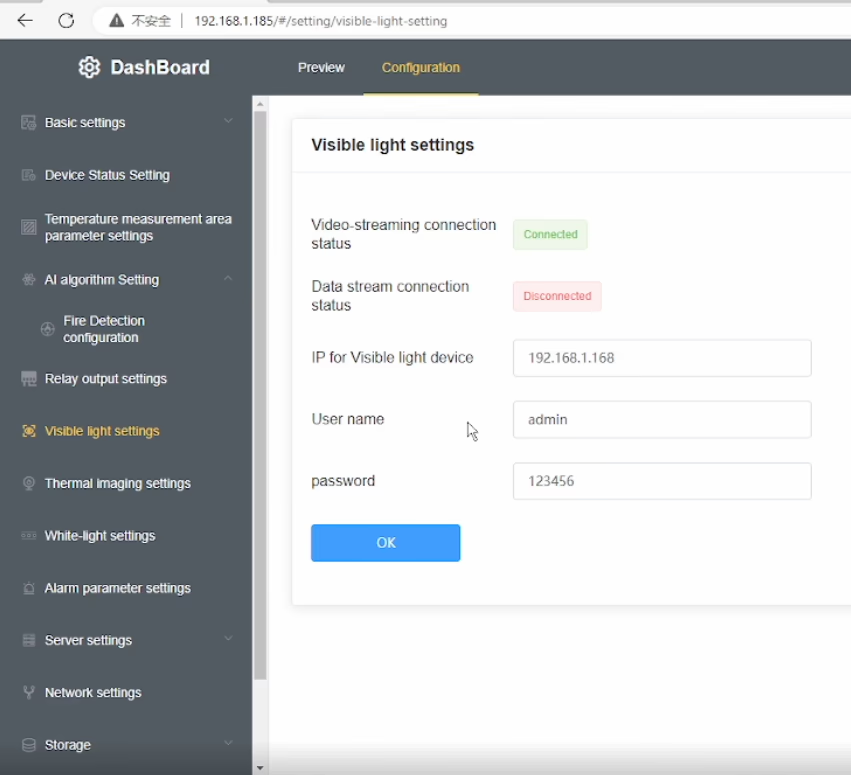
A4: Connect the camera and your computer to the same network, ensure your computer is in the same IP subnet, then open a web browser and enter http://192.168.1.185. y http://192.168.1.168.Log in using the default username and password.
Q5: Can the IP address and password be changed?
A5: Sí. Después de iniciar sesión, you can modify the network settings and change the password through the camera’s web management interface. It is recommended to change the default password for security purposes.
Q6: After changing the device IP to my home network, why is the daylight (luz visible) video missing while the thermal video still works?
A6: This model has a built-in visible light IPC (cámara IP) in addition to the thermal camera. When you change the main device IP address, the visible light IPC IP address must also be updated accordingly. If the IPs are not in the same network segment, the daylight video will not display.
P7: How can I restore the daylight (luz visible) video?
A7: Please follow these steps:
-
Modify the visible light IPC IP address so that it is in the same subnet as the main device IP.
-
Introduzca el correct visible light IPC IP address in the device’s Visible Light Settings menú.
-
Asegúrese de que el current visible light IP shown in the menu is in the same network segment as the device IP.
-
If your computer uses a fixed IP address, add an additional IP address to your network adapter that matches the device subnet to ensure proper communication.
Q8: Why does the thermal video still display normally?
A8: The thermal camera is integrated directly into the main device, so it is not affected by the visible light IPC network configuration. Only the visible light video depends on correct IPC IP settings.
P9: What is the key point to avoid this issue in the future?
A9: Whenever you change the device IP address, always make sure that the visible light IPC IP, el device IP, y el computer IP are all within the mismo segmento de red.
Q10: Does this dual-sensor (imagen térmica + luz visible) camera support PoE power supply? En caso afirmativo, what is the supported voltage (or PoE standard)? (PoE=Power over Ethernet)
A10: Apoyado. Please indicate this requirement when placing the order, and we will add the accessory inside the unit accordingly.
OSD Menu in Video





Albert –
Captures detailed thermal images, enabling precise identification of temperature variations across different areas.