AV over IP 視訊編碼器 2090 FAQ – R380 player UIAV over IP 視訊編碼器 2090 FAQ – R380 player UI remote viewing
目錄
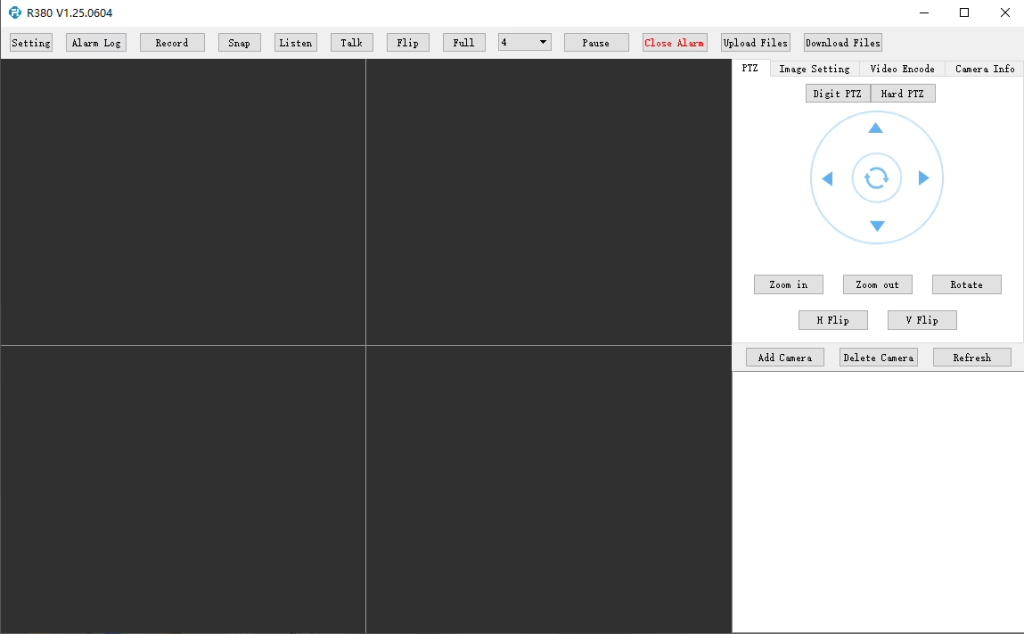
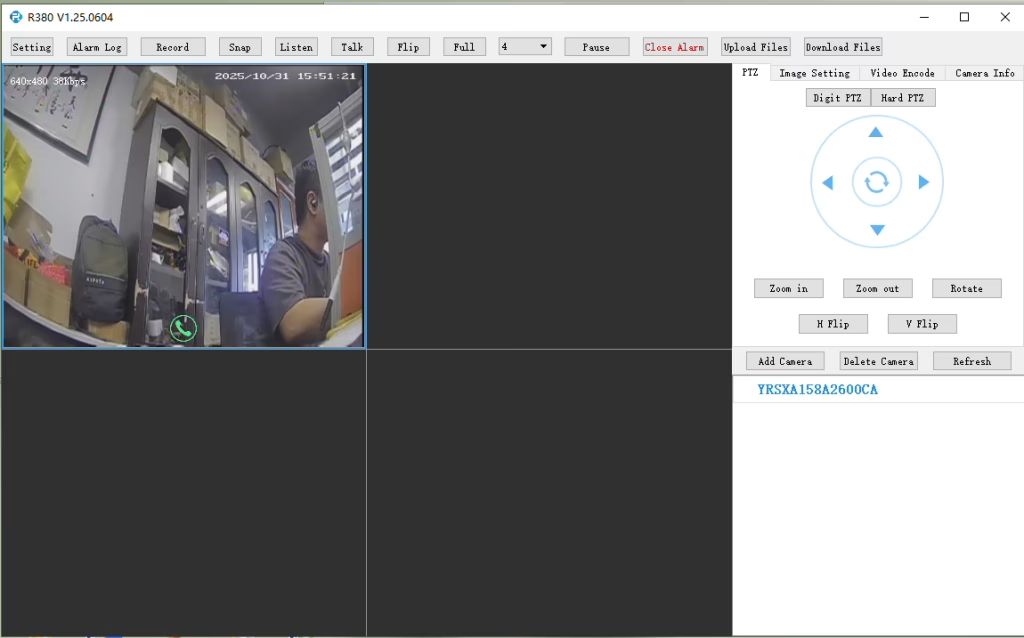
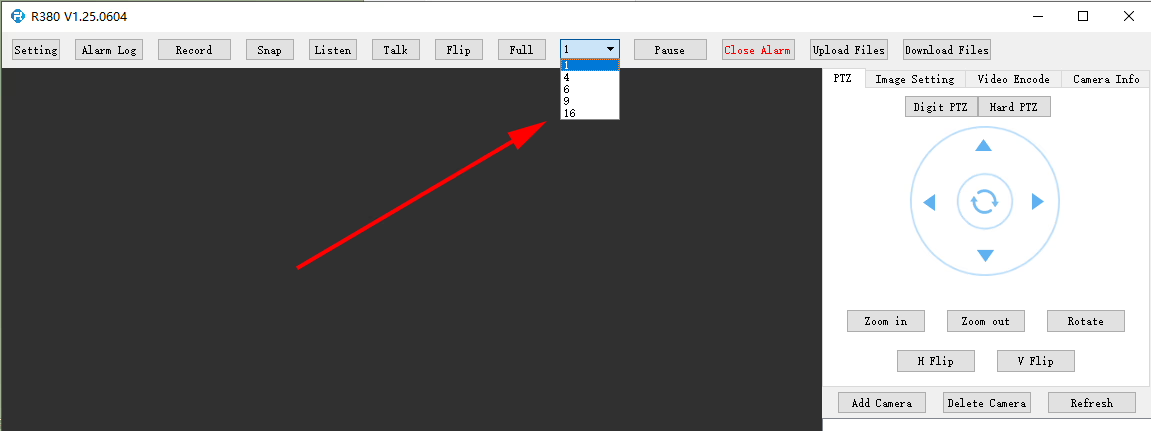
Does the R380 Player support multi-screen or simultaneous video playback?
At R380 player, it can set here.
Q: I need to connect to the LTE web UI to set up the required APN. My SIM uses a private APN and does not provide public Internet access, but it assigns a local IP address. I want to access this local IP to establish an RTSP stream from my office to a remote encoder over a 4G LTE connection. 支持這個嗎?
眼下, this use case is not fully supported in the current firmware. APN Configuration Limitation 目前韌體不支援用戶透過 LTE Web UI 或 4G 模組介面直接配置 APN. 目前系統行為 在現有設計中, APN 設定由主 SoC 管理, 處理撥號流程. 因此, APN 配置必須透過我們的編碼器模組執行,而不是直接在 LTE 模組本身上執行. 網路接取注意事項 在你的場景中, 由於SIM卡使用私有APN,無法存取互聯網,且僅提供本地IP, 訪問設備 (例如, 用於 RTSP 串流媒體) depends on the operator’s private network routing. 這需要正確的 APN 配置和網路側支援才能實現端到端連接. 計劃改進 我們的工程團隊正在評估韌體更新以添加用戶可配置的 APN 支持. 此增強功能將為您這樣的專用網路部署提供更大的靈活性. 預計開發時間約為 7–10 天.
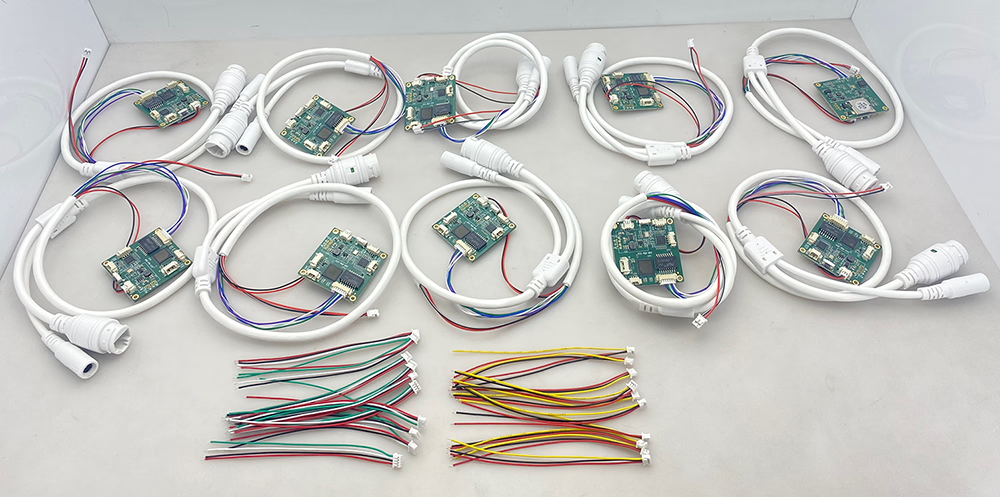
10 PCS編碼器類比數位轉換器
Q: How do I enable the TF card auto recording function?
一個: 啟用 TF 卡自動錄影, 請登入設備的 網頁設定介面 並手動配置錄製設置.
您可以按照以下步驟操作:
在瀏覽器中開啟裝置 Web UI.
去 設置 要么 儲存配置.
找到 TF卡錄音 選項.
根據需要啟用或停用 TF 卡錄製.
Check the TF card status and capacity information:
Confirm whether the TF card is detected correctly.
驗證可用儲存容量.
檢查TF卡狀態是否顯示 可讀 要么 未格式化.
如果TF卡顯示為 未格式化, 請先格式化卡片再啟用錄音.
注意: 建議使用相容的, 高速TF卡,錄音性能穩定.
enable recording on tf card of cvbs to ip encoder board
檢查TF卡大小,查看啟用錄音設定是否正常
題: CVBS to IP Encoder Switches to Black-and-White After Weak Signal
我在使用 TO IP 編碼器時遇到一些問題. 我用它來轉換來自類比視訊接收器的訊號 (虛擬實境X). 當訊號品質良好時, 影像非常好且色彩鮮豔. 然而, 一旦接收器的訊號在短時間內變弱, 轉換板切換到黑白模式, 之後就無法再自動恢復彩色影像了. 如何解決這個問題?






















問一個問題
感謝你的回應。 ✨