IP üzerinden AV Video Kodlayıcı 2090 SSS – R380 oynatıcı kullanıcı arayüzüIP üzerinden AV Video Kodlayıcı 2090 SSS – R380 oynatıcı kullanıcı arayüzü uzaktan görüntüleme
İçindekiler
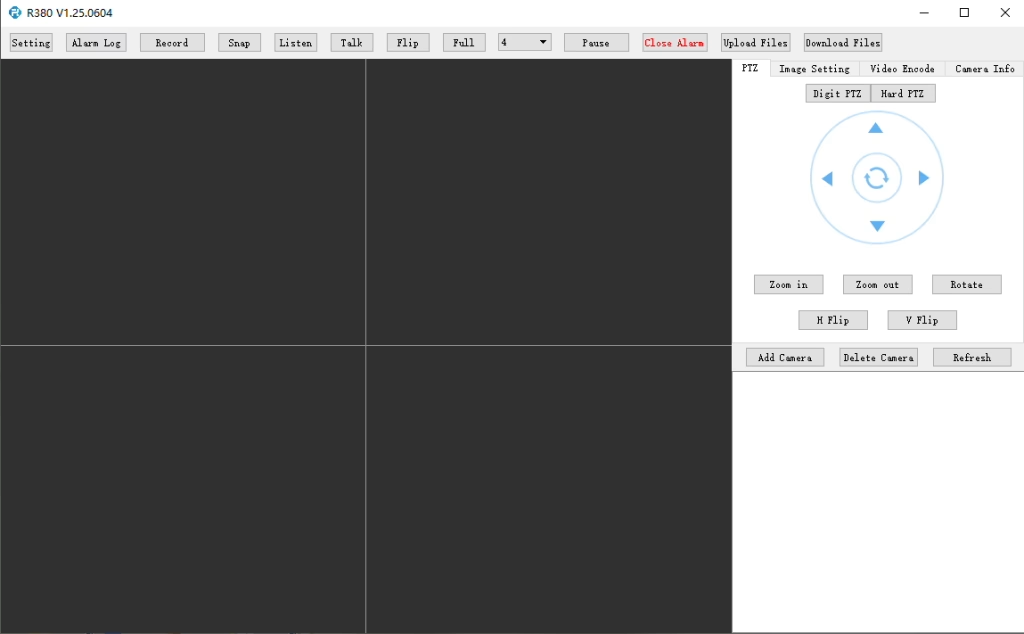
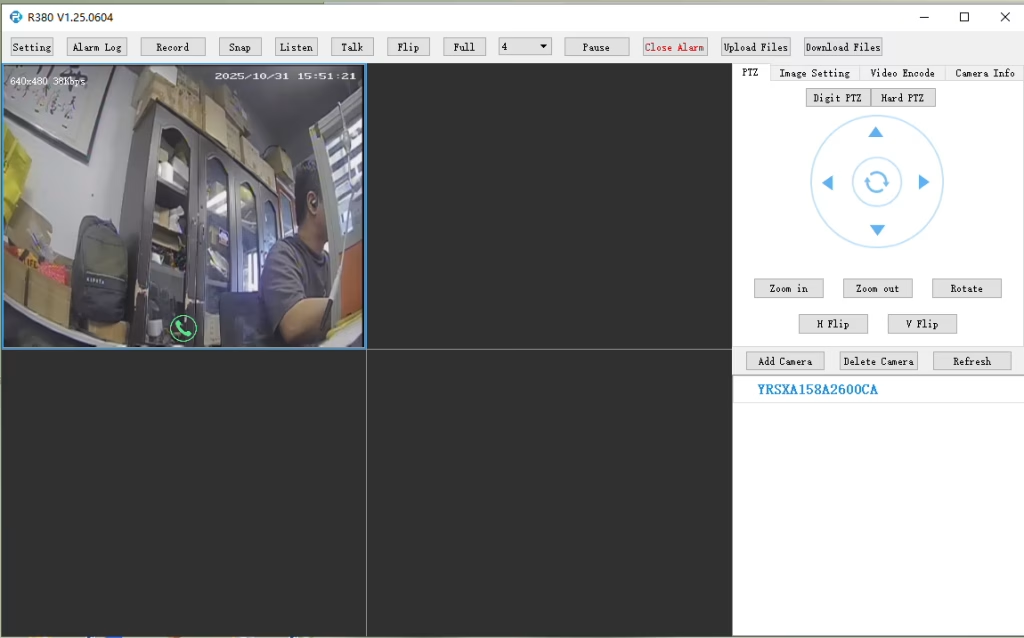
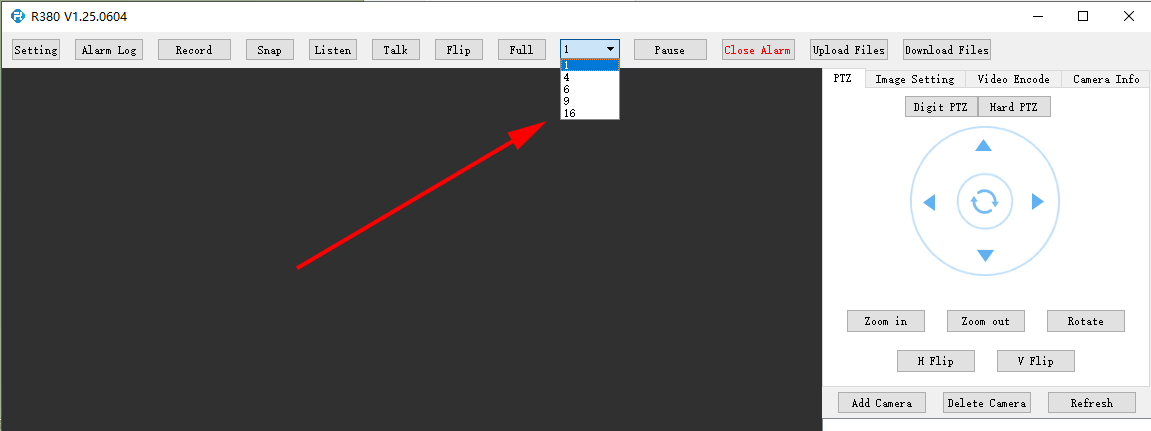
R380 Oynatıcı çoklu ekranı veya eşzamanlı video oynatmayı destekliyor mu??
R380 oynatıcıda, burada ayarlanabilir.
S: I need to connect to the LTE web UI to set up the required APN. My SIM uses a private APN and does not provide public Internet access, but it assigns a local IP address. I want to access this local IP to establish an RTSP stream from my office to a remote encoder over a 4G LTE connection. Is this supported?
Şu anda, this use case is not fully supported in the current firmware. APN Configuration Limitation The current firmware does not support direct user configuration of the APN through the LTE web UI or the 4G module interface. Current System Behavior In the existing design, the APN settings are managed by the main SoC, which handles the dial-up process. Sonuç olarak, APN configuration must be performed through our encoder module rather than directly on the LTE module itself. Network Access Consideration In your scenario, since the SIM uses a private APN without Internet access and only provides a local IP, accessing the device (örneğin, for RTSP streaming) depends on the operator’s private network routing. This requires proper APN configuration and network-side support to enable end-to-end connectivity. Planned Improvement Our engineering team is evaluating a firmware update to add user-configurable APN support. This enhancement will provide more flexibility for private network deployments such as yours. The estimated development timeline is approximately7–10 days.
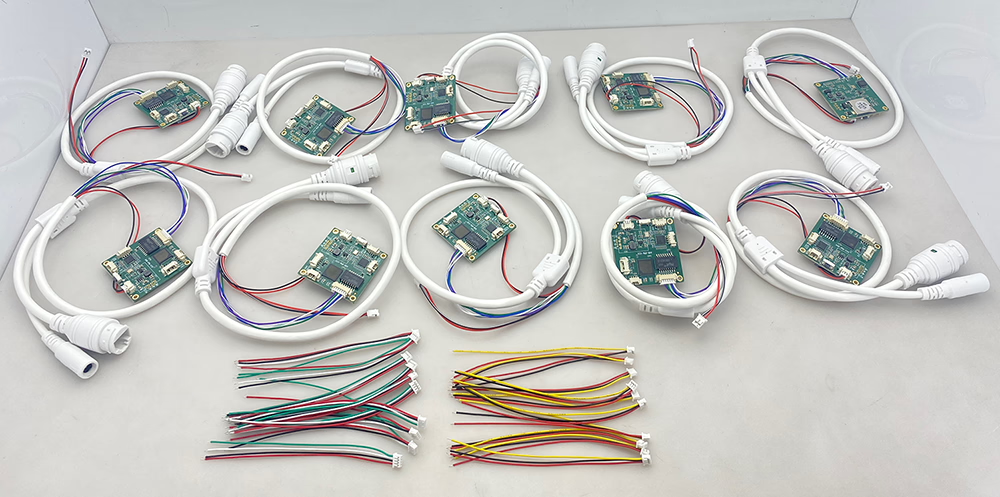
10 adet kodlayıcı analogdan dijitale dönüştürücü
S: How do I enable the TF card auto recording function?
bir:To enable TF card auto recording, please log in to the device’sWeb Configuration Interfaceand manually configure the recording settings.
You can follow these steps:
Open the device Web UI in your browser.
git Ayarlar veya Storage Configuration.
Find theTF Kart Kaydı seçenek.
Enable or disable TF card recording as needed.
Check the TF card status and capacity information:
Confirm whether the TF card is detected correctly.
Verify the available storage capacity.
Check if the TF card status showsOkunabilir veya Unformatted.
If the TF card is shown asUnformatted, please format the card before enabling recording.
Not:It is recommended to use a compatible, high-speed TF card for stable recording performance.
enable recording on tf card of cvbs to ip encoder board
check TF card size to see enable recording setting ok or not
Soru: CVBS to IP Encoder Switches to Black-and-White After Weak Signal
I am experiencing some issues with the TO IP encoder. I am using it to convert the signal from an analog video receiver (VRX). When the signal quality is good, the image is excellent and in color. ancak, as soon as the signal from the receiver becomes weak for a short period of time, the converter board switches to black-and-white mode, and after that it is no longer possible to restore the color image automatically. How can this issue be resolved?
Cevap
Thank you for your feedback. This issue is usually caused by unstable or weak CVBS video signals from the analog receiver. When the signal temporarily drops below the decoder threshold, some standard CVBS-to-IP encoder boards may lose color synchronization (PAL/NTSC chroma lock) and remain in black-and-white mode even after the signal recovers.
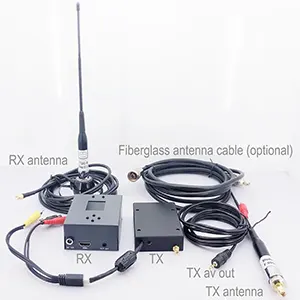
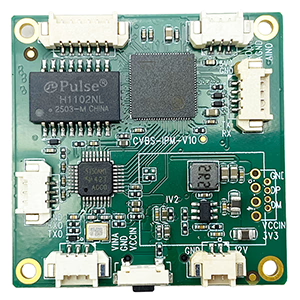
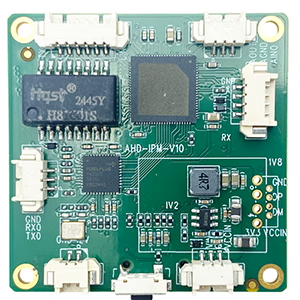
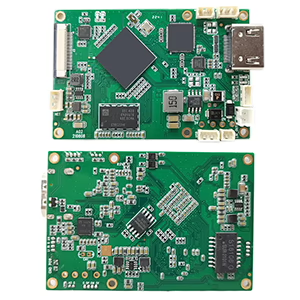
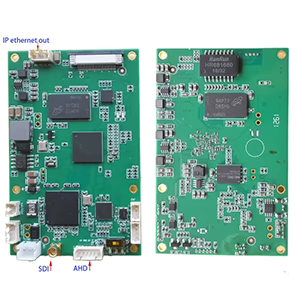
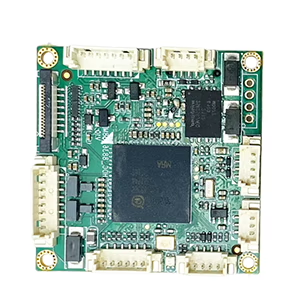
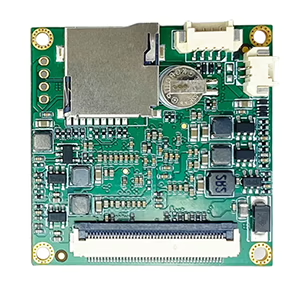
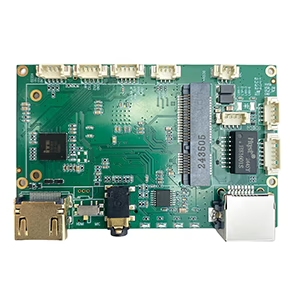
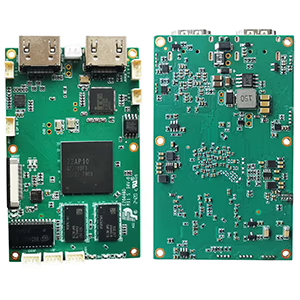
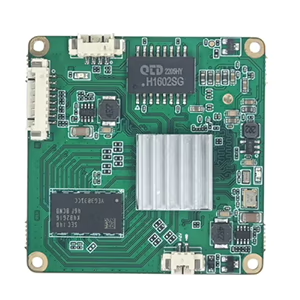
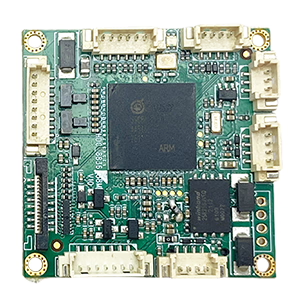
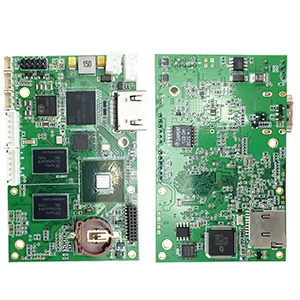
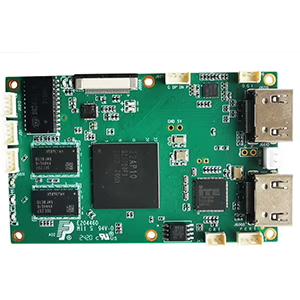
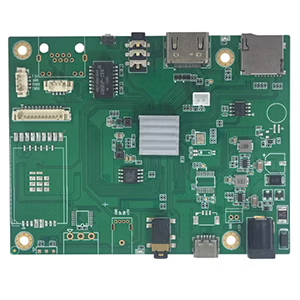
To help us confirm the exact cause, could you please send us a photo of the encoder board you are currently using?
We also recommend using our newer upgraded model, which is specially designed for weak and unstable analog video signals. It features improved low-signal locking and more stable color recovery performance.
Çift USB kamera video kodlamasını destekler, ve RTSP akışı; yerel CVBS/HDMI çıkışı; Değiştirilebilir ekran modları
Seri üretim
2
Çift Kanallı Kodlayıcı (1× USB Görünür Işık + 1× USB Termal Görüntüleme kamerası)
2× USB girişi
Çift USB kamerayı destekler (görünür + termal) esir almak, kodlama, ve RTSP akışı; yerel CVBS/HDMI çıkışı; Değiştirilebilir ekran modları
Seri üretim
3
RTSP Dekoder HDMI/CVBS Ekran Modülü
HDMI + CVBS çıkışı
4×1080P@30fps'ye kadar RTSP akış kod çözmeyi destekler; Video akışı protokolü iletmeyi destekleyin; HDMI/CVBS çıkış ekranı
Örnek Mevcut
4
RTSP Dekoder HDMI/CVBS Ekran Modülü 4.3"/5" LCD
HDMI çıkışı + LCD ekran
4×1080P@30fps'ye kadar RTSP akış kod çözmeyi destekler; protokol iletimi; HDMI/CVBS çıkış ekranı
Hata ayıklama
5
Çift Kanallı Kodlayıcı (1× USB Görünür Işık + 1× CVBS Analogu)
1× CVBS + 1× USB UVC girişi
Çift video (USB + CVBS), kodlama ve RTSP akışı; yerel CVBS/HDMI çıkışı; Değiştirilebilir ekran modları
Hata ayıklama
6
Çift Kanallı Kodlayıcı (1× USB UVC + 1× AHD Analog)
1× AHD + 1× USB UVC girişi
Çift video yakalama (USB + AHD), kodlama ve RTSP akışı; yerel CVBS/HDMI çıkışı; Değiştirilebilir ekran modları
Hata ayıklama
7
Çift Kanallı Kodlayıcı (1× CVBS + 1× AHD Analog Video)
CVBS + AHD 2 Video girişi
Çift analog video yakalama, kodlama ve RTSP akışı; yerel CVBS/HDMI çıkışı; Değiştirilebilir ekran modları
Hata ayıklama
8
Çift Kanallı Kodlayıcı (1× CMOS Kamera + 1× USB Termal Görüntüleme kamerası)
1× USB arayüzü
CMOS'u destekler + USB termal kamera yakalama, kodlama ve RTSP akışı; yerel CVBS/HDMI çıkışı; Değiştirilebilir ekran modları
Seri üretim
Ürünlerimizde listelenmeyen özelleştirilmiş video giriş/çıkış dönüştürme çözümleri için, OEM/ODM desteği için lütfen bizimle iletişime geçin. İhtiyaçlarınıza göre özel ürünler geliştirebiliriz.







Bir soru sor
Yanıtınız için teşekkür ederiz. ✨