Κωδικοποιητής βίντεο AV μέσω IP 2090 Συχνές ερωτήσεις – διεπαφή χρήστη R380 playerΚωδικοποιητής βίντεο AV μέσω IP 2090 Συχνές ερωτήσεις – Απομακρυσμένη προβολή διεπαφής χρήστη R380
Πίνακας περιεχομένων
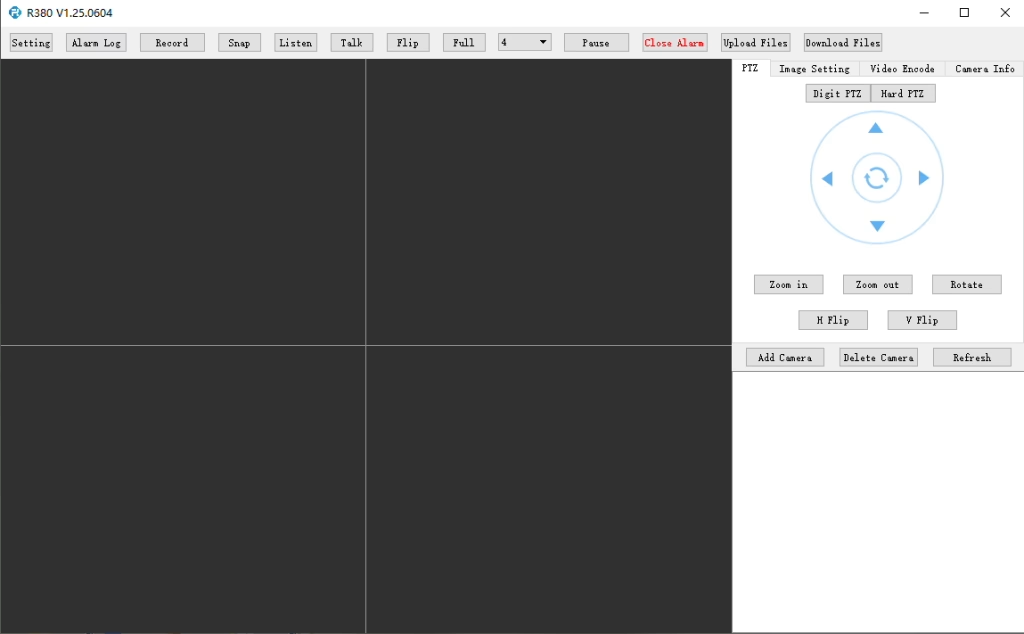
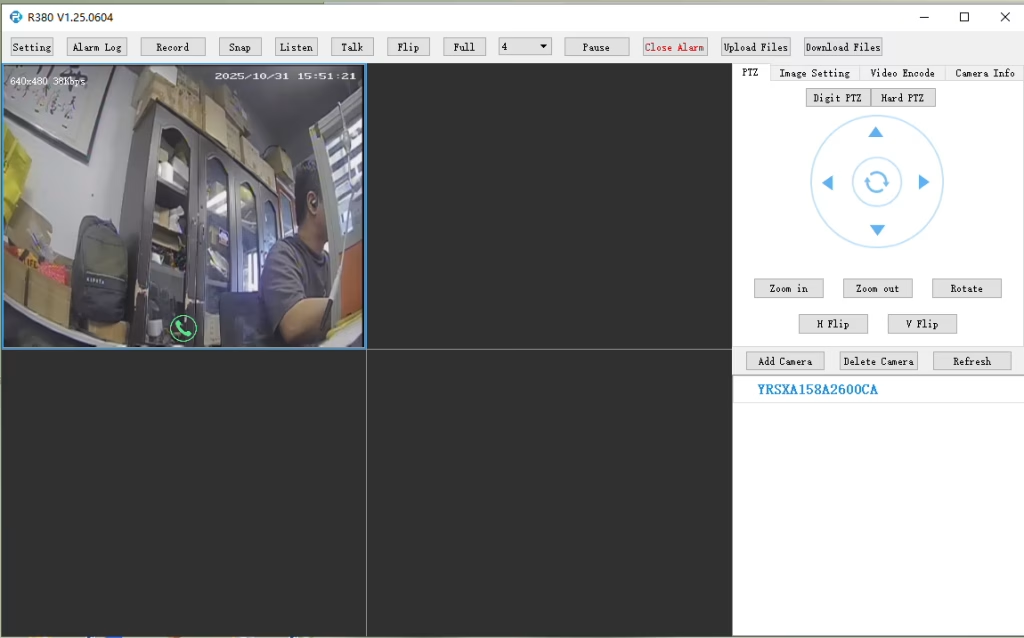
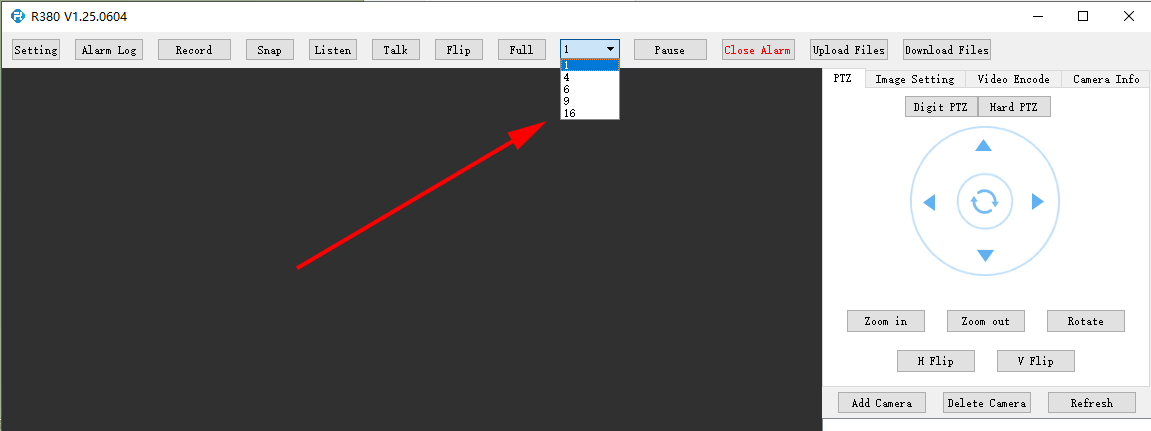
Υποστηρίζει το R380 Player αναπαραγωγή βίντεο σε πολλές οθόνες ή ταυτόχρονη?
Σε R380 player, μπορεί να ρυθμιστεί εδώ.
Q: I need to connect to the LTE web UI to set up the required APN. My SIM uses a private APN and does not provide public Internet access, but it assigns a local IP address. I want to access this local IP to establish an RTSP stream from my office to a remote encoder over a 4G LTE connection. Υποστηρίζεται αυτό?
Αυτή τη στιγμή, this use case is not fully supported in the current firmware. APN Configuration Limitation The current firmware does not support direct user configuration of the APN through the LTE web UI or the 4G module interface. Current System Behavior In the existing design, the APN settings are managed by the main SoC, which handles the dial-up process. Σαν άποτέλεσμα, APN configuration must be performed through our encoder module rather than directly on the LTE module itself. Network Access Consideration In your scenario, since the SIM uses a private APN without Internet access and only provides a local IP, accessing the device (π.χ., for RTSP streaming) depends on the operator’s private network routing. This requires proper APN configuration and network-side support to enable end-to-end connectivity. Planned Improvement Our engineering team is evaluating a firmware update to add user-configurable APN support. This enhancement will provide more flexibility for private network deployments such as yours. The estimated development timeline is approximately7–10 days.
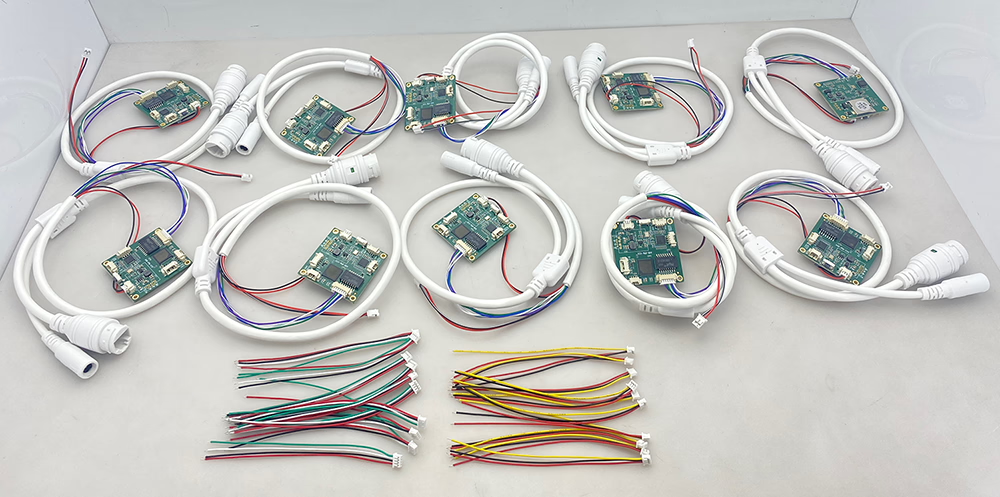
10 κωδικοποιητής τμχ μετατροπέας αναλογικού σε ψηφιακό
Q: How do I enable the TF card auto recording function?
ΕΝΑ:To enable TF card auto recording, please log in to the device’sWeb Configuration Interfaceand manually configure the recording settings.
You can follow these steps:
Open the device Web UI in your browser.
Παω σε Ρυθμίσεις ή Storage Configuration.
Find theΕγγραφή κάρτας TF επιλογή.
Enable or disable TF card recording as needed.
Check the TF card status and capacity information:
Confirm whether the TF card is detected correctly.
Verify the available storage capacity.
Check if the TF card status showsReadable ή Unformatted.
If the TF card is shown asUnformatted, please format the card before enabling recording.
Σημείωση:It is recommended to use a compatible, high-speed TF card for stable recording performance.
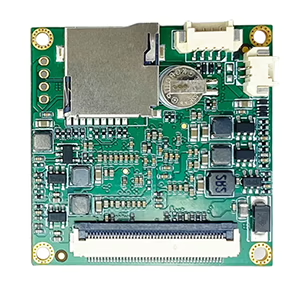
enable recording on tf card of cvbs to ip encoder board
check TF card size to see enable recording setting ok or not
Ερώτηση: CVBS to IP Encoder Switches to Black-and-White After Weak Signal
I am experiencing some issues with the TO IP encoder. I am using it to convert the signal from an analog video receiver (VRX). When the signal quality is good, the image is excellent and in color. Ωστόσο, as soon as the signal from the receiver becomes weak for a short period of time, the converter board switches to black-and-white mode, and after that it is no longer possible to restore the color image automatically. How can this issue be resolved?
Απάντηση
Thank you for your feedback. This issue is usually caused by unstable or weak CVBS video signals from the analog receiver. When the signal temporarily drops below the decoder threshold, some standard CVBS-to-IP encoder boards may lose color synchronization (PAL/NTSC chroma lock) and remain in black-and-white mode even after the signal recovers.
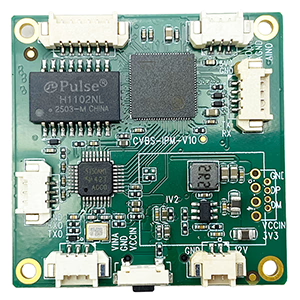
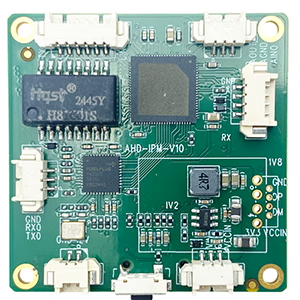
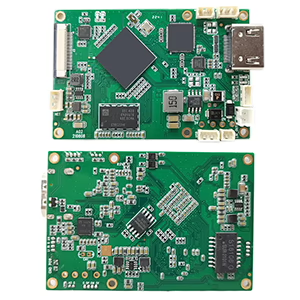
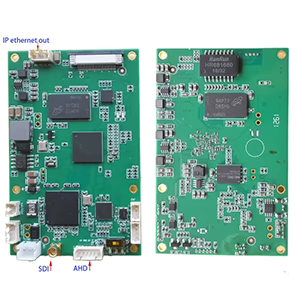
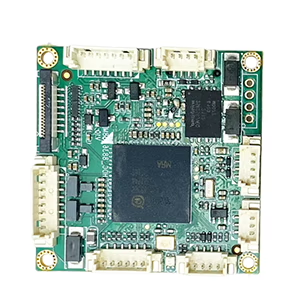
To help us confirm the exact cause, could you please send us a photo of the encoder board you are currently using?
We also recommend using our newer upgraded model, which is specially designed for weak and unstable analog video signals. It features improved low-signal locking and more stable color recovery performance.
Για προσαρμοσμένες λύσεις μετατροπής εισόδου/εξόδου βίντεο που δεν αναφέρονται στα προϊόντα μας, επικοινωνήστε μαζί μας για υποστήριξη OEM/ODM. Μπορούμε να αναπτύξουμε προσαρμοσμένα προϊόντα με βάση τις απαιτήσεις σας.







Κάνε μια ερώτηση
Το μήνυμά σας έχει σταλεί