







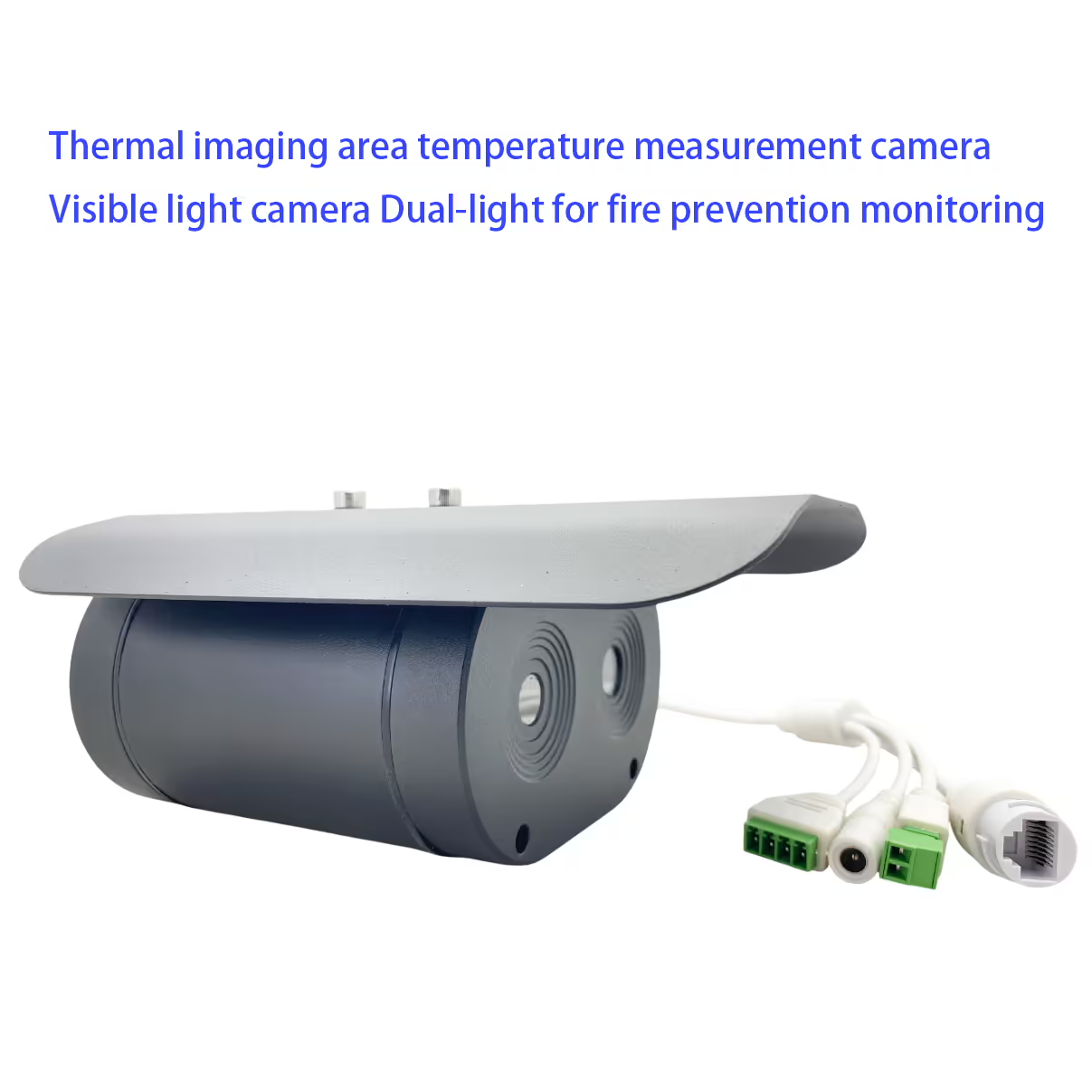
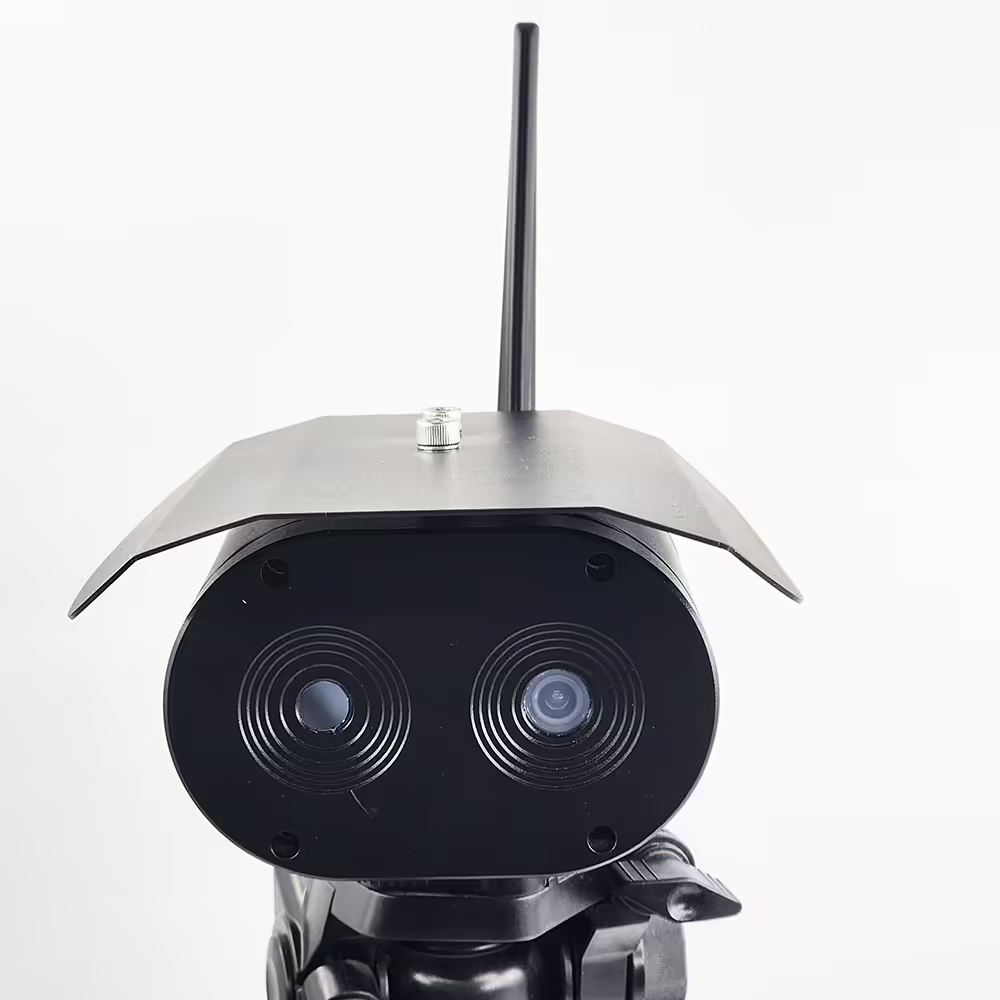
Câmera de medição de temperatura da área de imagem térmica e câmera de luz visível Luz dupla para monitoramento de prevenção de incêndio
Índice
Característica
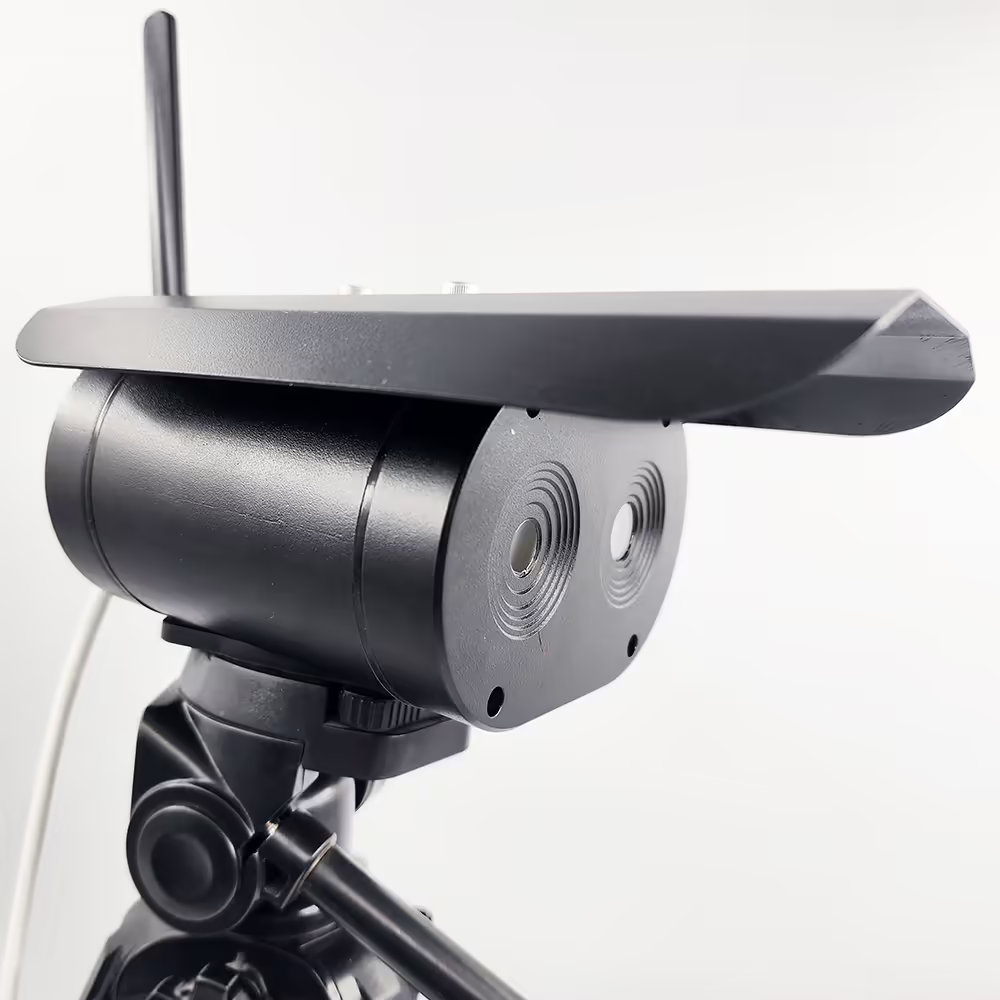
- Câmera infravermelha de alta sensibilidade
- Câmera visível HD de alta definição
- Pode ser usado para detecção de temperatura em vários lugares
- Detecção de intrusão de área, Detecção transfronteiriça, Detecção de objetos de alta temperatura
- O modo de medição de temperatura multi-zona é suportado
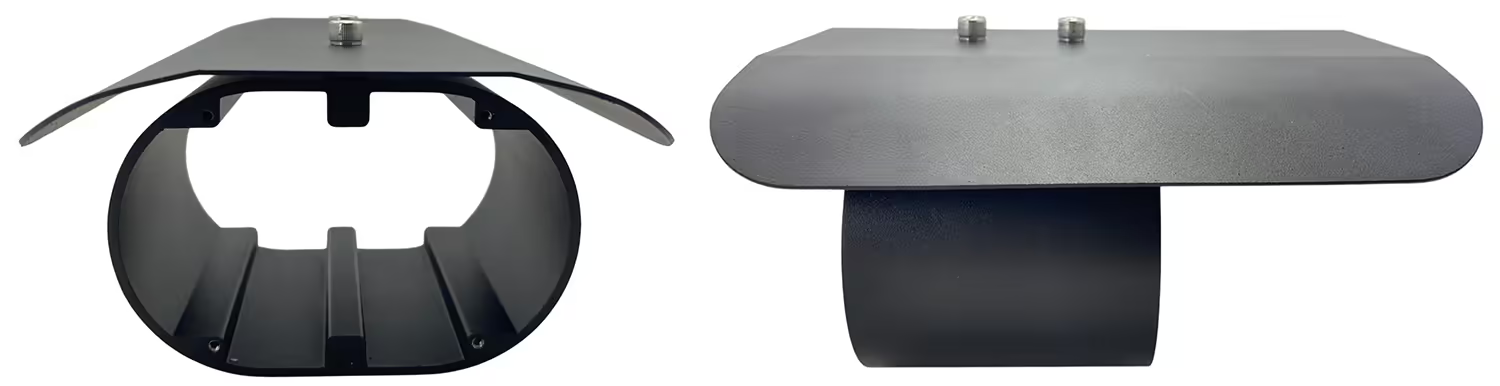
- Proteção IP67
- Usado para detecção de temperatura corporal humana de longa distância 1m ~ 4m
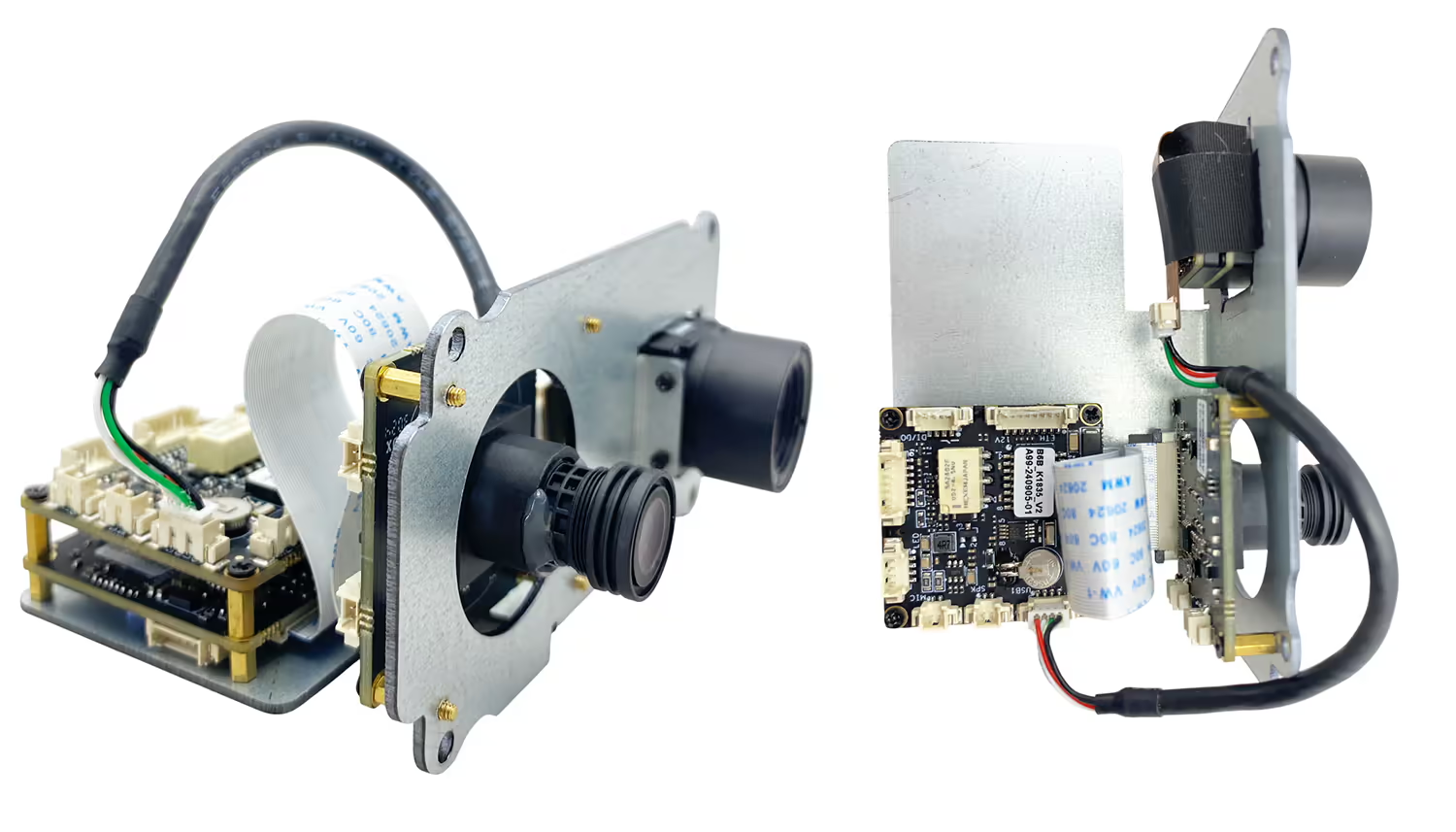
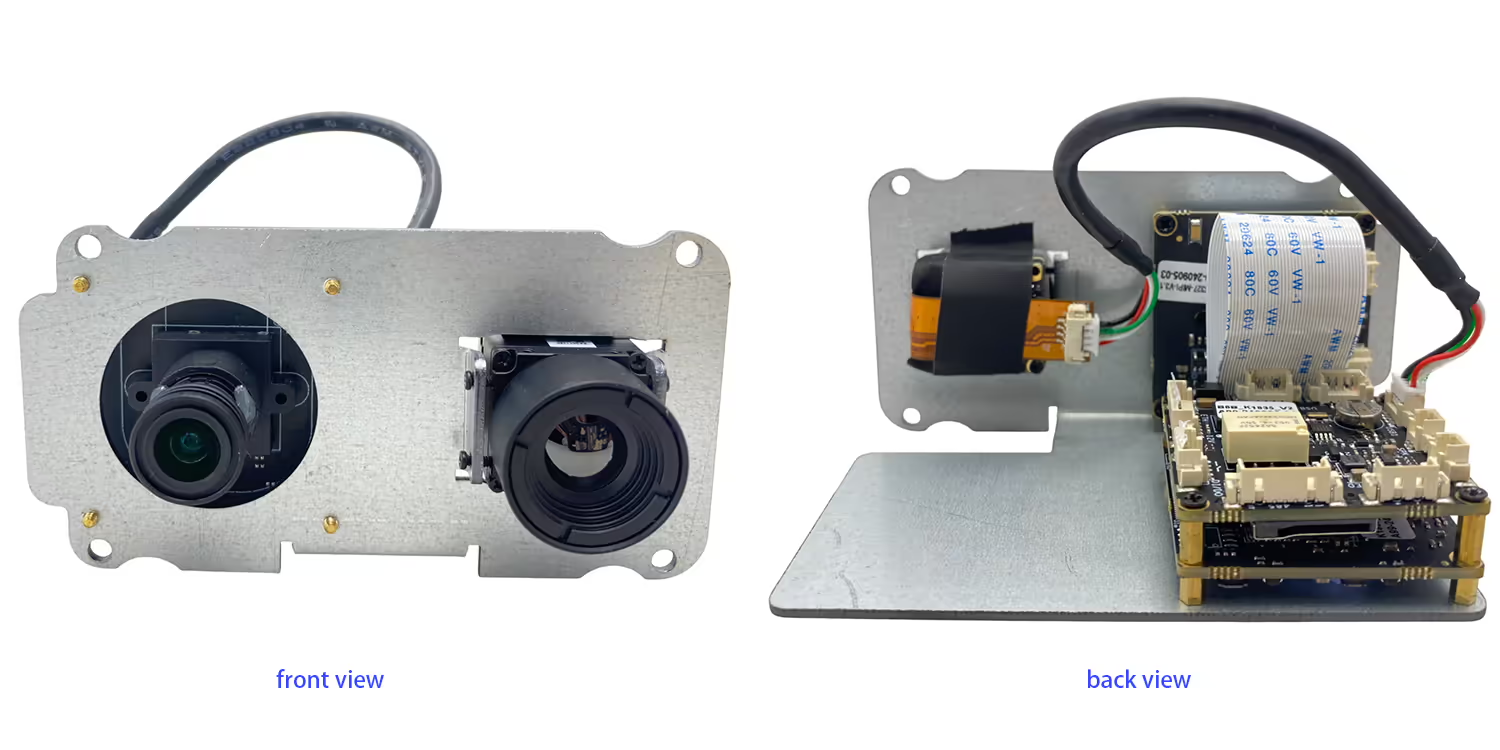
- Câmera + Placa -mãe incorporada + Estrutura integrada do corpo preto, tamanho menor e peso mais leve
- Não é necessário computador, Saída de sinal de vídeo padrão HDMI, diretamente conectado ao monitor
- Correção automática, Sem medo do impacto das mudanças de temperatura ambiente na imagem térmica
- Medição precisa do algoritmo de temperatura da testa, Filtrando fundo impacto em alta temperatura
- Apoiar o reconhecimento da máscara, temperatura corporal anormal, Alarme de lembrete instantâneo 9 Capture em tempo real O opcional Network Server Connect à nuvem para análise de dados

Especificação
| Câmera visível | |
| resolução | 4 milhões de pixels |
| Sensores de imagem | GC4653 1/3 ” |
| Dispositivos de imagem | CMOS |
| Câmera infravermelha | |
| Tipo de detector | Detector de óxido de vanádio |
| resolução | 384*288 Detector de alta sensibilidade, Ajuste o ajuste do contraste |
| lente | 3.8mm ou 6,2 mm ou 10 mm |
| Faixa de medição de temperatura | 0 ℃ -550 ℃ |
| Precisão de medição de temperatura | ± 2 ° C ou ± 2% da leitura, o que for o máximo |
| Bandas operacionais | 8~14 um |
| NETD | ≤60mk (f/1.300k, 50Hz) |
| Taxa de quadros | 50hz |
| Outros parâmetros | |
| Temperatura de operação | -20℃~80℃ |
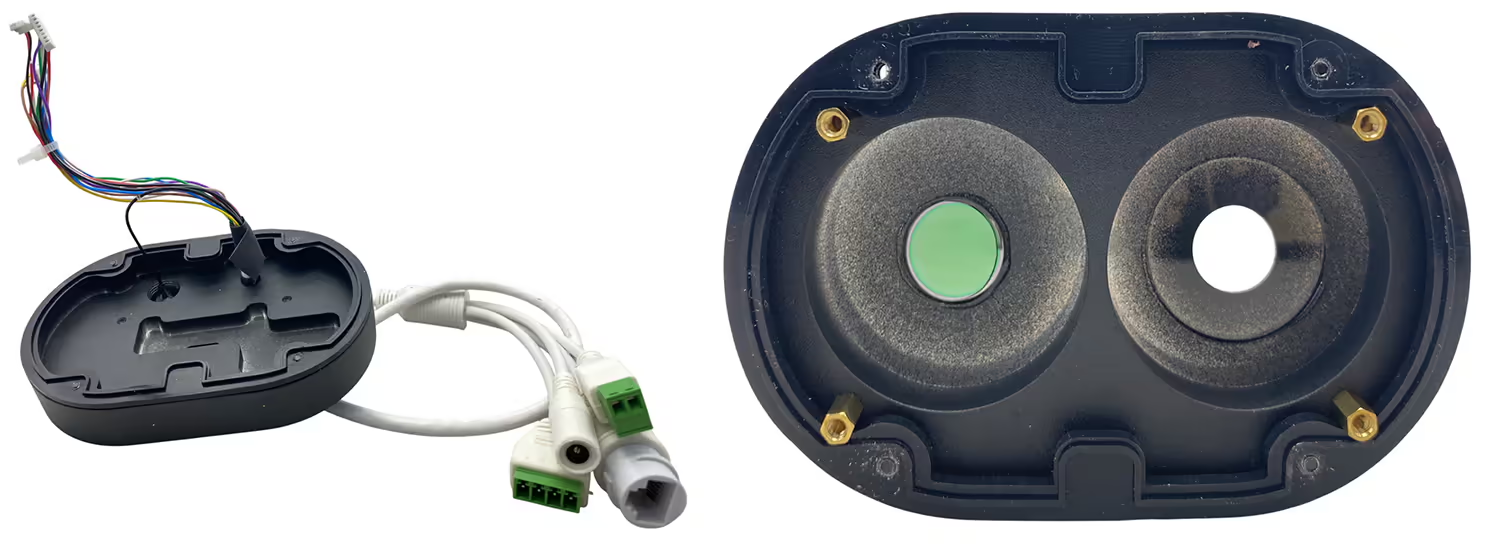
| interface | RJ45 |
| Ambiente de instalação | Interno ou externo |
| Instalação: | Suportes, Montagem da parede, içar |
Perguntas frequentes
Q1: Faz o seu térmico + Câmera de lente dupla leve diurna Funciona bem com o link RC do sistema de comunicação 1.4G para controlar o drone em tempo real também?
A1: sim, está funcionando bem com o nosso TX900, 1.4GHZ Wireless Video Data RC Link.
Q2: What is the default IP address of the camera?
A2: The default IP address of the dual lens thermal imaging camera is 192.168.1.185.
Q3: What are the default login credentials for the camera?
A3:
-
Nome de usuário: administrador
-
Senha: 123456
Q4: How do I log in to the camera’s web interface?
A4: Connect the camera and your computer to the same network, ensure your computer is in the same IP subnet, then open a web browser and enter http://192.168.1.185. e http://192.168.1.168.Log in using the default username and password.
Q5: Can the IP address and password be changed?
A5: sim. After logging in, you can modify the network settings and change the password through the camera’s web management interface. It is recommended to change the default password for security purposes.
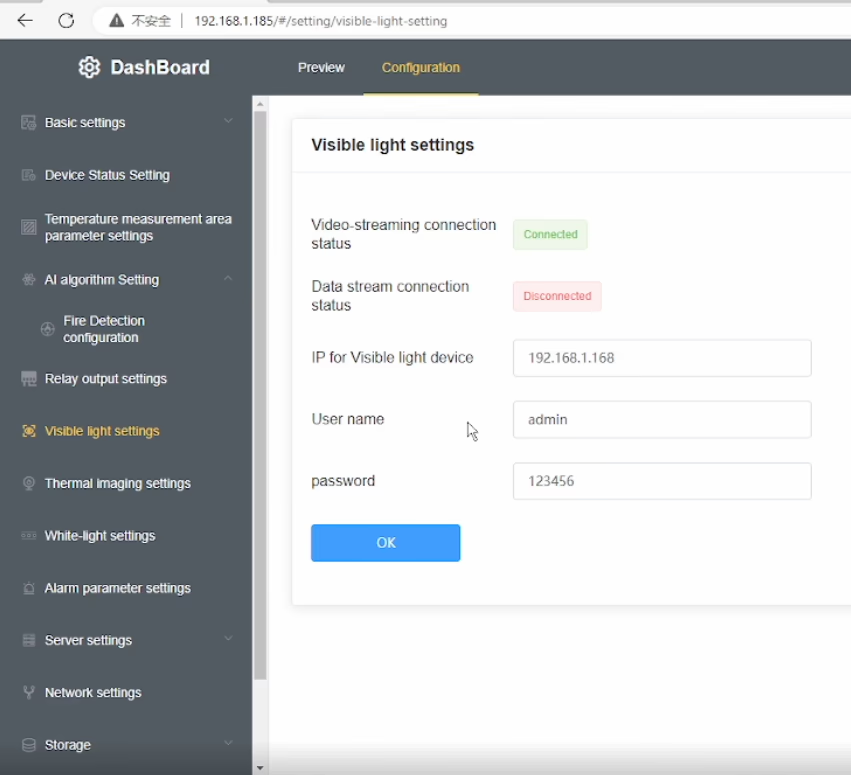
Q6: After changing the device IP to my home network, why is the daylight (luz visível) video missing while the thermal video still works?
A6: This model has a built-in visible light IPC (Câmera IP) in addition to the thermal camera. When you change the main device IP address, the visible light IPC IP address must also be updated accordingly. If the IPs are not in the same network segment, the daylight video will not display.
Q7: How can I restore the daylight (luz visível) vídeo?
A7: Please follow these steps:
-
Modify the visible light IPC IP address so that it is in the same subnet as the main device IP.
-
Introduzir o correct visible light IPC IP address in the device’s Visible Light Settings cardápio.
-
Ensure that the current visible light IP shown in the menu is in the same network segment as the device IP.
-
If your computer uses a fixed IP address, add an additional IP address to your network adapter that matches the device subnet to ensure proper communication.
Q8: Why does the thermal video still display normally?
A8: The thermal camera is integrated directly into the main device, so it is not affected by the visible light IPC network configuration. Only the visible light video depends on correct IPC IP settings.
Q9: What is the key point to avoid this issue in the future?
A9: Whenever you change the device IP address, always make sure that the visible light IPC IP, a device IP, e a computer IP are all within the same network segment.
Q10: Does this dual-sensor (Imagem térmica + luz visível) camera support PoE power supply? Se sim, what is the supported voltage (or PoE standard)? (PoE=Power over Ethernet)
A10: suportado. Please indicate this requirement when placing the order, and we will add the accessory inside the unit accordingly.
Menu OSD no vídeo



Albert –
Captura imagens térmicas detalhadas, Permitir identificação precisa das variações de temperatura em diferentes áreas.