





Android DVB-T2 TV Tuner
Android DVB-T2 TV Tuner
VCAN New products Android DVB-T DVB-T2 USB TV Dongle: DVB-T2S
セールスポイント:
Small and SmartDVB-T2 and DVB-T
Free View TV
No Need Internet
No Month Fee
DVB-T2S Android DVB-T2 DVB-T TV receiver for Phone Pad Micro USB TV tuner
DVB-T2S will help you watch live Free to air TV at your Android phone or pad with micro USB OTG
Support change channels by touch screen
Support record free to air DVB-T2 tv shows and store in phone or pad
Support Playback recorded tv shows
DVB-Tをサポート / DVB-T2 MPEG2 MPEG4 TV
Easy View EPG to check TV program Guide
Rewind and Fast Forward live TV shows with Time shifting recording
電子番組ガイド (EPG) and Supporting HDTV Receiving
Automatic TV channels searching (also support manual search)
Create favorite channels for convenient watching
High sensitivity under low signal broad casting area
1. How long the antenna cable?
VCAN: The longest antenna is 2 メーター. (If need longer, please note VCAN when order)
2. Where can I find the Android install APK?
VCAN: Please contact us
There are the products pictures:
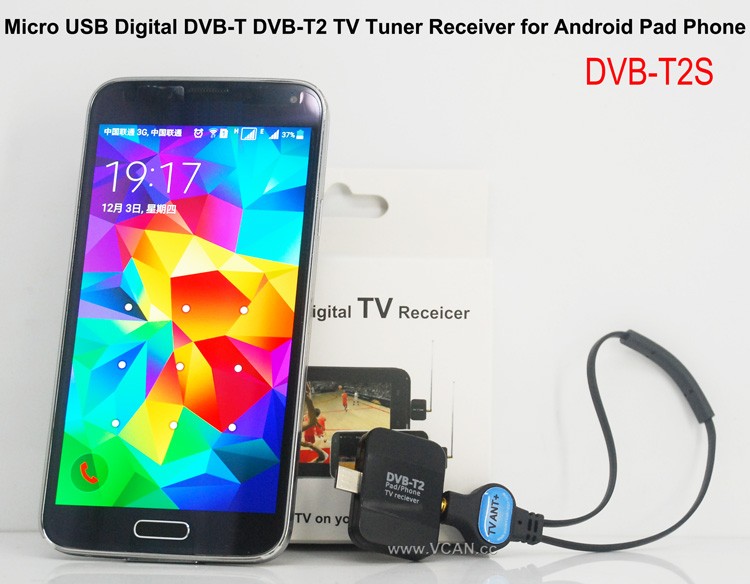
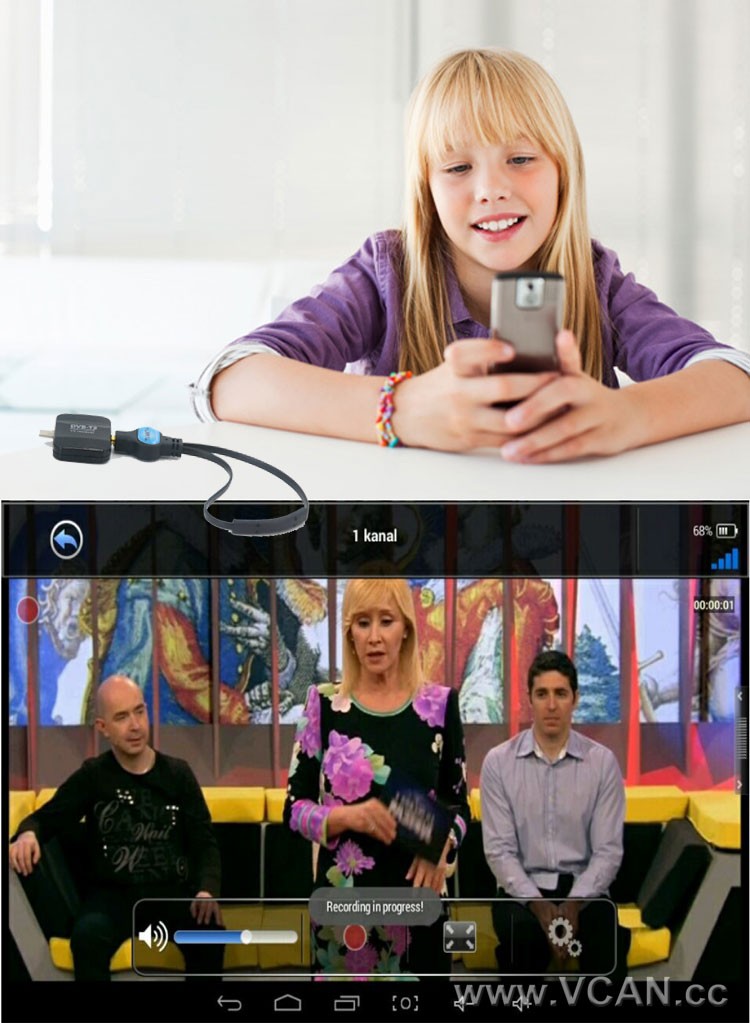
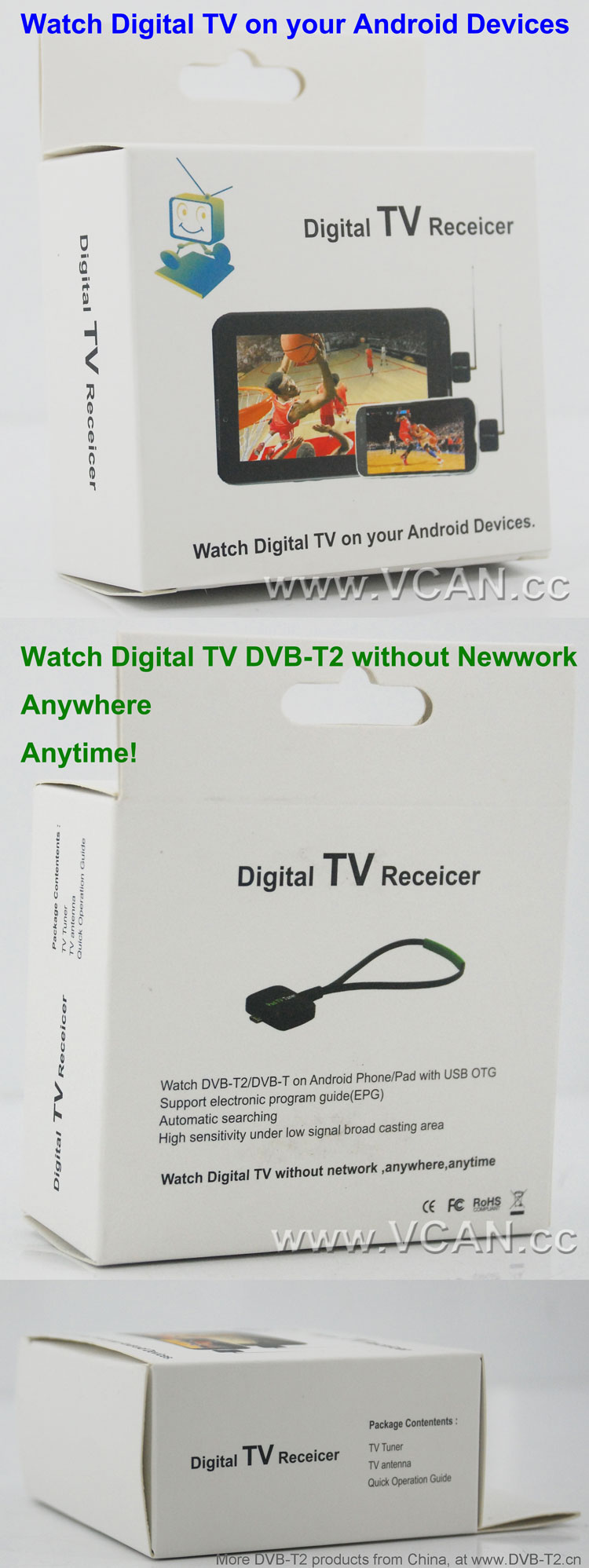
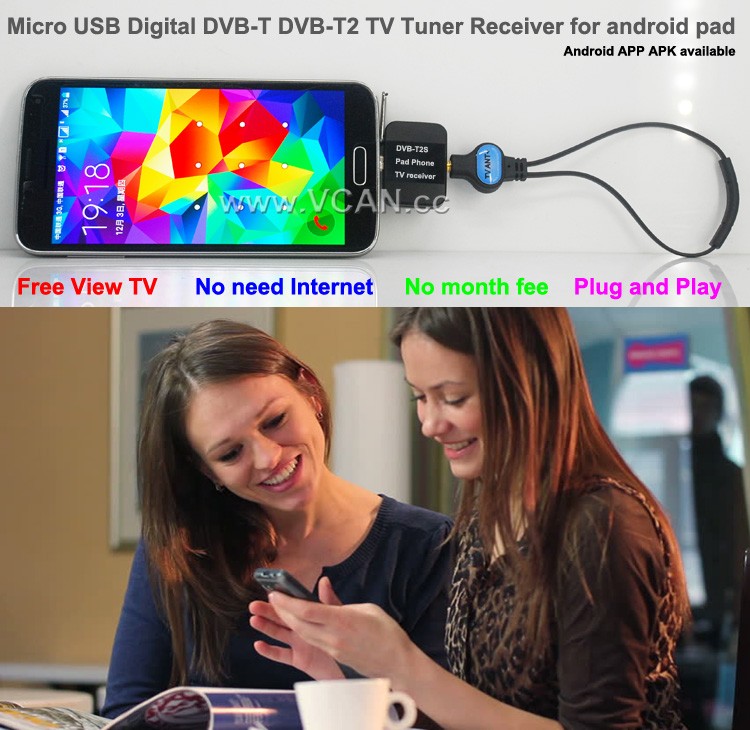
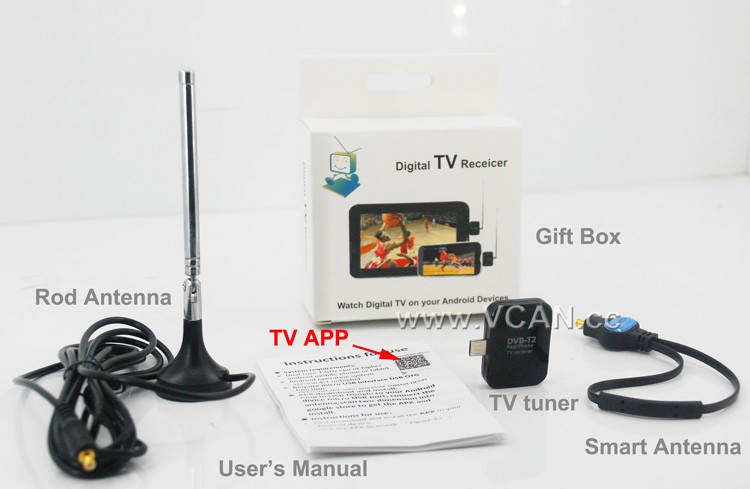
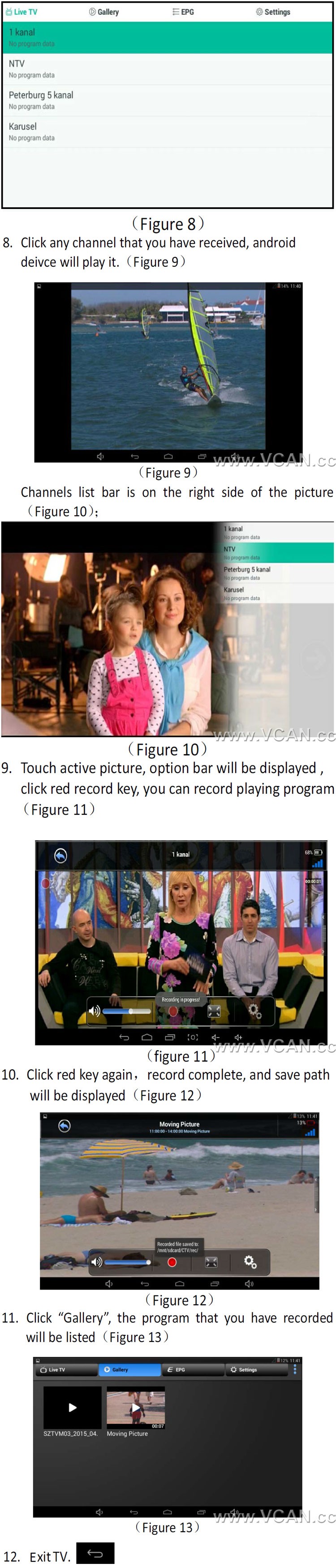
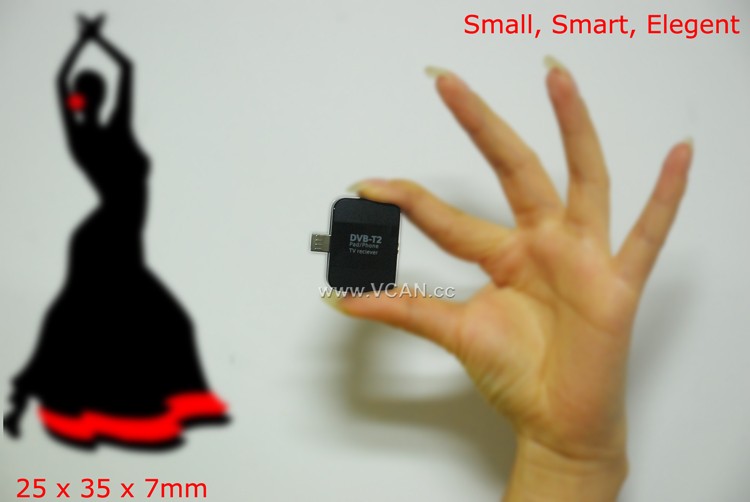
DVB-T2S DVB-T2 TV Dongle Packing:
| 製品名: | DVB-T2S |
| カートンサイズ: | 44*29.5*47(cm) |
| パッケージを含むユニット重量: | 0.12 (kg) |
| カートンあたりの数量: | 100 (個) |
| カートンあたりの総重量: | 12.93(kg) |
| Gift box size: | 13.5*8.6*4 (cm) |
Welcome you to our website
目次
DVB-T2カテゴリー
DVB-T2アンテナの数量
DVB-T2帯域幅
DVB-T2チップセット
DVB-T2デコーダー
DVB-T2 の知識
How to Use a DVB-T2 TV Stick for Smart Phone to Stream Live TV?
Streaming live TV on your smartphone is now possible with the use of a DVB-T2 TV stick. This device is a small USB stick that plugs into your smartphone and allows you to watch live TV on your device. Here is a step-by-step guide on how to use a DVB-T2 TV stick for streaming live TV on your smartphone.
ステップ 1: Purchase a DVB-T2 TV stick. These devices are available from most electronics stores and online retailers. Make sure to check the compatibility of the device with your smartphone before purchasing.
ステップ 2: Install the necessary software. Depending on the device, you may need to install a specific app or driver to get the device to work.
ステップ 3: Connect the DVB-T2 TV stick to your smartphone. This is usually done by plugging the device into the USB port of your smartphone.
ステップ 4: Launch the app or driver that you installed in Step 2. This will allow you to access the live TV channels available on the device.
ステップ 5: Select the channel you want to watch and start streaming. You can also use the app or driver to adjust the settings of the device, such as the resolution and audio quality.
以下の手順に従ってください, you can easily use a DVB-T2 TV stick to stream live TV on your smartphone. This device is a great way to watch your favorite shows and news programs on the go.
質問する
ご回答をありがとうございました。 ✨