






Android DVB-T2 電視調諧器
Android DVB-T2 電視調諧器
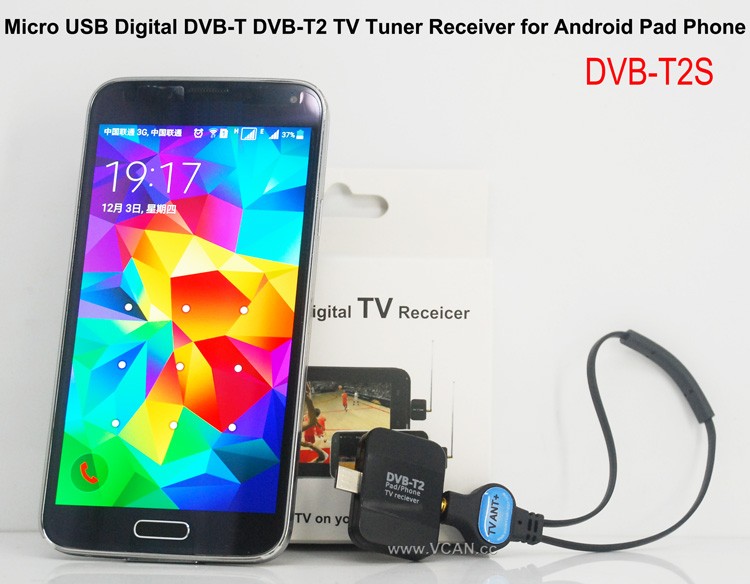
維肯新產品 安卓DVB-T DVB-T2 USB 電視轉接器: DVB-T2S
賣點:
小型 SmartDVB-T2 和 DVB-T
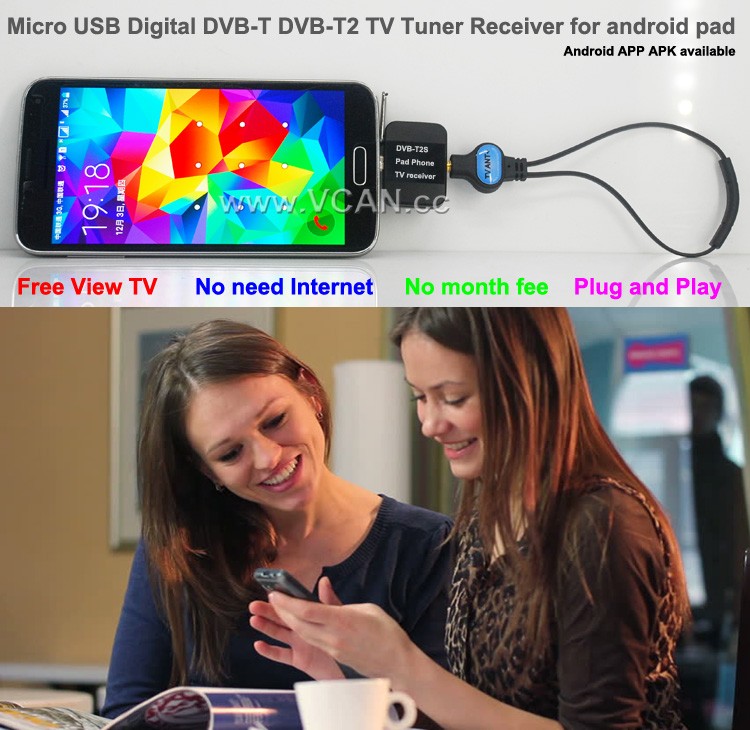
免費觀看電視
無需互聯網
無月費
DVB-T2S Android DVB-T2 DVB-T 電視接收器適用於手機平板微型 USB 電視調諧器
DVB-T2S 將協助您在 Android 手機或有 micro USB OTG 的平板電腦上觀看直播免費電視節目
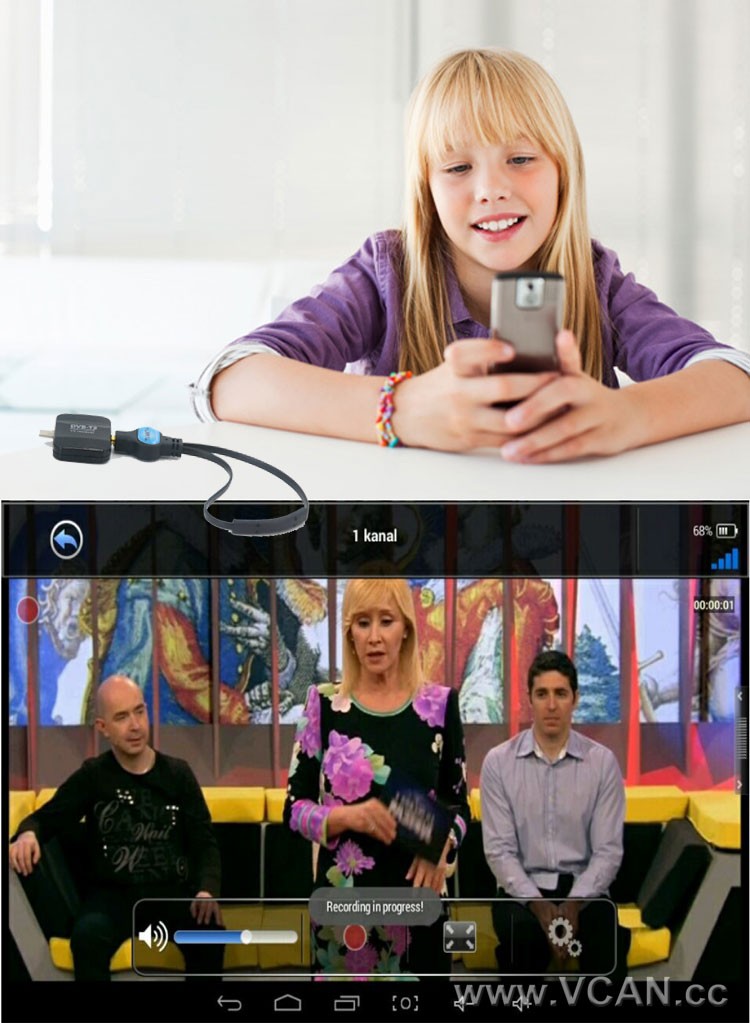
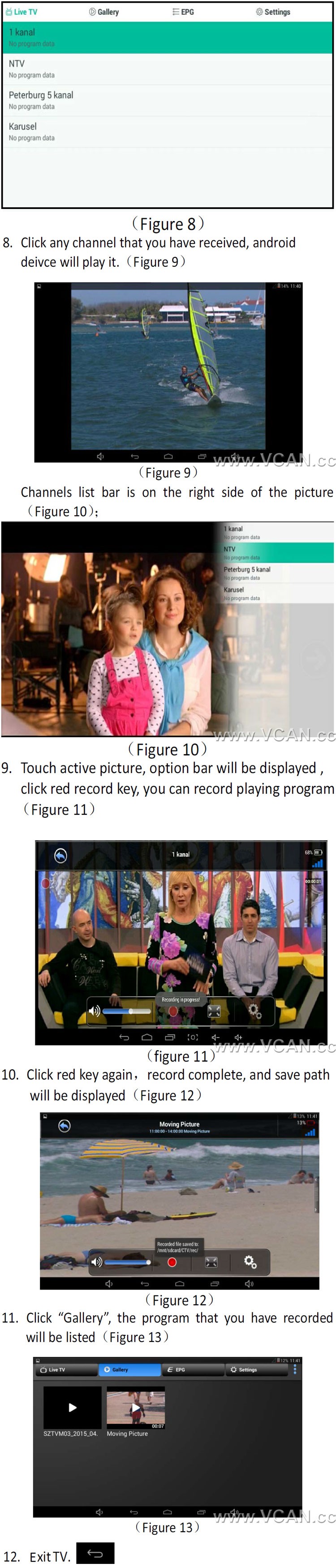
支援觸控螢幕切換頻道
支援錄製免費播放的DVB-T2電視節目並儲存在手機或平板電腦中
支援播放錄製的電視節目
支援DVB-T / DVB-T2 MPEG2 MPEG4 電視
輕鬆查看EPG以查看電視節目指南
透過時移錄影功能倒帶和快轉直播電視節目
電子節目指南 (電子節目指南) 並支援HDTV接收
自動電視頻道搜尋 (也支援手動搜索)
建立喜愛的頻道,方便觀看
低訊號下的高靈敏度寬投射區域
1. 天線電纜多長?
虛擬控制器網路: 最長的天線是 2 儀表. (如果需要更長的時間, 訂購時請備註VCAN)
2. 在哪裡可以找到 Android 安裝 APK?
虛擬控制器網路: 請聯絡我們
有產品圖片:
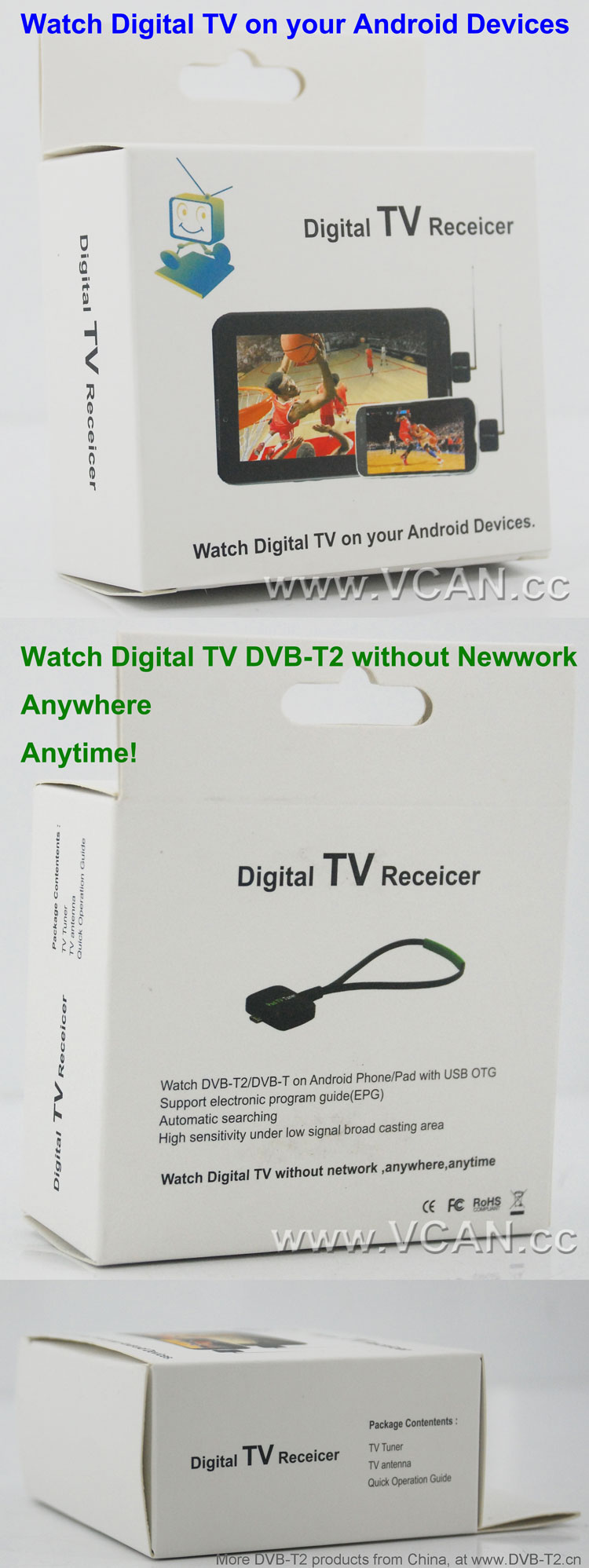
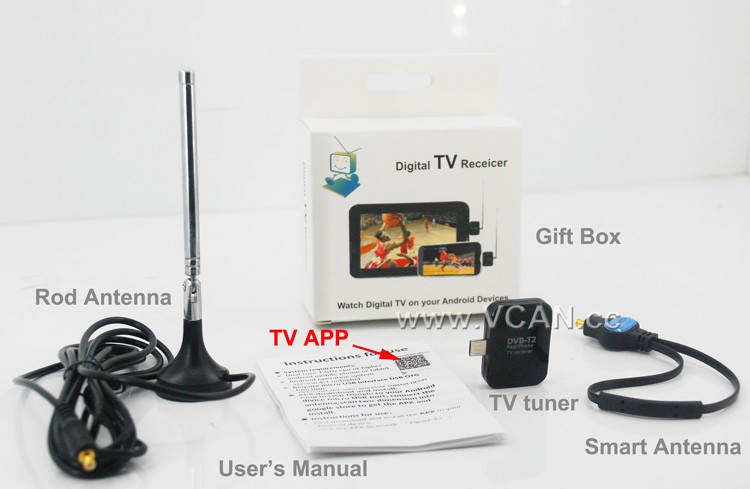
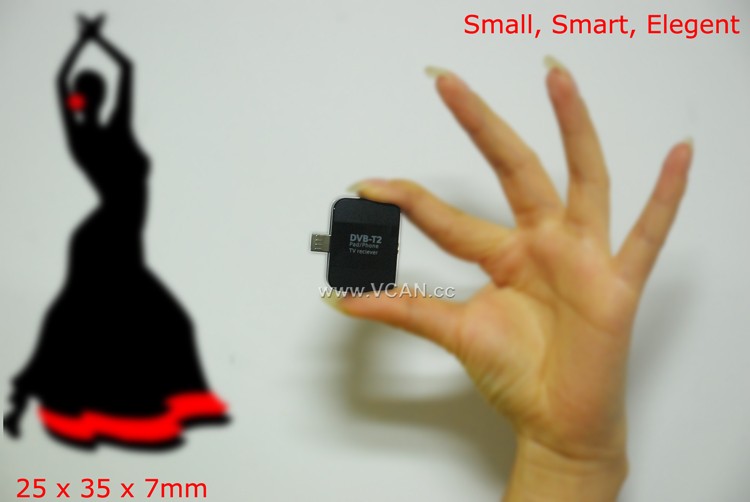
DVB-T2S DVB-T2 電視轉接器包裝:
| 產品名稱: | DVB-T2S |
| 紙箱尺寸: | 44*29.5*47(公分) |
| 單位重量(含包裝): | 0.12 (公斤) |
| 每箱數量: | 100 (件) |
| 每箱毛重: | 12.93(公斤) |
| 禮盒尺寸: | 13.5*8.6*4 (公分) |
歡迎您來我們的網站
目錄
DVB-T2 類別
DVB-T2 天線數量
DVB-T2 頻寬
DVB-T2 芯片組
DVB-T2 解碼器
DVB-T2知識
如何使用智慧型手機的 DVB-T2 電視棒串流直播電視?
現在可以使用 DVB-T2 電視棒在智慧型手機上觀看直播電視節目. 該設備是一個小型 USB 記憶棒,可插入您的智慧型手機並允許您在裝置上觀看直播電視. 以下是如何使用 DVB-T2 電視棒在智慧型手機上串流直播電視的分步指南.
步 1: Purchase a DVB-T2 TV stick. These devices are available from most electronics stores and online retailers. Make sure to check the compatibility of the device with your smartphone before purchasing.
步 2: Install the necessary software. Depending on the device, you may need to install a specific app or driver to get the device to work.
步 3: Connect the DVB-T2 TV stick to your smartphone. This is usually done by plugging the device into the USB port of your smartphone.
步 4: Launch the app or driver that you installed in Step 2. This will allow you to access the live TV channels available on the device.
步 5: Select the channel you want to watch and start streaming. You can also use the app or driver to adjust the settings of the device, such as the resolution and audio quality.
請依照以下步驟操作, 您可以輕鬆使用 DVB-T2 電視棒在智慧型手機上直播電視節目. 該設備是隨時隨地觀看您喜愛的節目和新聞節目的好方法.
問一個問題
感謝你的回應。 ✨