





Sintonizador de TV Android DVB-T2
Sintonizador de TV Android DVB-T2
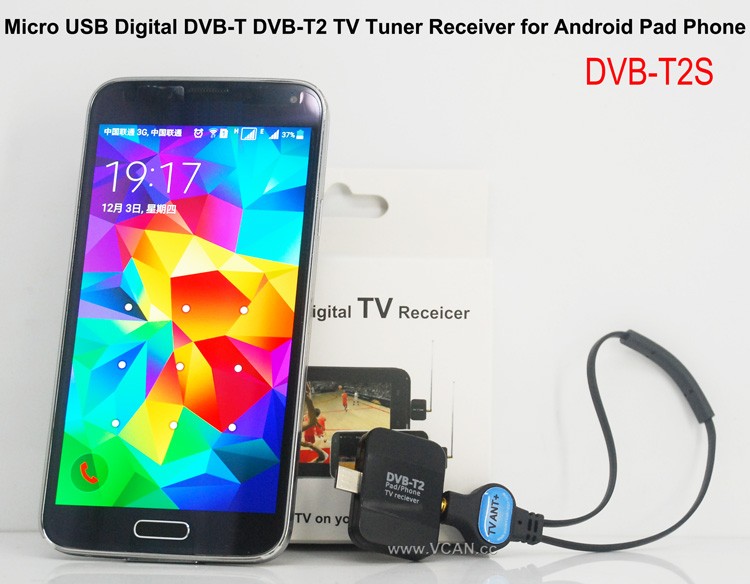
VCAN New products Android DVB-T DVB-T2 USB TV Dongle: DVB-T2S
Puntos de venta:
Small and SmartDVB-T2 and DVB-T
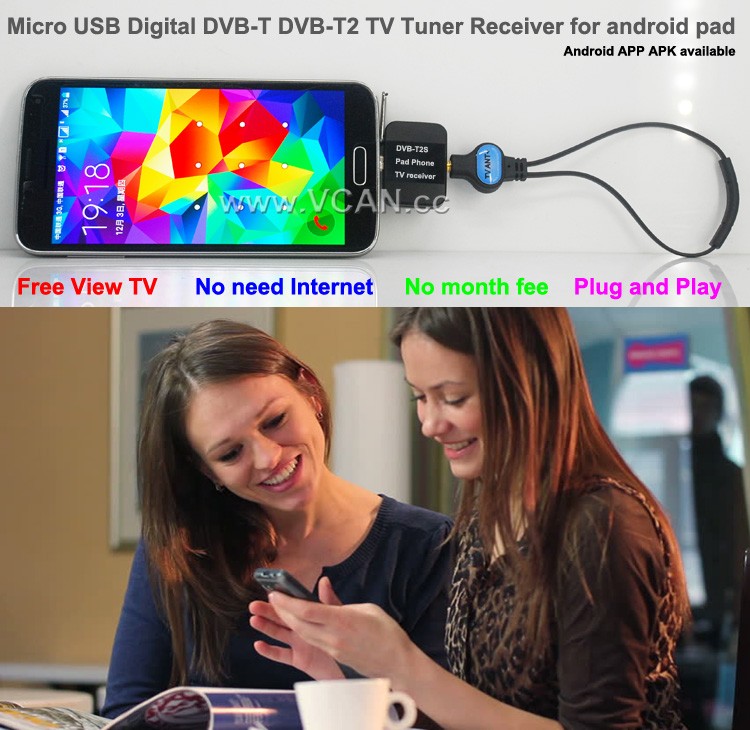
Ver TV gratis
No hay necesidad de Internet
Sin tarifa mensual
Receptor de TV DVB-T2S Android DVB-T2 DVB-T para teléfono, sintonizador de TV Micro USB
DVB-T2S te ayudará a ver televisión en vivo en abierto en tu teléfono o dispositivo Android con micro USB OTG
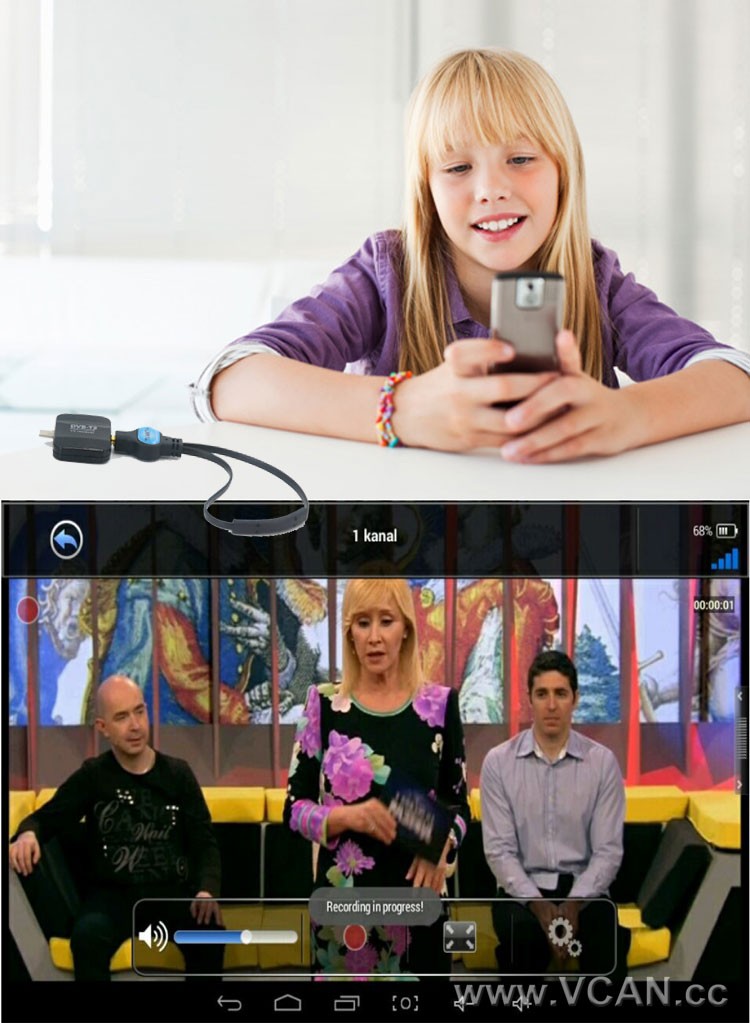
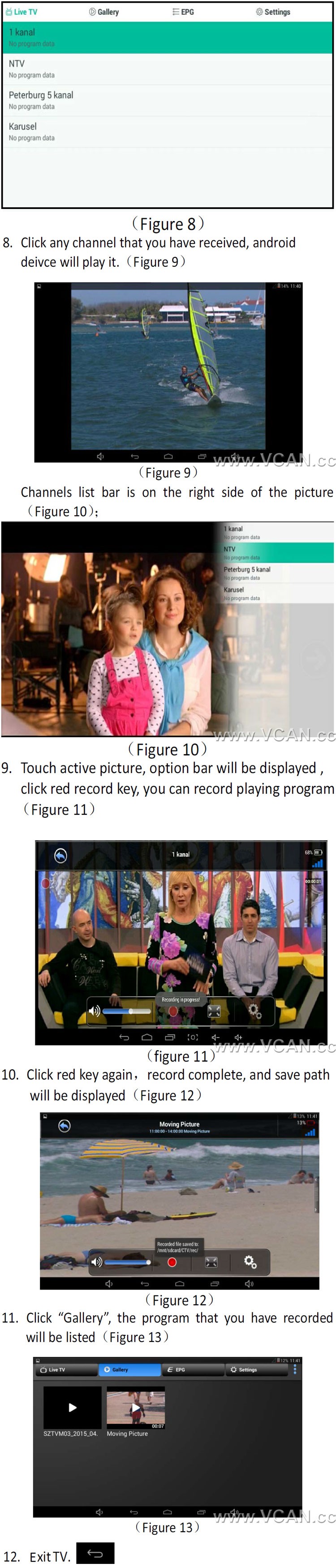
Soporte de cambio de canales mediante pantalla táctil.
Admite grabar programas de televisión DVB-T2 de forma gratuita y almacenarlos en el teléfono o teclado
Admite reproducción de programas de televisión grabados
Soporte DVB-T / Televisor DVB-T2 MPEG2 MPEG4
Easy View EPG para consultar la guía de programas de TV
Rebobinar y avanzar rápidamente programas de TV en vivo con grabación en cambio de tiempo
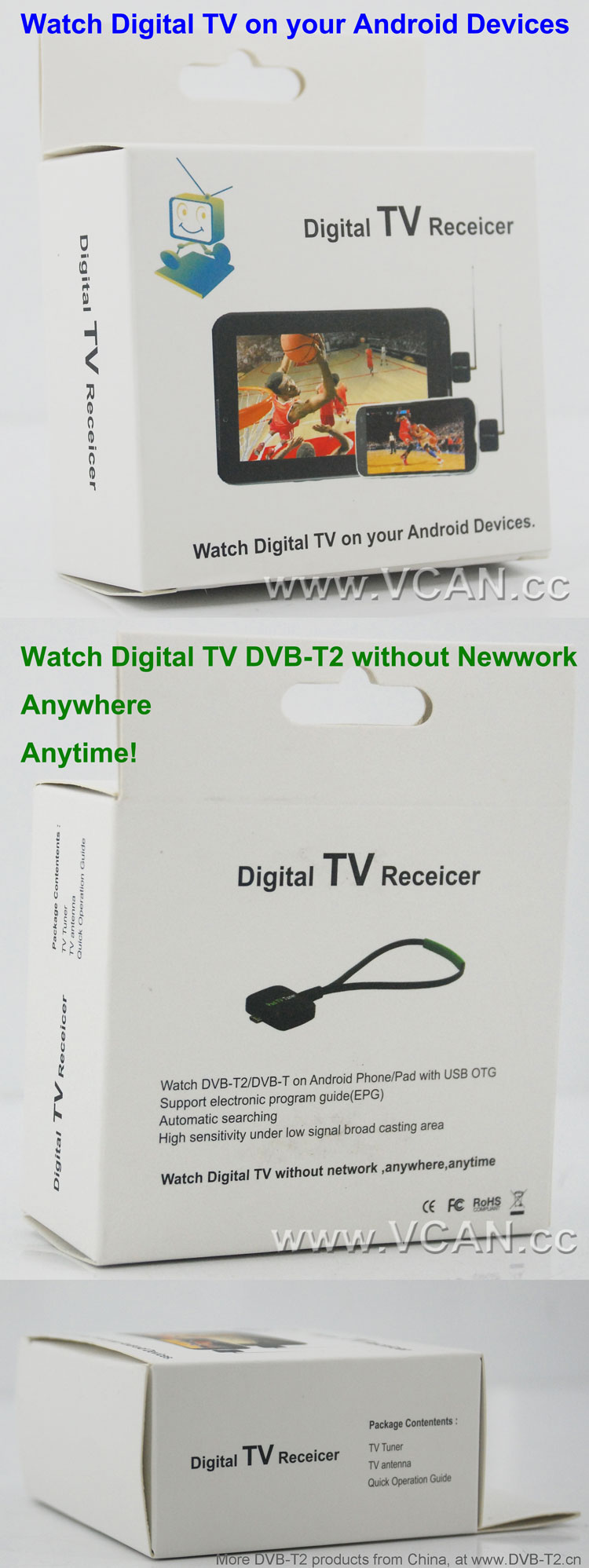
Guía electrónica de programas (EPG) y compatible con recepción de HDTV
Búsqueda automática de canales de TV (También admite búsqueda manual.)
Cree canales favoritos para verlos cómodamente
Alta sensibilidad en áreas de transmisión de señal baja
1. How long the antenna cable?
VCAN: La antena más larga es 2 metro. (Si necesita más tiempo, please note VCAN when order)
2. ¿Dónde puedo encontrar el APK de instalación de Android??
VCAN: Please contact us
There are the products pictures:
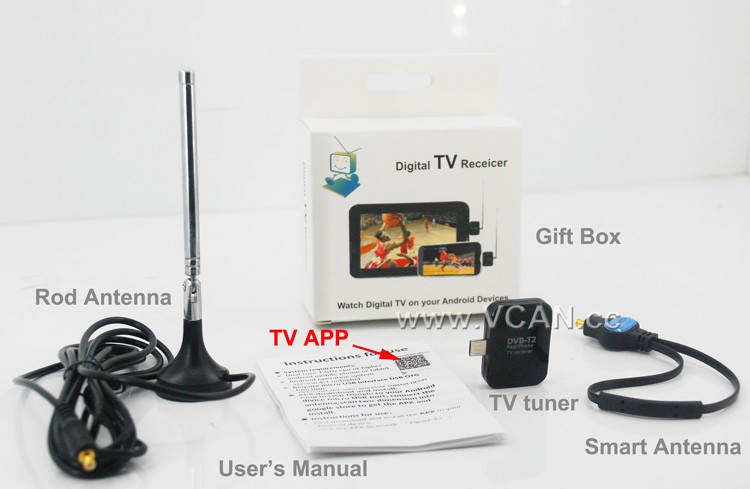
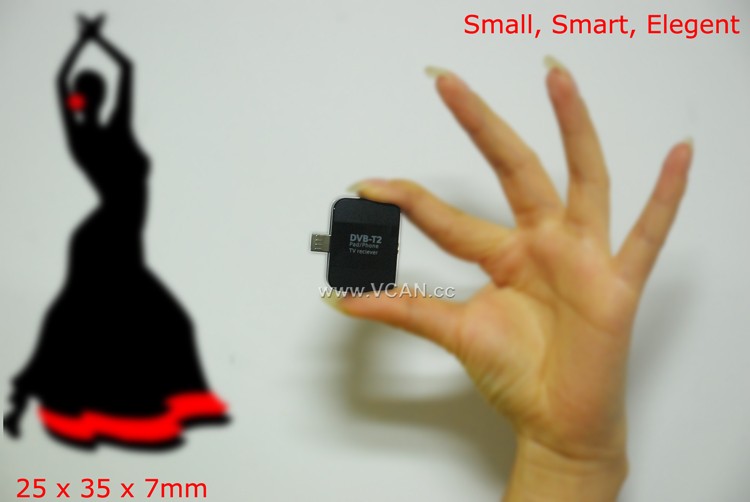
DVB-T2S DVB-T2 TV Dongle Packing:
| Nombre del producto: | DVB-T2S |
| Tamaño del cartón: | 44*29.5*47(centímetro) |
| Peso unitario incluido el paquete: | 0.12 (kg) |
| Cantidad por caja: | 100 (piezas) |
| Peso bruto por caja: | 12.93(kg) |
| Gift box size: | 13.5*8.6*4 (centímetro) |
Welcome you to our website
Tabla de contenido
Categorías DVB-T2
DVB-T2 Antenna Quantity
Ancho de banda DVB-T2
Conjunto de chips DVB-T2
Decodificador DVB-T2
DVB-T2 knowledge
How to Use a DVB-T2 TV Stick for Smart Phone to Stream Live TV?
Streaming live TV on your smartphone is now possible with the use of a DVB-T2 TV stick. This device is a small USB stick that plugs into your smartphone and allows you to watch live TV on your device. Here is a step-by-step guide on how to use a DVB-T2 TV stick for streaming live TV on your smartphone.
Paso 1: Purchase a DVB-T2 TV stick. These devices are available from most electronics stores and online retailers. Make sure to check the compatibility of the device with your smartphone before purchasing.
Paso 2: Install the necessary software. Depending on the device, you may need to install a specific app or driver to get the device to work.
Paso 3: Connect the DVB-T2 TV stick to your smartphone. This is usually done by plugging the device into the USB port of your smartphone.
Paso 4: Launch the app or driver that you installed in Step 2. This will allow you to access the live TV channels available on the device.
Paso 5: Select the channel you want to watch and start streaming. You can also use the app or driver to adjust the settings of the device, such as the resolution and audio quality.
Siguiendo estos pasos, you can easily use a DVB-T2 TV stick to stream live TV on your smartphone. This device is a great way to watch your favorite shows and news programs on the go.
Haz una pregunta
Gracias por tu respuesta. ✨