





Android DVB-T2 TV Tuner
Android DVB-T2 TV Tuner
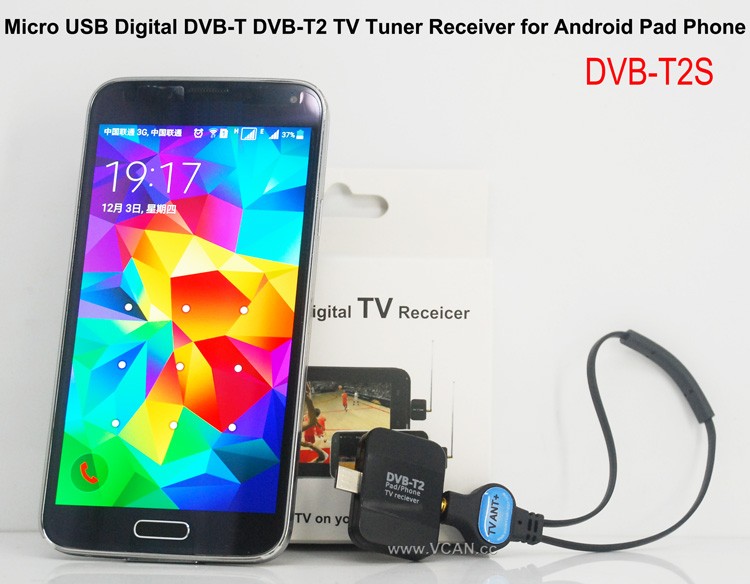
VCAN New products Android DVB-T DVB-T2 USB TV Dongle: DVB-T2S
Verkaufsargumente:
Small and SmartDVB-T2 and DVB-T
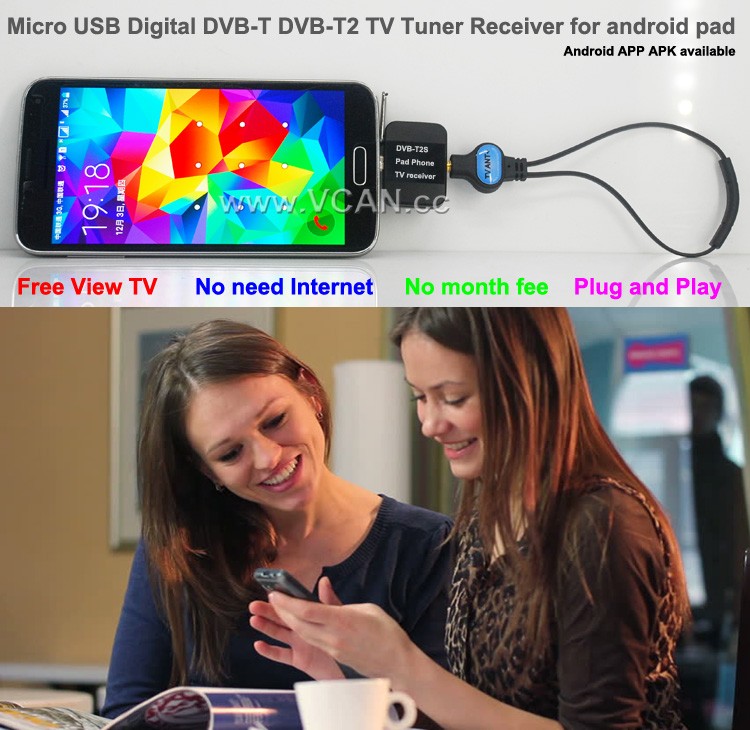
Free View-TV
Kein Internet erforderlich
Keine Monatsgebühr
DVB-T2S Android DVB-T2 DVB-T TV-Empfänger für Phone Pad Micro USB TV-Tuner
Mit DVB-T2S können Sie Free-to-Air-Live-TV auf Ihrem Android-Telefon oder -Pad mit Micro-USB-OTG ansehen
Unterstützt Kanalwechsel per Touchscreen
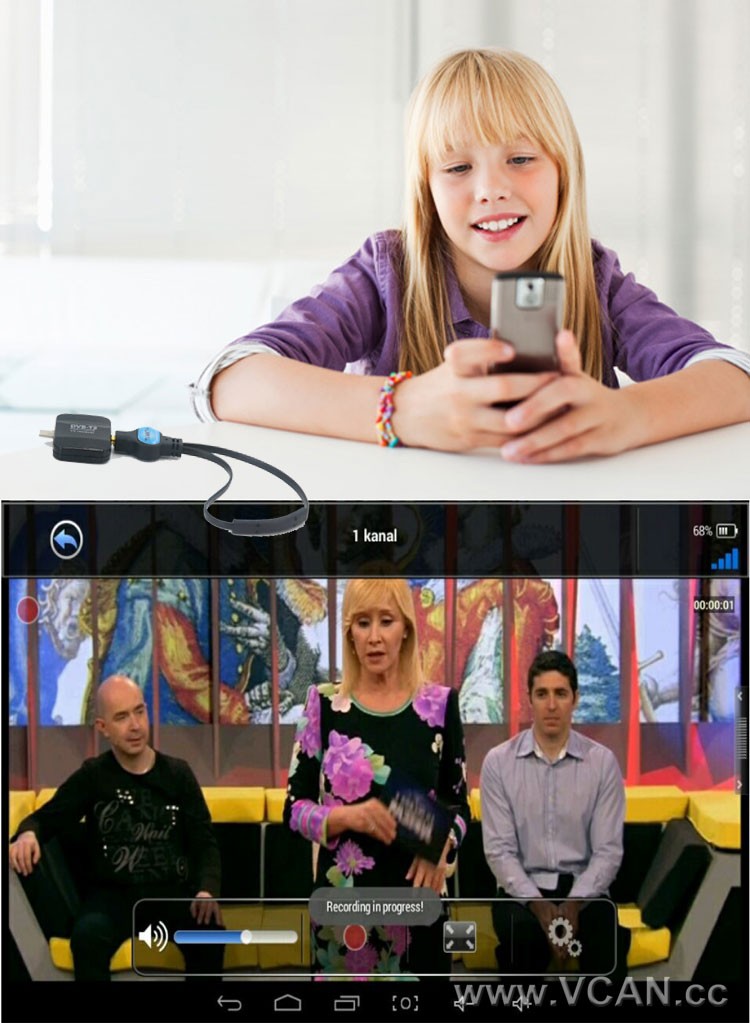
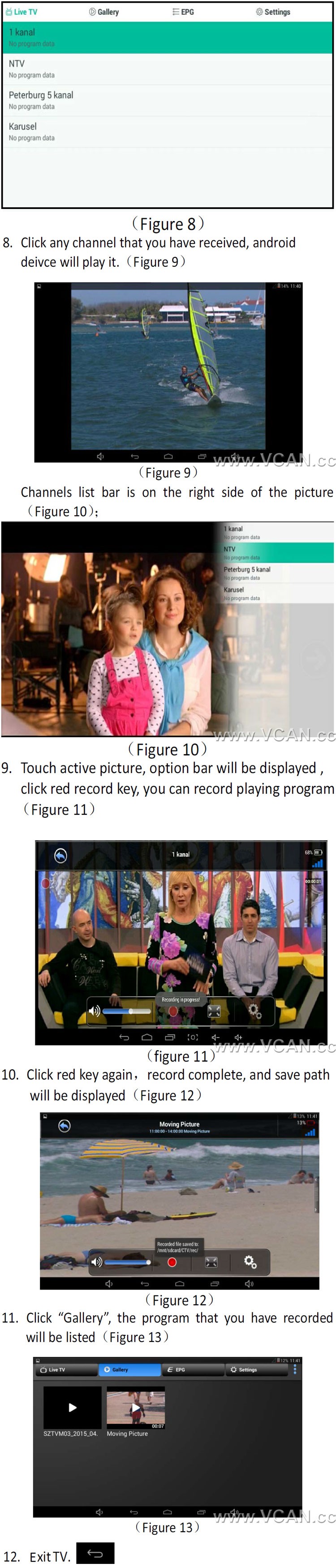
Unterstützt die Aufnahme frei empfangbarer DVB-T2-TV-Sendungen und deren Speicherung im Telefon oder Pad
Unterstützt die Wiedergabe aufgezeichneter Fernsehsendungen
Unterstützt DVB-T / DVB-T2 MPEG2 MPEG4 TV
Easy View EPG zum Überprüfen des TV-Programmführers
Rück- und Vorlauf von Live-TV-Sendungen mit zeitversetzter Aufnahme
Elektronischer Programmführer (EPG) und Unterstützung des HDTV-Empfangs
Automatische Suche nach TV-Kanälen (Unterstützt auch die manuelle Suche)
Erstellen Sie Lieblingskanäle zum bequemen Ansehen
Hohe Empfindlichkeit im Breitbandbereich mit geringem Signal
1. How long the antenna cable?
VCAN: Die längste Antenne ist 2 Meter. (Bei Bedarf länger, please note VCAN when order)
2. Wo finde ich die Android-Installations-APK??
VCAN: Please contact us
There are the products pictures:
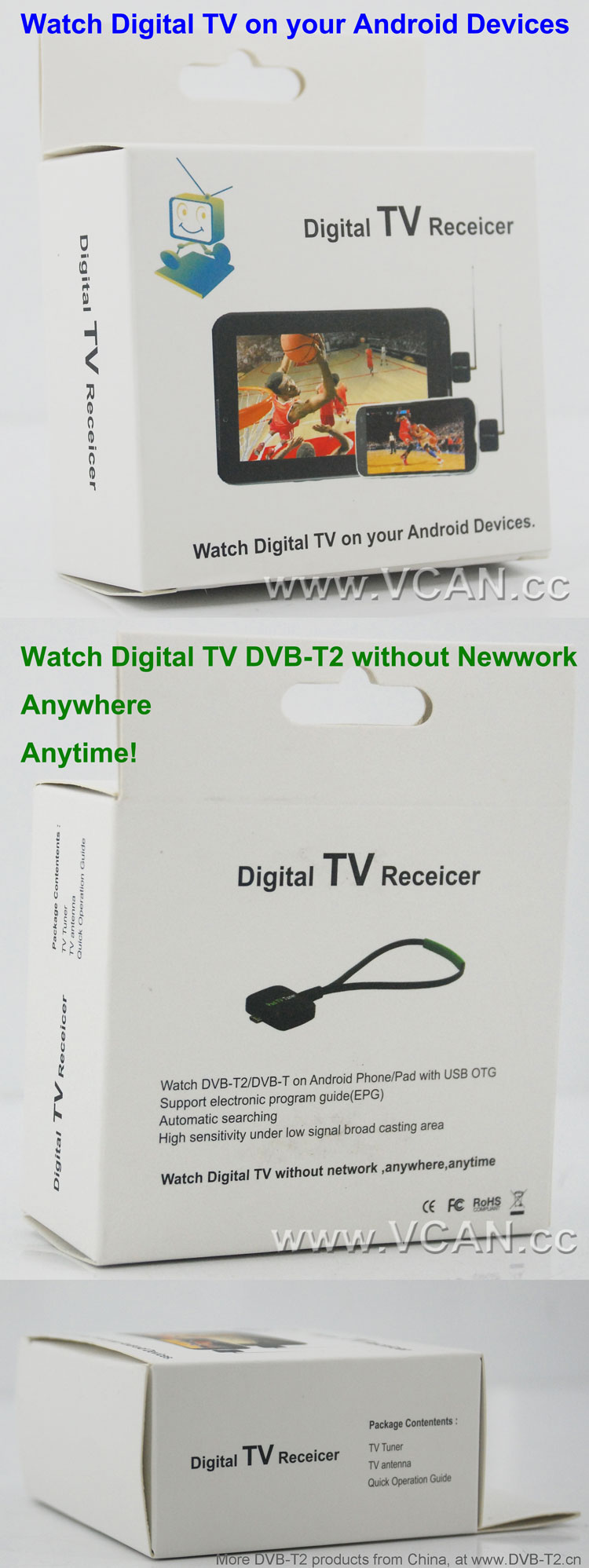
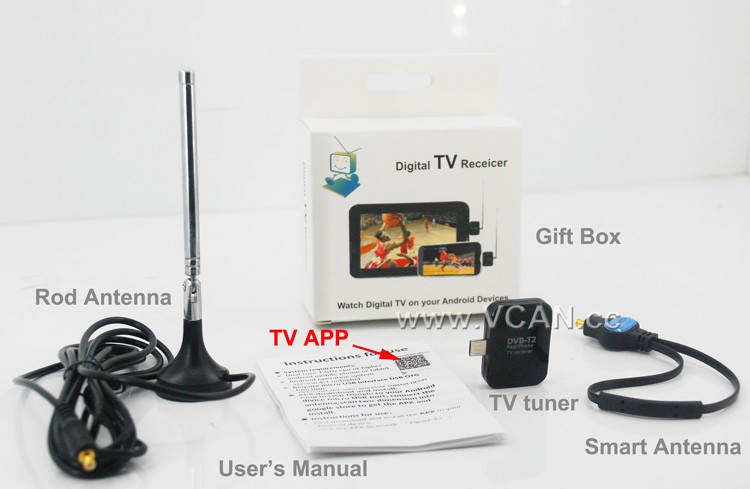
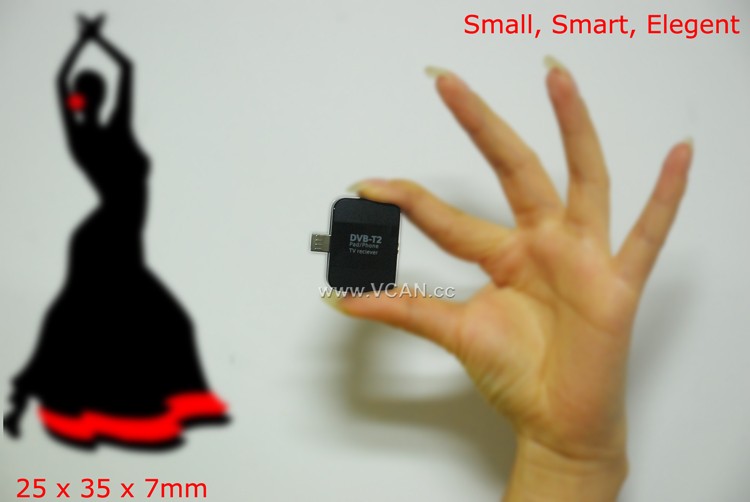
DVB-T2S DVB-T2 TV Dongle Packing:
| Produktname: | DVB-T2S |
| Kartongröße: | 44*29.5*47(cm) |
| Stückgewicht inklusive Verpackung: | 0.12 (kg) |
| Menge pro Karton: | 100 (Stk) |
| Bruttogewicht pro Karton: | 12.93(kg) |
| Gift box size: | 13.5*8.6*4 (cm) |
Welcome you to our website
Inhaltsverzeichnis
DVB-T2-Kategorien
Anzahl der DVB-T2-Antennen
DVB-T2-Bandbreite
DVB-T2-Chipsatz
DVB-T2-Decoder
DVB-T2-Kenntnisse
How to Use a DVB-T2 TV Stick for Smart Phone to Stream Live TV?
Streaming live TV on your smartphone is now possible with the use of a DVB-T2 TV stick. This device is a small USB stick that plugs into your smartphone and allows you to watch live TV on your device. Here is a step-by-step guide on how to use a DVB-T2 TV stick for streaming live TV on your smartphone.
Schritt 1: Purchase a DVB-T2 TV stick. These devices are available from most electronics stores and online retailers. Make sure to check the compatibility of the device with your smartphone before purchasing.
Schritt 2: Install the necessary software. Depending on the device, you may need to install a specific app or driver to get the device to work.
Schritt 3: Connect the DVB-T2 TV stick to your smartphone. This is usually done by plugging the device into the USB port of your smartphone.
Schritt 4: Launch the app or driver that you installed in Step 2. This will allow you to access the live TV channels available on the device.
Schritt 5: Select the channel you want to watch and start streaming. You can also use the app or driver to adjust the settings of the device, such as the resolution and audio quality.
Indem Sie diese Schritte befolgen, you can easily use a DVB-T2 TV stick to stream live TV on your smartphone. This device is a great way to watch your favorite shows and news programs on the go.
Stelle eine Frage
Vielen Dank für deine Antwort. ✨