






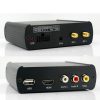



bus 5.8G + 2.4G WIFI router Wireless Mirrorlink
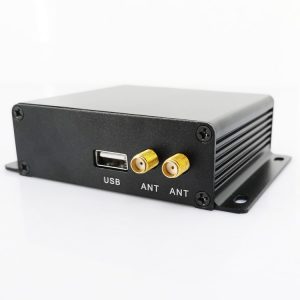
VCAN1244 Universal 5.8G & 2.4G WIFI Wireless MirrorLink BOX

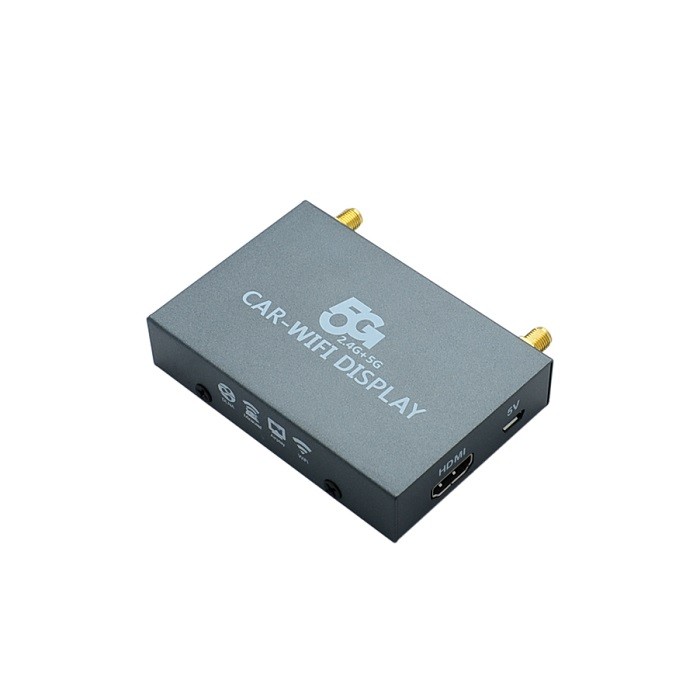
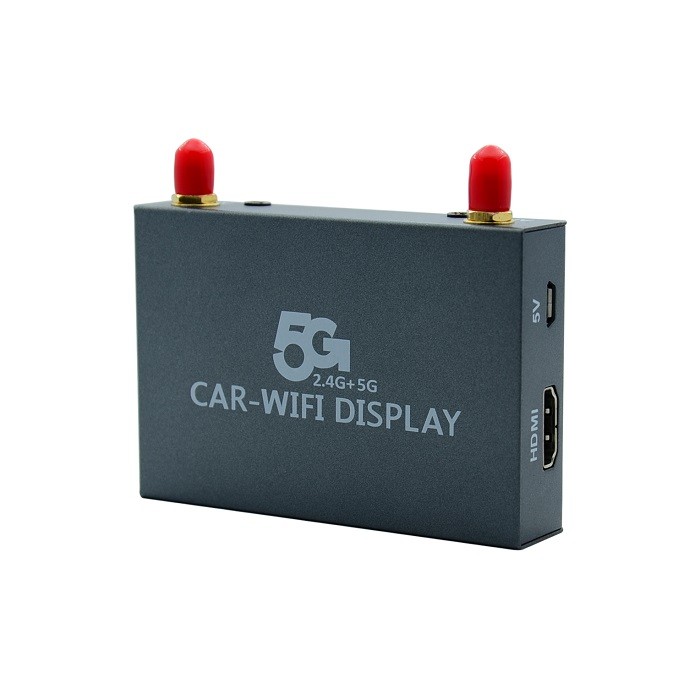

VCAN1244
Universal 5.8G & 2.4G WIFI Wireless MirrorLink BOX w/o Interference
فهرست مطالب
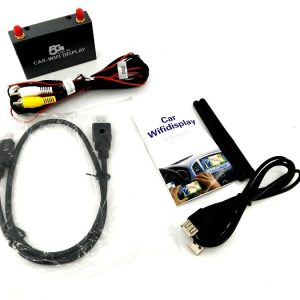
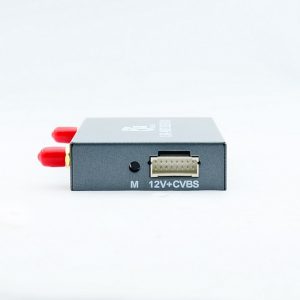
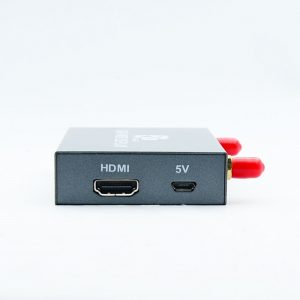
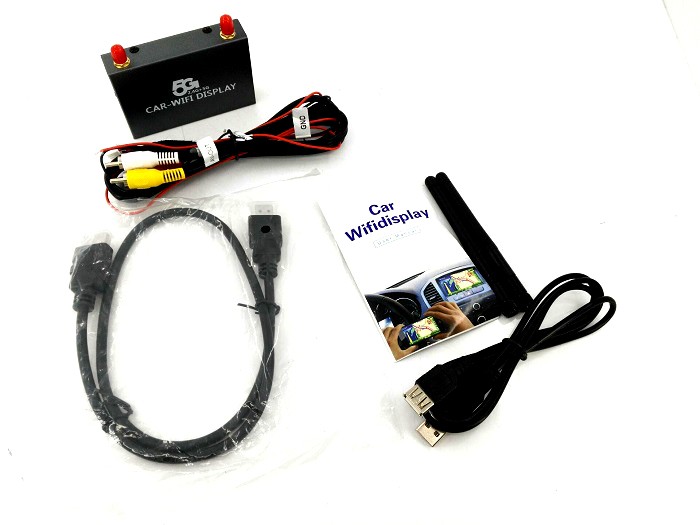
Connector
- External antenna
- قرمز, زرد, and white standard AV interface
- 12منبع تغذیه V (red positive, negative black)
- کابل HDMI
- USB power cable
Installation Method
نمودار شماتیک:
- Switching the corresponding signal input on the car display;
- Use the picture device above connected to the AV port on the car display;
- 12V power input device on the image above (positive red, black negative) to the rear of the car’s 12V power supply, Or direct access to the USB cable into the back behind the car’s USB port for the 5V power supply
- After the installation is successful, the following figure appears on the monitor screen.
- ►Mirror(IOS)IOS connection (Airplay Mirroring),take iPhone5 IOS8 for example, look at the figure。اول, open the phone wifi settings – connected device wireless signal; call up the Control Center to find and select the device checked Airplay mirroring, then mirroring successfully!
- IOS Model description (mirror synchronization)آیفون:4s55c5s66 Plus…iPad:234airmini12…MAC: Apple’s official website to check to prevailiTouch5
►Miracast(For Android)
Take the native Android system (Native Android 4.2 سیستم) به عنوان مثال; open the phone “تنظیمات” – “نمایش” – “Wireless Display”, and look at the following picture.
- The above is a native Android system connection method, در حال حاضر, the mobile phone manufacturer’s name MIRACAST is different, and the function locations are also different. مثلا, the Samsung models are called Allshare cast, The screen image, Screen mirroring, and some are named WLAN display;
- After connecting to the screen, there is not any conflict between wifi Internet and mobile Internet.
پرسش و پاسخ
س: Can I insert a sim card into this device and use it as a car wifi to solve the problem of mobile phone Internet access?
آ: خیر, This is not to solve Internet access problems. This is to share the phone screen to the car’s normal display via WIFI.




iVcan.com –
I’ve been using this 5.8G + 2.4G WiFi Wireless MirrorLink box in my car for a while now, and the experience has been surprisingly smooth. راه اندازی ساده بود, and connecting my phone through AirPlay and Miracast worked without much hassle. The screen mirroring is stable, with minimal lag, especially when navigating or using music and maps. I like that it supports both iOS and Android, making it convenient for different devices. The dual-band connection helps reduce interference, which improves overall performance while driving. It doesn’t provide internet itself, but as a mirror solution for the car display, it does exactly what it promises. به طور کلی, it’s a practical upgrade that makes in-car entertainment and phone integration much more comfortable and enjoyable for daily use.