





目录
介绍
In wireless communication systems, 验证功率放大器的输出功率 (PA) is a critical step during development and production testing.
If a customer reports no RF output or abnormally low transmit power, it does not necessarily indicate hardware damage. 在很多情况下, the issue may be related to configuration, test method, or even soldering quality.
本指南解释了 how to measure wireless link PA output power using Continuous Transmission (Continuous TX) 模式.
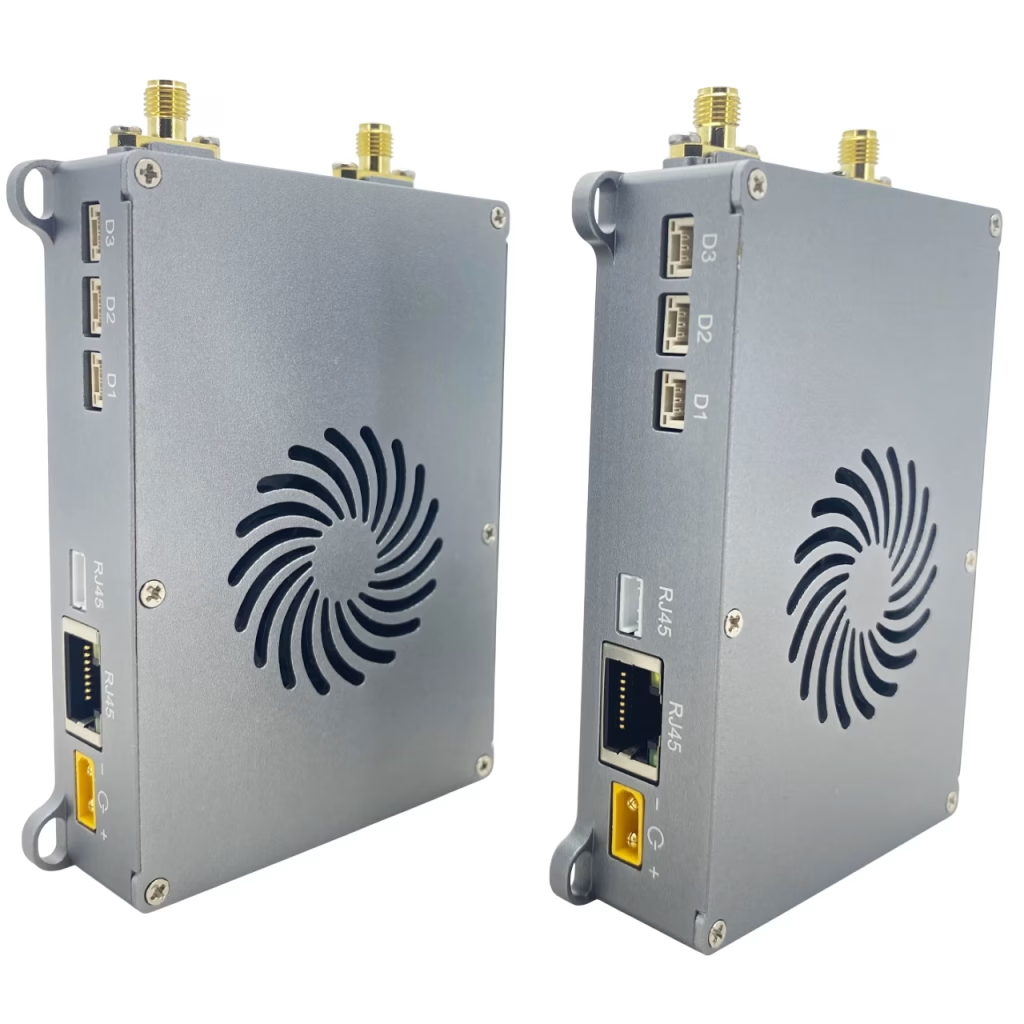
When Should You Use Continuous TX Mode?
Continuous TX mode is recommended when:
- RF output appears unstable or intermittent
- Measured transmit power is lower than expected
- You need a steady signal source for spectrum analyzer or power meter testing
This mode forces the device to transmit continuously at full duty cycle, making measurements more reliable.
步 1: Enable Continuous TX Mode
Use the following AT commands:
AT+CFUN=0         // Soft power-off
AT^DSONCTX=1,14300,5,"25",0,0,0
AT+CFUN=1         // 开机
Parameter explanation:
1→ Enable Continuous TX14300→ Frequency = 1430 兆赫5→ Bandwidth = 20 兆赫"25"→ Transmit power (分贝)0→ Single antenna0→ Not single tone0→ QPSK modulation
步 2: Measure Output Power
After enabling Continuous TX mode:
- Connect the RF port to:
- Spectrum analyzer, 要么
- Power meter
- 核实:
- 输出功率电平 (分贝)
- Signal stability
- Spectrum characteristics
步 3: Disable Continuous TX Mode
After testing, disable the mode:
AT+CFUN=0         // Soft power-off
AT^DSONCTX=0      // Disable Continuous TX
重新启动
Troubleshooting Low Output Power
If the transmit power is still very low in Continuous TX mode, 考虑以下因素:
1. Soldering Issues (Very Common)
Poor soldering between the module and baseboard can cause RF signal loss.
查看:
- RF-related pins
- Ground connections
- PA signal path
2. Incorrect Configuration
核实:
- Frequency settings
- Bandwidth selection
- Power level limits
3. Hardware Limits
If configured power exceeds device capability, the system will cap it at the maximum supported level.
Advanced Example: 2.4 GHz Single-Tone Test
AT+CFUN=0
AT^DAOCNDI=08
AT^DSONSBR=64,24015,24814,65,8060,8259,66,14279,14679
AT^DSONCTX=1,24415,2,"25",0,1
AT+CFUN=1
要点:
- 频率: 2441.5 兆赫
- 带宽: 5 兆赫
- Single-tone mode enabled (ideal for RF calibration)
Key Parameters Summary
| 范围 | Description |
|---|---|
<mode> | 0 = Disable, 1 = Enable Continuous TX |
<freq> | 频率 (单元: 100 千赫) |
<bandwidth> | 1.4 / 3 / 5 / 10 / 20 兆赫 |
<power> | -40 至 +40 分贝 |
<tx_mode> | 0 = Single antenna, 1 = Dual antenna |
<single_tone> | 0 = Modulated, 1 = Single tone |
<modu_type> | QPSK / 16QAM / 64QAM |
结论
Using Continuous TX mode is the most effective way to measure wireless link PA output power accurately.
If low output persists under this mode, the issue is unlikely to be software-related and is often caused by hardware factors such as poor soldering or RF path issues.
By following this method, engineers can quickly isolate and diagnose PA-related problems in wireless systems.




无线视频传输
问一个问题
感谢您的回复。 ✨