







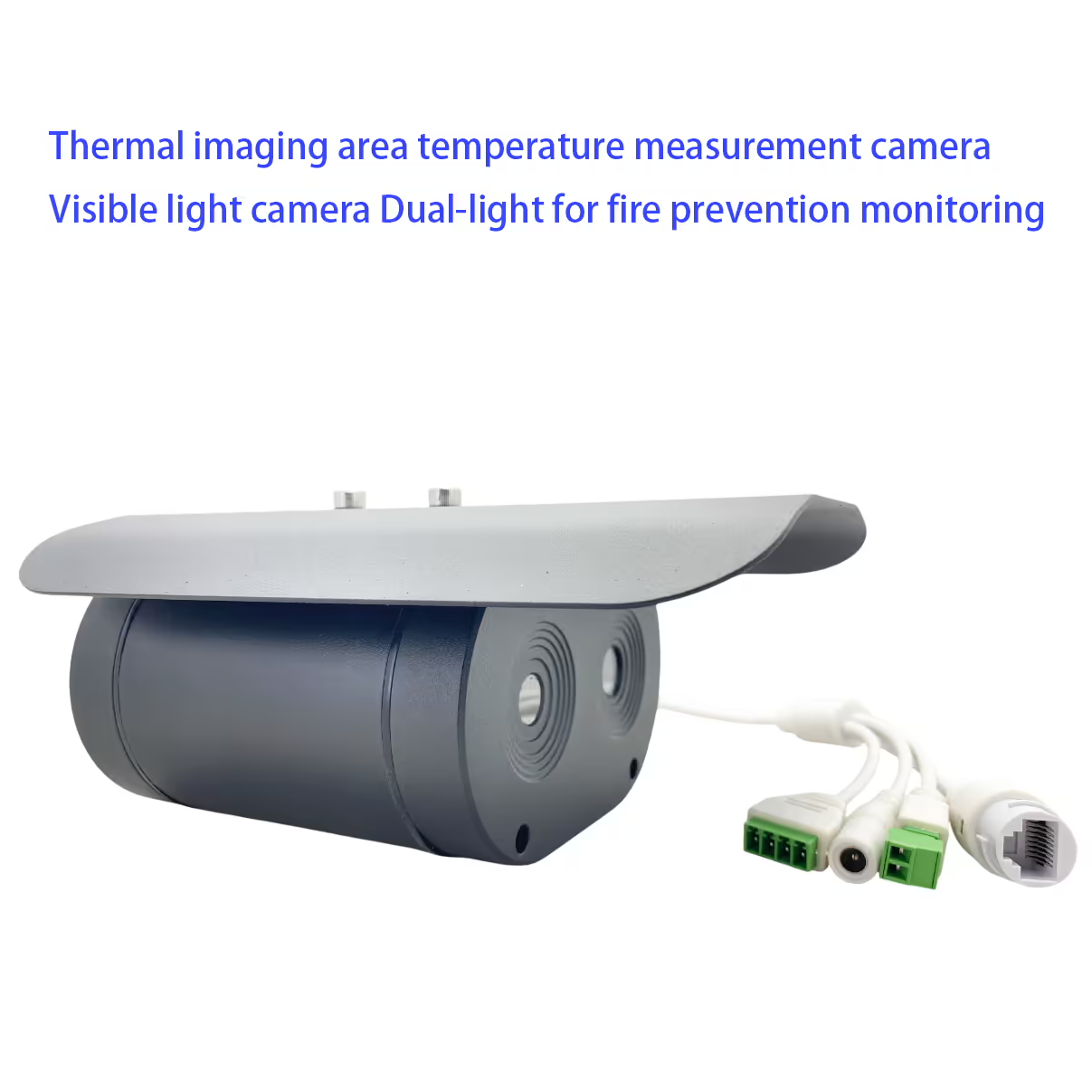
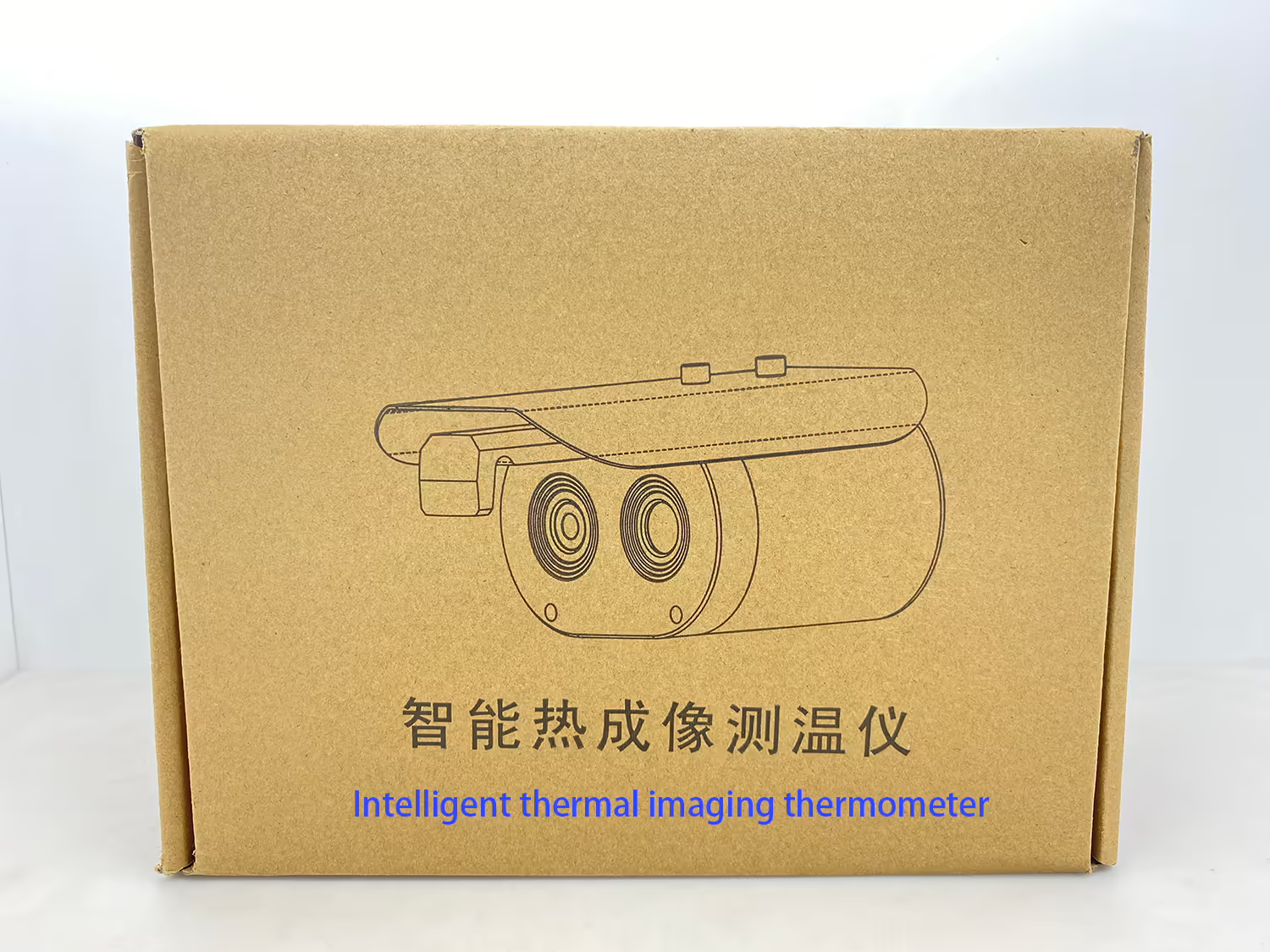
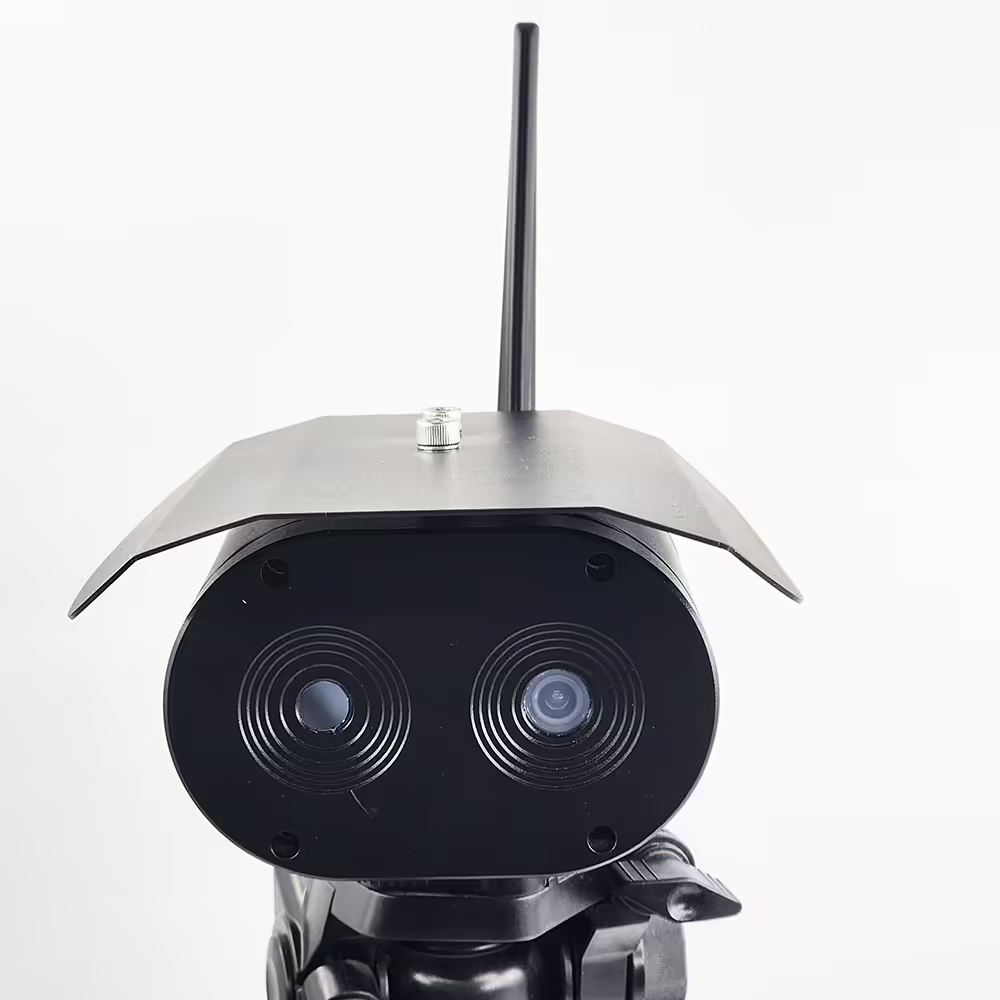
အပူဓာတ် ပုံရိပ်ဖော်ခြင်း ဧရိယာ အပူချိန် တိုင်းတာရေး ကင်မရာ နှင့် မြင်နိုင်သော အလင်းရောင် ကင်မရာ Dual-light သည် မီးဘေးကာကွယ်ရေး စောင့်ကြည့်မှု အတွက် ဖြစ်သည်။
မာတိကာ
လက္ခဏာ
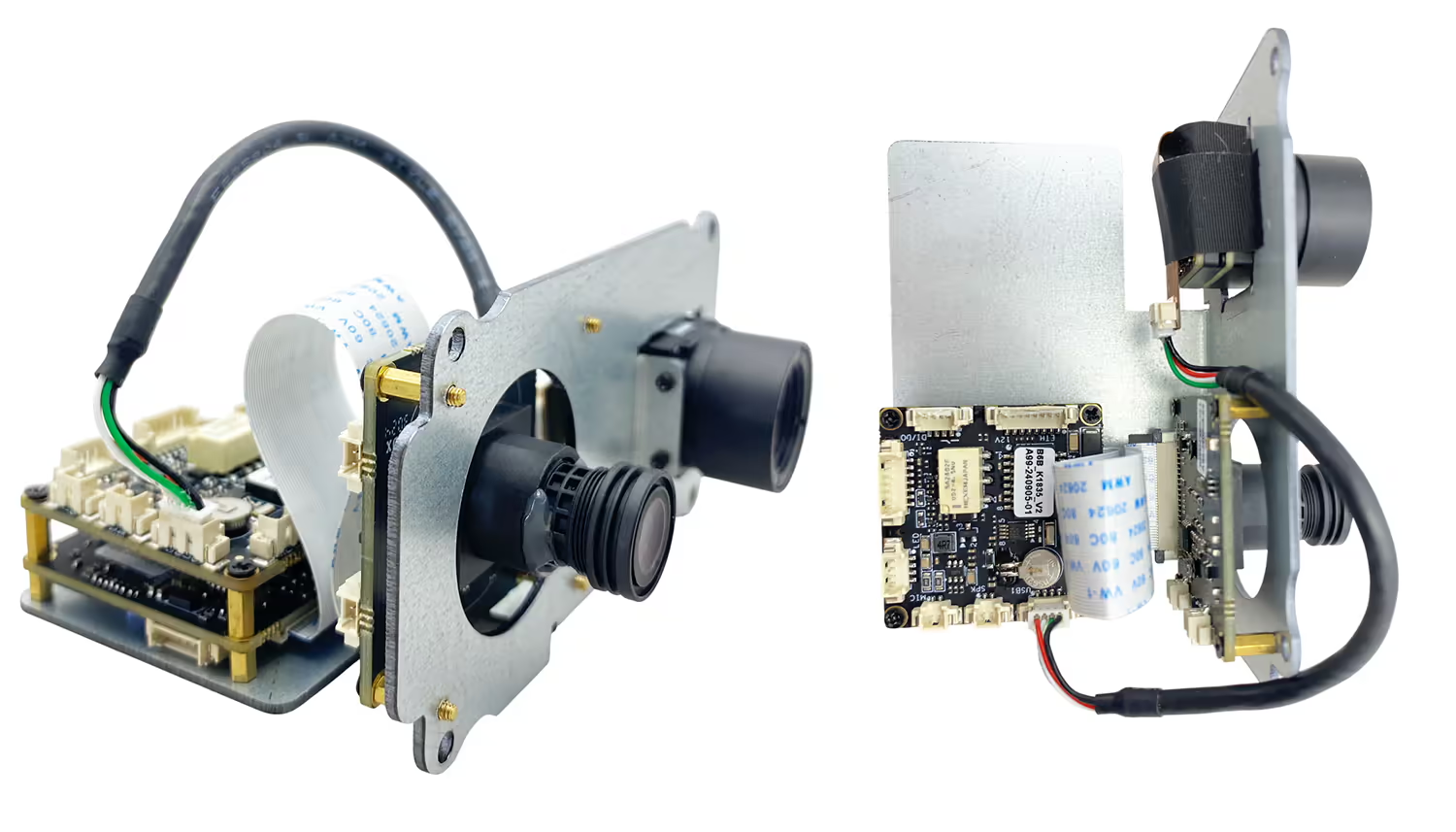
- မြင့်မားသော sensitivity အနီအောက်ရောင်ခြည်ကင်မရာ
- High-definition HD မြင်နိုင်သောကင်မရာ
- ၎င်းကိုနေရာအမျိုးမျိုးတွင်အပူချိန်စစ်ဆေးခြင်းအတွက်အသုံးပြုနိုင်သည်
- area ရိယာကျူးကျော်ရှာဖွေတွေ့ရှိမှု, နယ်စပ်ဖြတ်ကျော်ရှာဖွေတွေ့ရှိ, မြင့်မားသောအပူချိန်အရာဝတ်ထုရှာဖွေတွေ့ရှိ
- Multi-unze အပူချိန်တိုင်းတာခြင်း mode ကိုထောက်ပံ့သည်
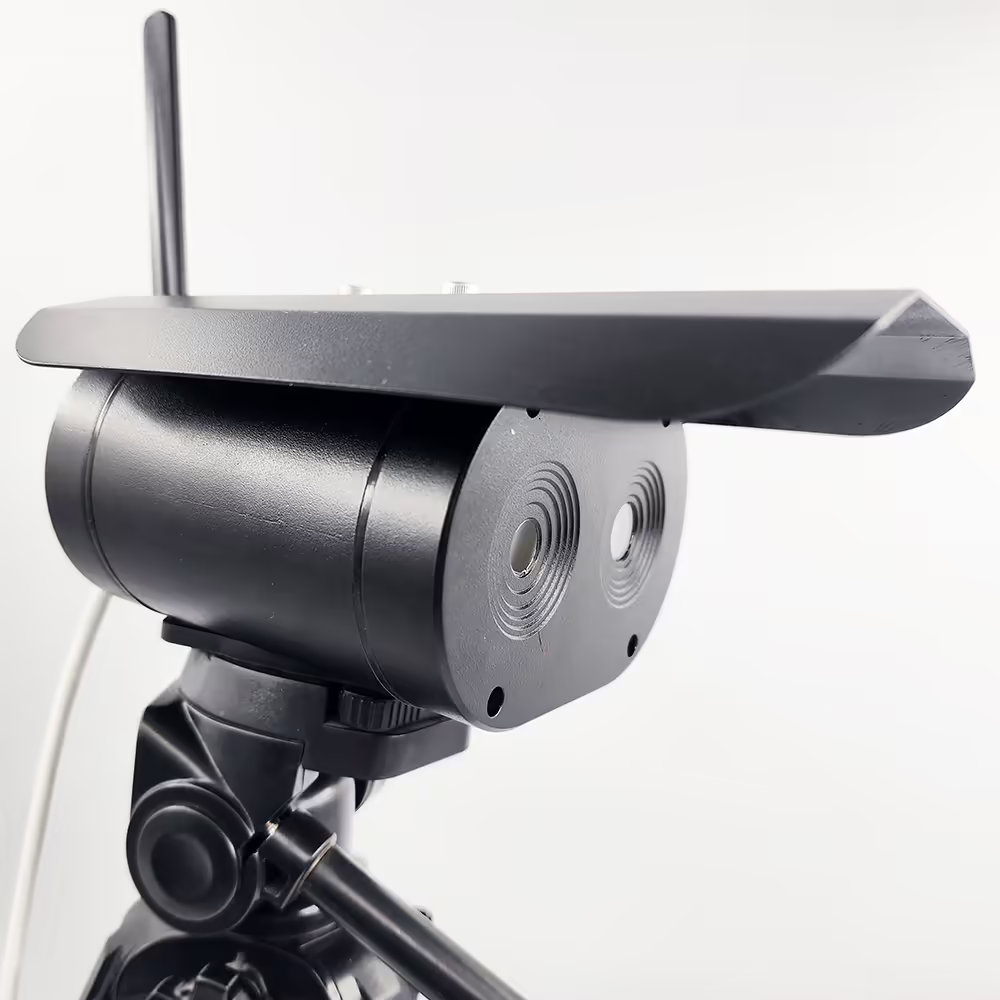
- IP67 ကာကွယ်မှု
- ရှည်လျားသောအကွာအဝေးလူ့ခန္ဓာကိုယ်အပူချိန်ရှာဖွေတွေ့ရှိမှု 1M ~ 4m
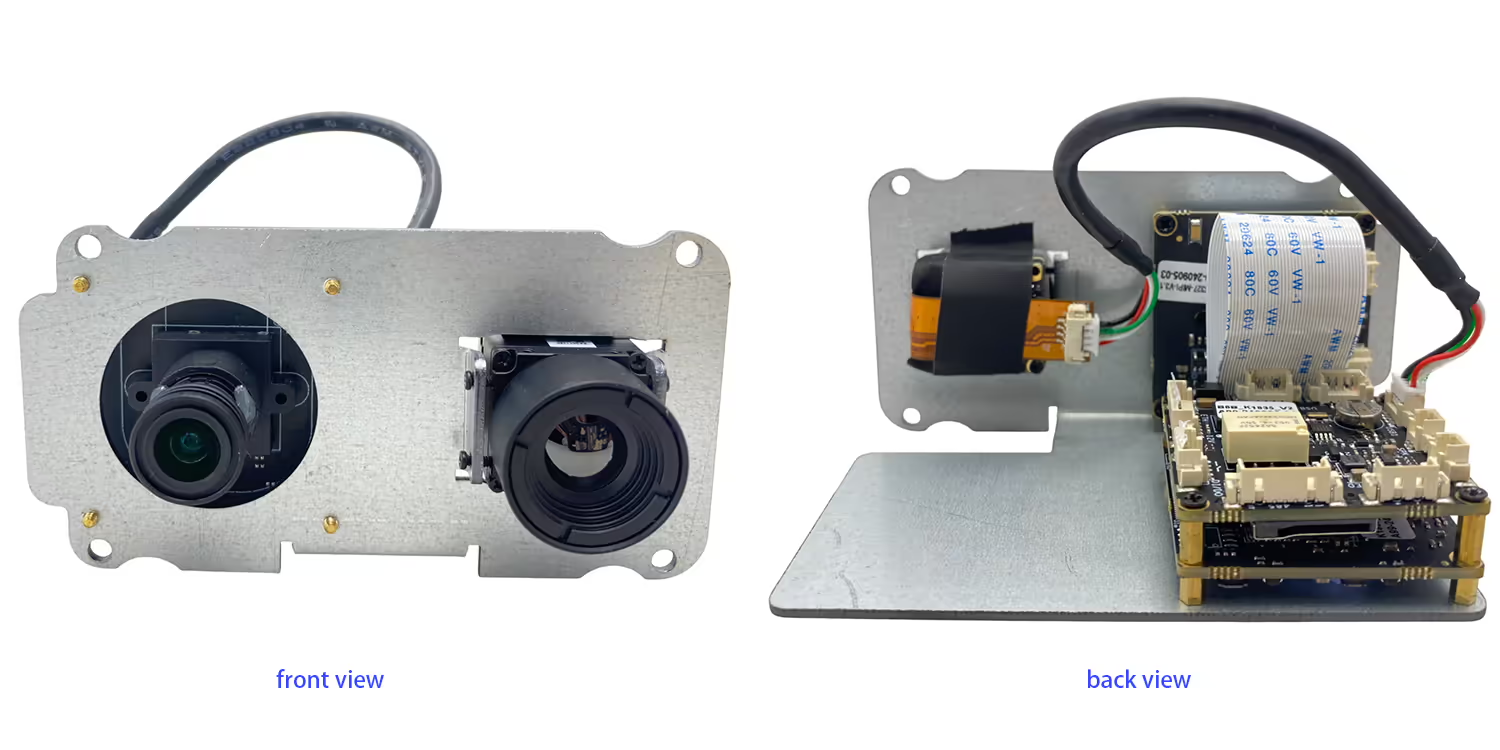
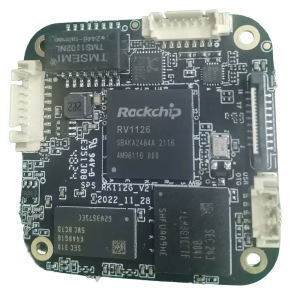
- ကင်မရာ + motherboard embedded Motherboard + အနက်ရောင်ခန္ဓာကိုယ်ပေါင်းစည်းဖွဲ့စည်းပုံ, သေးငယ်အရွယ်အစားနှင့်ပိုမိုပေါ့ပါးအလေးချိန်
- ကွန်ပျူတာမလိုအပ်ပါ, HDMI Standard Video Signal Output, တိုက်ရိုက်မော်နီတာနှင့်ချိတ်ဆက်
- အလိုအလျောက်ဆုံးမခြင်း, အပူချိန်အပူချိန်၏သက်ရောက်မှုအပေါ်သက်ရောက်မှုကိုမကြောက်ရွံ့ပါ
- တိကျသောနဖူးအပူချိန် algorithm တိုင်းတာခြင်း, နောက်ခံနောက်ခံအပူချိန်သက်ရောက်မှု
- မျက်နှာဖုံးမျက်နှာဖုံးအသိအမှတ်ပြုခြင်း, ပုံမှန်မဟုတ်သောခန္ဓာကိုယ်အပူချိန်, ချက်ချင်းသတိပေးနှိုးစက် 9 Real-Time Capture optional network server သည်ဒေတာခွဲခြမ်းစိတ်ဖြာခြင်းအတွက် Cloud သို့ဆက်သွယ်ပါ

specification
| မြင်နိုင်သောကင်မရာ | |
| resolution ကို | 4 သန်းပေါင်းများစွာ pixels |
| ပုံရိပ်အာရုံခံကိရိယာများ | GC4653 1/3 " |
| ပုံရိပ်တွေ | CMOS |
| အနီအောက်ရောင်ခြည်ကင်မရာ | |
| detector အမျိုးအစား | ဗားဒါဒရီယမ် oxide unlocor |
| resolution ကို | 384*288 မြင့်မားသော sensitivity ကို detector, ဆန့်ကျင်ဘက်ညှိနှိုင်းမှုပံ့ပိုးမှု |
| မှန်ဘီလူး | 3.8MM သို့မဟုတ် 6.2mm သို့မဟုတ် 10mm |
| အပူချိန်တိုင်းတာခြင်းအကွာအဝေး | 0 ℃ -550 ℃ |
| အပူချိန်တိုင်းတာခြင်းတိကျမှန်ကန်မှု | ± 2 ° C သို့မဟုတ်±စာဖတ်ခြင်း၏ 2%, ဘယ်ဟာအများဆုံးဖြစ်ပါတယ် |
| operating bands | 8~ 14 အမ် |
| Netd | ≤60MK (F / 1,300k), 50hz) |
| frame rate | 50Hz |
| အခြား parameters တွေကို | |
| Operating အပူချိန် | -20℃ ~ 80 ℃ |
| interface ကို | RJ45 |
| တပ်ဆင်ခြင်းပတ် 0 န်းကျင် | မိုးလုံလေလုံသို့မဟုတ်ပြင်ပ |
| installation: | ကွင်းခတ်, နံရံ mounting, တင်ရေး |
အမြဲမေးလေ့ရှိသောမေးခွန်းများ
Q1: သင့်ရဲ့အပူပါဘူး + Dual Dual Dual Lens ကင်မရာသည် 1.4G ဆက်သွယ်ရေးစနစ်ကိုကောင်းစွာအလုပ်လုပ်သည်။?
A1: ဟုတ်ကဲ့, ဒါဟာငါတို့နှင့်အတူကောင်းစွာအလုပ်လုပ်သည် TX900, 1.4GHz ကြိုးမဲ့ဗီဒီယိုဒေတာ RC link.
Q2: What is the default IP address of the camera?
A2: The default IP address of the dual lens thermal imaging camera is 192.168.1.185.
Q3: What are the default login credentials for the camera?
A3:
-
အသုံးပြုသူအမည်: admin
-
Password ကို: 123456
Q4: How do I log in to the camera’s web interface?
A4: Connect the camera and your computer to the same network, ensure your computer is in the same IP subnet, then open a web browser and enter ကို http://192.168.1.185. နှင့် ကို http://192.168.1.168.Log in using the default username and password.
Q5: Can the IP address and password be changed?
A5: ဟုတ်ကဲ့. logging ပြီးနောက်, you can modify the network settings and change the password through the camera’s web management interface. It is recommended to change the default password for security purposes.
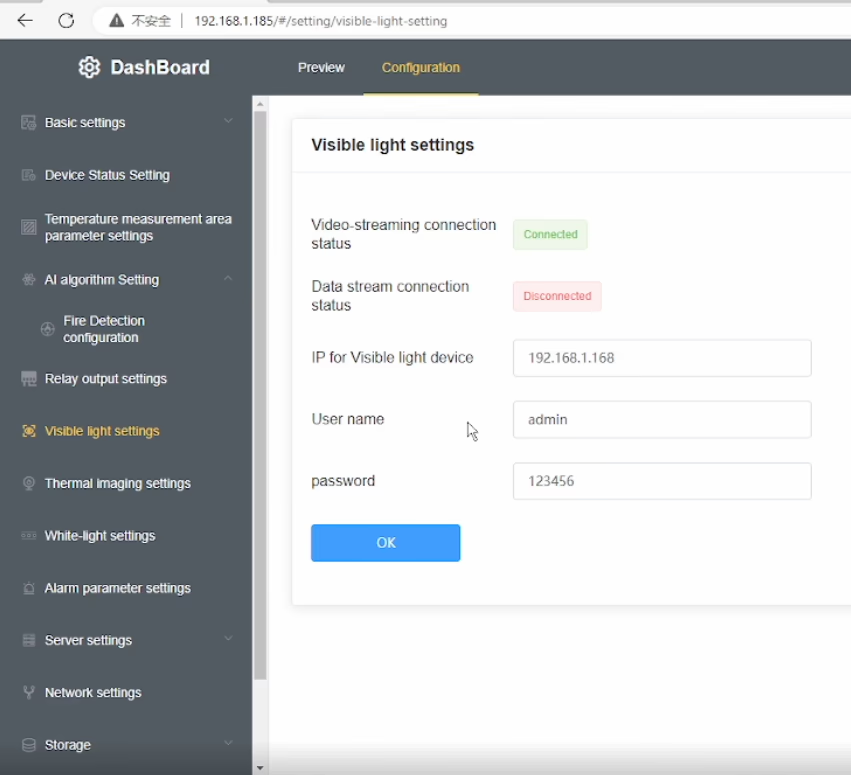
Q6: After changing the device IP to my home network, why is the daylight (မြင်နိုင်သောအလင်း) video missing while the thermal video still works?
A6: This model has a built-in visible light IPC (IP ကင်မရာ) in addition to the thermal camera. When you change the main device IP address, the visible light IPC IP address must also be updated accordingly. If the IPs are not in the same network segment, the daylight video will not display.
Q7: How can I restore the daylight (မြင်နိုင်သောအလင်း) ဗီဒီယိုက?
A7: Please follow these steps:
-
Modify the visible light IPC IP address so that it is in the same subnet as the main device IP.
-
ထည့်ပါ။ correct visible light IPC IP address in the device’s Visible Light Settings မီနူး.
-
Ensure that the current visible light IP shown in the menu is in the same network segment as the device IP.
-
If your computer uses a fixed IP address, add an additional IP address to your network adapter that matches the device subnet to ensure proper communication.
Q8: Why does the thermal video still display normally?
A8: The thermal camera is integrated directly into the main device, so it is not affected by the visible light IPC network configuration. Only the visible light video depends on correct IPC IP settings.
Q9: What is the key point to avoid this issue in the future?
A9: Whenever you change the device IP address, always make sure that the visible light IPC IP, အ device IP, ပြီးနောက် computer IP are all within the same network segment.
Q10: Does this dual-sensor (အပူပုံရိပ် + မြင်နိုင်သောအလင်း) camera support PoE power supply? ဟုတ်ကဲ့, what is the supported voltage (or PoE standard)? (PoE=Power over Ethernet)
A10: ထောက်ပံ့သည်။. Please indicate this requirement when placing the order, and we will add the accessory inside the unit accordingly.
ဗွီဒီယိုတွင် OSD menu




albert –
အသေးစိတ်အပူပုံများဖမ်းယူ, ကွဲပြားခြားနားသော areas ရိယာများအနှံ့အပူချိန်ကွဲပြားမှု၏တိကျသောဖော်ထုတ်ခြင်းဖွင့်လှစ်ခြင်း.