



CVBS to IP Video Converter Board – Firmware Upgrade Guide
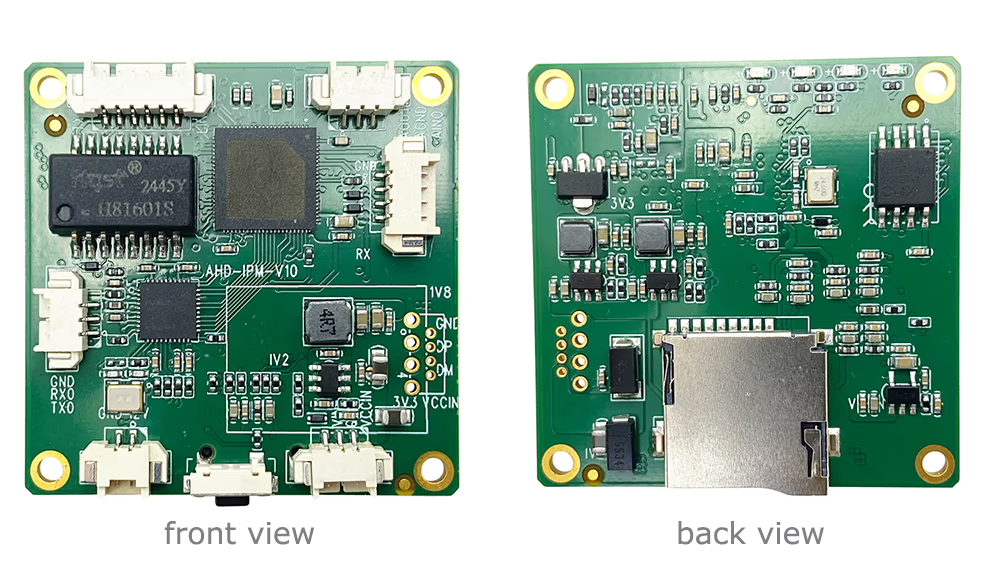
Follow these steps to safely upgrade your CVBS to IP video converter board firmware:
- Download and Install IP Search Tool
- To upgrade the device, you need the “IP Search Tool” software on your Windows PC.
- If you don’t have it yet, download it from [IP Search Tool V1.0.61].
- Install the software following the on-screen instructions.

- Connect the Converter Board
- Stellen Sie sicher, dass Ihre CVBS to IP video converter board is properly connected to your PC via Ethernet or USB (as per the device specification).
- Power on the device and make sure it is in normal operating mode.
- Detect the Device
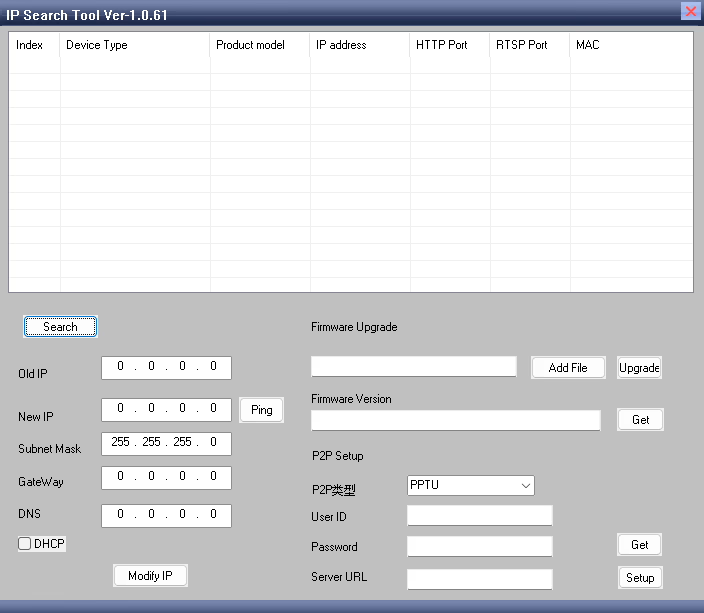
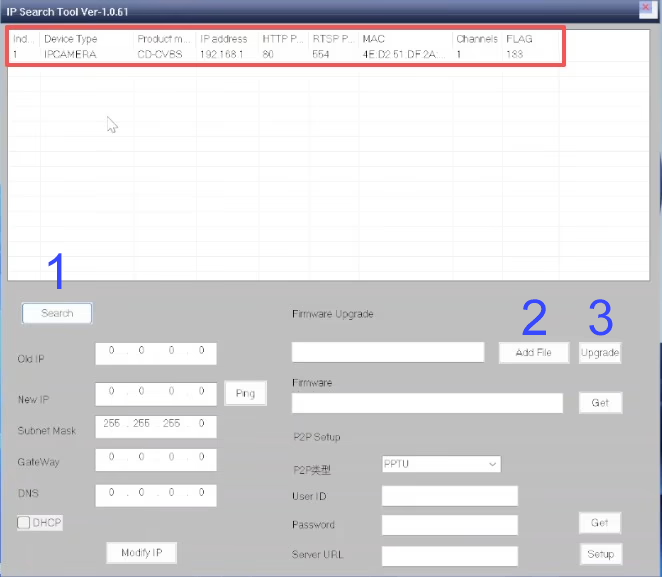
- Launch the IPC Search Tool on your PC.
- Klicken Sie auf Suchen button to scan for connected devices.
- The tool will display the detected hardware information, including device ID, IP-Adresse, and firmware version.
- Confirm that the correct device appears before proceeding.
- Select the Upgrade File
- Klicken Add Files in the IPC Search Tool.
- Browse and select the firmware upgrade file that has been provided or confirmed by the vendor. (Here is an example upgrade file)
- Make sure the file matches your device model to avoid any compatibility issues.
- Start the Upgrade Process
- Klicken Sie auf Upgrade button to begin the firmware update.
- The software will upload the firmware to the device.
- Wichtig: Do not disconnect or power off the device during the upgrade process. Interruptions may damage the device.
- Klicken Sie auf Upgrade button to begin the firmware update.
- Complete the Upgrade
- Wait until the upgrade progress shows 100% and the tool indicates that the process is complete.
- After the upgrade finishes, the device may restart automatically.
- Verify the new firmware version in the IPC Search Tool to ensure the upgrade was successful.

Tipps & Notizen:
- Always use the firmware files provided or approved by the supplier.
- Keep the device connected and powered on throughout the upgrade.
- Wenn das Upgrade fehlschlägt, restart the process or contact technical support.
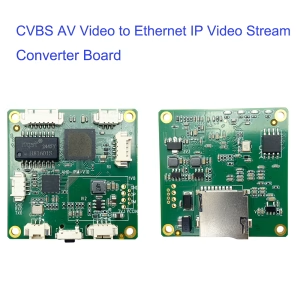
CVBS HDMI to IP Encoder
Preisspanne: $98.00 bis $158.00
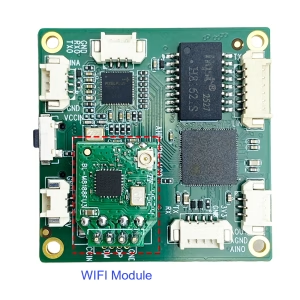
CVBS HDMI to IP Encoder
Ursprünglicher Preis war: $199.00$130.00Aktueller Preis ist: $130.00.
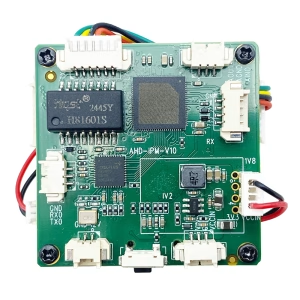
Preisspanne: $118.00 bis $178.00
Ask A Question
Vielen Dank für deine Antwort. ✨