





CVBS to IP Video Converter Board – Firmware Upgrade Guide
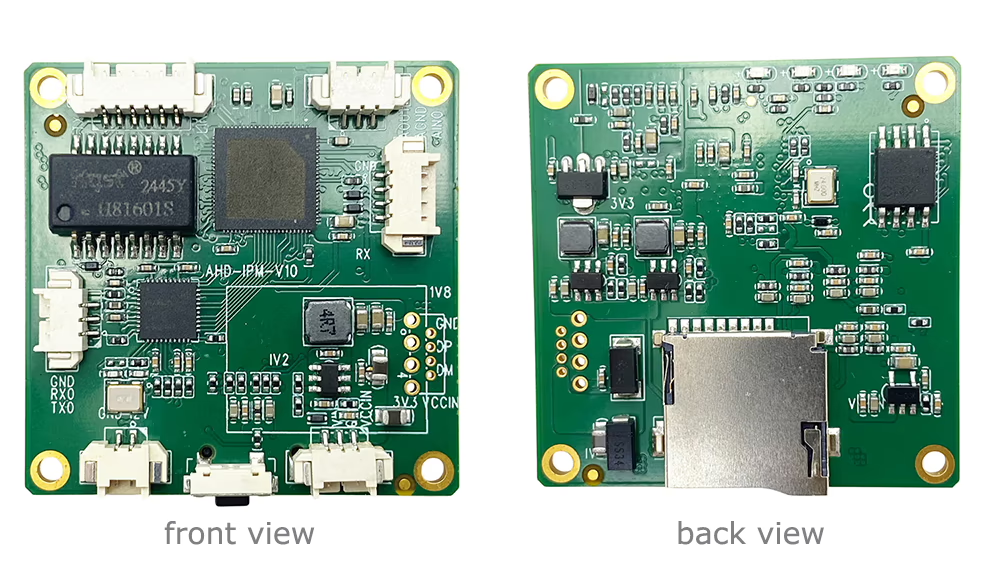
Follow these steps to safely upgrade your CVBS to IP video converter board firmware:
- Download and Install IP Search Tool
- To upgrade the device, you need the “IP Search Tool” software on your Windows PC.
- If you don’t have it yet, download it from [IP Search Tool V1.0.61].
- Install the software following the on-screen instructions.

- Connect the Converter Board
- Ensure your CVBS to IP video converter board is properly connected to your PC via Ethernet or USB (as per the device specification).
- Power on the device and make sure it is in normal operating mode.
- Detect the Device
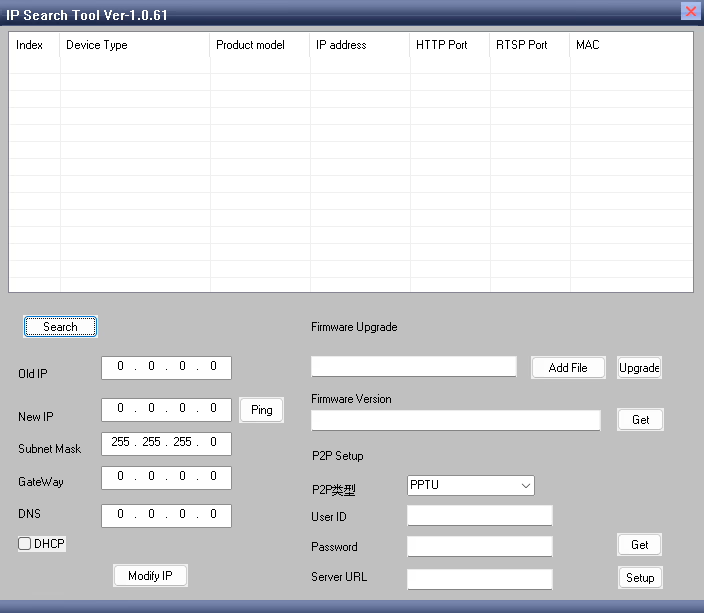
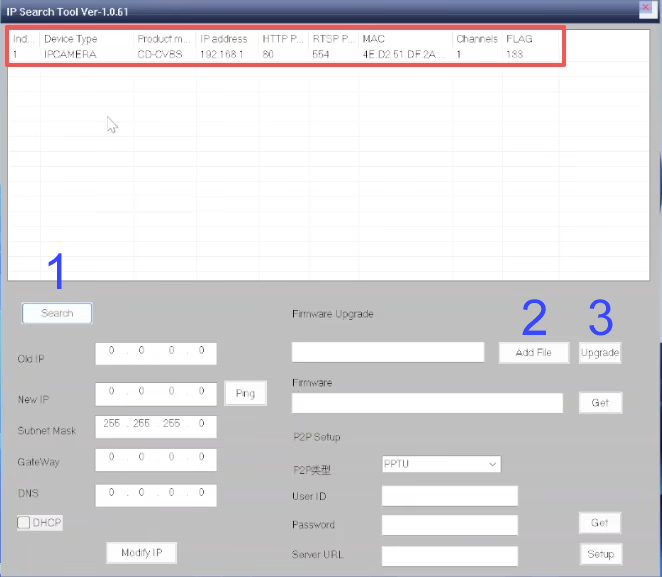
- Launch the IPC Search Tool on your PC.
- Натисніть на Search button to scan for connected devices.
- The tool will display the detected hardware information, including device ID, IP адреса, and firmware version.
- Confirm that the correct device appears before proceeding.
- Select the Upgrade File
- Натисніть Add Files in the IPC Search Tool.
- Browse and select the firmware upgrade file that has been provided or confirmed by the vendor. (Here is an example upgrade file)
- Make sure the file matches your device model to avoid any compatibility issues.
- Start the Upgrade Process
- Натисніть на Оновлення button to begin the firmware update.
- The software will upload the firmware to the device.
- важливо: Do not disconnect or power off the device during the upgrade process. Interruptions may damage the device.
- Натисніть на Оновлення button to begin the firmware update.
- Complete the Upgrade
- Wait until the upgrade progress shows 100% and the tool indicates that the process is complete.
- After the upgrade finishes, the device may restart automatically.
- Verify the new firmware version in the IPC Search Tool to ensure the upgrade was successful.

Поради & Примітки:
- Always use the firmware files provided or approved by the supplier.
- Keep the device connected and powered on throughout the upgrade.
- Якщо оновлення не вдається, restart the process or contact technical support.
CVBS HDMI to IP Encoder
Price range: $98.00 through $158.00
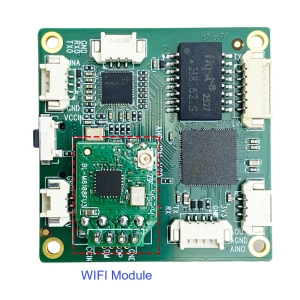
CVBS HDMI to IP Encoder
Original price was: $199.00.$130.00Current price is: $130.00.
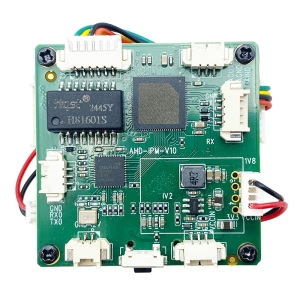
Price range: $118.00 through $178.00
Ask A Question
Дякуємо за вашу відповідь. ✨