





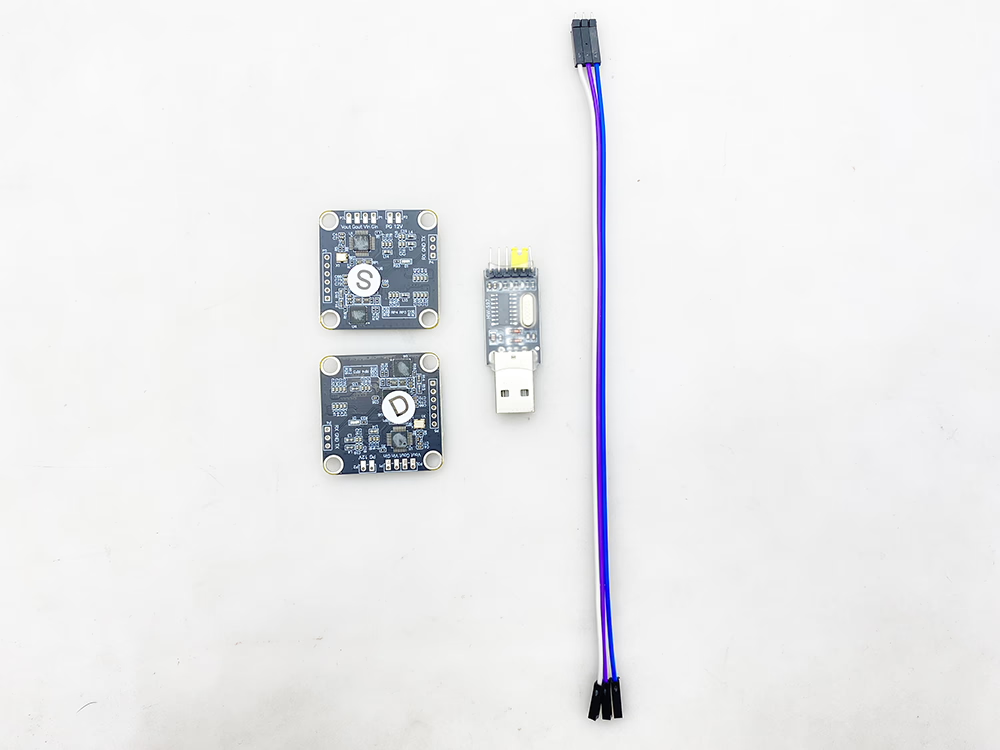
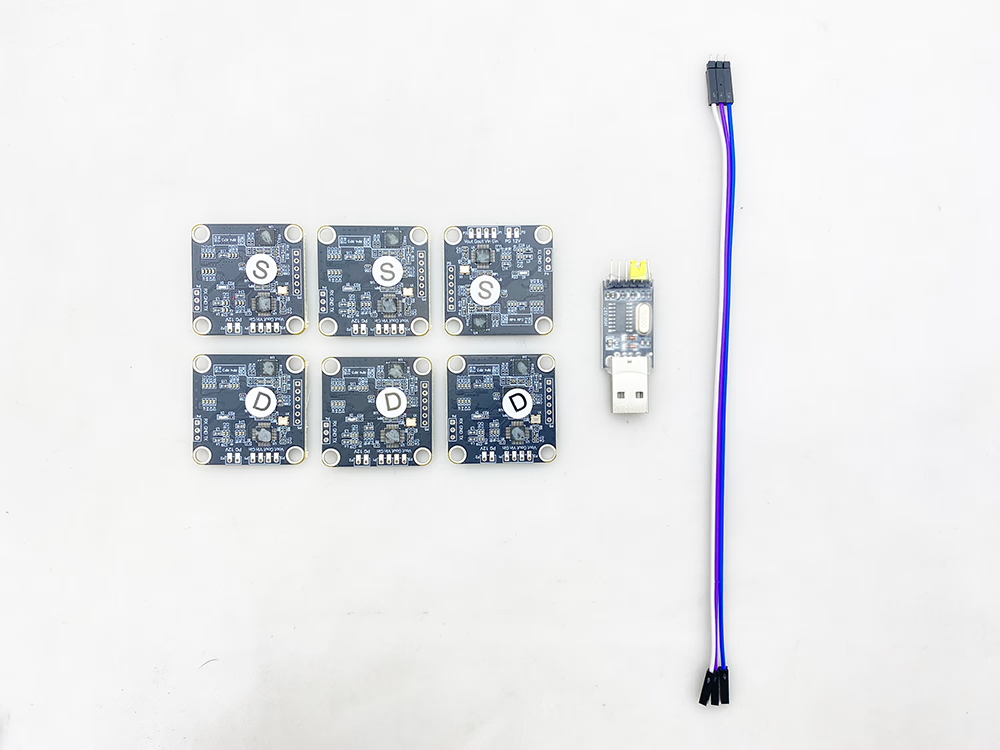
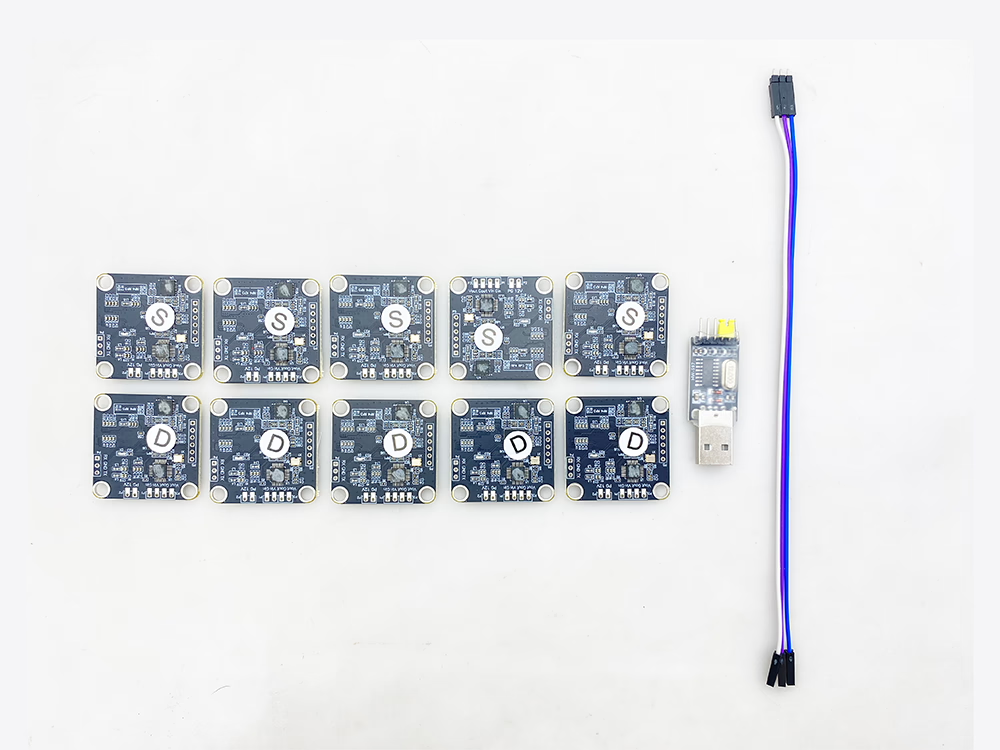
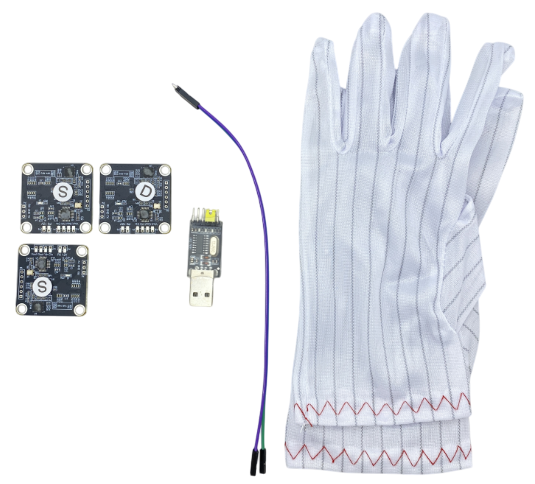
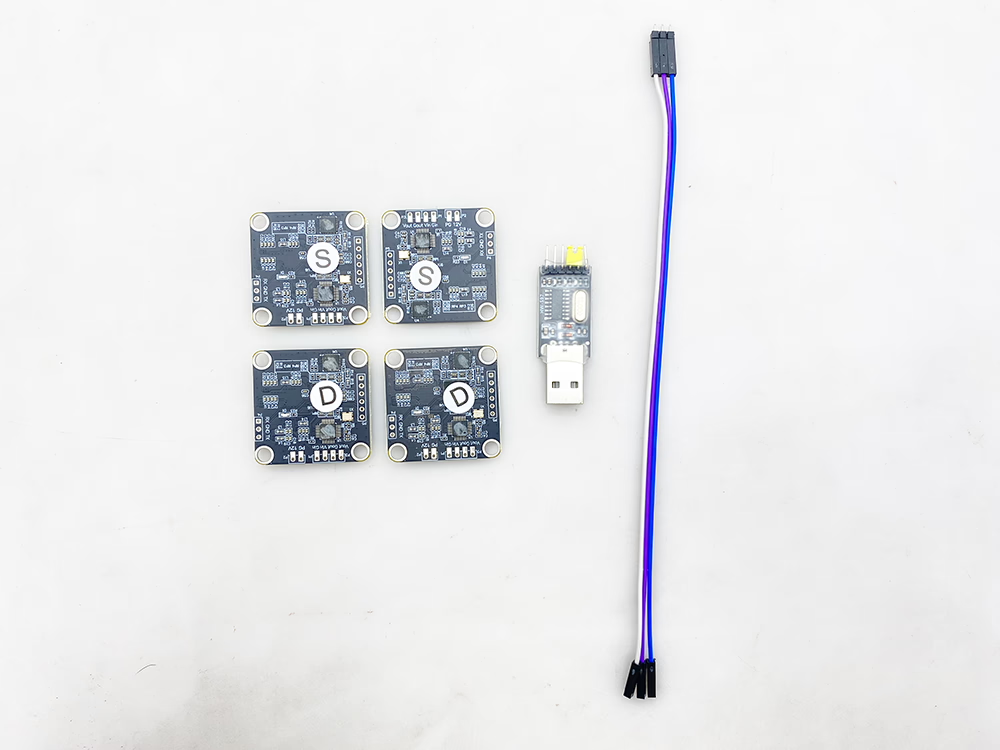
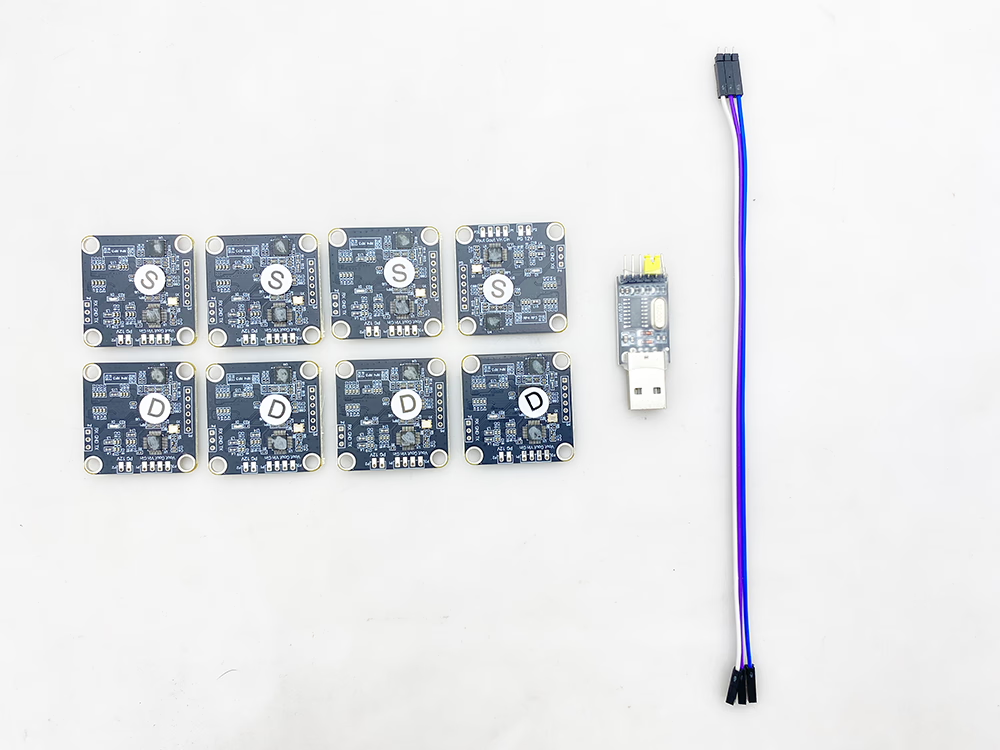
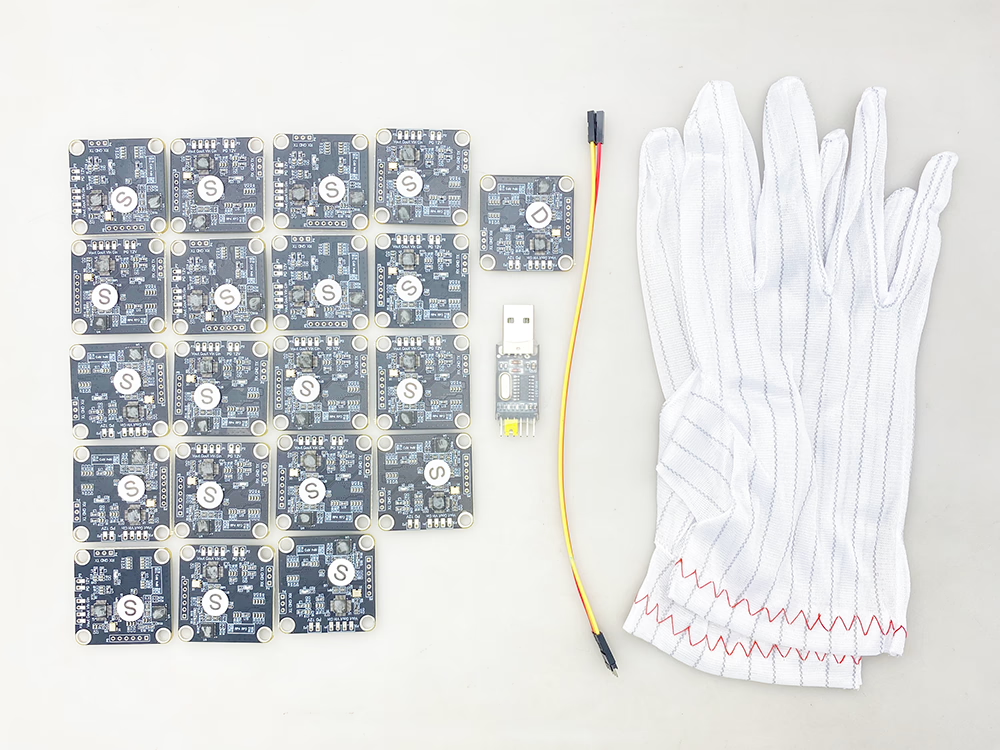
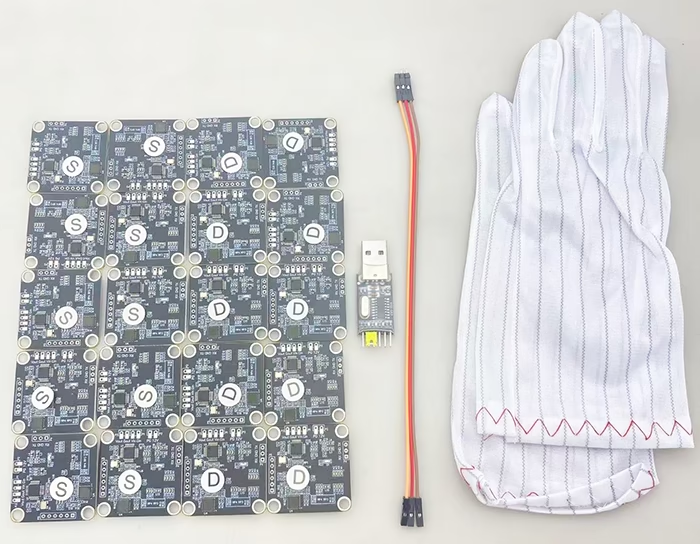
These are some pictures of the contents of our FPV Video Scrambler packages of different quantities. Although the quantity is different, we will give a set of USB, 力量, and video input and output cable tools for free.

FPV视频加扰器, how does the FPV analog video encryption-decryption module on the transmitter-receiver protect privacy
Transmitter TX scrambling encryption module Receiver RX descrambling decryption module is our FPV video encryption and decryption module.
I will show you how it works in the above video.

第一的, let us see our encryption module, it has a video input and 12-volt input. 另一边, there is a video out. One video cable is connecting the output to our 1.2 GHz analog transmitter. The TTL serial port is connecting to the computer.
This is our 1.2Ghz FPV video receiver, It receives video wirelessly from the video transmitter. Its video is connecting our decryption module. This is the 12-volt power input, the video output to our monitor after decryption.
Now the scrambled video on the monitor is not seen well. Because our encryption key is 600 and the decryption key is 6000. The encryption code is different, so the video is not seen.
Then let’s change the decryption code to 600, keeping the code the same on the transmitter and receiver. Then we set it, when I click the write, it shows a write error! Then close the connection, and open it again. When you see, welcome to you, then click write. “Write successful”. Now we have successfully set it, the video is received normally.
Now let’s change the encryption code to 6000, to change different encryption code, to see the video is seen or scrambled.
Then let’s set, look, our video on the monitor will immediately show this garbled video, you can’t see anything, It’s all garbled.
现在, then we set it back. The decryption is also set to 6,000. Let’s set it again, the setting is successful, Our video will start to work properly.
One more thing, adding FPV Video Scrambler is not add any delay.

FPV Video Scrambler FAQ
Table of Contents
问题: 为什么发射器和接收器需要支持加密和解密功能?
您的 FPV 视频正在播放, 其他人是否以相同频率监视您的直播视频?
如果您的无线传输系统不支持加密,这是可能的.
您的无人机视频就像电视台的发射塔. 别人只要调整频率, 他们可以接收数字电视节目并观看您的无人机拍摄的视频.
所以为了保护您的隐私, 请在发射器和接收器之间设置AES128位密码.
如果您的发射器和接收器不支持加密和解密, 最好停止使用它们.
我们的FPV1887支持50公里范围, 所以以无人机为中心的50公里范围内, 其他人可以自动搜索电台找到与您相同的频率并接收无人机的实时视频. 请务必购买我们可选的发射器参数配置板工具, 在发射器和接收器上添加最多 128 位密码, 并锁定您的隐私.
Drone composite video scrambler is the best encryption and decryption module for your safety. Ask about the drone video scrambler price, 请 接触 我们.
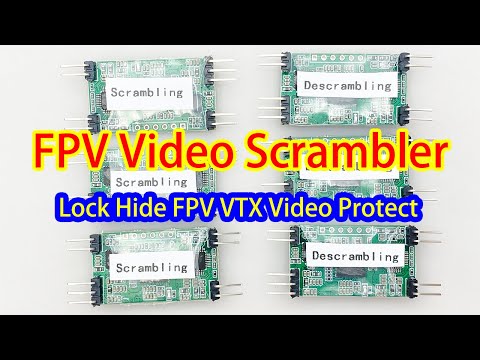
Let me show you how to connect and operate the FPV Video Scrambler.
The scrambling module and descrambling module are the same on the hardware. The only difference is the role you can set on the parameter software. (only Windows OS version).
On the same side as the power line is the analog signal video input line, which is the video signal line and the ground line.
The three-pin connector is the serial port that connects to the computer, and the connector on the same side is the video output line. Video output is sent to the video transmitter on the scrambler module and FPV airside, and video output is sent to the monitor on the descrambler module and ground receiver side.
The power supply supports 5-15V input, preferably 12V. If it is lower than 5V, the power supply may not start or work.
If you want to set the scrambling algorithm, you can connect your computer via the USB-To-TTL serial port tool. The TX pin on the scrambler module is connected to the RX pin on the USB-To-TTL serial port tool. And RX pin on the scrambler module is connected to the TX on the USB-To-TTl serial port too.
After connecting well, Insert the USB drive into your computer. 打开配置软件 (CVBS加扰助手). Waiting for connection. If your computer does not install the driver of the USB serial tool, you need to install it manually.
Then we read here that it is connected. Look at the Seed on the windows, It is choosing our scrambling algorithm, You can change numbers from 0 到 7679. Then click the Write button it here after the changes are made and it will be saved. This is how to change the scrambler algorithm
In the same way, you need to select the same algorithm on the descrambling module.
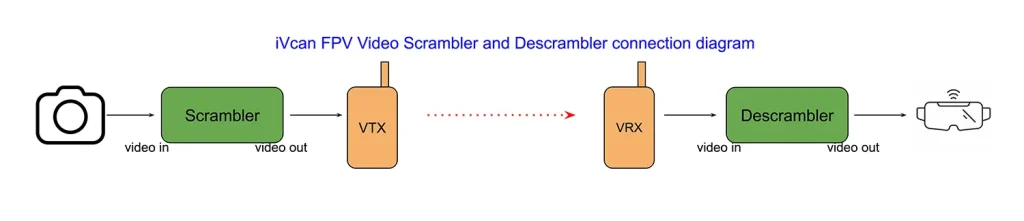
Now I connected the scrambler module and descrambler module to the video transmitter and receiver.
This is a CVBS camera. Connect the composite video cable from the camera to the video input of the scrambler module. Here is the CVBS video input, pass the video scrambler module. Then this side is video output to the transmitter.
Let’s look at how the descrambler module is connected to the receiver and display. The video received by the wireless video receiver is output to the descrambling module. input to the video descrambler module. The video is descrambled by the algorithm here, and the restored video can be displayed normally. The video output to the monitor.
Now I will demonstrate what the display will see if the receiver does not have a descrambler module and the transmitter has a scrambler. Disconnect the descrambler module, Then let’s directly connect here. The FPV VRX receiver box is directly connected to the monitor. Look at the monitor, The screen shows stripes and the picture is not clear without adding this descrambler module. The video on the monitor is garbled. It can’t be well displayed, to achieve the purpose of hiding or locking FPV video.
how to test the analog fpv video scrambler and descrambler from the camera to the monitor

How to test the video scrambling and descrambling module? This video shows you how.
Prepare the 12V power supply and one CVBS Camera.
第一的, we will connect the cvbs camera to the monitor without any scrambler or descrambler module.
We can see that the monitor starts to display the video signal of the camera. Then we just connect an FPV video Scrambler module board.
The video input of the scrambler module connects the camera’s video.
This cable is the video output of the scrambler module.
After we connect the video output cable to the monitor video input cable. 现在, we can see that the monitor receives the video signal, but it is scrambled and cannot display the content normally. Because the video signal passes through the scrambling module.
Now we connect the scrambled video signal to the video input on the descrambling module for testing. The video output cable from the scrambler module is connected to the video input cable of the descrambler module.
The video signal passes through the scrambling and descrambling modules, and the video is output to the monitor. The video cable interface must be connected tightly. 此时, we can see that the video signal on the monitor has returned to normal, and we can see a clear camera video.
这里, we disconnect the cables and you need to connect your FPV wireless video transmitter and receiver separately. Connect the video cable through the scrambler module to the video input of your FPV transmitter. On the ground receiver side, 第一的, connect your FPV video receiver, and then the output video signal passes through our descrambling module and is connected to your monitor.
Now we don’t connect the wireless video transmitter and receiver. Connect the scrambler and descrambler module directly. If the descrambler module is not added, video output to the monitor directly.
The video we see on the monitor is scrambled, and the video the voyeur sees is scrambled in this way. Protect your video privacy with our scrambling module.
We can also do another interesting test. If you receive our scrambling and descrambling modules, you only need to connect a camera and a monitor to test them. This is a descrambler module video input line, connected to the CVBS camera.
Now also connect the power supply to the descrambling module. Here is the video output cable to the monitor. By the way, the video will not increase the delay, which is at most 0.2 毫秒. We can see that the video displayed on the monitor is also scrambled. 如有任何问题, please contact us and we will show you a solution.
The green board version has stopped to produce, now only black board version has small stock, less than 400pcs. After clean stock, another big buyer has signed exclusive sale agent, we won’t to produce and sell these products.

FAQ
Q: Is Version 2 of FPV video scrambler and descrambler module programmable via FTDI?
一个: We haven’t tested with FTDI. 然而, parameters can be modified through the serial port.
FTDI is the name of a company, standing for Future Technology Devices International. 然而, in everyday usage, when people say “FTDI,” they’re usually referring to the company’s USB-to-serial chips, the most famous of which is the FT232R series. Simply put: The FTDI chip is a “translator.” One end connects to a computer’s USB port (using the USB protocol). The other end connects to a microcontroller’s UART port (using the serial TTL level protocol) (such as the ESP32, AVR, or ARM). Its job is to convert USB signals to and from serial signals.
The configuration process typically goes like this:
- Purchase a small FTDI programmer or USB-to-TTL serial port module (the core chip is an FTDI or similar, such as the CP2102 or CH340).
- Connect this module to your development board using Dupont cables:
- FTDI module’s TX to the development board’s RX
- FTDI module’s RX to the development board’s TX
- FTDI module’s GND to the development board’s GND
- On your computer, the FTDI module will be identified as a COM port (such as COM3 or COM5).
- Select this COM port in the CVBS Scrambling Assistant software to modify the encryption key or change the scrambling or descrambling role.
Q: What happens if the green LED flashes but no COM port connection appears?
一个: If the green light is always on and does not flash when powered, the module is damaged. If it flashes only once properly, the module is working well.
Q: Can I re-flash the firmware myself?
一个: 不. To prevent encryption algorithm cracking, we do not provide firmware upgrade instructions. Modules must be returned to China or scrapped. We will send you new ones to replace the old ones .
Ask A Question
感谢您的回复。 ✨