


Android DVB-T2 电视调谐器
Android DVB-T2 电视调谐器
VCAN New products Android DVB-T DVB-T2 USB TV Dongle: DVB-T2S
卖点:
Small and SmartDVB-T2 and DVB-T
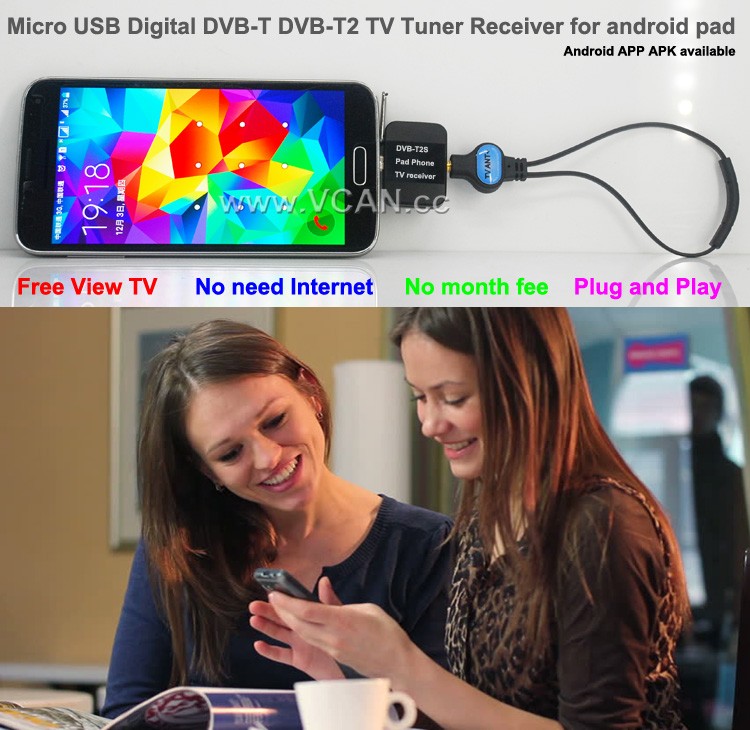
免费观看电视
无需互联网
无月费
DVB-T2S Android DVB-T2 DVB-T 电视接收器适用于手机平板微型 USB 电视调谐器
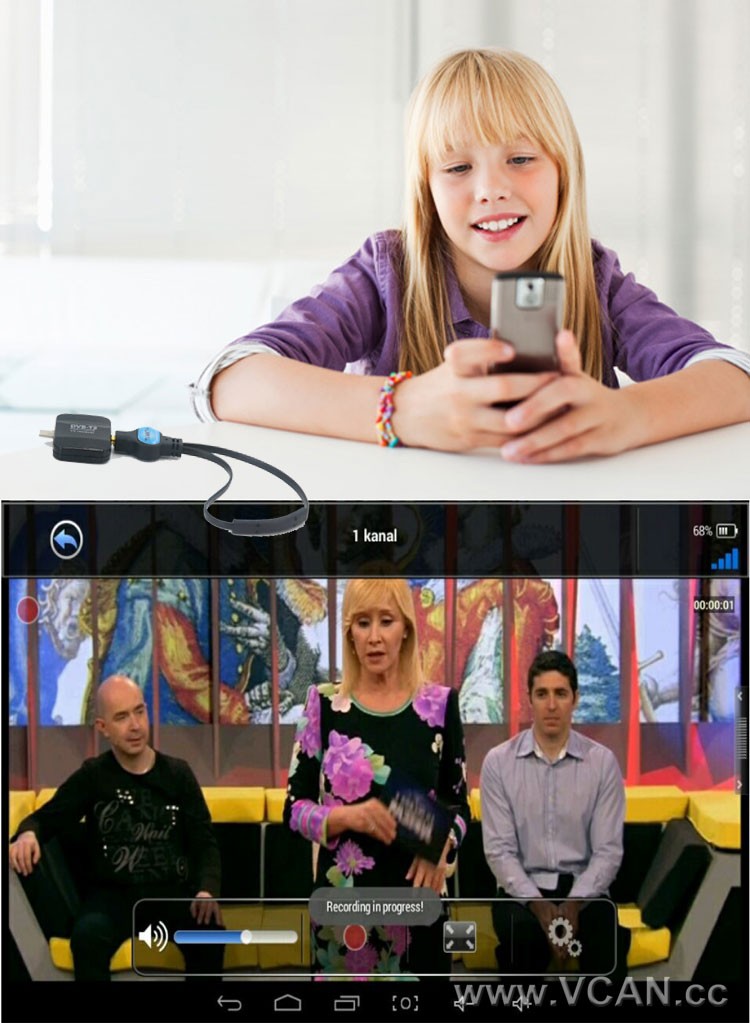
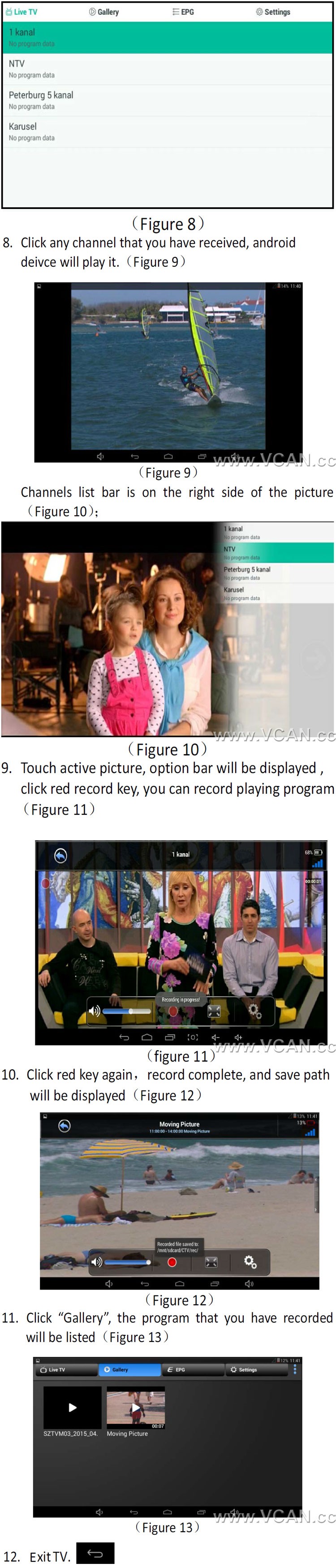
DVB-T2S 将帮助您在 Android 手机或带有 micro USB OTG 的平板电脑上观看直播免费电视节目
支持触摸屏切换频道
支持录制免费播放的DVB-T2电视节目并存储在手机或平板电脑中
支持播放录制的电视节目
支持DVB-T / DVB-T2 MPEG2 MPEG4 电视
轻松查看EPG以查看电视节目指南
通过时移录制功能倒带和快进直播电视节目
电子节目指南 (电子节目指南) 并支持HDTV接收
自动电视频道搜索 (还支持手动搜索)
创建喜爱的频道,方便观看
低信号下的高灵敏度宽投射区域
1. 天线电缆多长?
虚拟控制器网络: 最长的天线是 2 仪表. (如果需要更长的时间, 订购时请备注VCAN)
2. 在哪里可以找到 Android 安装 APK?
虚拟控制器网络: Please contact us
There are the products pictures:
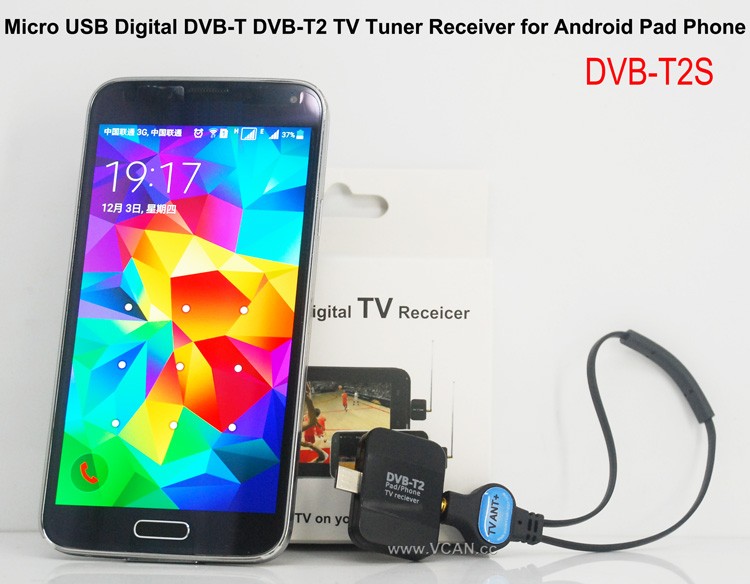
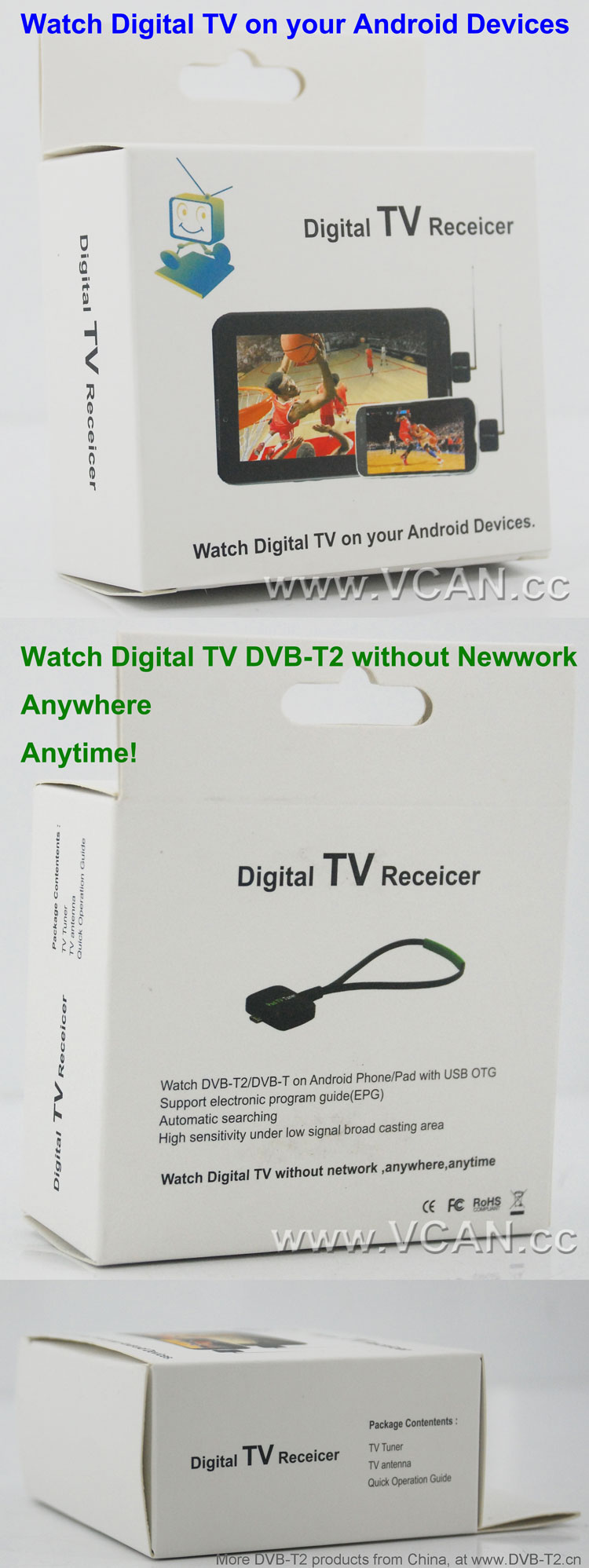
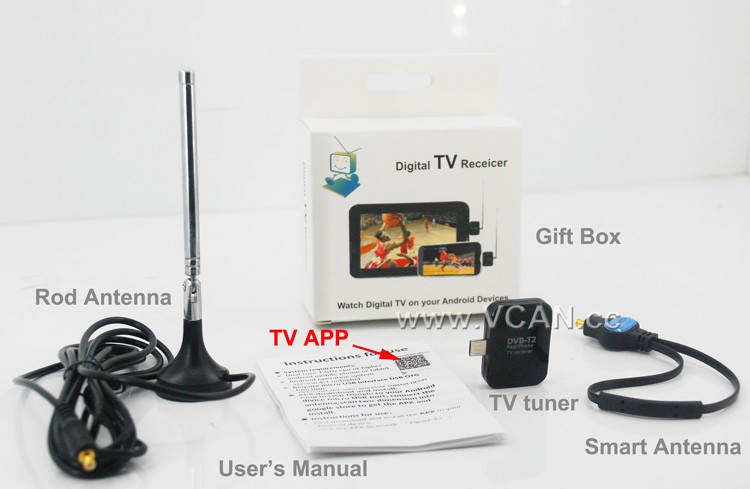
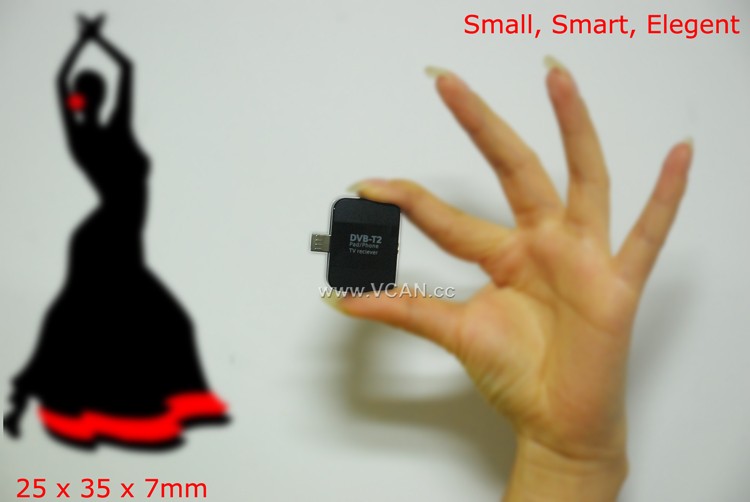
DVB-T2S DVB-T2 TV Dongle Packing:
| 产品名称: | DVB-T2S |
| 纸箱尺寸: | 44*29.5*47(厘米) |
| 单位重量(含包装): | 0.12 (千克) |
| 每箱数量: | 100 (件) |
| 每箱毛重: | 12.93(千克) |
| Gift box size: | 13.5*8.6*4 (厘米) |
Welcome you to our website
Table of Contents
DVB-T2 类别
DVB-T2 Antenna Quantity
DVB-T2 带宽
DVB-T2芯片组
DVB-T2解码器
DVB-T2知识
How to Use a DVB-T2 TV Stick for Smart Phone to Stream Live TV?
Streaming live TV on your smartphone is now possible with the use of a DVB-T2 TV stick. This device is a small USB stick that plugs into your smartphone and allows you to watch live TV on your device. Here is a step-by-step guide on how to use a DVB-T2 TV stick for streaming live TV on your smartphone.
步 1: Purchase a DVB-T2 TV stick. These devices are available from most electronics stores and online retailers. Make sure to check the compatibility of the device with your smartphone before purchasing.
步 2: Install the necessary software. Depending on the device, you may need to install a specific app or driver to get the device to work.
步 3: Connect the DVB-T2 TV stick to your smartphone. This is usually done by plugging the device into the USB port of your smartphone.
步 4: Launch the app or driver that you installed in Step 2. This will allow you to access the live TV channels available on the device.
步 5: Select the channel you want to watch and start streaming. You can also use the app or driver to adjust the settings of the device, such as the resolution and audio quality.
按照以下步骤操作, you can easily use a DVB-T2 TV stick to stream live TV on your smartphone. This device is a great way to watch your favorite shows and news programs on the go.
Ask A Question
感谢您的回复。 ✨