






FAQ – How to Stream Directly to YouTube Without a PC
目錄
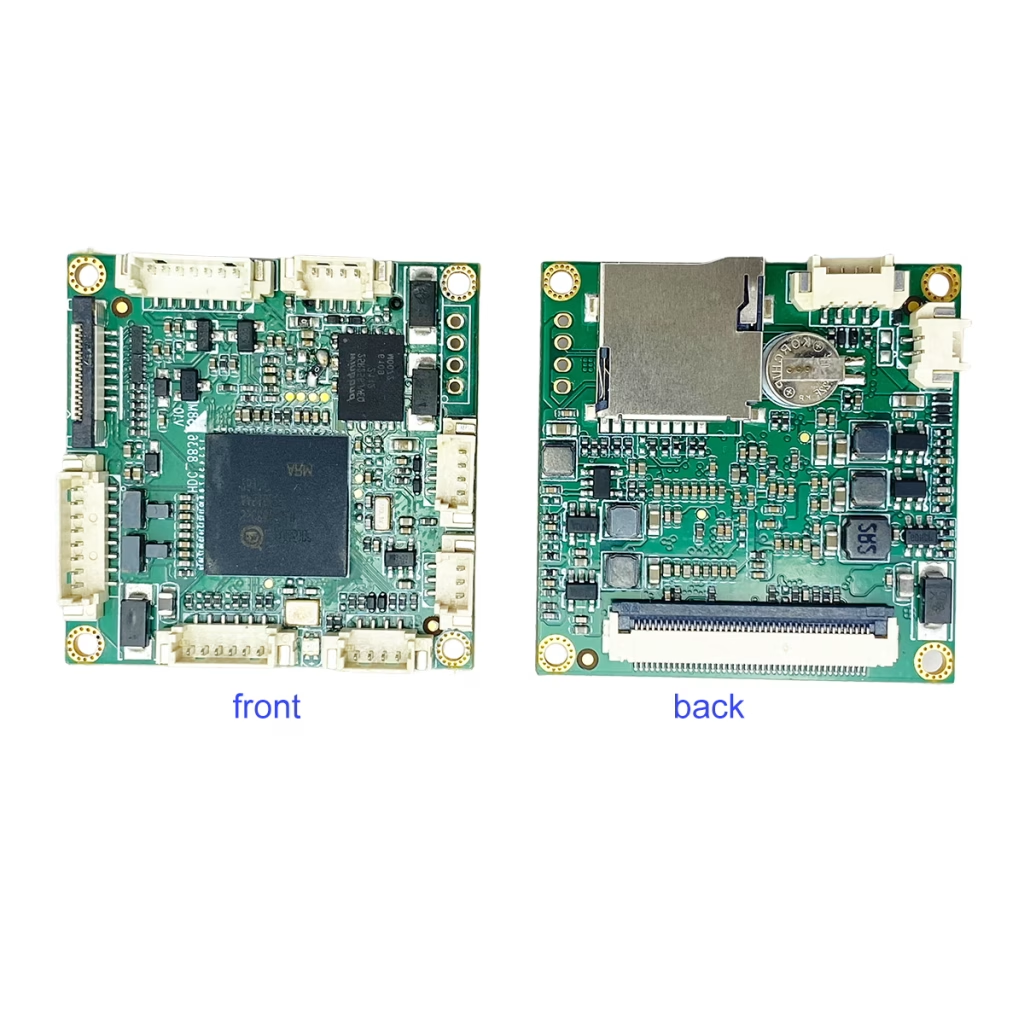
Can I use this UVC USB to IP encoder board to stream to YouTube without a computer?
Regarding your UVC USB Camera to IP Ethernet Streaming Encoder board, can I use it to live stream video from my Logitech PTZ Pro 2 webcam directly to YouTube without using a PC or other device?
回答: Yes — our UVC USB 相機轉 IP 以太網流編碼器板 支持 RTMP/RTMPS streaming, you can stream directly to YouTube without using a PC.
The encoder connects directly to your network and pushes the stream to YouTube Live.
Example Compatible Camera
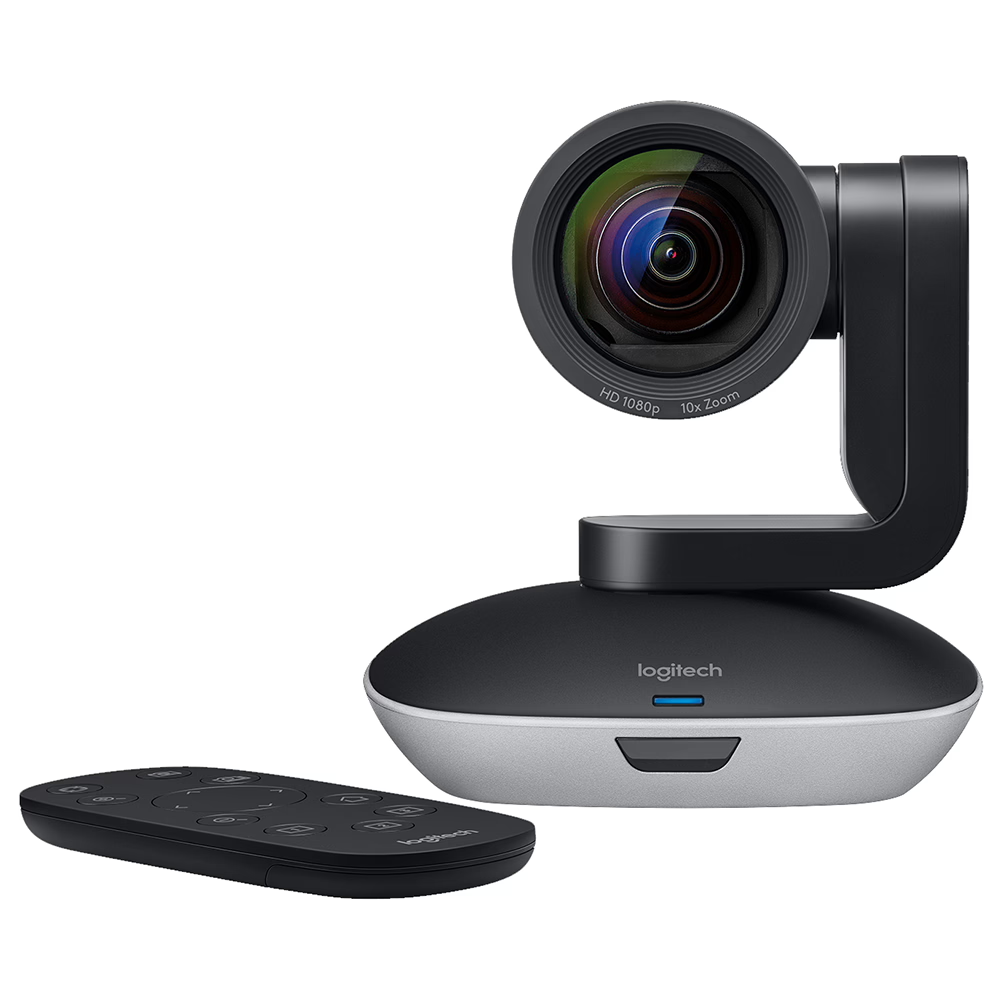
The Logitech PTZ Pro 2 is a standard UVC USB camera and is compatible for video streaming through the encoder board.
How to Configure YouTube Live Streaming (一步一步)
步 1 – Connect the Hardware
USB Camera → Encoder Board → Ethernet → Router → Internet
- Connect the USB camera to the encoder board
- Connect the encoder board to your router using an Ethernet cable
- Power on the encoder
步 2 – Access the Encoder Web Interface
- Find the encoder’s IP address (via router DHCP list or device search tool)
- Enter the IP address into a web browser
- Log in to the encoder configuration page
步 3 – Get Your YouTube Stream Key
去:
YouTube Studio
- Log into your YouTube account
- 點擊 Create → Go Live
- 選擇 溪流
- 複製:
- Stream URL
- Stream Key
Typical YouTube RTMP server:
rtmp://a.rtmp.youtube.com/live2
步 4 – Enter Streaming Settings in Encoder
In the encoder settings:
- 流媒體協議: 實時多播
- Server URL:
rtmp://a.rtmp.youtube.com/live2 - Stream Key: (Paste your YouTube Stream Key)
- 視頻編解碼器: H.264
- 解析度: 1920×1080 or 1280×720
- 比特率: 4000–6000 kbps (for 1080p)
- 音頻編解碼器: AAC
點擊 保存 / Apply
步 5 – Start Streaming
- 點擊 Start Stream on the encoder
- Go back to YouTube Live Control Room
- Wait 10–30 seconds
- When preview appears, 點擊 Go Live
You are now streaming directly to YouTube without a PC.
⚠ Important Notes
- RTMP Support Required
If the encoder only supports RTSP or local network streaming, YouTube direct streaming will not work.
2. PTZ Control Limitation
USB PTZ cameras (like Logitech PTZ Pro 2) cannot be controlled over the network through most encoder boards. Use the original remote control.
3. Internet Speed Requirement
For 1080p streaming, minimum recommended upload speed: 8 Mbps or higher
概括
If your encoder supports:
- UVC USB input
- H.264編碼
- RTMP streaming
- Custom Stream Key input
Then you can stream directly to YouTube without using a computer.
問一個問題
感謝你的回應。 ✨