





Table of Contents
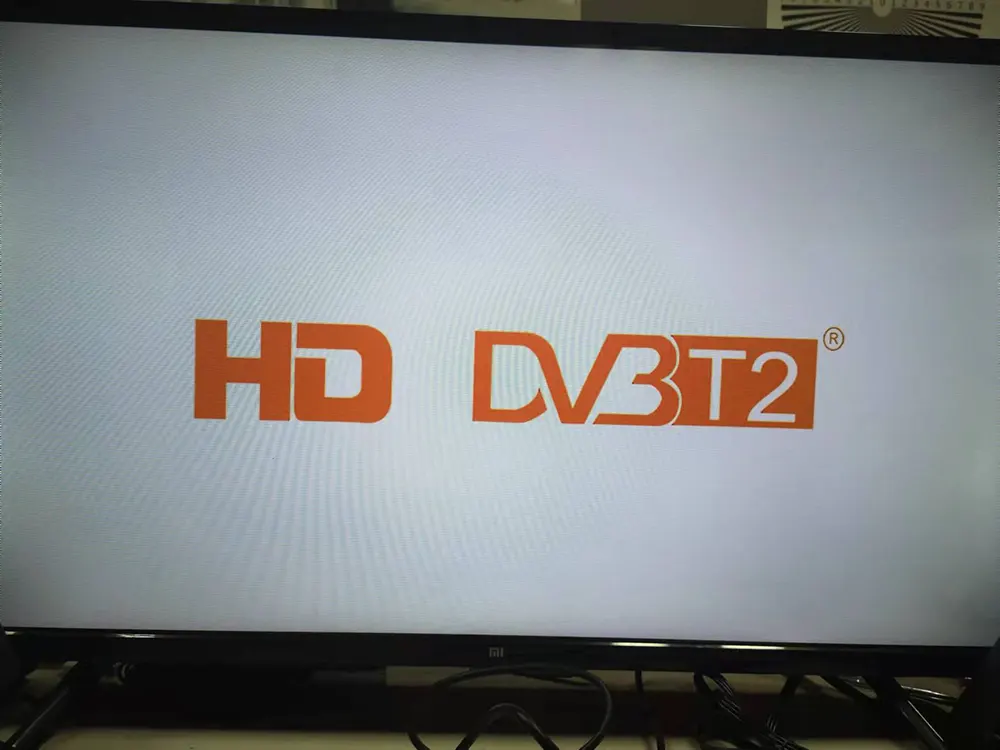
Para resolver problemas com o DVB-T24 4 Antenna (DVB-T2) not starting and freezing on the logo, a firmware upgrade is required.
The model mentioned in this upgrade solution is DVB-T24.
Primeiramente, please confirm that your tv box has the same as the below picture. OSD menu and PCBA picture.
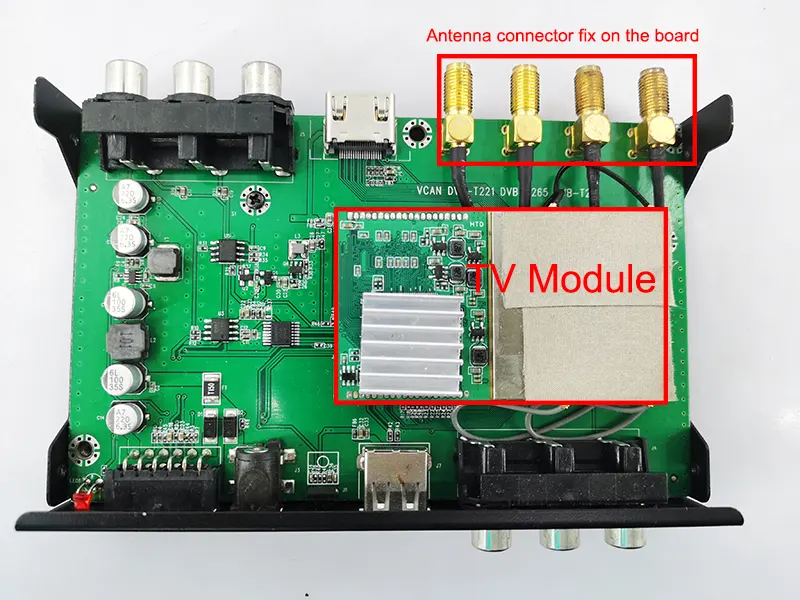
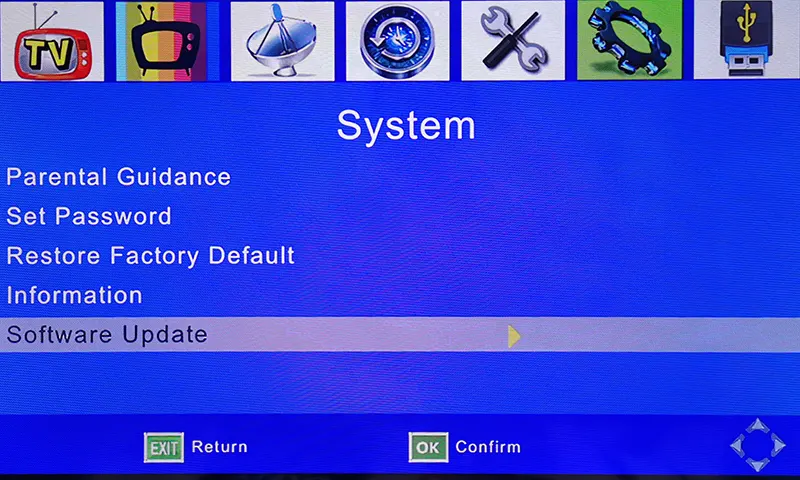
If your TV box is frozen like the image below, you won’t be able to access the TV or OSD menu.
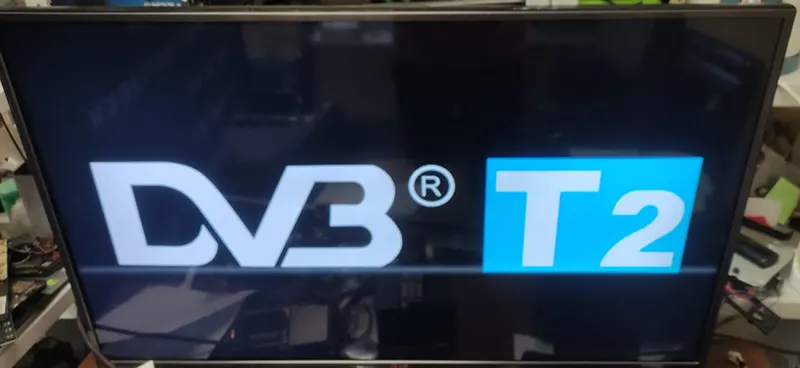
This software does NOT support another four antenna model whose starting logo is below.
Automatically Update the firmware from the USB disk, no need for remote control operation

O firmware abaixo está listado para nosso cliente existente, se você precisar atualizar ou reparar sua máquina, confirme se o hardware é igual ao nosso ou peça-nos para verificar primeiro. A operação de atualização sem confirmação pode perder a função do controle remoto ou não reiniciar a máquina novamente se o hardware (chipset) é diferente, a última solução é substituir o IC de firmware correto da fábrica produtora de sua caixa de TV.
Porque o firmware é diferente do software normal do PC, o software não precisa considerar o hardware na maioria das vezes. O firmware está funcionando apenas à direita e é do mesmo modelo do chipset principal. Ele controla a E/S e salva o código do controle remoto no firmware. Diferentes fábricas ou fornecedores usaram firmware totalmente diferentes, e até a caixa parece a mesma. Eles podem usar diferentes chipsets e códigos de controle remoto.
Upgrade Steps
- Please download and unzip the file, it should be flash.bin.
- Copy it to the USB disk, it is better to keep only flash.bin in the USB root directory.
- Plug the USB disk into the TV box
- Give the TV box power supply
- It will upgrade it automatically (always keep the power supply, otherwise it will lose the firmware)
- Until the upgrade is successful, it will auto-start.
- The software version will be the same as the below picture.
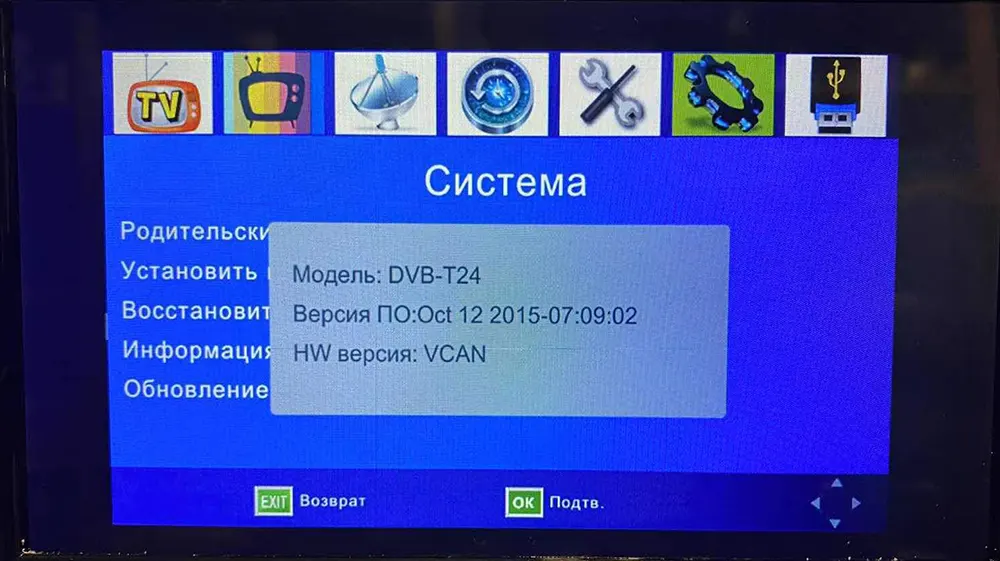
After Automatically upgrading, now you can enter the tv box, and the remote control has full function. You can upgrade another firmware to get the Multi-PLP function
Upgrade Steps
- Certifique-se de que o firmware é adequado para o seu decodificador.
- Descompacte o firmware de atualização. (*.bin)
- Copie-o para um pendrive. (é melhor que o USB não tenha outro arquivo no diretório raiz)
- Operate the remote controller, Escolheratualização de software doOSD menu of your set-top box.
- Durante a atualização, por favor, mantenha a energia ligada até que a atualização seja 100% finalizado. De outra forma, the firmware will lose forever from the chipset and the set-top box can be not powered on again.
- Após a atualização, please auto-search the channel and test again.
- The software version will be the same as the below picture.
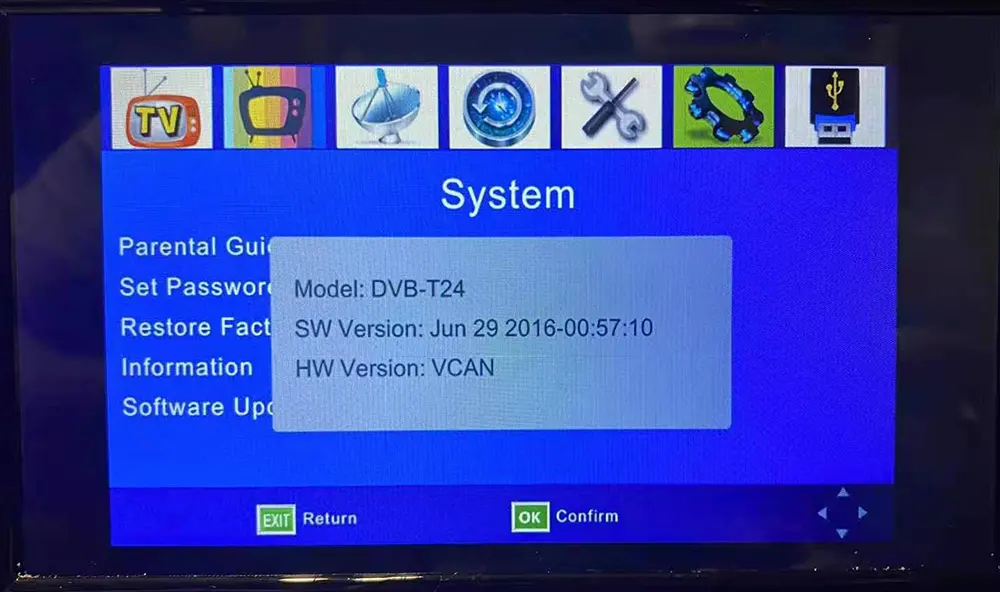
Ask A Question
Your message has been sent