





Table of Contents
Per risolvere i problemi con il DVB-T24 4 Antenna (DVB-T2) not starting and freezing on the logo, a firmware upgrade is required.
The model mentioned in this upgrade solution is DVB-T24.
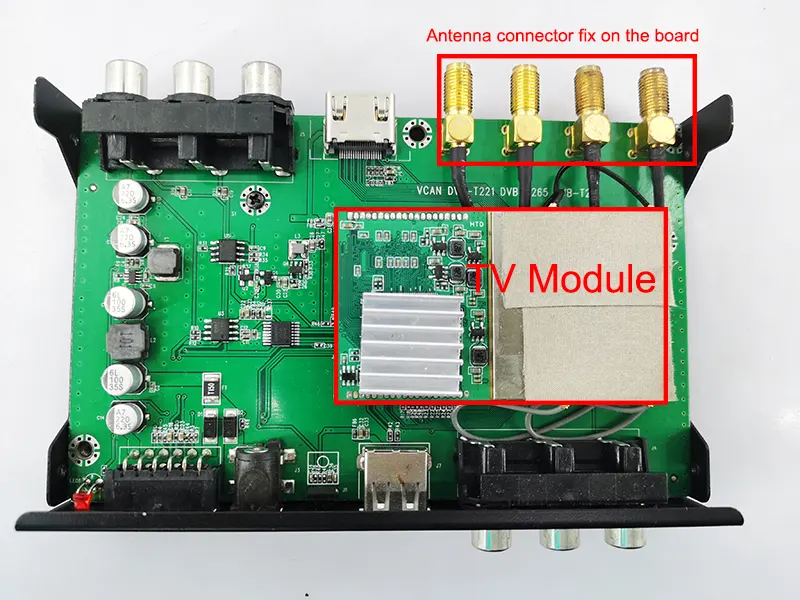
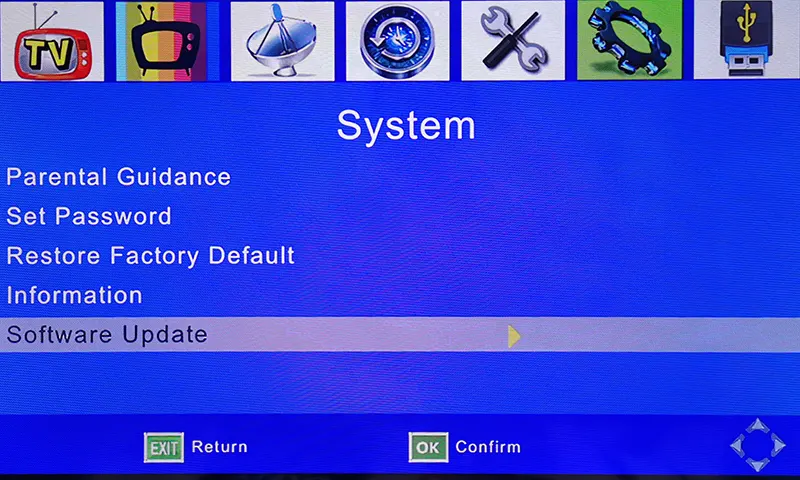
Firstly, please confirm that your tv box has the same as the below picture. OSD menu and PCBA picture.
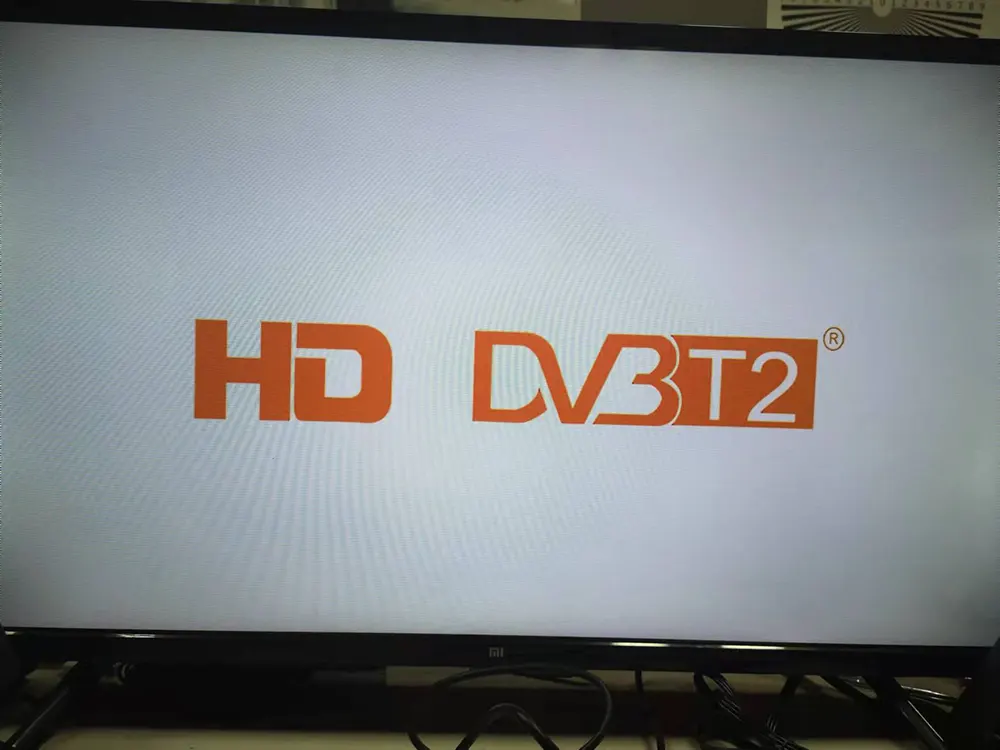
If your TV box is frozen like the image below, you won’t be able to access the TV or OSD menu.
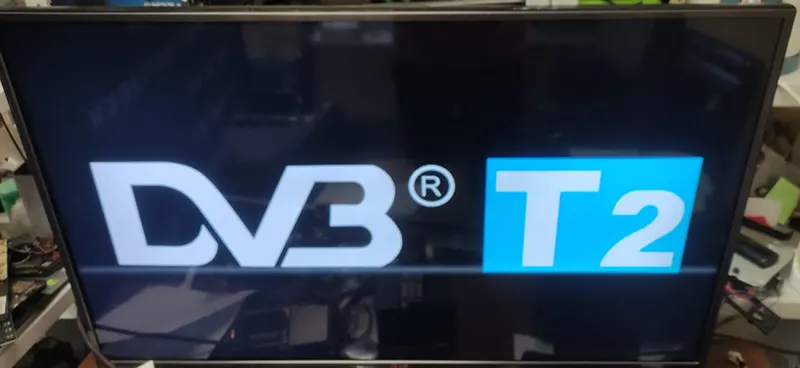
This software does NOT support another four antenna model whose starting logo is below.
Automatically Update the firmware from the USB disk, no need for remote control operation

Il firmware seguente è elencato per il nostro cliente esistente, se hai bisogno di aggiornare o riparare la tua macchina, conferma che l'hardware è uguale al nostro o chiedici di controllare prima. L'operazione di aggiornamento senza conferma potrebbe far perdere la funzione del telecomando o impedire nuovamente l'avvio della macchina se l'hardware (chipset) è diverso, l'ultima soluzione è sostituire il firmware IC corretto dalla fabbrica produttrice del televisore.
Perché il firmware è diverso dal normale software del PC, il software non ha bisogno di considerare l'hardware per la maggior parte del tempo. The firmware is working only on the right and is the same model as the main chipset. It controls the I/O and saved the remote controller code in the firmware. Diverse fabbriche o fornitori utilizzavano firmware totalmente diversi, and even the box looks the same. Possono utilizzare chipset e codici telecomando diversi.
Upgrade Steps
- Please download and unzip the file, it should be flash.bin.
- Copy it to the USB disk, it is better to keep only flash.bin in the USB root directory.
- Plug the USB disk into the TV box
- Give the TV box power supply
- It will upgrade it automatically (always keep the power supply, otherwise it will lose the firmware)
- Until the upgrade is successful, it will auto-start.
- The software version will be the same as the below picture.
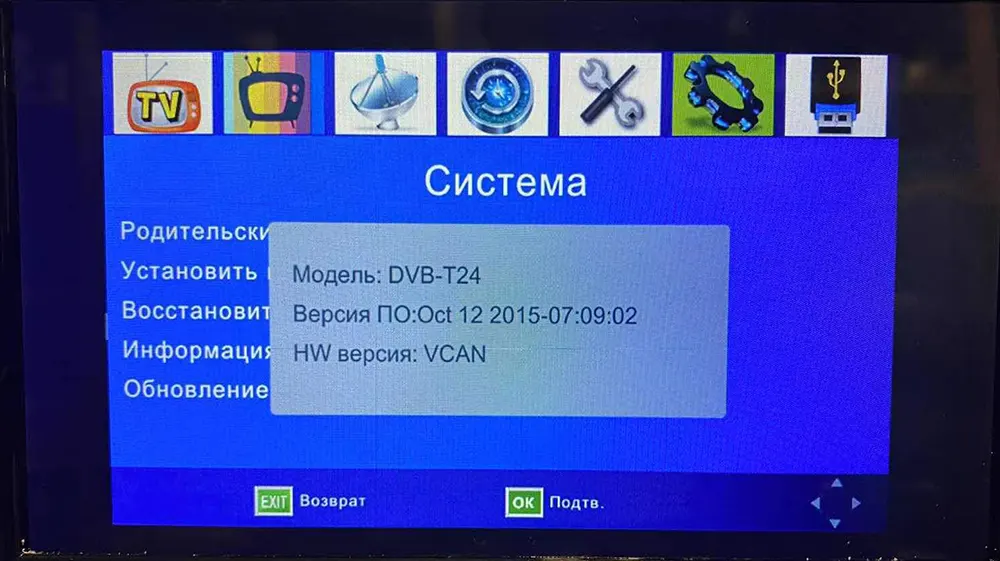
After Automatically upgrading, now you can enter the tv box, and the remote control has full function. You can upgrade another firmware to get the Multi-PLP function
Upgrade Steps
- Assicurati che il firmware sia adatto al tuo set-top box.
- Decomprimere il firmware di aggiornamento. (*.bin)
- Copialo su una chiavetta USB. (è meglio che l'USB non abbia altri file nella directory principale)
- Operate the remote controller, Scegliereaggiornamento del software dalOSD menu of your set-top box.
- Durante l'aggiornamento, si prega di mantenere l'alimentazione accesa fino all'aggiornamento 100% finito. Altrimenti, the firmware will lose forever from the chipset and the set-top box can be not powered on again.
- Dopo l'aggiornamento, please auto-search the channel and test again.
- The software version will be the same as the below picture.
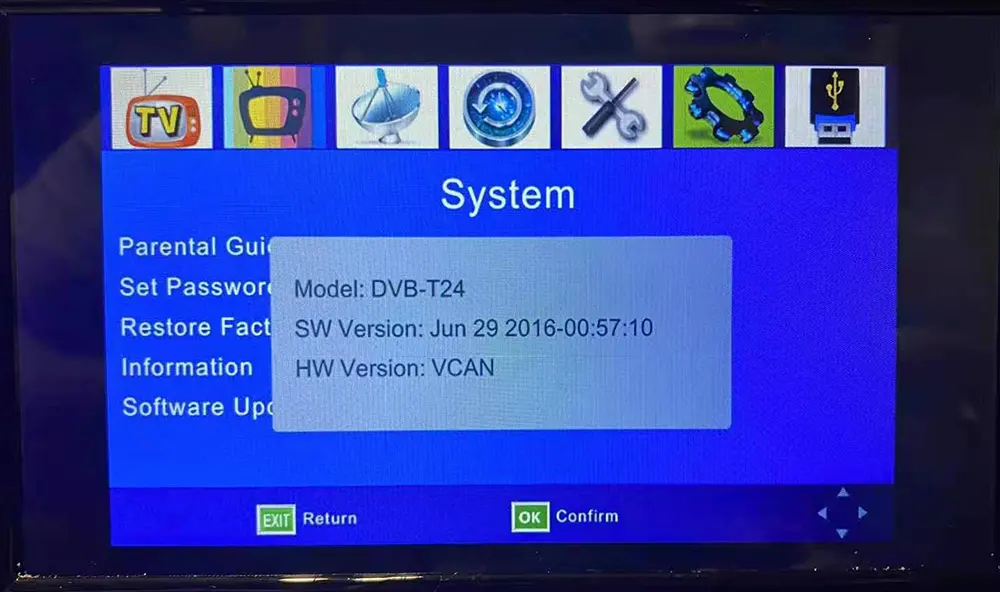
Ask A Question
Grazie per la risposta. ✨