





クライアントには、入力周波数によって 1MHz ステップで VHF-UHF を調整できる DVB-T が必要です. Here is his demand.
I am looking for a DVB-T receiver with diversity inputs that can be tuned by inputting frequency and not by TV channel number.
I am trying to build a system to receive a transmission in 2.0-2.63GHz using LNB’s with 1838MHz LO – so I need to be able to tune VHF-UHF by inputting a frequency in 1MHz steps. So tuning 2610MHz I would need to enter 2610-1838=772MHz and for 2256MHzI would enter 2256-1838=418MHz.
以下のモデルを推奨します: Vcan1776-HDMI

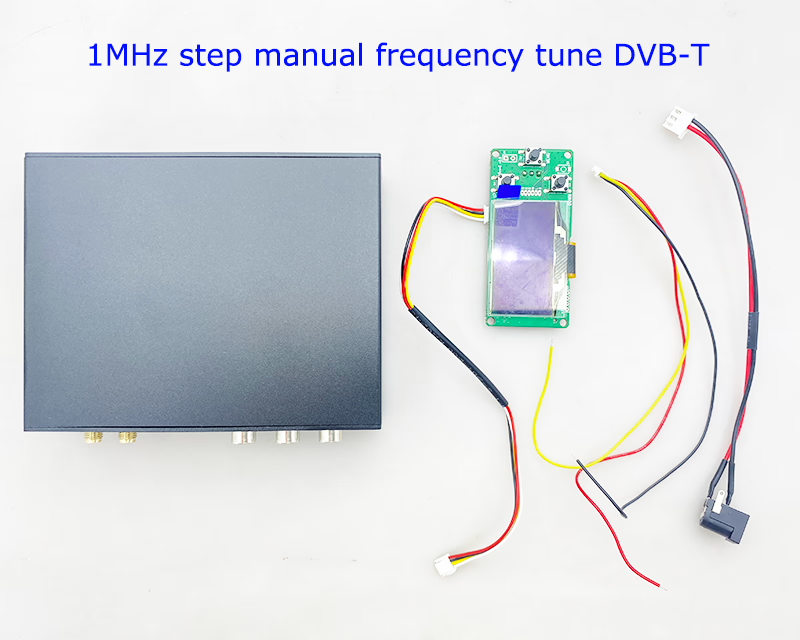
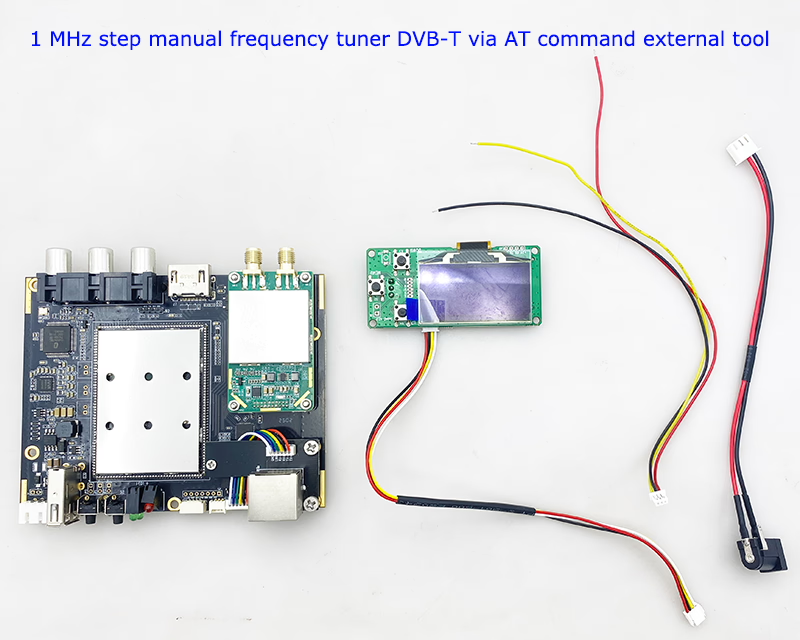
This is how COFDM DVB-T receivers meet customer requirements. Our tuning step is 1KHz (もちろん, you can also tune in 1Mhz units). We have two ways to change the frequency.
目次
Change DVB-T Receiver frequency via AT Command serial port
| 形式 | ATSR $(freq), $(bw ), $(llc), $(cvbs)_ Example: ATSR320000,6000,0,0_ |
| パラメータ | 1. DR2C carrier frequency freq(KHz) 200000~860000(200MHz~860MHz, 1KHz step) 2. DR900 carrier center frequency freq(KHz) 200000~1600000(200MHz~1.6GHz, 1KHz step) 3. DR2C channel bandwidth bw(KHz) 2000~8000(2MHz~8MHz, 1KHz step) 4. DR900 channel bandwidth bw(KHz) 3200~8000(3.2MHz~8MHz, 1KHz step) 5. Enhanced data reliability option llc: 0 disable; 1 有効にする (it is required that the transmitter should also enable this option at the same time, and use it in pairs. Since more redundant data is added to enhance reliability, the video bit rate of the transmitter should be set to when this option is turned off half of) 6. AV output system cvbs: 0 pal; 1 ntsc |
| 使用 | To set the receiver parameter |
| Return Value | example: ATSR320000,6000,0,0_ ATSR320000,6000,0,0 OK |
| 述べる | setting command, save when power is off. |
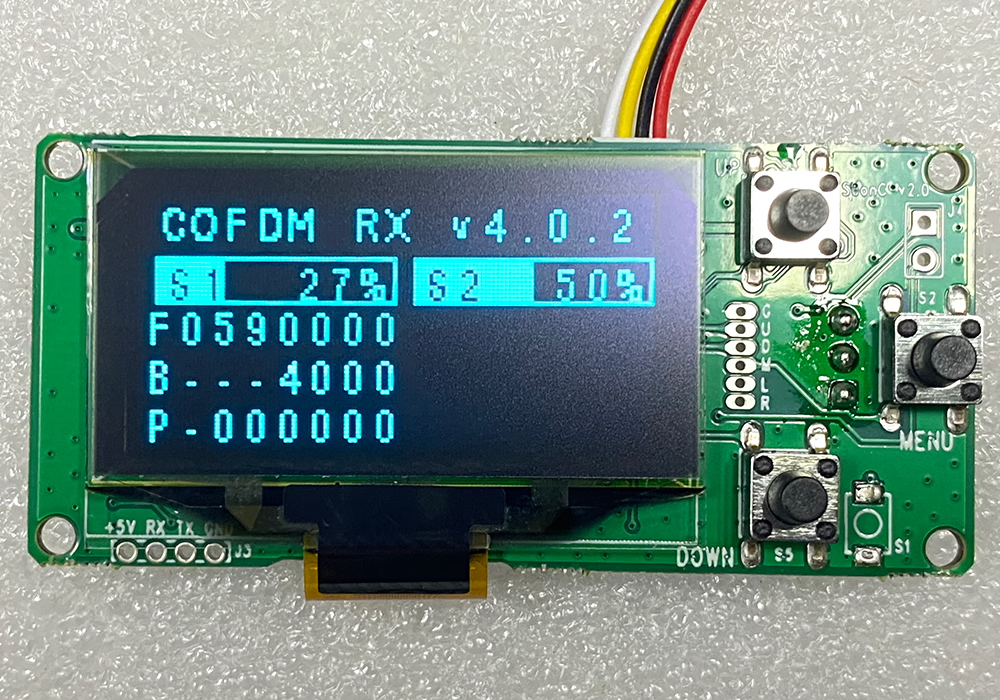
Change DVB-T Frequency by a parameter configuration tool

| COFDM RX vxx | |
| S1: アンテナ 1 信号強度 (0~100%) | S2: アンテナ 2 信号強度 (0~100%) |
| F: 周波数 (KHz) | |
| B: 帯域幅 (KHz) | |
| P: 6-数字のパスワード (パスワードが表示された状態で: ——, パスワードが表示されない状態で: 000000) | |
The decoder failed to demodulate the signal from the LNB. I tested QPSK, 16QAM, and 64QAM, using guard intervals of 1/32 そして 1/16. I also tested three different frequencies.
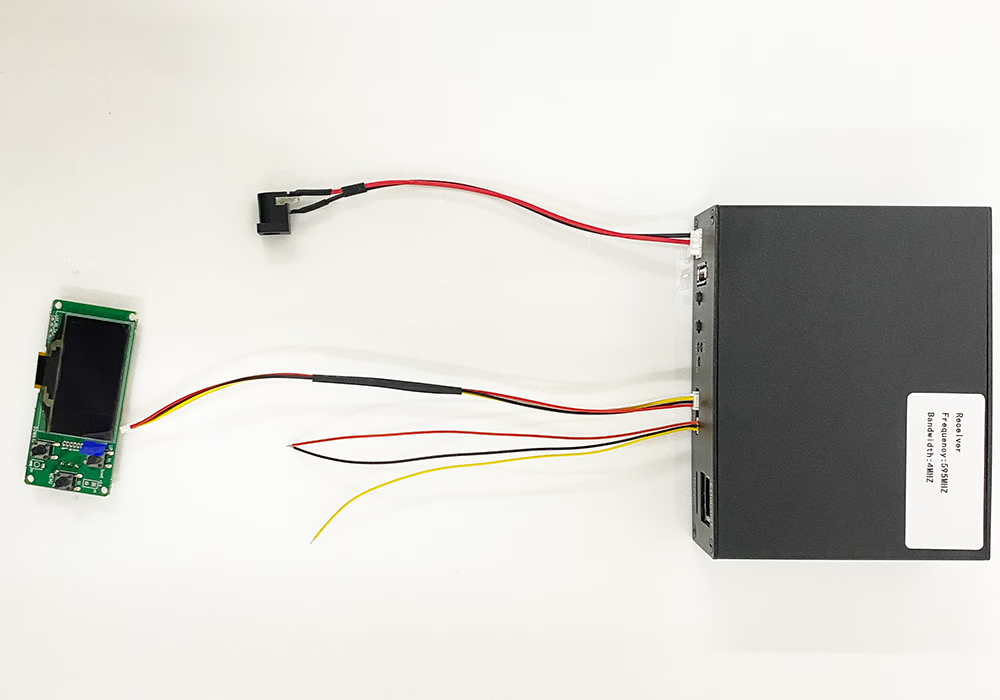
Please connect the LCD reference board first and take pictures for us to see if the wireless signal is locked? Make sure the signal is locked.
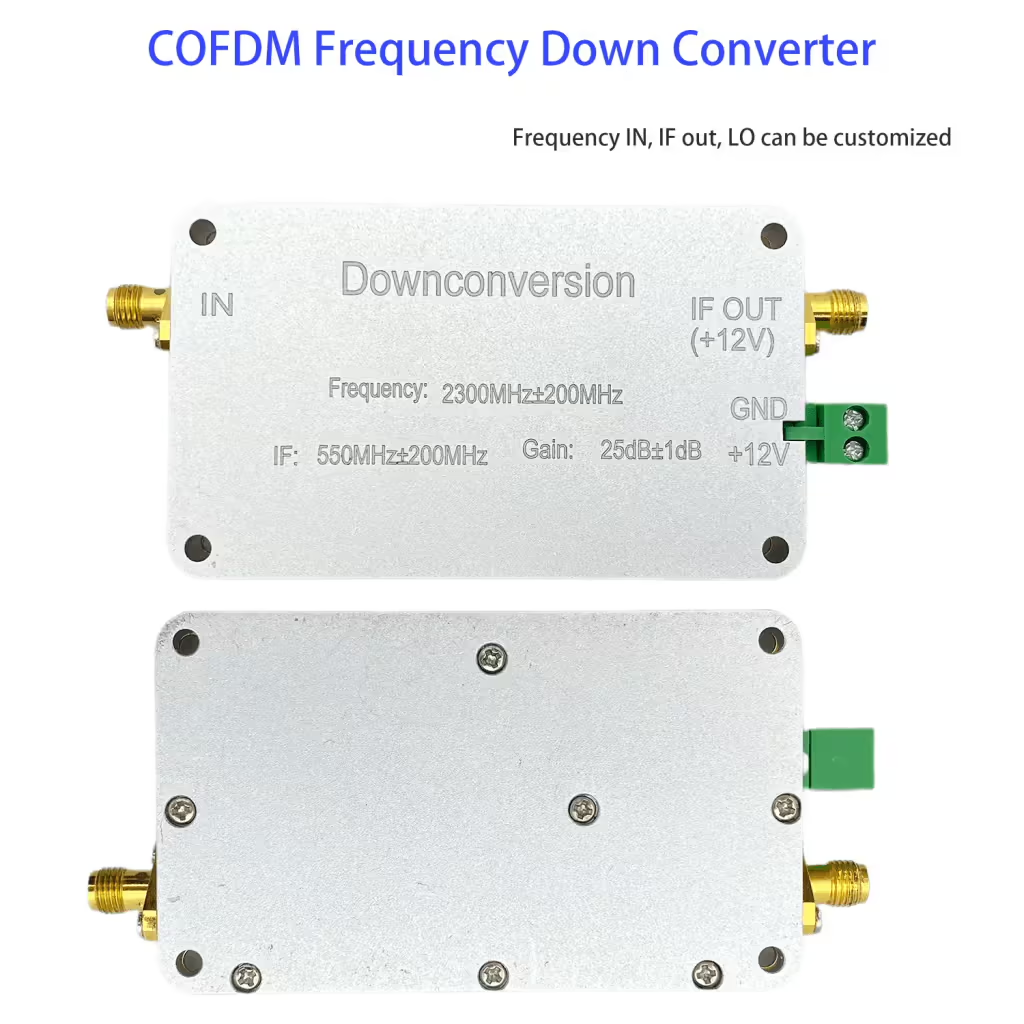
The customer also mentioned that they need a device, 2.0-2.63GHz using LNB’s with 1838MHz LO, to reduce the input frequency of 2000~2630Mhz, reduce 1838Mhz, and output 162Mhz~792Mhz. We can also provide such a device. Please refer to our 周波数ダウンコンバーター.
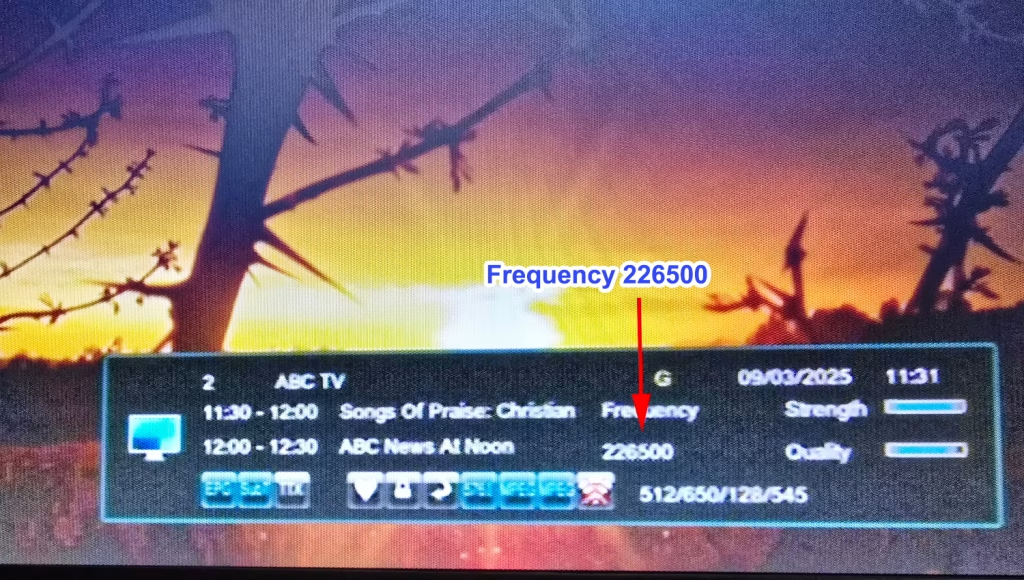
Most DVB-T receivers on the market support automatic channel search. 例えば, they have bandwidths of 8M or 6M, and there are also 7M for Australia. In order to save waiting time for searching channels, they will only search channels on designated channel numbers or corresponding frequencies.
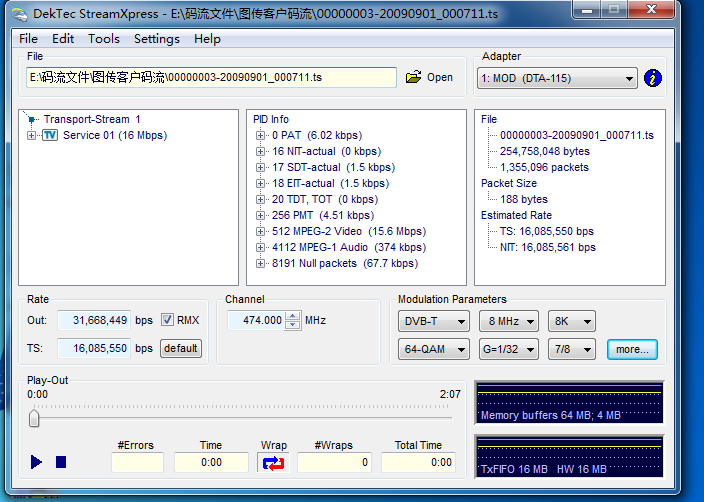
Even though there is a manual channel search function, it can only select the corresponding channel from the drop-down channel number. It does not allow you to manually enter the frequency to search for channels. 例えば, if I want to search for 473Mhz, it does not have an option for you to enter 473 through the remote control to search for this specified frequency.
Customers with this need, such as some professional application scenarios, cannot meet or realize this function with ordinary TV boxes. Our professional, customizable COFDM receiver 1776 can search channels in 1M and 1K steps.
There are two ways to input the specified frequency. The first is to send a command through the serial port, and the second is to use additional parameter configuration tools to adjust parameters such as frequency bandwidth.
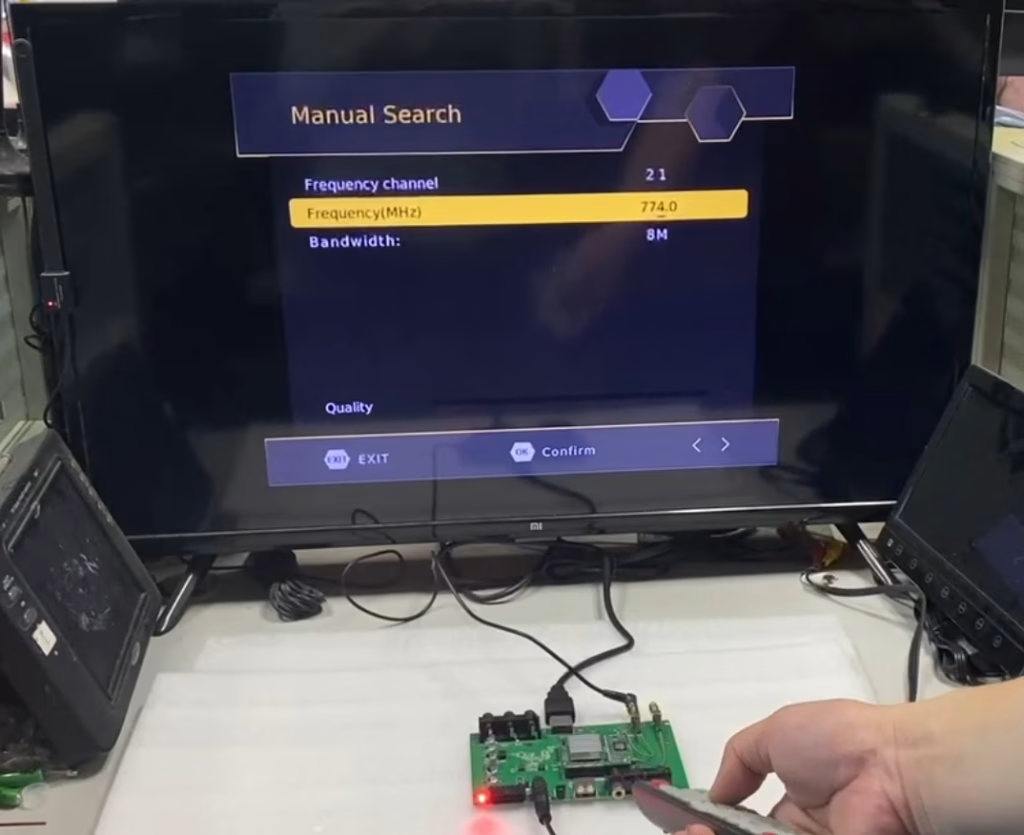
Another model supports to enter the frequency via manual search
質問する
ご回答をありがとうございました。 ✨