







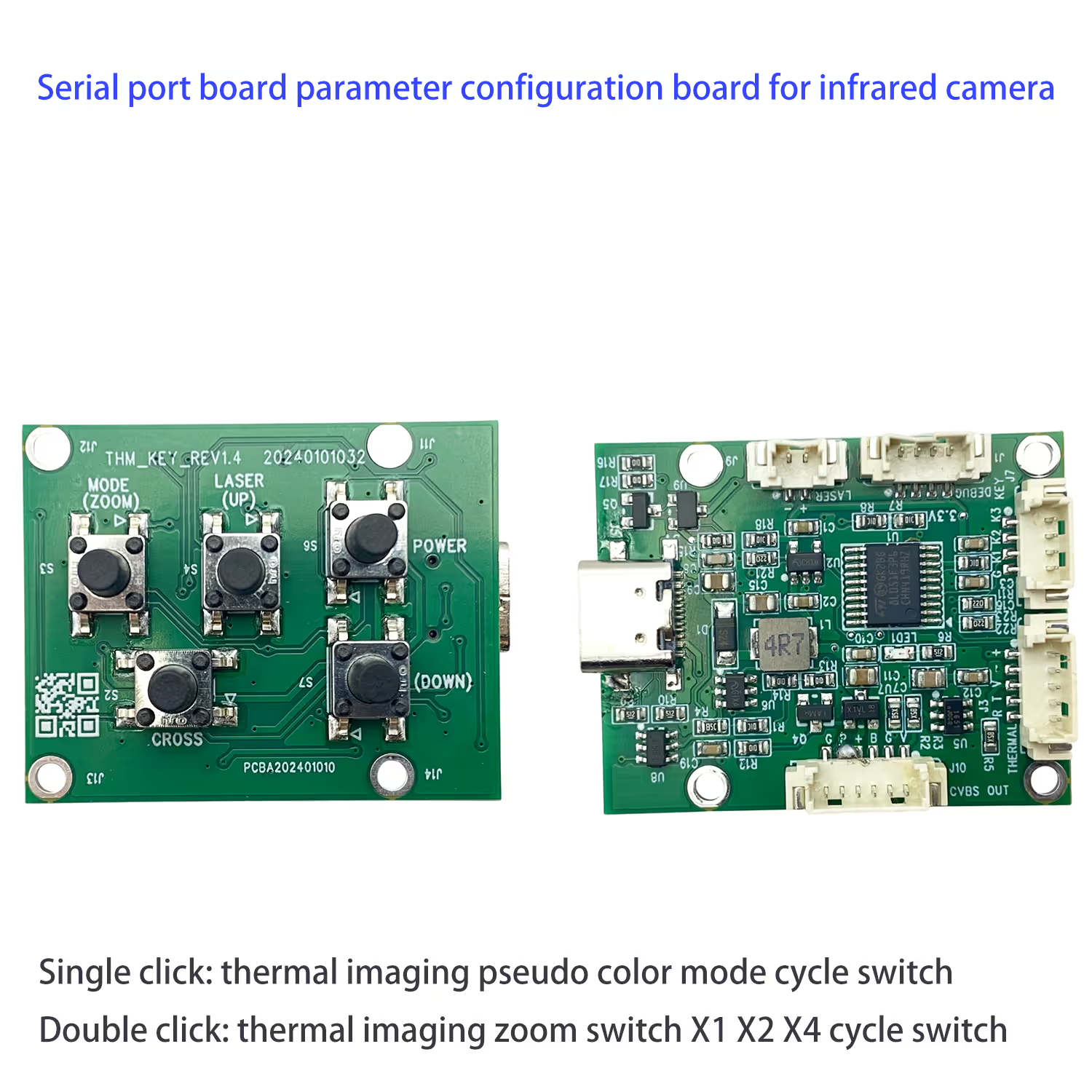
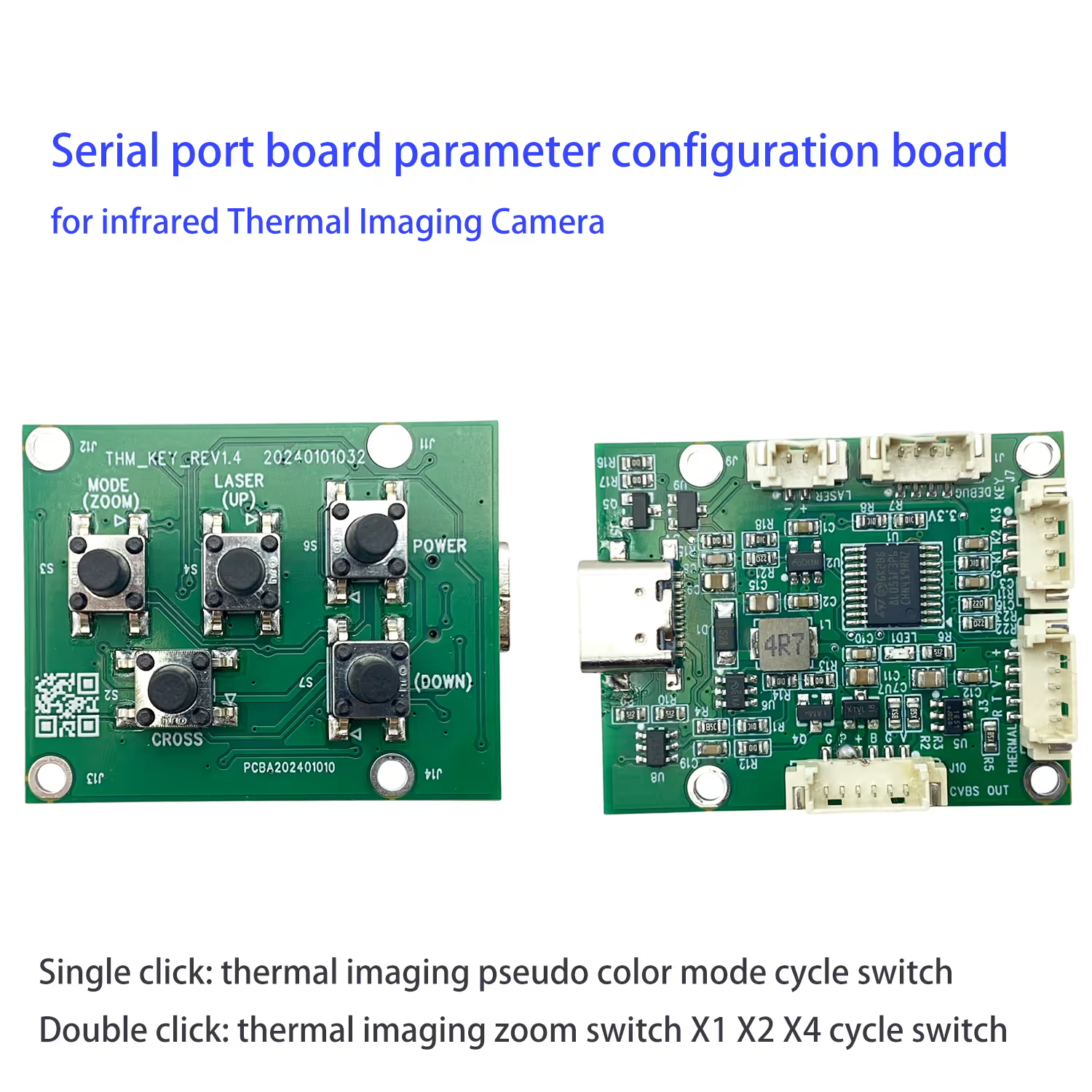
적외선 열화상 카메라용 직렬 포트 보드 매개변수 구성 보드
목차
소개
그만큼 Serial Port Parameter Configuration Board for Infrared Thermal Imaging Cameras is a compact and lightweight accessory designed to simplify the operation and parameter adjustment of thermal imaging devices. 전통적으로, users had to rely on complex command-line debugging via UART in order to change color palettes, adjust display modes, or enable zoom functions. This process can be inconvenient and time-consuming, especially for field users who require fast and reliable operation. Our configuration board eliminates this hassle by offering a simple and intuitive solution—allowing users to control key functions through a physical button interface without the need for additional programming.
With just a single click, operators can cycle through different pseudo-color display modes, making it easy to select the optimal thermal image visualization for their specific application. A double click activates the zoom function, allowing smooth transitions between X1, X2, and X4 magnification levels. This feature is particularly valuable for drone-based thermal imaging, 감시, and inspection tasks, where quick adjustments are critical for mission success.
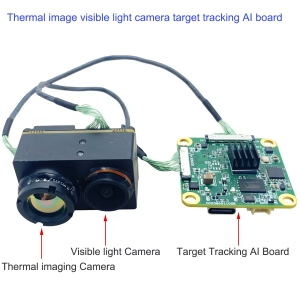
Despite its advanced functionality, the board is extremely lightweight, 무게만 측정 6.6 그램. Its compact form factor ensures seamless integration with infrared thermal imaging cameras, including models such as the Vcan2036 analog thermal imaging camera designed for FPV drones. Both back and front layouts are engineered for convenient installation, UAV에 적합하게 만들기, 로봇 공학, 보안 시스템, 및 휴대용 장치.
추가적으로, the board supports customizable solutions to meet diverse industry requirements. 예를 들면, pre-set UART commands are available for popular modes like “White Hot” and “Fusion 2.” Users seeking compatibility with third-party thermal cameras may also send in their devices for free verification and testing.
전반적인, this configuration board is an ideal tool for professionals who demand a fast, 믿을 수 있는, and user-friendly method to optimize the performance of their thermal imaging systems in real-world scenarios.
연결
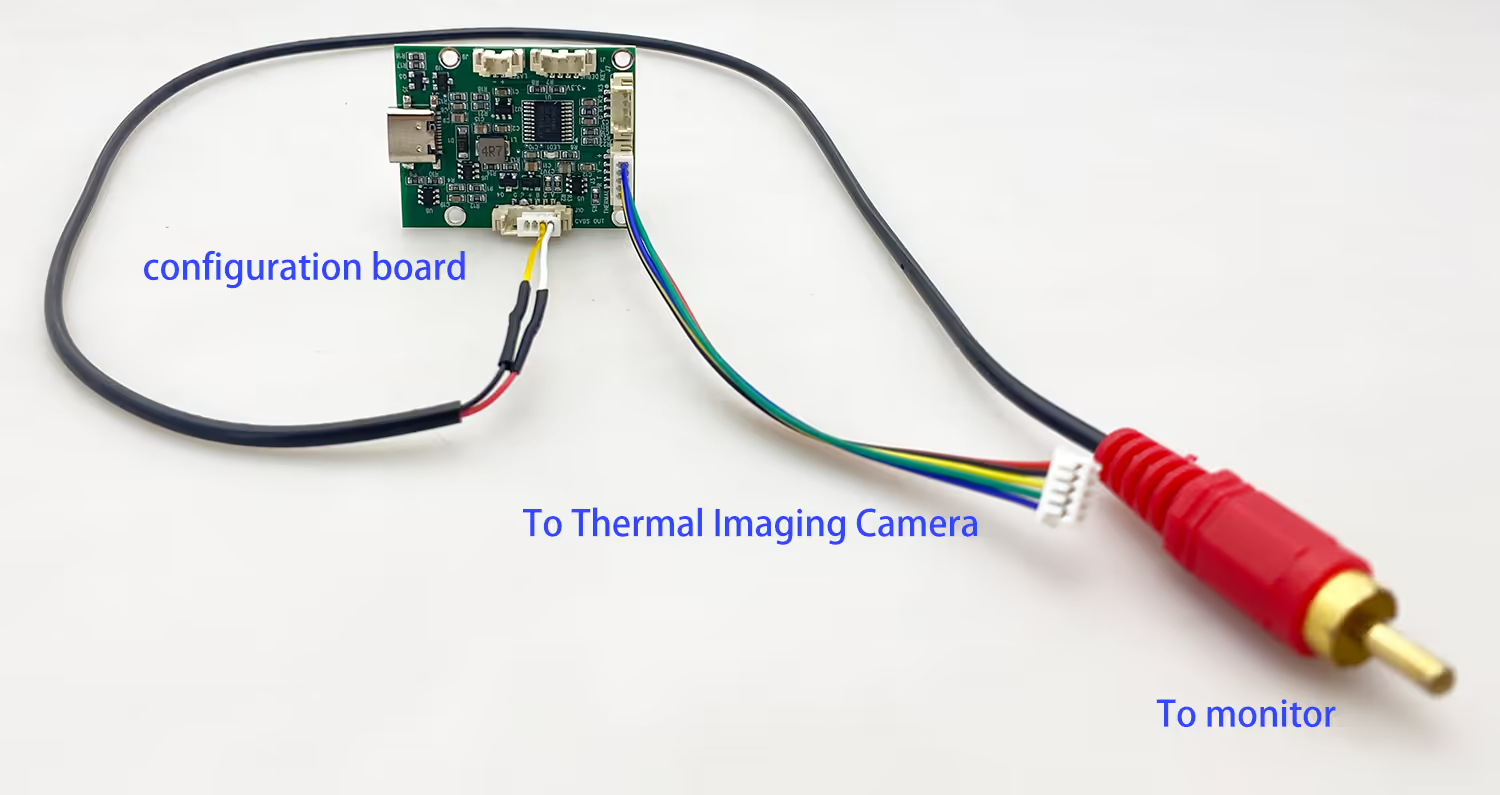
작업
방법 (줌) 단추
- 단일 클릭: 열 이미징 의사 색상 모드 사이클 스위치
- 더블 클릭: 열 이미징 줌 스위치 X1 X2 X4 사이클 스위치
아래 모델의 경우

무게
만 6.6 그램
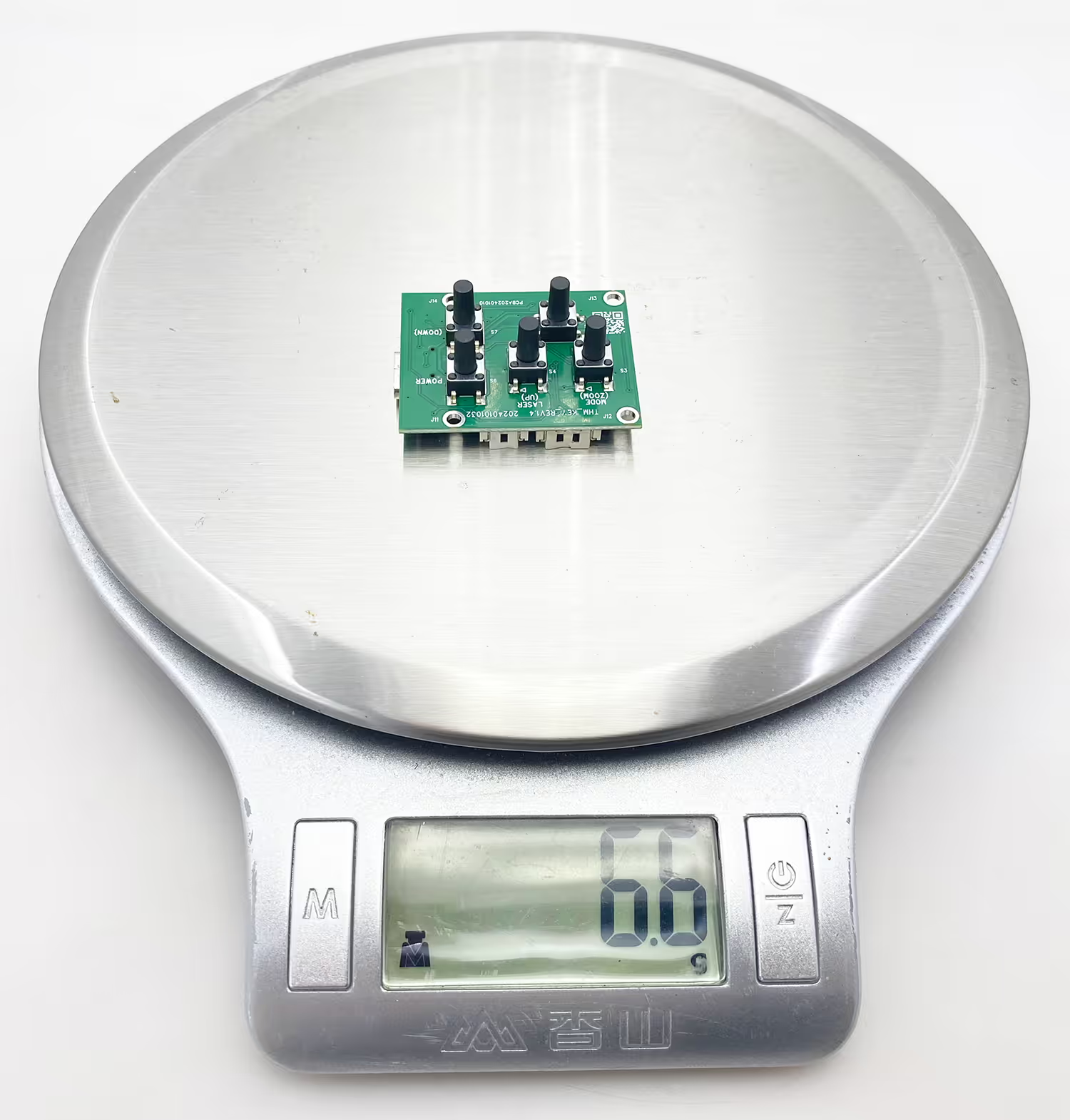
뒤로 및 전면보기
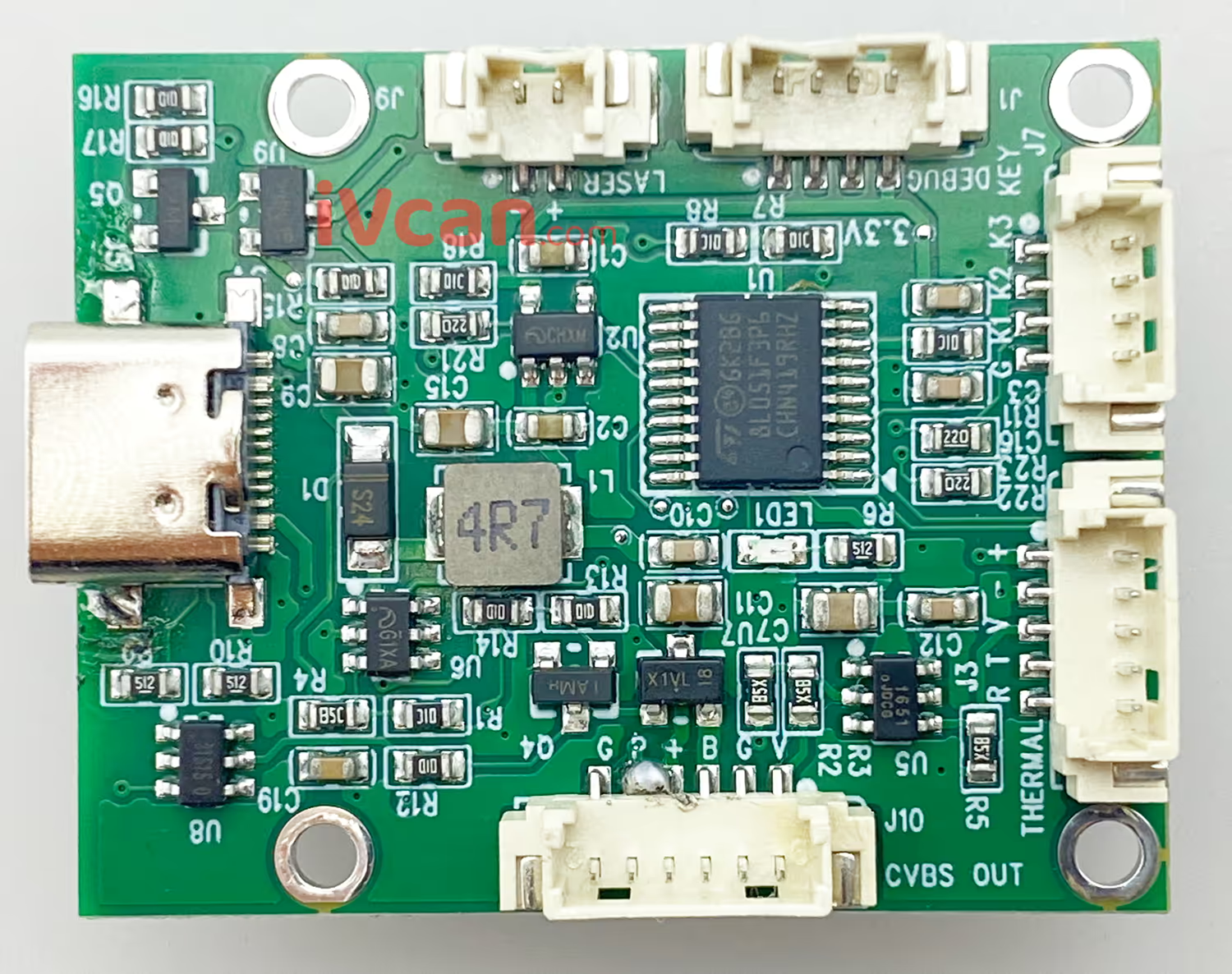
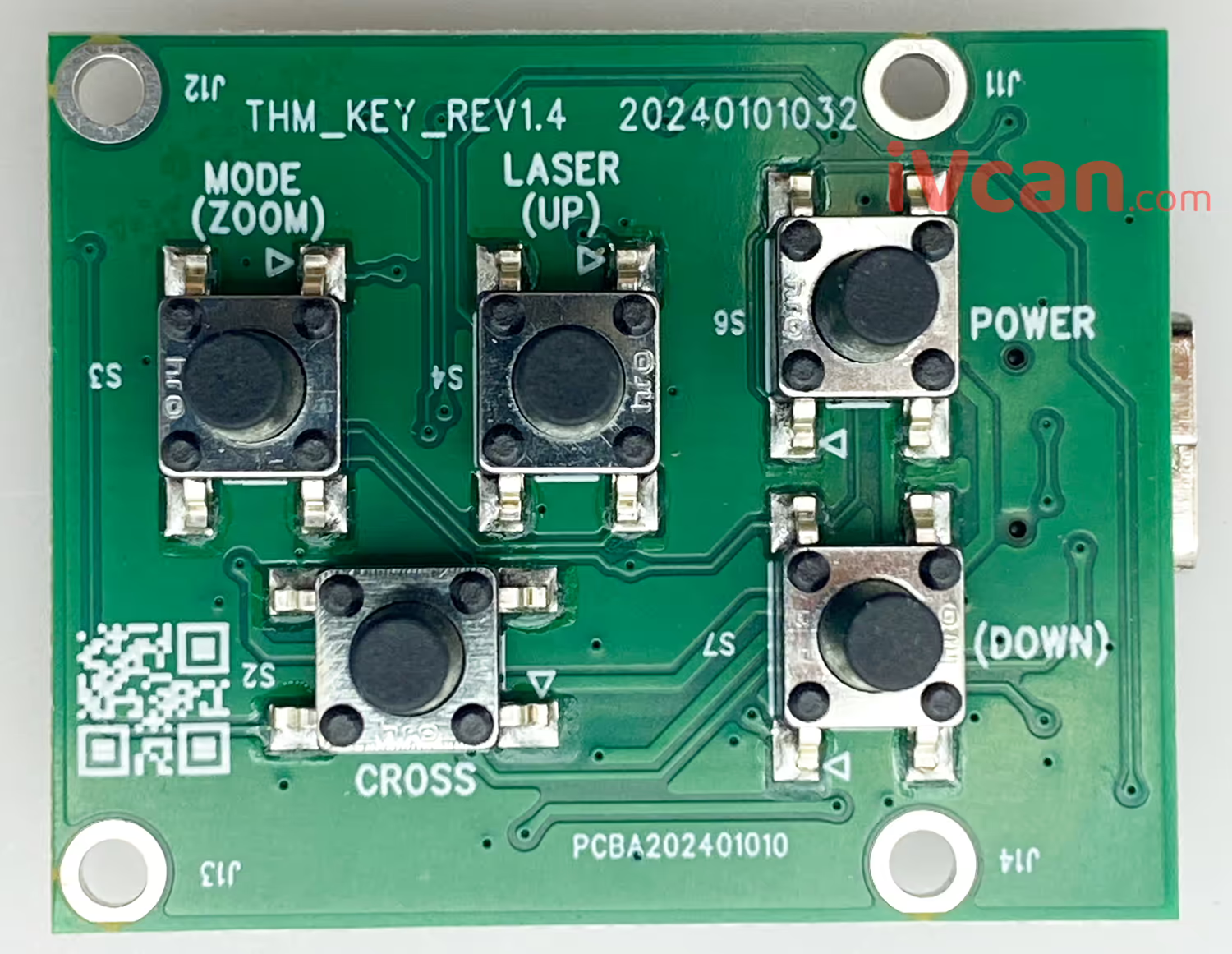
프론트 뷰
열 화상 카메라를위한 선택적 추가 구성 보드입니다.. 버튼을 누르면 열 카메라를 전환 할 수 있습니다’ 디스플레이 색상. 이것은 먼저 계산을 수행 한 다음 직렬 포트를 통해 명령을 보내는 것보다 훨씬 편리합니다.. 맞춤형 열 화상 솔루션을 제공 할 수 있습니다.
자주하는 질문
큐: UART를 통해 명령 줄을 디버깅하는 데 어려움이 있습니다. 미리 설정된 색상 변화 명령이 있습니까??
에이: F0 05 36 78 20 00 00 CE FF 화이트 핫 및 F0 05 36 78 20 00 04 D2 FF 퓨전 2.
큐: 8 배 카메라도 축 640에 잘 작동합니까?×512 열 카메라?
에이: 이 열 화상 카메라의 8X 배율 및 색상 교환 도구가 카메라에서 올바르게 작동하도록 테스트 및 검증되었습니다.. 우리는 당신이 언급 한 카메라에서 테스트하지 않았습니다, 따라서 기능을 확인할 수 없습니다.
대안으로, 카메라를 우리에게 배송하십시오, 과 우리는 그것을 무료로 테스트하고 확인할 수 있습니다.




iVcan.com –
I recently added the Serial Port Parameter Configuration Board to my thermal imaging setup, and it has made a huge difference. Before, I always had to deal with UART command lines just to change color modes, which was frustrating and time-consuming. 지금, with a simple button click, I can quickly switch between pseudo-color palettes or zoom levels, even while operating in the field. The board is incredibly lightweight, 설치하기 쉬운, and works flawlessly with my thermal camera. 적극 권장됩니다!