





COFDM RF Modulator and demodulator module demand:
- Modulation module supporting h.264 and h.265 encoding,
- Demodulator module supporting h.264 and h.265 decoding,
- Tx+RX firmware option: Proprietary H.264 video compression uses only p-frames for the lowest latency
- Tх+Rx firmware option: HDMI+AV interface video input, two-way video compression transmission
- AES-256 encryption/decryption for HDMI and CVBS input
- Full control over COFDM parameters, bandwidth configurable from 1MHz to 8MHz in 1KHz steps; FEC 1/2, 2/3, 3/4, 5/6, 7/8; Interval penjaga 1/32, 1/16, 1/8, 1/4; constellation QPSK, 16QAM, 64QAM; bit rate 0.5Mbps to 31.67Mbps
- RTCP and UDP protocols for Rx video output
Perbandingan firmware COFDM RF Modulator dan Demodulator
Daftar isi
Hardware modulator
COFDM Modulator Encoder Transmitter Module:
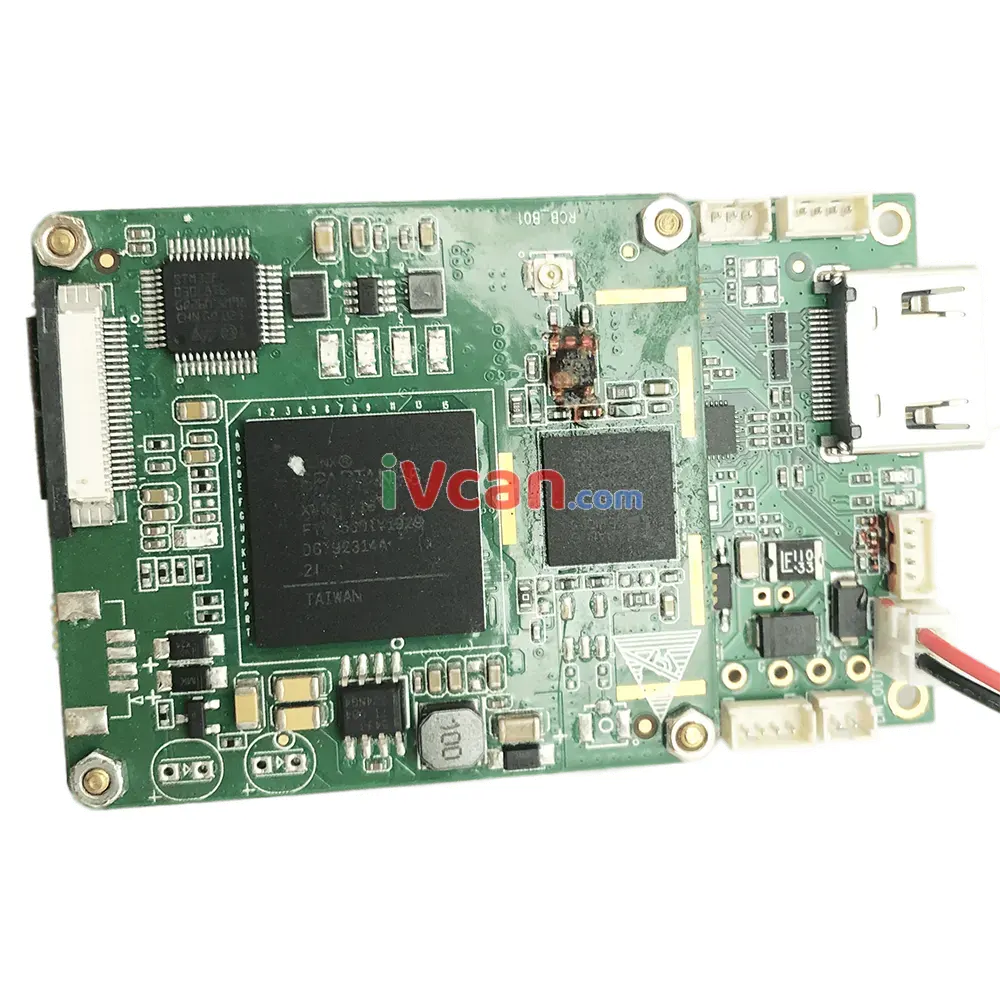
COFDM Demodulator Decoder Receiver Module:
H264

H265
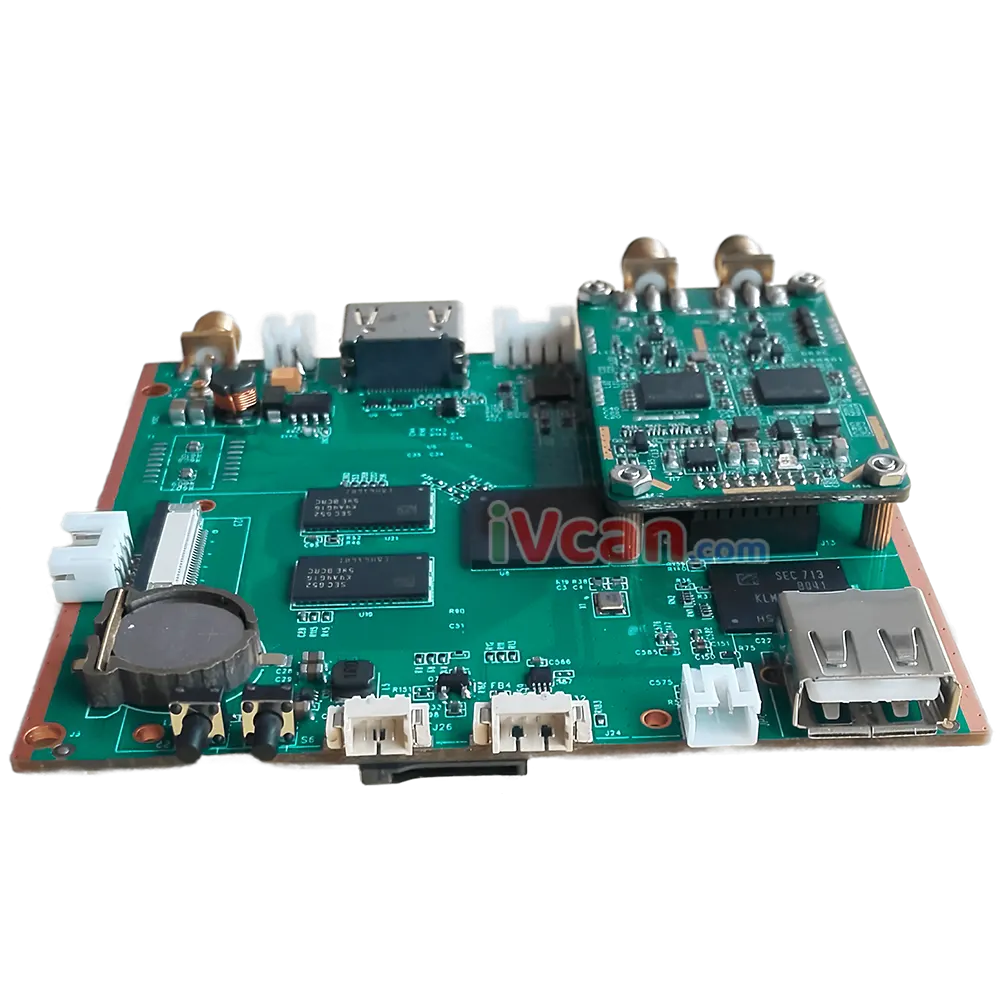
Parameter Configuration Board:
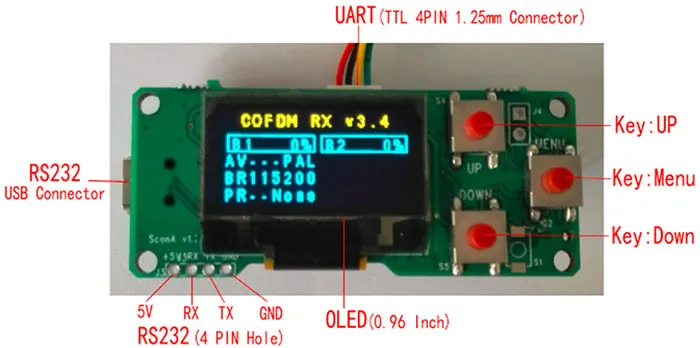
UART firmware command
Encoder Modulator Decoder Demodulator Module Parameter Configuration Instructions
Hardware and Firmware Compare
1. COFDM modulator encoder Transmitter Tx Module:
| Perangkat keras | Vcan1776TX |
| Normal setting | Wireless parameter\bitrates\password\…\ setting via SconC or AT command |
| AES | AES256 |
| About bitrates | COFDM wireless link itself supports 0.5Mbps to 31.67Mbps But to ensure good video quality and the wireless transmitting distance, the video encoding bitrates are limited to less than 15Mbps. |
| Firmware | F1 (USB disk to do: F2 update to F1) | F2 (USB disk to do: F1 update to F2) |
| Fungsi | Only support HDMI or AV input(one video) SEBUAH. Proprietary H.264 video compression only used p-frames for lowest latency B. Normal H.264 video compression C. Normal H.265 video compression AT command to switch between A/B/C | support HDMI + masukan MATI (two videos) Normal H.265 video compression for two video |
2. COFDM demodulator decoder Rceiver Rx Module:
| Perangkat keras | Vcan1776RX-H264 |
| Fungsi | support HDMI + AV output Built-in RTSP server enables video streaming out over Ethernet A. Proprietary H.264 video decompression only used p-frames for lowest latency. B. Normal H.264 video decompression AT command to switch between A/B |
| Normal setting | Wireless parameter\password\…\ setting via SconC or AT command |
| AES | AES256 |
| Perangkat keras | Vcan1776RX-H265 |
| Fungsi | support HDMI + keluaran AV |
| Normal setting | Wireless parameter\bitrates\password\…\ setting via SconC or AT command |
| AES | AES256 |
| Firmware | F1 (TF card to do: F2 update to F1) | F2 (TF card to do: F1 update to F2) |
| Fungsi | Built-in RTSP server enables video streaming out over Ethernet; SEBUAH. Normal H.264 video decompression B. Normal H.265 video decompression AT command to switch between A/B | Normal H.265 video decompression for two videos Do not support built-in RTSP server |
COFDM Tx and Rx paired table:
| Firmware and function | Vcan1776TX | Vcan1776RX-H264 | Vcan1776RX-H265 |
| H.264 low latency | F1 -A | SEBUAH | × |
| Normal H.264 | F1 -B | B | F1-A |
| Normal H.265 | F1-C | × | F1-B |
| Two videos H.265 | F2 | × | F2 |
Price Compare
| Model Modul | Harga satuan | Kuantitas | Total |
| Vcan1776TX | $680 | 21 | $1360 |
| Vcan1776RX-H264 | $350 | 1 | $350 |
| Vcan1776RX-H265 | $350 | 1 | $350 |
| Parameter Configuration Board | $40 | 2 | $80 |
For the modulator encoder transmitter TX module, Please consider buying 2 sets of Vcan1776TX, one for F1 firmware and one for F2 firmware, for easy test comparison.
For the demodulator decoder Receiver RX module, please consider buying one H264 and one H265 to compare.
Perbandingan firmware COFDM RF Modulator dan Demodulator
COFDM demodulator datasheet
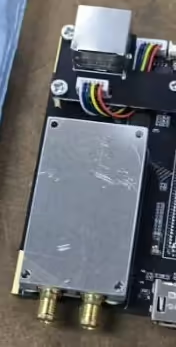
Question: Do you have the dimensions of the shielding cover for the RF module?
Menjawab:
FAQ
Q1: Please provide the following technical information:
I’m currently evaluating the parameters of your COFDM modulator. For a better understanding of your device, please provide the following technical information:
- ukuran FFT
- Number of active subcarriers used for data transmission
- Occupied bandwidth or actual spectral bandwidth at 90% OBW
- PAPR (peak-to-average power ratio)
A1: Please check the reply from our engineer.
- ukuran FFT: 2047
- Number of active subcarriers used for data transmission: 1705 active subcarrier(inclue pilot)
- Occupied bandwidth or actual spectral bandwidth at 90% OBW: 7.6Mhz in 8Mhz Channel.
- PAPR (peak-to-average power ratio): ~10.7db
Q: Does your COFDM video transmitter support dual video input simultaneous encoding and transmission?
iya nih. Our COFDM transmitter supports simultaneous encoding and transmission of two video inputs at the same time.
The supported dual-input combinations are:
- HDMI + CVBS
- SDI + CVBS
Both video channels can be encoded and transmitted simultaneously through one transmitter system.
Q: What receiver options are available for dual video transmission?
We currently offer two receiver options for dual-channel video applications:
Receiver Option 1 – Dual Video Picture-in-Picture (PIP) Menampilkan
Fitur:
- Supports simultaneous decoding and display of two video channels
- Mendukung Gambar-dalam-Gambar (PIP) viewing mode
- Video outputs:
- keluaran HDMI
- keluaran CVBS
- Designed for connection to standard monitors/displays
Keterbatasan:
- Does bukan support network video streaming output
- No RTSP or UDP streaming via Ethernet
- Cannot output video streams directly to a computer over LAN
Recommended for:
Users who need to monitor two video channels simultaneously on a display screen.
Receiver Option 2 – Network Streaming Receiver
Fitur:
- Supports Ethernet video streaming output
- Mendukung:
- Streaming RTSP
- Streaming UDP
- Can output video streams directly to a computer via network cable
- Includes a physical button to switch between Channel 1 and Channel 2 aliran video
Keterbatasan:
- Does bukan support simultaneous dual-channel PIP display
- Only one video channel can be viewed/output at a time
Recommended for:
Users who require IP streaming, computer integration, or software decoding/recording.
Q: Which receiver should I choose?
- If you need to view both video channels simultaneously on a monitor, kami merekomendasikan Receiver Option 1 (PIP Receiver).
- If you need RTSP/UDP network streaming to a PC or software platform, kami merekomendasikan Receiver Option 2 (Network Streaming Receiver).
Please let us know which receiver solution you prefer, and we will recommend the most suitable configuration for your project.
Berikan pertanyaan
Terima kasih atas tanggapan Anda. ✨