






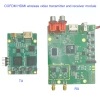
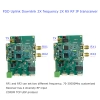
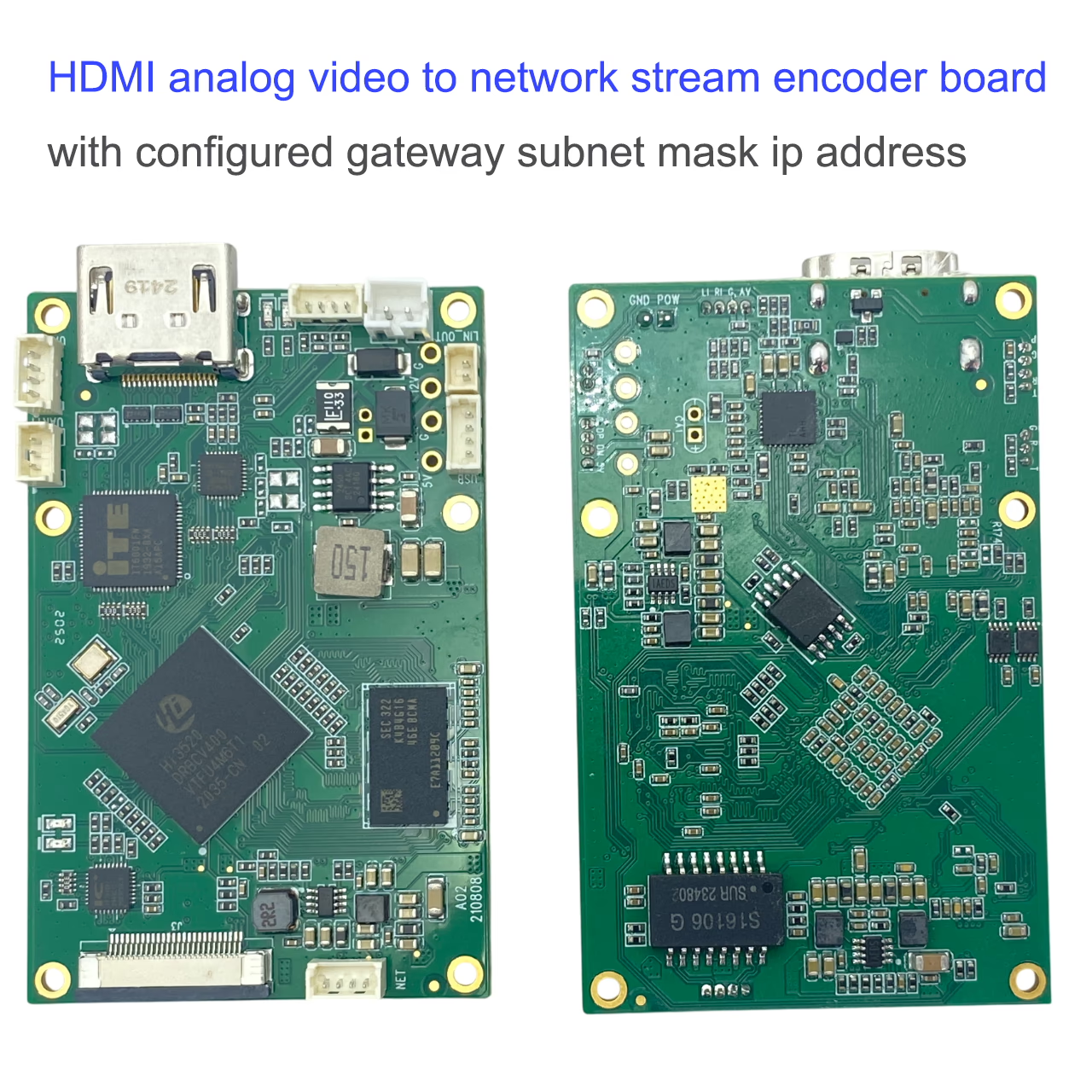
HDMI模擬視頻到網絡流編碼器帶有配置的網關子網掩碼IP地址
目錄
介紹
HDMI模擬視頻 (CVB或AHD) 到網絡以太網流編碼器板是一種高性能解決方案,用於將HDMI或模擬視頻信號轉換為有效的IP網絡流. 專為無縫集成而設計, 它支持可配置的 網關, 子網掩碼, 和IP地址設置, 使其在各種網絡環境中靈活. 緊湊型, 低功耗, 和穩定的流型性能, 該編碼器板非常適合視頻監視, 廣播, 無人機應用程序, 和其他實時視頻傳輸系統.
特徵
-
高級視頻壓縮 - 支持兩者 H.265 和 H.264 用可配置的比特率編碼, 確保有效的帶寬使用率和高質量流媒體.
-
高分辨率性能 - 編碼到 1080P@60fps, 與各種分辨率和框架率完全兼容,包括1080i, 720p, 1024×768, 和1280×1024.
-
靈活的音頻 & 視頻輸入 -
-
HDMI (音頻 + 視頻): 支持多種模式,例如1080P60/50/30/25, 1080I60/50, 720P60/50/30, 以及自適應兼容性的更多.
-
作者: (音頻 + 視頻): 兼容於 NTSC (720×480 60i) 和 朋友 (720×576 50i), 適應插入或麥克風.
-
-
可配置的音頻輸入 - 默認音頻輸入遵循視頻輸入接口. 用戶可以通過 網頁界面 要么 串行端口命令, 在操作過程中提供靈活性.
-
動態輸入切換 - 支持通過 串行端口命令 沒有系統重新啟動.
-
音頻編碼 & 解碼 - 提供 AAC 音頻編碼 和一個 內置音頻解碼輸出 (排隊) 直接連接到耳機或外部放大器.
-
同時捕獲 - 帶有自定義固件, 董事會支持 HDMI + AV同時捕獲和編碼, 確保多功能多媒體應用.
-
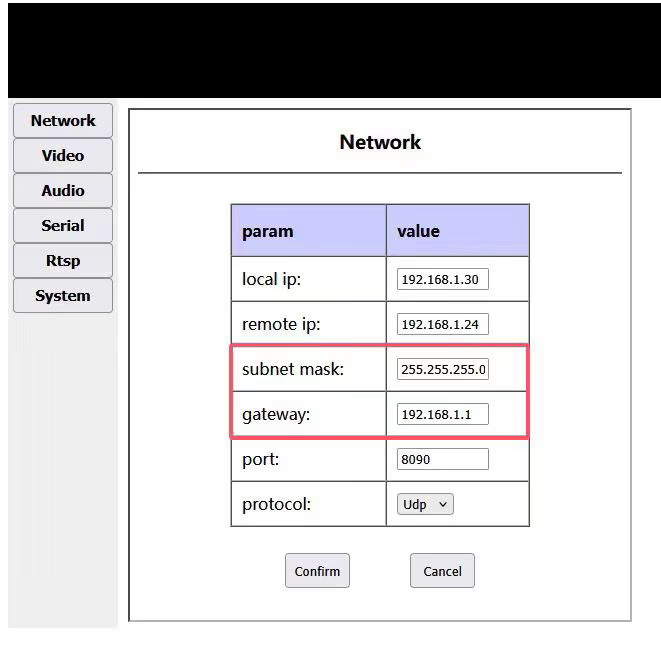
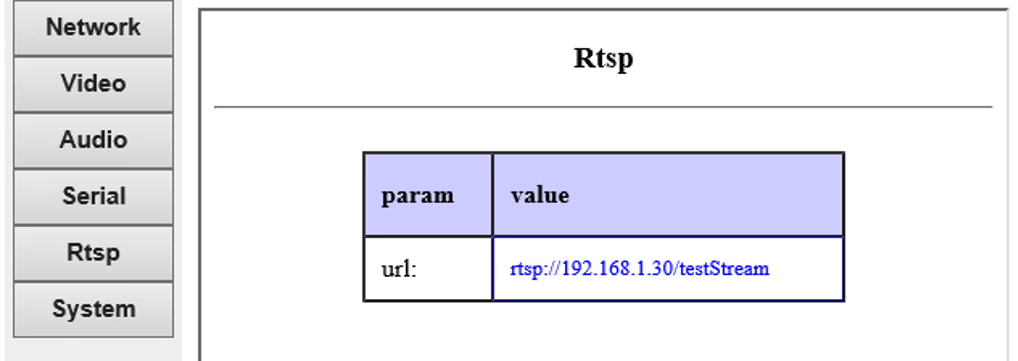
用戶友好的配置 - IP地址, 網關, 子網掩碼, 和流設置可以通過Web UI或配置命令輕鬆管理.
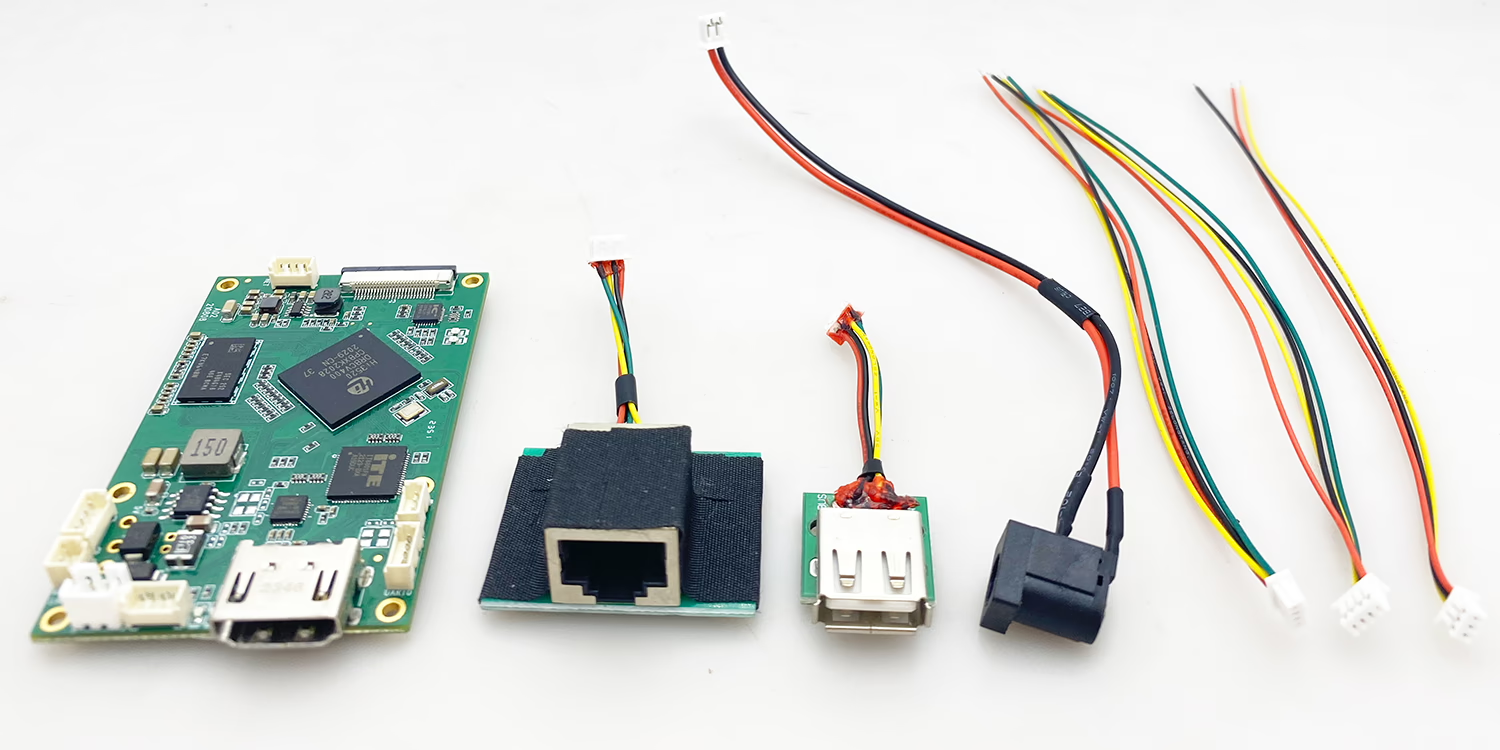
附件
常問問題
1. Q: 什麼是網絡流編碼器板的HDMI模擬視頻?
一個: 這是一種緊湊的硬件設備,將HDMI或模擬視頻信號轉換為IP網絡流以實時視頻傳輸.
2. Q: 此視頻流編碼器板是否支持HDMI和模擬輸入?
一個: 是, 它支持HDMI輸入 (最高1080P60) 和模擬輸入 (PAL / NTSC), 使其適用於不同的視頻來源.
3. Q: HDMI對IP編碼器支持的視頻壓縮格式是什麼?
一個: 它支持H.265和H.264視頻編碼,以進行有效的帶寬使用和高質量的視頻流.
4. Q: Can this encoder board stream in Full HD 1080p?
一個: 是, it supports up to 1080p at 60 frames per second for smooth, high-definition streaming.
5. Q: Does the encoder support different resolutions and frame rates?
一個: 是, it is backward compatible with multiple resolutions such as 1080i, 720p, 1024×768, 和1280×1024.
6. Q: Can I use this HDMI video encoder board for live streaming?
一個: 絕對地, it is designed for real-time IP video streaming with low latency and stable performance.
7. Q: What audio compression does this network encoder support?
一個: The encoder uses AAC audio encoding, ensuring clear and efficient audio transmission.
8. Q: Can the audio input be configured separately from the video input?
一個: 是, the audio input can be configured via the Web UI or serial port commands.
9. Q: Is simultaneous HDMI + AV capture supported?
一個: 是, with custom firmware, it can capture and encode both HDMI and AV sources at the same time.
10. Q: Does the encoder board have audio output?
一個: 是, it has a built-in audio decoding output (排隊) that can connect to headphones or amplifiers.
11. Q: Can I configure IP address, 網關, and subnet mask on this encoder?
一個: 是, network settings such as IP address, 網關, and subnet mask can be easily configured via Web UI.
12. Q: Does this HDMI to IP encoder support multicast streaming?
一個: 是, it supports multicast and unicast streaming, depending on network configuration.
13. Q: Is the encoder board suitable for UAV video transmission?
一個: 是, due to its compact size, 低功耗, and stable streaming, it is ideal for UAV applications.
14. Q: What network protocols are supported by this IP encoder?
一個: It supports standard streaming protocols such as RTSP, 實時傳輸協議, and UDP for broad compatibility.
15. Q: Can this encoder be used for IP camera applications?
一個: 是, 它可以充當IP攝像頭編碼器, 將HDMI或模擬視頻轉換為網絡流.
16. Q: HDMI視頻編碼器板的電源需求是什麼?
一個: 編碼器在直流電源上運行, 通常為12V, 功耗低.
17. Q: 如何通過壓縮保持視頻質量?
一個: H.265/H.264編碼可確保具有優化帶寬效率的出色視頻質量.
18. Q: 是否有基於Web的配置可用?
一個: 是, 可以通過易於使用的Web UI配置和監視編碼器.
19. Q: 我可以通過串行端口命令控制編碼器嗎?
一個: 是, 用戶可以使用串行端口命令來配置音頻/視頻源並動態切換輸入.
20. Q: 編碼器板支持音頻線路和麥克風?
一個: 是, AV接口可以用作插入或麥克風,具體取決於設置.
21. Q: 我可以將其用於廣播應用程序嗎?
一個: 是, 它被廣泛用於專業廣播, 監視, 和實時傳輸系統.
22. Q: 此HDMI網絡編碼器的延遲是什麼?
一個: 它提供低延遲流, 適用於實時監控和無人機視頻應用程序.
23. Q: 此編碼器支持自適應輸入格式嗎?
一個: 是, 它會自動適應各種視頻格式和無縫兼容性的分辨率.
24. Q: 板需要什麼樣的冷卻?
一個: 它通常使用被動冷卻,但可能需要外部散熱器才能連續高負載操作.
25. Q: 可以配置視頻編碼的比特率嗎?
一個: 是, 編碼比特率可以調節以平衡視頻質量和網絡帶寬.
26. Q: 是編碼器板的大小?
一個: 是, 它的設計具有迷你尺寸,可輕鬆整合到嵌入式系統中.
27. Q: Can this board be used in video surveillance systems?
一個: 是, it is perfect for IP-based CCTV and remote monitoring systems.
28. Q: Does it support PAL and NTSC video input?
一個: 是, the AV input supports both PAL (720×576 50i) and NTSC (720×480 60i).
29. Q: Can the encoder be powered through USB?
一個: 沒有, it requires a stable DC power supply for reliable operation.
30. Q: What industries commonly use this HDMI video encoder?
一個: It is used in UAVs, 廣播, 視頻監控, 教育, and live event streaming.
31. Q: Can this encoder be used for remote teaching and e-learning?
一個: 是, it supports high-quality streaming for classrooms, 訓練, and online education.
32. Q: Is the encoder compatible with OBS Studio or VLC?
一個: 是, streams from this encoder can be viewed in VLC or integrated with OBS Studio.
33. Q: Can multiple encoder boards be used in the same network?
一個: 是, you can run multiple units with different IP addresses for multi-channel streaming.
34. Q: Is firmware upgrade supported?
一個: 是, firmware can be upgraded to add new features or enhance performance.
35. Q: Does the encoder support encrypted streaming?
一個: Security depends on the network setup; additional encryption can be configured on the streaming server.
36. Q: Can the encoder run 24/7 continuously?
一個: 是, 它是為穩定而設計的, long-term continuous operation.
37. Q: What is the default video input setting?
一個: 預設情況下, the audio input follows the selected video input interface.
38. Q: Can this encoder stream over Wi-Fi?
一個: The board itself requires Ethernet, but it can be paired with an external Wi-Fi router for wireless streaming.
39. Q: Does it support dual-stream output?
一個: 是, dual-streaming can be supported depending on configuration.
40. Q: How do I reset the encoder if settings are lost?
一個: A hardware or software reset can be performed to restore factory defaults.
41. Q: 該董事會的平均功耗是多少?
一個: 它很低, 使其非常適合便攜式和無人機應用程序.
42. Q: 可以將此編碼器集成到自定義硬件項目中嗎?
一個: 是, 它被設計為適合集成到OEM系統的編碼板.
43. Q: 編碼器是否支持僅音頻流?
一個: 是, 如果需要.
44. Q: HDMI到IP編碼器可以處理多個音頻通道嗎?
一個: 它支持標準立體聲音頻輸入和輸出.
45. Q: 是否需要冷卻風扇?
一個: 在大多數情況下, 被動冷卻就足夠了; 風扇是可選的高負載使用.
46. Q: 編碼器板如何耐用?
一個: 它是具有長期可靠性的高質量組件的建造.
47. Q: 編碼器支持IP攝像機的ONVIF協議嗎?
一個: 一些版本支持ONVIF與NVR和VMS系統的兼容性.
48. Q: What audio output options are available?
一個: The board provides Line-out for headphones or external audio amplifiers.
49. Q: Is technical support available for setup?
一個: 是, users can access technical documentation and support for configuration assistance.
50. Q: Why should I choose this HDMI analog video to network encoder board?
一個: Because it offers compact size, 低功耗, high-quality H.265/H.264 streaming, flexible input options, and reliable performance for professional applications.
51. Q: I bought the standard firmware version. Can I upgrade it to get the latest functions?
一個: 是, please tell me what version you already have. We will upgrade here and verify it. If success, then we will send you the upgrade firmware.




iVcan.com –
I have been using the HDMI Analog Video to Network Stream Encoder Board for my streaming setup, 而且我的性能給我留下了深刻的印象. It delivers smooth and stable IP video streams from both HDMI and analog sources, and configuring the gateway, 子網掩碼, and IP settings was straightforward. The compact size and low power consumption make it easy to integrate, while the reliability makes it perfect for continuous use in surveillance and broadcasting applications.