










ဘတ်စ်ကား 5.8G + 2.4, G WIFI router ကို Wireless Mirrorlink
VCAN1244 Universal 5.8G & 2.4, G WIFI ကြိုးမဲ့ MirrorLink BOX

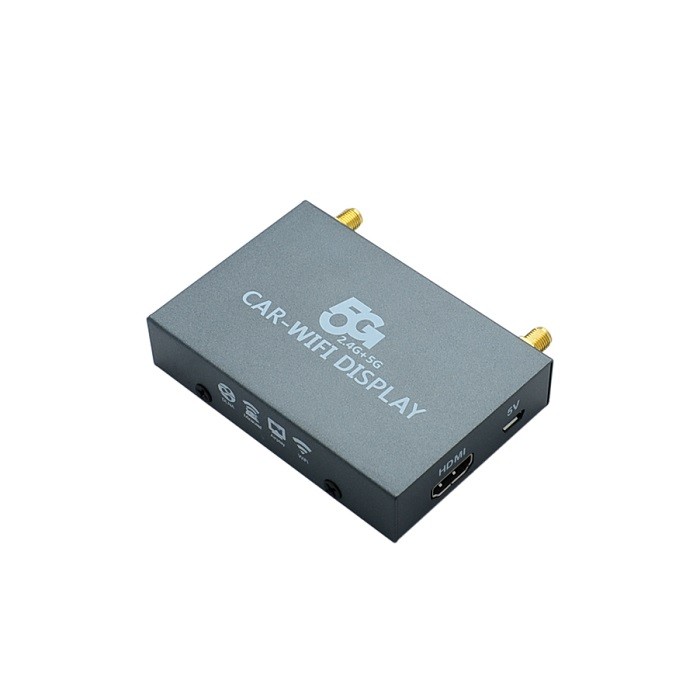
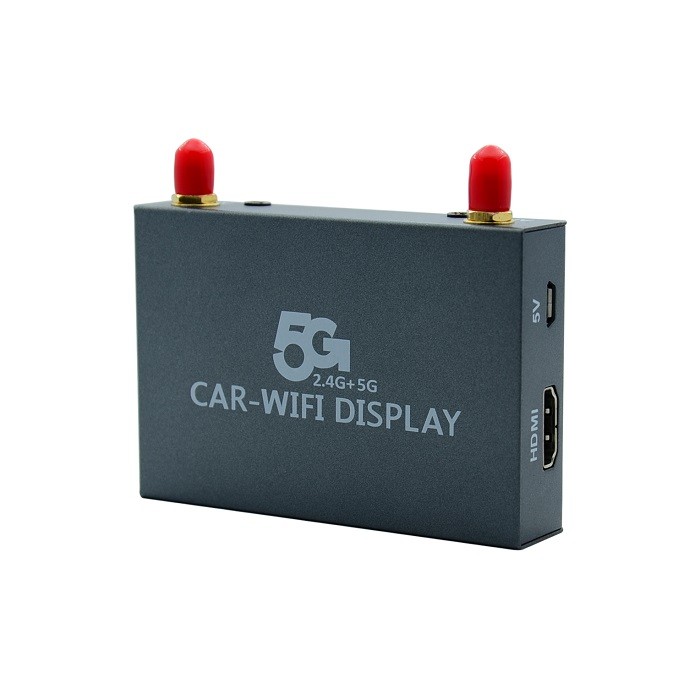

VCAN1244
တစ်လောကလုံး 5.8G & 2.4ဝင်ရောက်စွက်ဖက်မှု o w, G WIFI ကြိုးမဲ့ MirrorLink BOX
မာတိကာ
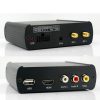
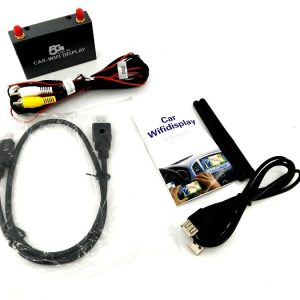
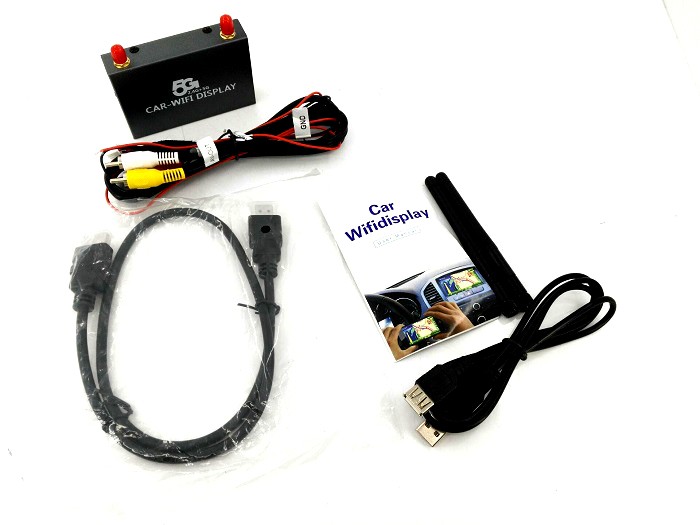
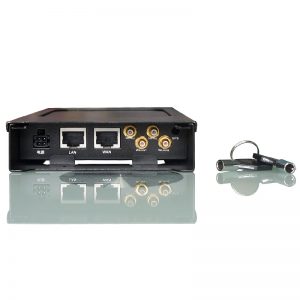
connector
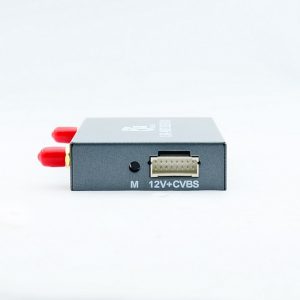
- External antenna
- အနီေရာင်, အဝါရောင်, နှင့် အဖြူရောင် စံ AV အင်တာဖေ့စ်
- 12V ကို power supply (အနီရောင်အပြုသဘော, အနုတ်အနက်ရောင်)
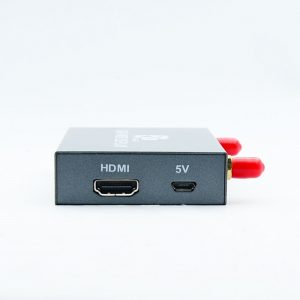
- HDMI cable ကို
- USB power cable
တပ်ဆင်ခြင်းနည်းလမ်း
သိထားသည့်ပုံ:
- ကားမျက်နှာပြင်ပေါ်ရှိ သက်ဆိုင်ရာ အချက်ပြထည့်သွင်းမှုကို ပြောင်းခြင်း။;
- ကားမျက်နှာပြင်ပေါ်ရှိ AV အပေါက်နှင့် ချိတ်ဆက်ထားသော အထက်ရုပ်ပုံစက်ပစ္စည်းကို အသုံးပြုပါ။;
- 12အပေါ်ကပုံမှာ V power power device (အနီရောင်, အနက်ရောင်အနုတ်) ကားရဲ့ 12V ပါဝါထောက်ပံ့ရေး၏နောက်ဘက်ရန်, သို့မဟုတ် 5V ပါဝါထောက်ပံ့မှုအတွက် ကား၏ USB အပေါက်နောက်ဘက်ရှိ USB ကြိုးကို တိုက်ရိုက်ဝင်ရောက်ပါ။
- တပ်ဆင်ပြီးနောက်အောင်မြင်သော, အောက်ပါပုံမော်နီတာမျက်နှာပြင်ပေါ်တွင်ပေါ်လာလိမ့်မည်.
- ►Mirror (IOS) IOS connection (Airplay Mirroring),ဥပမာ iPhone5 IOS8 ကို ယူပါ။, ပုံကိုကြည့်ပါ。ပထမ, ဖုန်း wifi ဆက်တင်များကိုဖွင့်ပါ။ – ချိတ်ဆက်ထားသော စက်ပစ္စည်းသည် ကြိုးမဲ့အချက်ပြမှု; ထိန်းချုပ်မှုစင်တာကိုခေါ်။ Airplay mirroring လုပ်ထားသော device ကိုရှာရန်ရွေးချယ်ပါ, ထို့နောက်အောင်မြင်စွာထင်ဟပ်!
- IOS ပုံစံဖော်ပြချက် (မှန်ထပ်တူပြုခြင်း)iPhone ကို:4နောက်ထပ် s55c5s66…အိုင်ပက်:234လေပြေ…မက်: Apple’s official website to check to prevailiTouch5
►Miracast Android Android အတွက်)
Android စနစ်ကိုယူပါ (Native Android 4.2 စံနစ်) ဥပမာ; ဖုန်းကိုဖွင့်ပါ “ချိန်ညှိချက်များ” – “ပြသ” – “ကြိုးမဲ့ပြသမှု”, အောက်ပါပုံကိုကြည့်ပါ။.
- အထက်ပါသည်ဇာတိ Android စနစ်ဆက်သွယ်မှုနည်းလမ်းဖြစ်သည်, လက်ရှိအချိန်မှာ, မိုဘိုင်းဖုန်းထုတ်လုပ်သူ၏အမည် MIRACAST သည် ကွဲပြားသည်။, လုပ်ဆောင်ချက်တည်နေရာများလည်း ကွဲပြားပါသည်။. ဥပမာ, Samsung မော်ဒယ်များကို Allshare cast ဟုခေါ်သည်, မျက်နှာပြင်ပုံ, ဖန်သားပြင်ကိုထင်ဟပ်ပြသခြင်း, အချို့ကို WLAN display ဟုခေါ်သည်။;
- မျက်နှာပြင်ချိတ်ဆက်ပြီးနောက်, wifi အင်တာနက်နှင့် မိုဘိုင်းအင်တာနက်ကြားတွင် မည်သည့်ပဋိပက္ခမျှ မရှိပါ။.
အမြဲမေးလေ့ရှိသောမေးခွန်းများ
မေး: ကျွန်ုပ်သည် SIM ကဒ်ကိုဤစက်ထဲသို့ထည့်ပြီးမိုဘိုင်းဖုန်းအင်တာနက်အသုံးပြုမှုပြ problem နာကိုဖြေရှင်းရန်၎င်းကိုကားဝိုင်ဖိုင်တစ်ခုအနေဖြင့်အသုံးပြုနိုင်ပါသလား?
တစ်ဦးက: အဘယ်သူမျှမ, ၎င်းသည်အင်တာနက်အသုံးပြုမှုပြ problems နာများကိုဖြေရှင်းရန်မဟုတ်ပါ. ၎င်းသည်ဖုန်းမျက်နှာပြင်ကို WiFi မှတစ်ဆင့်ကား၏ပုံမှန် display သို့မျှဝေရန်ဖြစ်သည်.



iVcan.com –
I’ve been using this 5.8G + 2.4G WiFi Wireless MirrorLink box in my car for a while now, and the experience has been surprisingly smooth. Setup ကိုရိုးရှင်းပြီ, and connecting my phone through AirPlay and Miracast worked without much hassle. The screen mirroring is stable, အနည်းဆုံး lag နှင့်အတူ, especially when navigating or using music and maps. I like that it supports both iOS and Android, making it convenient for different devices. The dual-band connection helps reduce interference, which improves overall performance while driving. It doesn’t provide internet itself, but as a mirror solution for the car display, it does exactly what it promises. ခြုံ, it’s a practical upgrade that makes in-car entertainment and phone integration much more comfortable and enjoyable for daily use.