





안드로이드 DVB-T2 TV 튜너
안드로이드 DVB-T2 TV 튜너
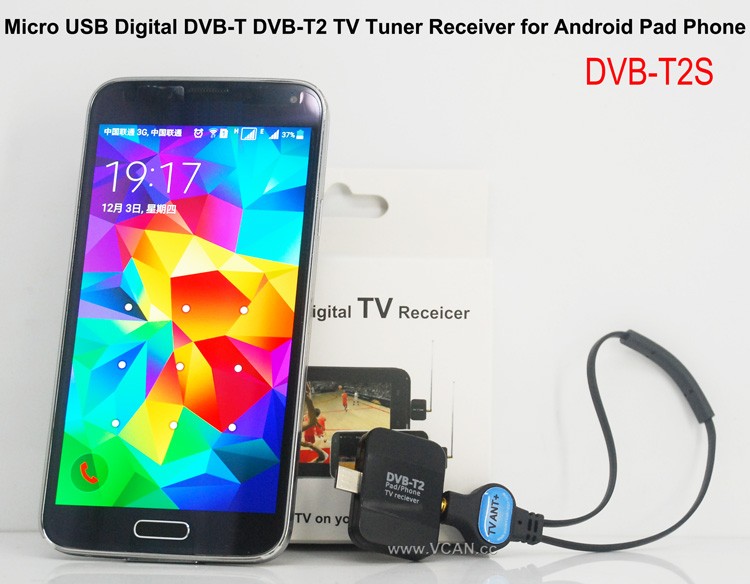
VCAN New products Android DVB-T DVB-T2 USB TV Dongle: DVB-T2S
판매 포인트:
Small and SmartDVB-T2 and DVB-T
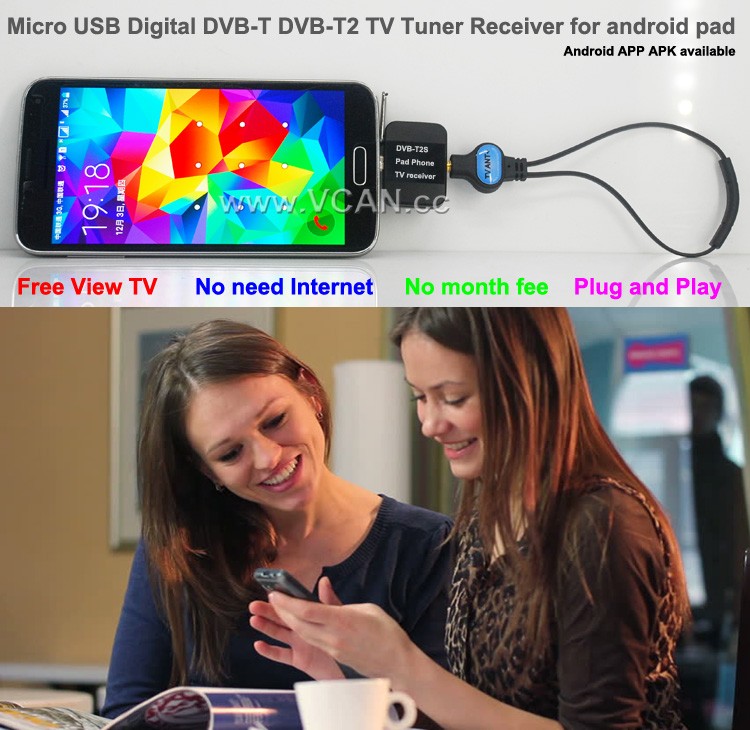
Free View TV
No Need Internet
No Month Fee
DVB-T2S Android DVB-T2 DVB-T TV receiver for Phone Pad Micro USB TV tuner
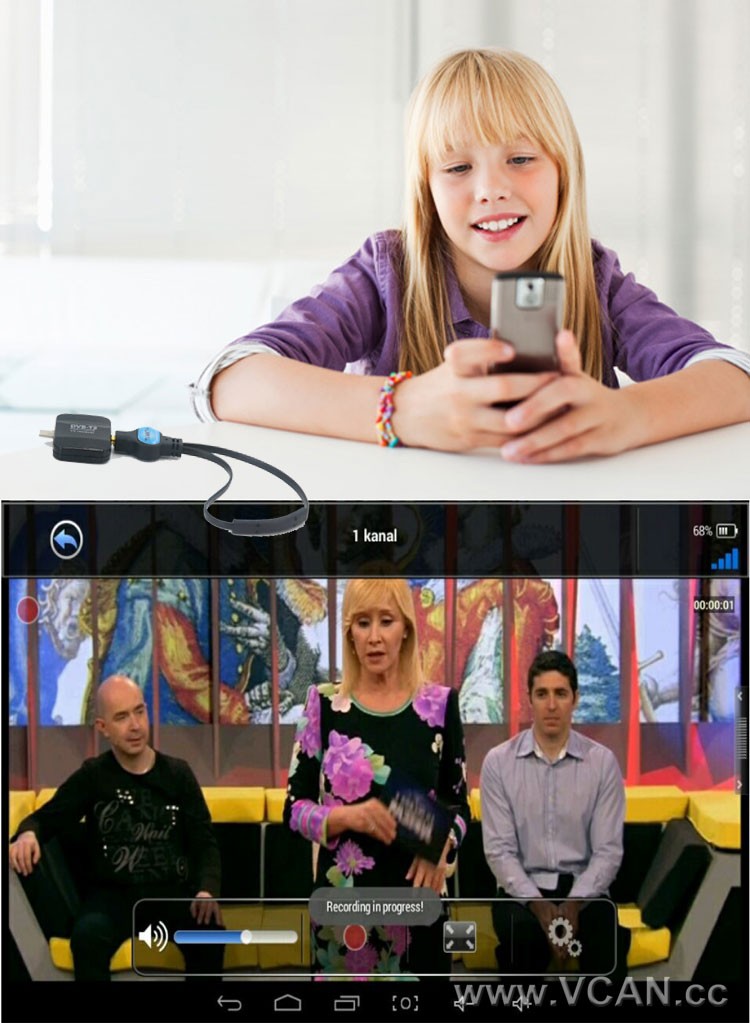
DVB-T2S will help you watch live Free to air TV at your Android phone or pad with micro USB OTG
터치스크린으로 채널 변경 지원
DVB-T2 TV 프로그램을 무료로 방송하고 휴대폰이나 패드에 저장할 수 있는 기록을 지원합니다.
Support Playback recorded tv shows
DVB-T 지원 / DVB-T2 MPEG2 MPEG4 TV
TV 프로그램 가이드를 확인하는 Easy View EPG
시간 이동 녹화 기능을 갖춘 되감기 및 빨리 감기 라이브 TV 프로그램
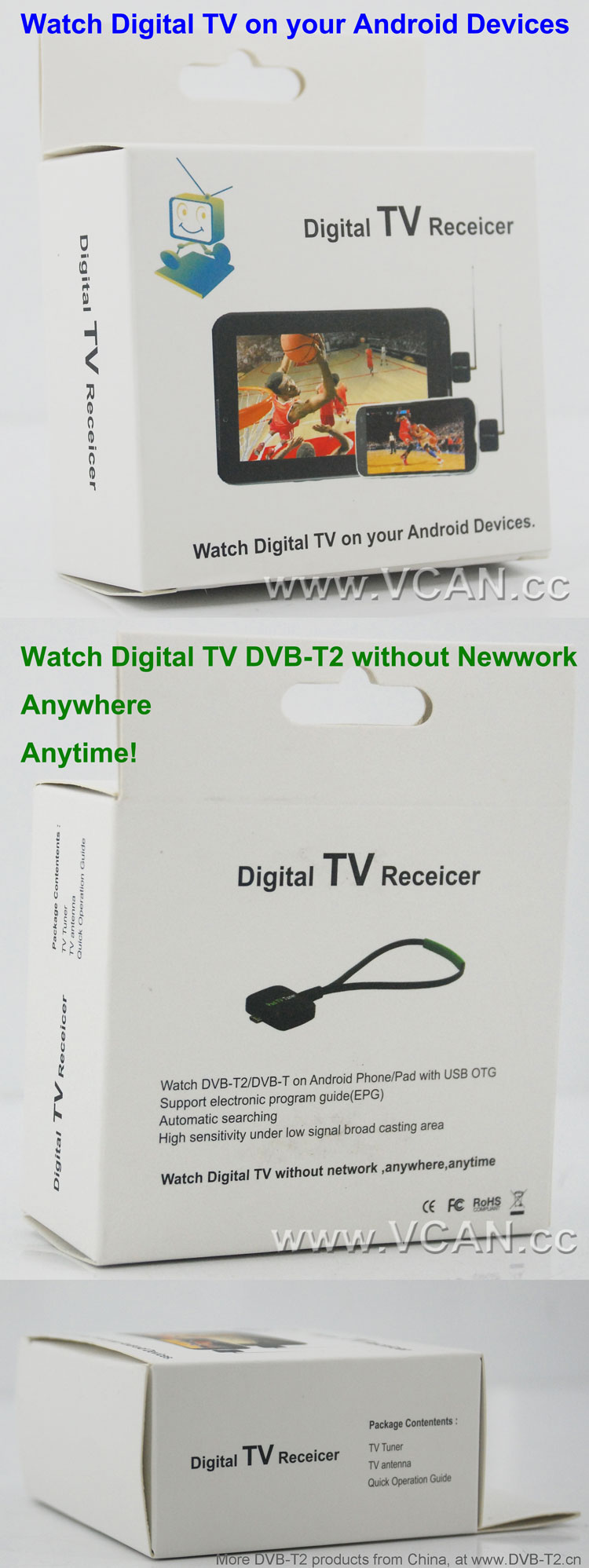
전자 프로그램 가이드 (EPG) HDTV 수신 지원
자동 TV 채널 검색 (수동 검색도 지원)
편리한 시청을 위해 즐겨찾는 채널을 만드세요.
낮은 신호 방송 지역에서 높은 감도
1. How long the antenna cable?
VCAN: The longest antenna is 2 미터. (If need longer, please note VCAN when order)
2. Where can I find the Android install APK?
VCAN: Please contact us
There are the products pictures:
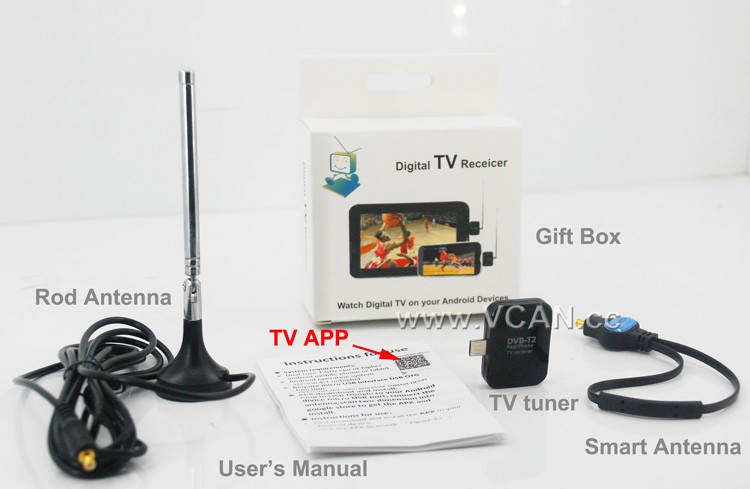
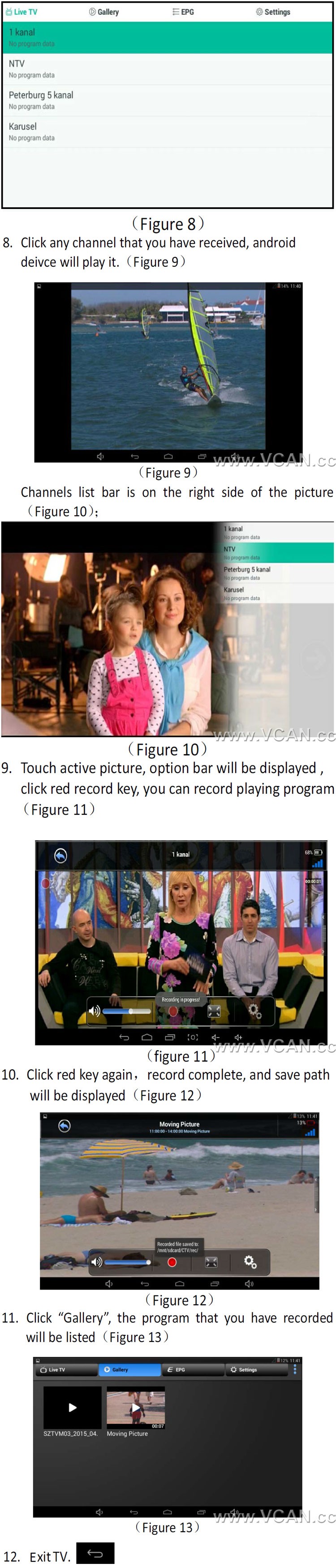
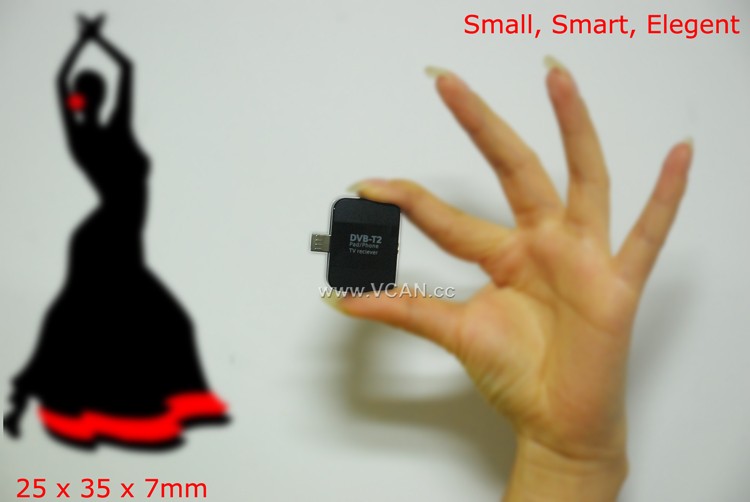
DVB-T2S DVB-T2 TV Dongle Packing:
| 제품명: | DVB-T2S |
| 판지 크기: | 44*29.5*47(cm) |
| 패키지를 포함한 단위 중량: | 0.12 (킬로그램) |
| 상자 당 수량: | 100 (PC) |
| 판지 당 총중량: | 12.93(킬로그램) |
| Gift box size: | 13.5*8.6*4 (cm) |
Welcome you to our website
Table of Contents
DVB-T2 카테고리
DVB-T2 안테나 수량
DVB-T2 대역폭
DVB-T2 칩셋
DVB-T2 디코더
DVB-T2 지식
How to Use a DVB-T2 TV Stick for Smart Phone to Stream Live TV?
Streaming live TV on your smartphone is now possible with the use of a DVB-T2 TV stick. This device is a small USB stick that plugs into your smartphone and allows you to watch live TV on your device. Here is a step-by-step guide on how to use a DVB-T2 TV stick for streaming live TV on your smartphone.
단계 1: Purchase a DVB-T2 TV stick. These devices are available from most electronics stores and online retailers. Make sure to check the compatibility of the device with your smartphone before purchasing.
단계 2: Install the necessary software. Depending on the device, you may need to install a specific app or driver to get the device to work.
단계 3: Connect the DVB-T2 TV stick to your smartphone. This is usually done by plugging the device into the USB port of your smartphone.
단계 4: Launch the app or driver that you installed in Step 2. This will allow you to access the live TV channels available on the device.
단계 5: Select the channel you want to watch and start streaming. You can also use the app or driver to adjust the settings of the device, such as the resolution and audio quality.
다음 단계를 따르면, you can easily use a DVB-T2 TV stick to stream live TV on your smartphone. This device is a great way to watch your favorite shows and news programs on the go.
Ask A Question
응답해 주셔서 감사합니다. ✨