





एंड्रॉइड DVB-T2 टीवी ट्यूनर
एंड्रॉइड DVB-T2 टीवी ट्यूनर
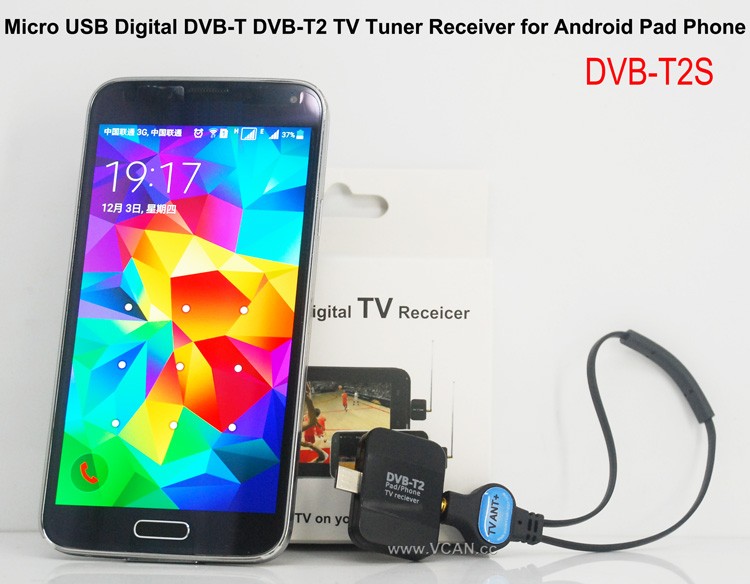
VCAN New products Android DVB-T DVB-T2 USB TV Dongle: डीवीबी-टी2एस
विक्रय बिंदु:
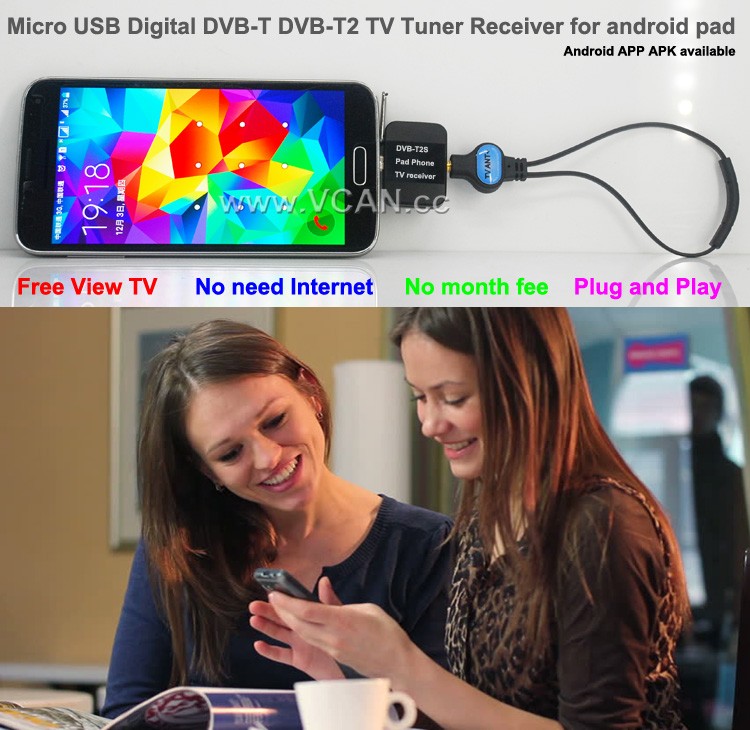
Small and SmartDVB-T2 and DVB-T
Free View TV
No Need Internet
No Month Fee
DVB-T2S Android DVB-T2 DVB-T TV receiver for Phone Pad Micro USB TV tuner
DVB-T2S will help you watch live Free to air TV at your Android phone or pad with micro USB OTG
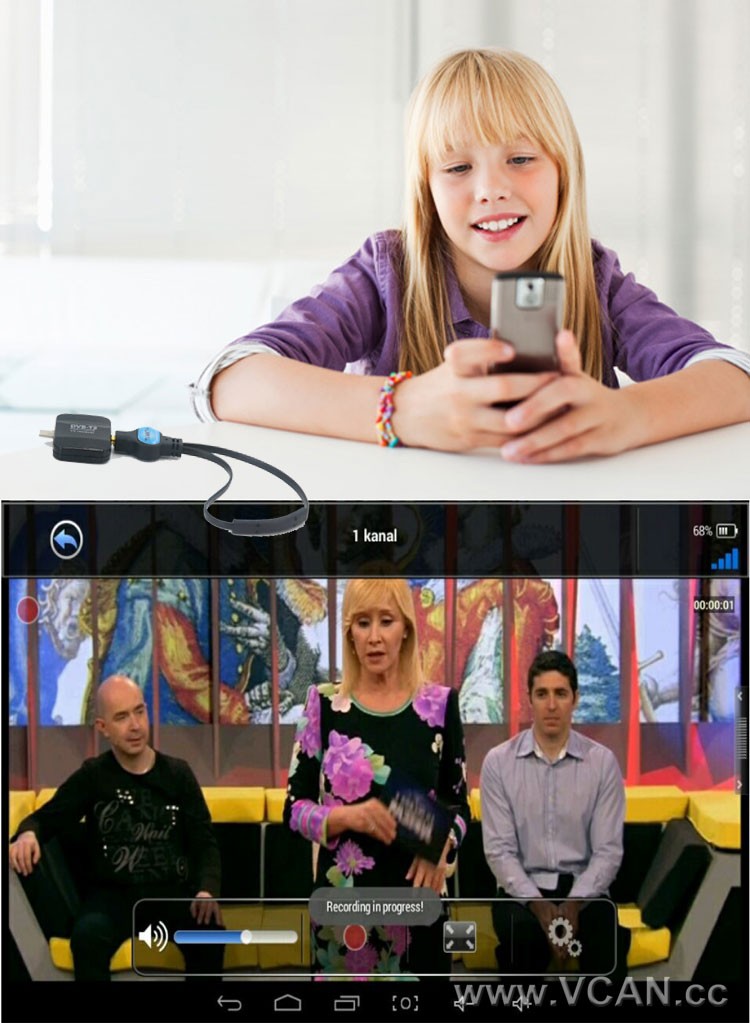
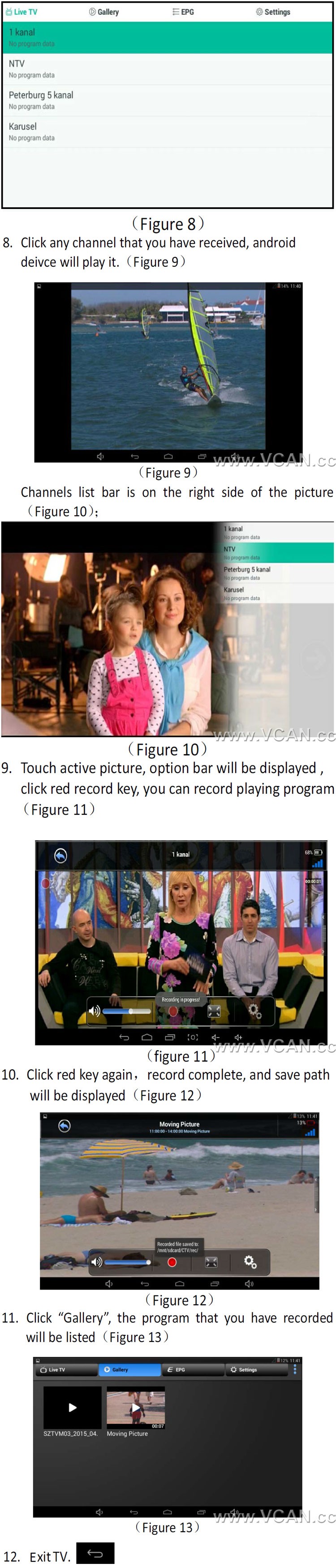
टच स्क्रीन द्वारा चैनल बदलने में सहायता करें
डीवीबी-टी2 टीवी शो को फ्री टू एयर रिकॉर्ड करने और फोन या पैड में स्टोर करने में सहायता करें
Support Playback recorded tv shows
डीवीबी-टी का समर्थन करें / डीवीबी-टी2 एमपीईजी2 एमपीईजी4 टीवी
टीवी प्रोग्राम गाइड की जांच करने के लिए आसान ईपीजी देखें
टाइम शिफ्टिंग रिकॉर्डिंग के साथ रिवाइंड और फास्ट फॉरवर्ड लाइव टीवी शो
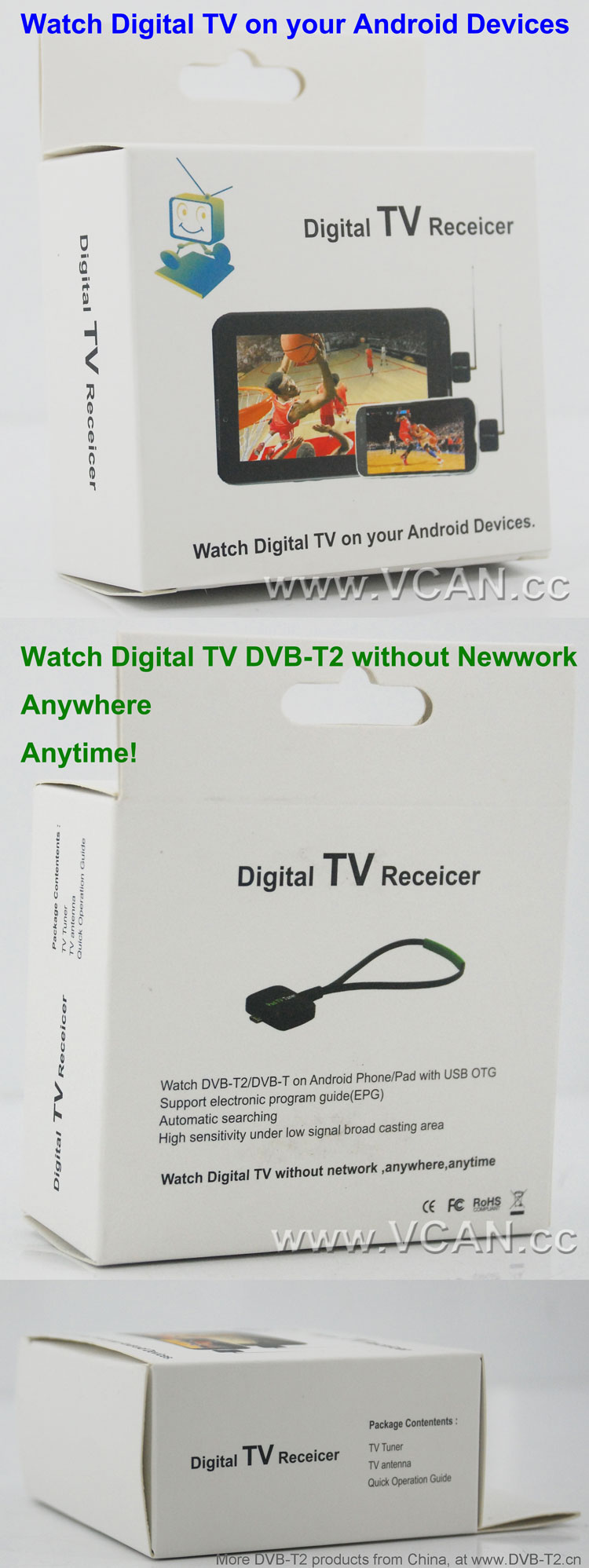
इलेक्ट्रॉनिक प्रोग्राम गाइड (ईपीजी) और एचडीटीवी रिसीविंग को सपोर्ट करता है
स्वचालित टीवी चैनल खोज (मैन्युअल खोज का भी समर्थन करें)
सुविधाजनक रूप से देखने के लिए पसंदीदा चैनल बनाएं
कम सिग्नल ब्रॉड कास्टिंग क्षेत्र के तहत उच्च संवेदनशीलता
1. How long the antenna cable?
वीसीएएन: The longest antenna is 2 मीटर. (If need longer, please note VCAN when order)
2. Where can I find the Android install APK?
वीसीएएन: Please contact us
There are the products pictures:
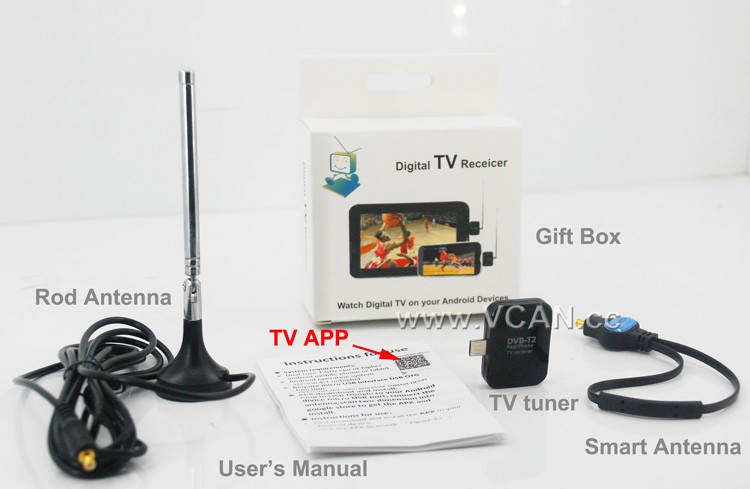
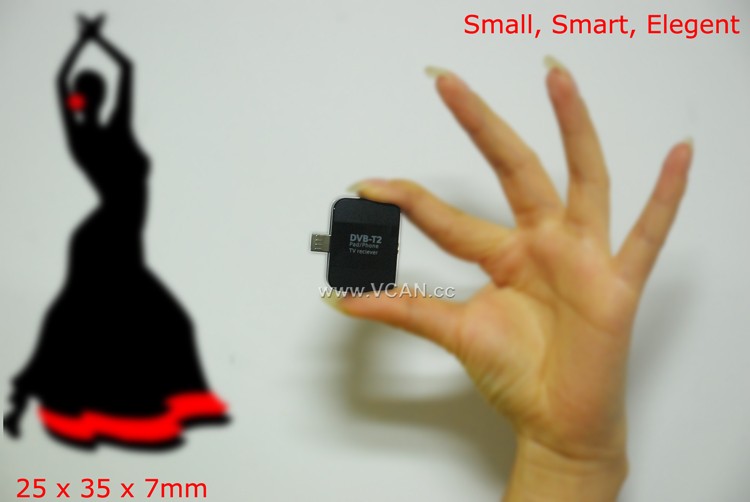
DVB-T2S DVB-T2 TV Dongle Packing:
| प्रोडक्ट का नाम: | डीवीबी-टी2एस |
| कार्टन का आकार: | 44*29.5*47(सेमी) |
| पैकेज सहित इकाई वजन: | 0.12 (किग्रा) |
| प्रति कार्टन मात्रा: | 100 (पीसी) |
| प्रति कार्टन सकल वजन: | 12.93(किग्रा) |
| Gift box size: | 13.5*8.6*4 (सेमी) |
Welcome you to our website
Table of Contents
DVB-T2 श्रेणियाँ
DVB-T2 एंटीना मात्रा
DVB-T2 बैंडविड्थ
DVB-T2 चिपसेट
DVB-T2 डिकोडर
DVB-T2 ज्ञान
How to Use a DVB-T2 TV Stick for Smart Phone to Stream Live TV?
Streaming live TV on your smartphone is now possible with the use of a DVB-T2 TV stick. This device is a small USB stick that plugs into your smartphone and allows you to watch live TV on your device. Here is a step-by-step guide on how to use a DVB-T2 TV stick for streaming live TV on your smartphone.
कदम 1: Purchase a DVB-T2 TV stick. These devices are available from most electronics stores and online retailers. Make sure to check the compatibility of the device with your smartphone before purchasing.
कदम 2: Install the necessary software. Depending on the device, you may need to install a specific app or driver to get the device to work.
कदम 3: Connect the DVB-T2 TV stick to your smartphone. This is usually done by plugging the device into the USB port of your smartphone.
कदम 4: Launch the app or driver that you installed in Step 2. This will allow you to access the live TV channels available on the device.
कदम 5: Select the channel you want to watch and start streaming. You can also use the app or driver to adjust the settings of the device, such as the resolution and audio quality.
इन चरणों का पालन करके, you can easily use a DVB-T2 TV stick to stream live TV on your smartphone. This device is a great way to watch your favorite shows and news programs on the go.
Ask A Question
Your message has been sent