




جدول المحتويات
To resolve issues with the DVB-T24 4 هوائي (DVB-T2) not starting and freezing on the logo, a firmware upgrade is required.
The model mentioned in this upgrade solution is DVB-T24.
أولاً, please confirm that your tv box has the same as the below picture. OSD menu and PCBA picture.
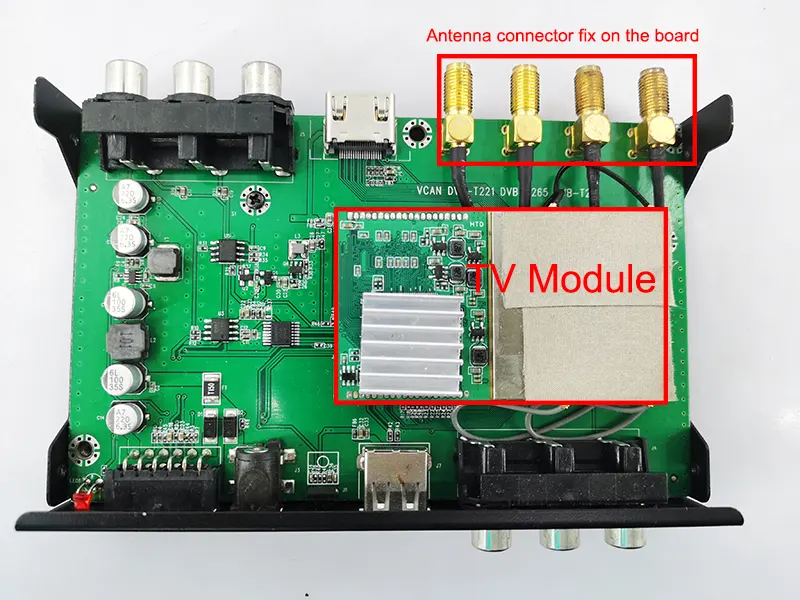
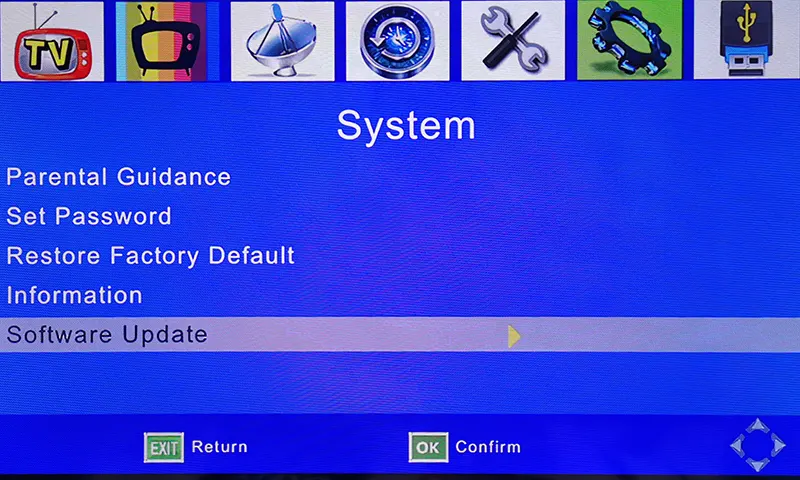
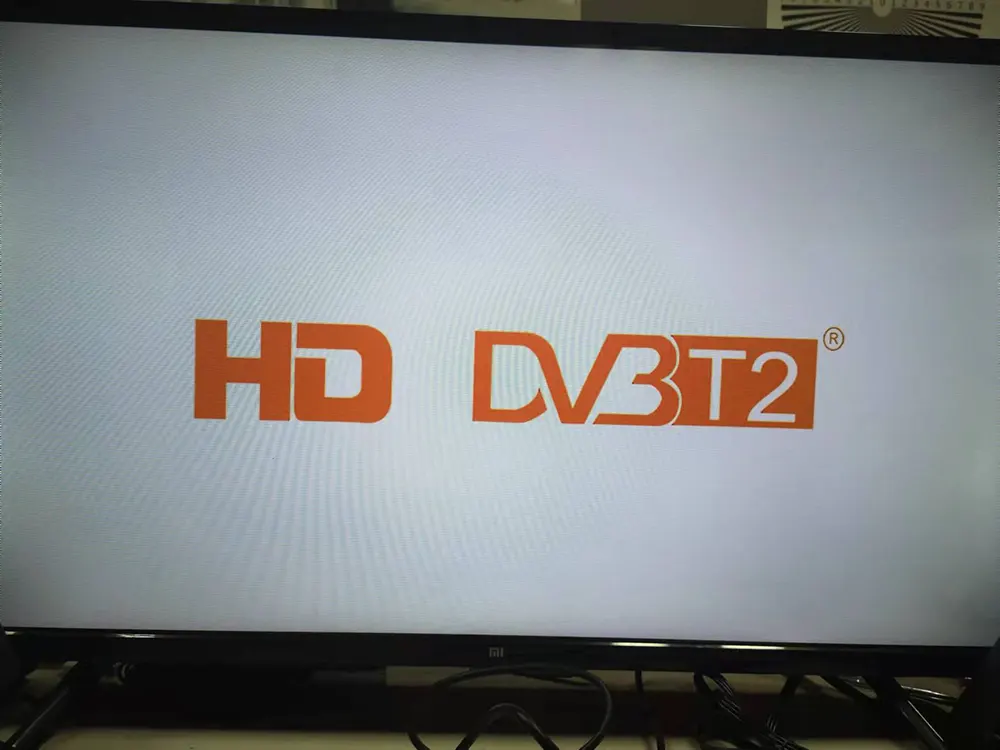
If your TV box is frozen like the image below, you won’t be able to access the TV or OSD menu.
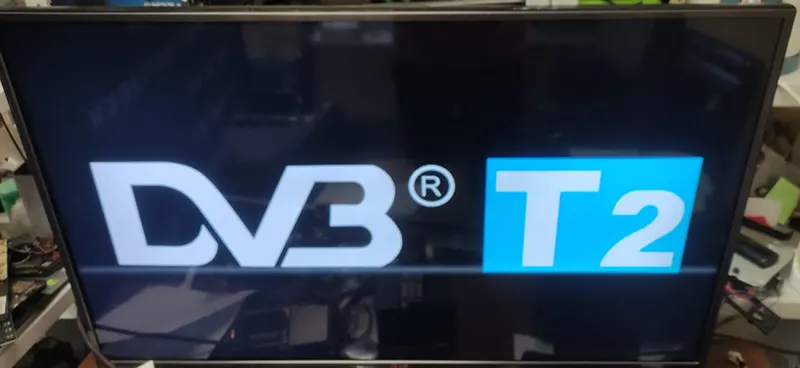
This software does NOT support another four antenna model whose starting logo is below.
Automatically Update the firmware from the USB disk, no need for remote control operation

تم إدراج البرنامج الثابت أدناه لعملائنا الحاليين, إذا كنت بحاجة إلى ترقية أو إصلاح جهازك, يرجى التأكد من أن الأجهزة هي نفسها التي لدينا أو تطلب منا التحقق أولاً. قد تؤدي عملية الترقية بدون تأكيد إلى فقدان وظيفة جهاز التحكم عن بعد أو عدم بدء تشغيل الجهاز مرة أخرى إذا كان الجهاز (شرائح) مختلف, الحل الأخير هو استبدال البرنامج الثابت IC الصحيح من المصنع الذي ينتج صندوق التلفزيون الخاص بك.
لأن البرامج الثابتة تختلف عن برامج الكمبيوتر العادية, لا يحتاج البرنامج إلى مراعاة الأجهزة في معظم الأوقات. The firmware is working only on the right and is the same model as the main chipset. It controls the I/O and saved the remote controller code in the firmware. تستخدم المصانع أو الموردين المختلفين برامج ثابتة مختلفة تمامًا, and even the box looks the same. وقد يستخدمون شرائح مختلفة ورموز وحدة التحكم عن بعد.
Upgrade Steps
- Please download and unzip the file, it should be flash.bin.
- Copy it to the USB disk, it is better to keep only flash.bin in the USB root directory.
- Plug the USB disk into the TV box
- Give the TV box power supply
- It will upgrade it automatically (always keep the power supply, otherwise it will lose the firmware)
- Until the upgrade is successful, it will auto-start.
- The software version will be the same as the below picture.
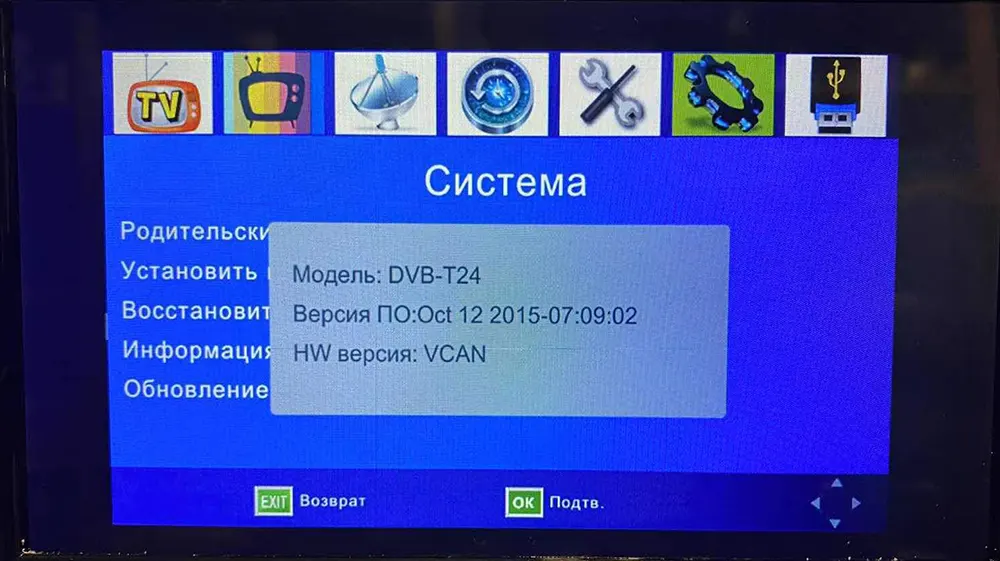
After Automatically upgrading, now you can enter the tv box, and the remote control has full function. You can upgrade another firmware to get the Multi-PLP function
Upgrade Steps
- تأكد من أن البرنامج الثابت مناسب لجهاز فك التشفير الخاص بك.
- قم بفك ضغط البرنامج الثابت للترقية. (*.bin)
- انسخه إلى عصا USB. (فمن الأفضل ألا يحتوي USB على ملف آخر في الدليل الجذر)
- Operate theremote controller, يختارترقية البرمجيات from theOSD menu of your set-top box.
- أثناء الترقية, يرجى الحفاظ على الطاقة حتى تتم الترقية 100% انتهى. خلاف ذلك, the firmware will lose forever from theشرائح and the set-top box can be not powered on again.
- بعد الترقية, please auto-search the channel and test again.
- The software version will be the same as the below picture.
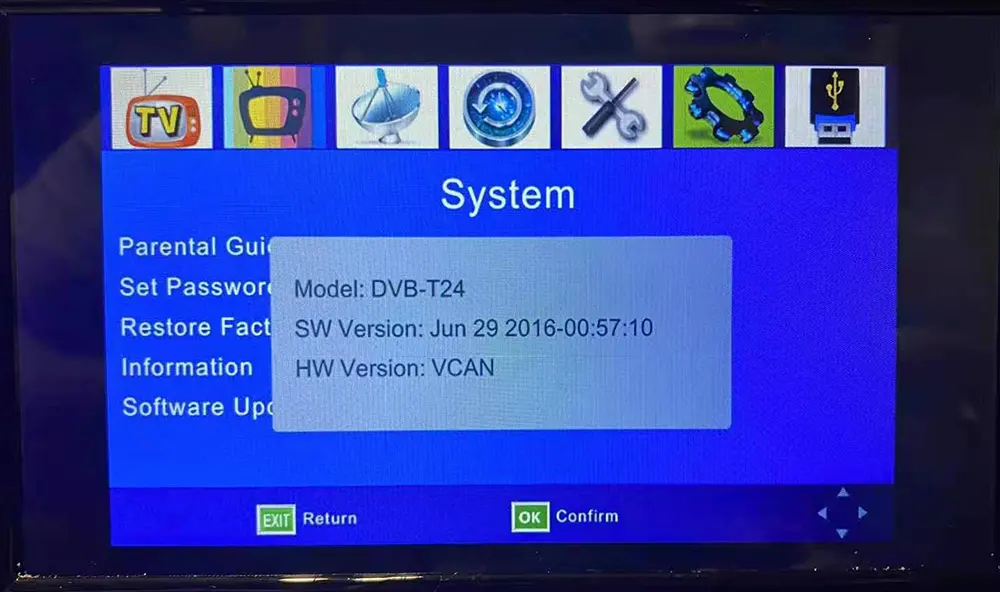
اطرح سؤالاً
شكرًا لردكم ✨