





Зміст
введення
In wireless communication systems, verifying the output power of the Power Amplifier (PA) is a critical step during development and production testing.
If a customer reports no RF output or abnormally low transmit power, it does not necessarily indicate hardware damage. In many cases, the issue may be related to configuration, test method, or even soldering quality.
This guide explains how to measure wireless link PA output power using Continuous Transmission (Continuous TX) режим.
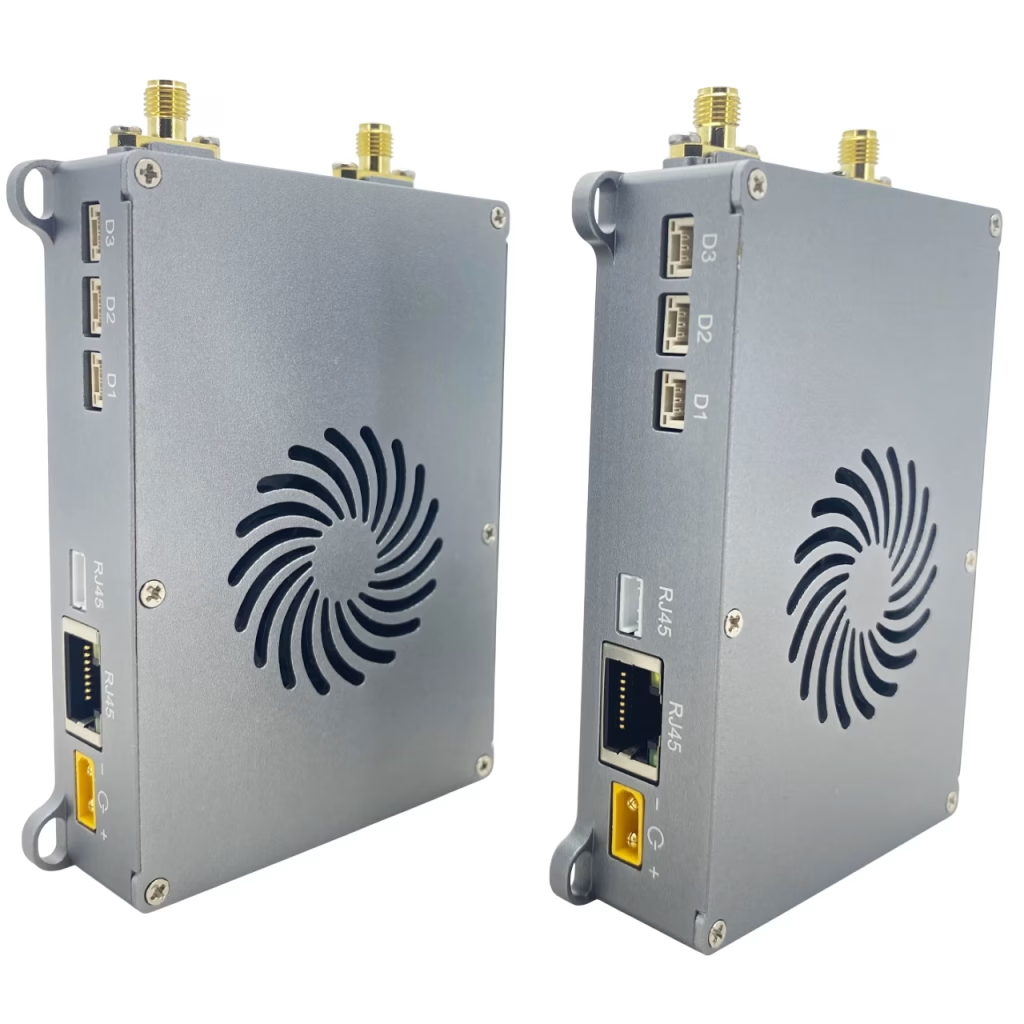
When Should You Use Continuous TX Mode?
Continuous TX mode is recommended when:
- RF output appears unstable or intermittent
- Measured transmit power is lower than expected
- You need a steady signal source for spectrum analyzer or power meter testing
This mode forces the device to transmit continuously at full duty cycle, making measurements more reliable.
Крок 1: Enable Continuous TX Mode
Use the following AT commands:
AT+CFUN=0         // Soft power-off
AT^DSONCTX=1,14300,5,"25",0,0,0
AT+CFUN=1         // Увімкніть живлення
Parameter explanation:
1→ Enable Continuous TX14300→ Frequency = 1430 МГц5→ Bandwidth = 20 МГц"25"→ Transmit power (дБм)0→ Single antenna0→ Not single tone0→ QPSK modulation
Крок 2: Measure Output Power
After enabling Continuous TX mode:
- Connect the RF port to:
- Spectrum analyzer, або
- Power meter
- Verify:
- Output power level (дБм)
- Signal stability
- Spectrum characteristics
Крок 3: Disable Continuous TX Mode
After testing, disable the mode:
AT+CFUN=0         // Soft power-off
AT^DSONCTX=0      // Disable Continuous TX
Перезавантаження
Troubleshooting Low Output Power
If the transmit power is still very low in Continuous TX mode, врахуйте наступне:
1. Soldering Issues (Very Common)
Poor soldering between the module and baseboard can cause RF signal loss.
Check:
- RF-related pins
- Ground connections
- PA signal path
2. Incorrect Configuration
Verify:
- Frequency settings
- Bandwidth selection
- Power level limits
3. Hardware Limits
If configured power exceeds device capability, the system will cap it at the maximum supported level.
Advanced Example: 2.4 GHz Single-Tone Test
AT+CFUN=0
AT^DAOCNDI=08
AT^DSONSBR=64,24015,24814,65,8060,8259,66,14279,14679
AT^DSONCTX=1,24415,2,"25",0,1
AT+CFUN=1
Key points:
- частота: 2441.5 МГц
- Пропускна здатність: 5 МГц
- Single-tone mode enabled (ideal for RF calibration)
Key Parameters Summary
| Параметр | опис |
|---|---|
<mode> | 0 = Disable, 1 = Enable Continuous TX |
<freq> | частота (одиниця: 100 кГц) |
<bandwidth> | 1.4 / 3 / 5 / 10 / 20 МГц |
<power> | -40 до +40 дБм |
<tx_mode> | 0 = Single antenna, 1 = Dual antenna |
<single_tone> | 0 = Modulated, 1 = Single tone |
<modu_type> | QPSK / 16QAM / 64QAM |
Висновок
Using Continuous TX mode is the most effective way to measure wireless link PA output power accurately.
If low output persists under this mode, the issue is unlikely to be software-related and is often caused by hardware factors such as poor soldering or RF path issues.
By following this method, engineers can quickly isolate and diagnose PA-related problems in wireless systems.

Двосторонній двосторонній

Двосторонній двосторонній

Двосторонній двосторонній
Бездротова передача відео
10Двосторонній широкосмуговий бездротовий зв'язок безпілотника WPA 55KM 1420-1530 МГц

Бездротова передача відео

Безпілотна передача
Модуль радіозв'язку MANET ip mesh для безпілотного дрона Robot CX7702K CX6705K
задавати питання
Дякуємо за вашу відповідь. ✨