






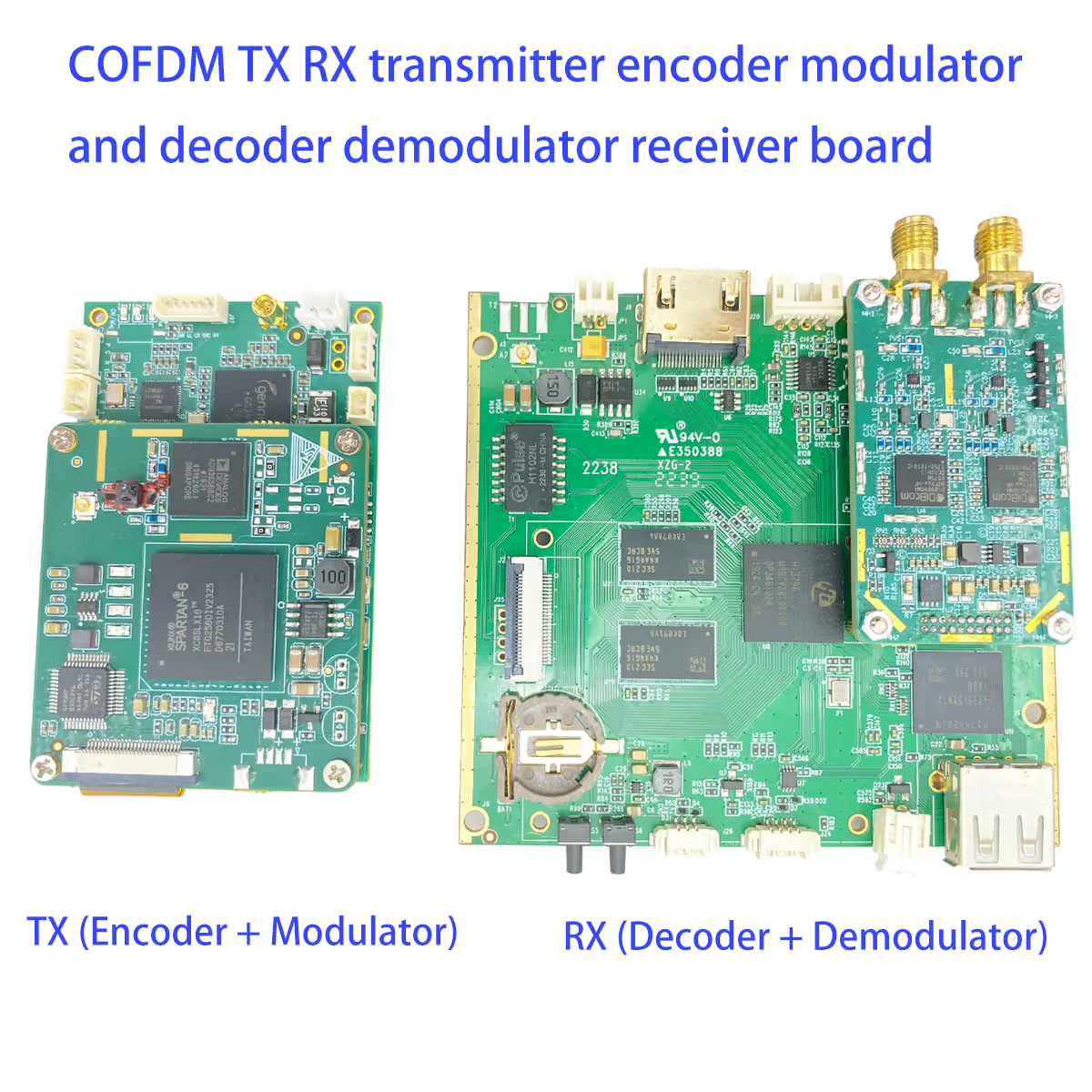
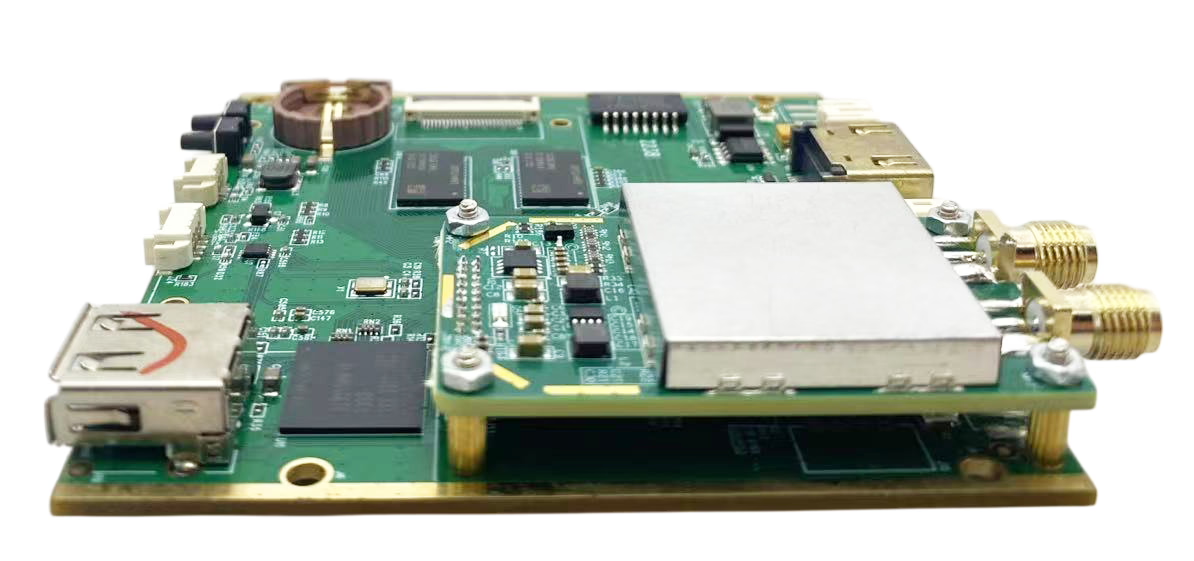
COFDM TX RX verici kodlayıcı modülatörü ve kod çözücü demodülatörü alıcı kartı SDI AHD
İçindekiler
Özellik
- Support H265 encoder
- Support AES encryption
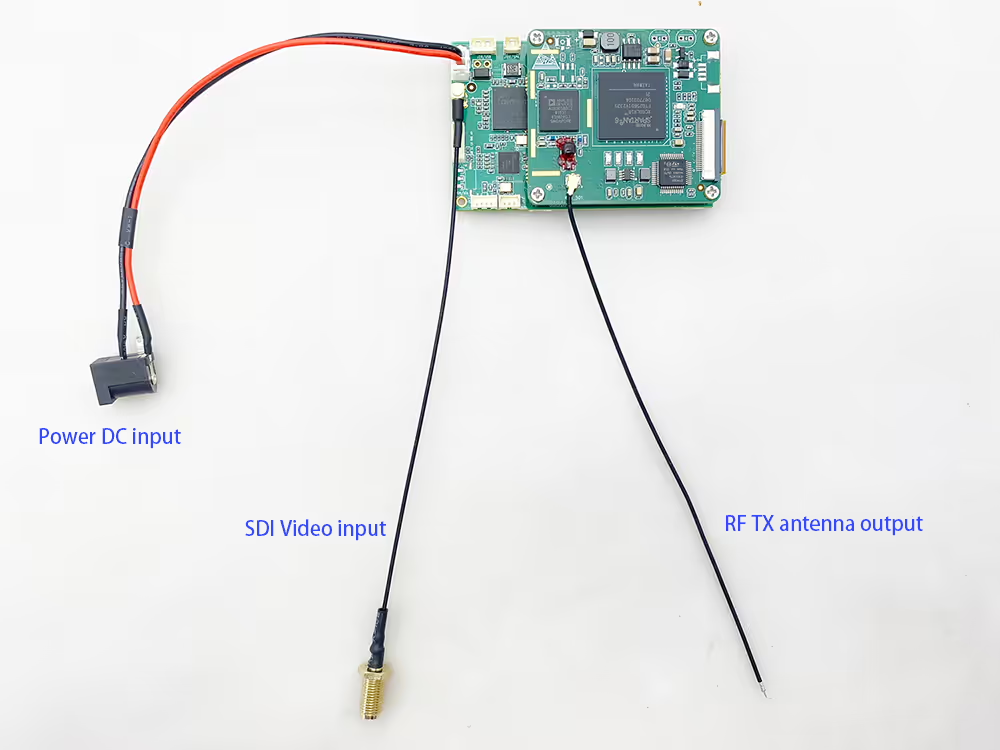
- Support SDI HD camera video source input
- Support CVBS AHD camera video source input
Firmware
The firmware we ship by default is a custom protocol (optimized based on the MPEGTS protocol, with higher bandwidth utilization, supporting serial port transparent transmission and AES encryption and decryption), so it is incompatible with the DVB-T receivers on the market.
Support serial port transparent transmission function.
Note that the hardware of this decoding board does not support ultra-low latency decoding. If you have this requirement, lütfen seç Vcan 1776.
1.8.4 is the firmware version number of the LCD parameter configuration board, not the firmware version number of TX transmitter and RX receiver.
Galeri
İlgili Gönderi
Models compare
Sürüm
COFDM Wireless Video Decoder Comparison
| Öğe | Vcan1776-RX | Vcan2070-RX |
| H264 Decode | Evet | Evet |
| H265 Decode | Yok hayır | Evet |
| MPEG2 | Yok hayır | Evet |
| Ethernet Output | Evet | Yok hayır |
| RTSP UDP | Evet | Yok hayır |
|
HDMI 1080P Çıkış Progressive |
Evet | Evet |
|
HDMI 1080BEN Çıkış BENnterlaced |
Yok hayır | Evet |
Aksesuar


SSS
S: Can the receiver output be changed from 1080p to 1080i?
bir:
-
2070RX Model: Evet, the 2070RX can be updated with a new firmware to change the HDMI output from 1080p to 1080i. This makes it suitable for professional broadcast applications that operate in interlaced (BEN) biçim.
-
1776RX Model: Yok hayır, the 1776RX cannot output 1080i via HDMI due to hardware limitations in its chip design. It only supports 1080p output.
Additional Information:
-
Broadcast and professional industries often prefer 1080i because interlaced video requires less storage and bandwidth compared to 1080p progressive format.
-
Users currently converting 1080p to 1080i with an external converter can benefit from using the 2070RX with the updated firmware for direct 1080i output.
S: Can the USB port on the back of the wireless video decoder board be used for burning/programming?
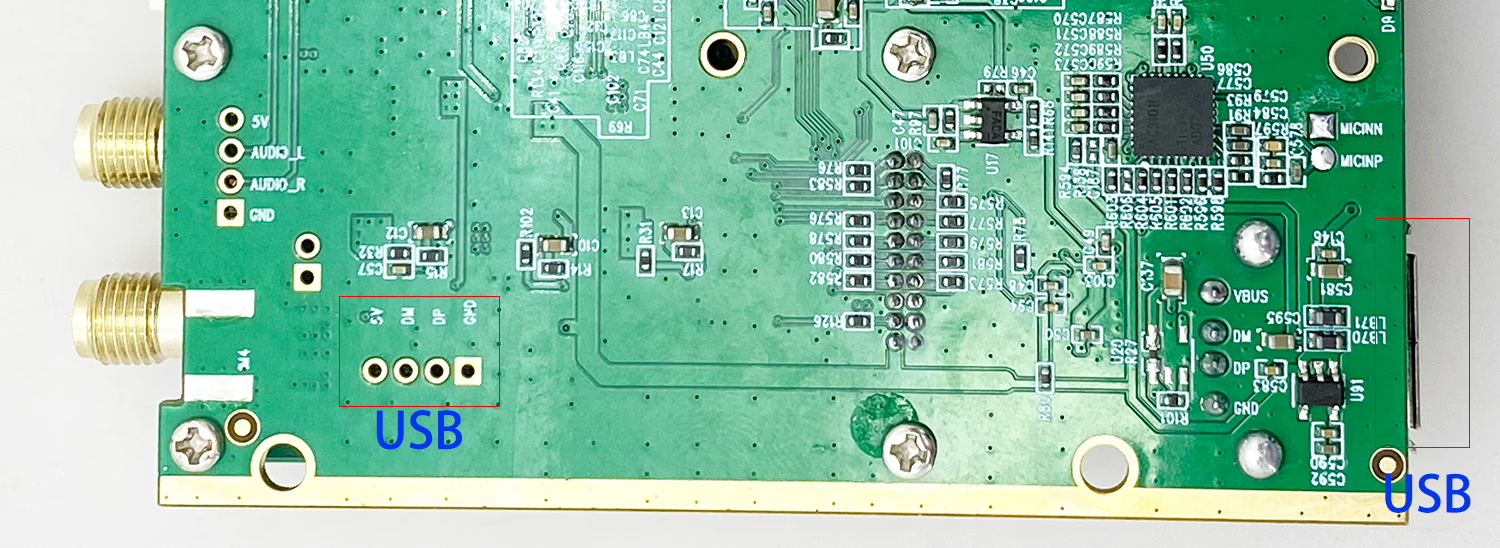
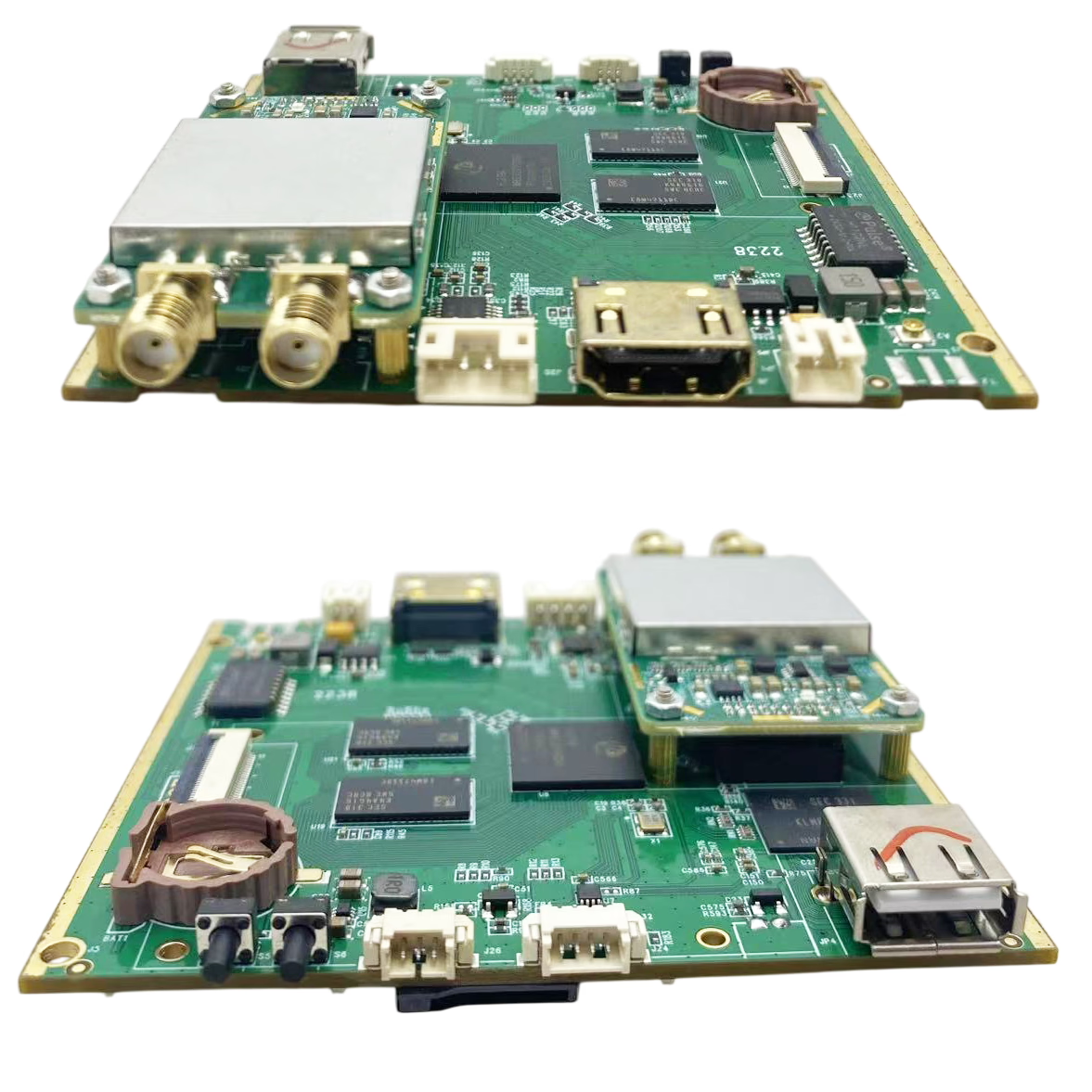
bir: Evet. This onboard USB port can be used to connect a programming/burning device. ancak, using the external USB Type-A port is generally more convenient for most users.
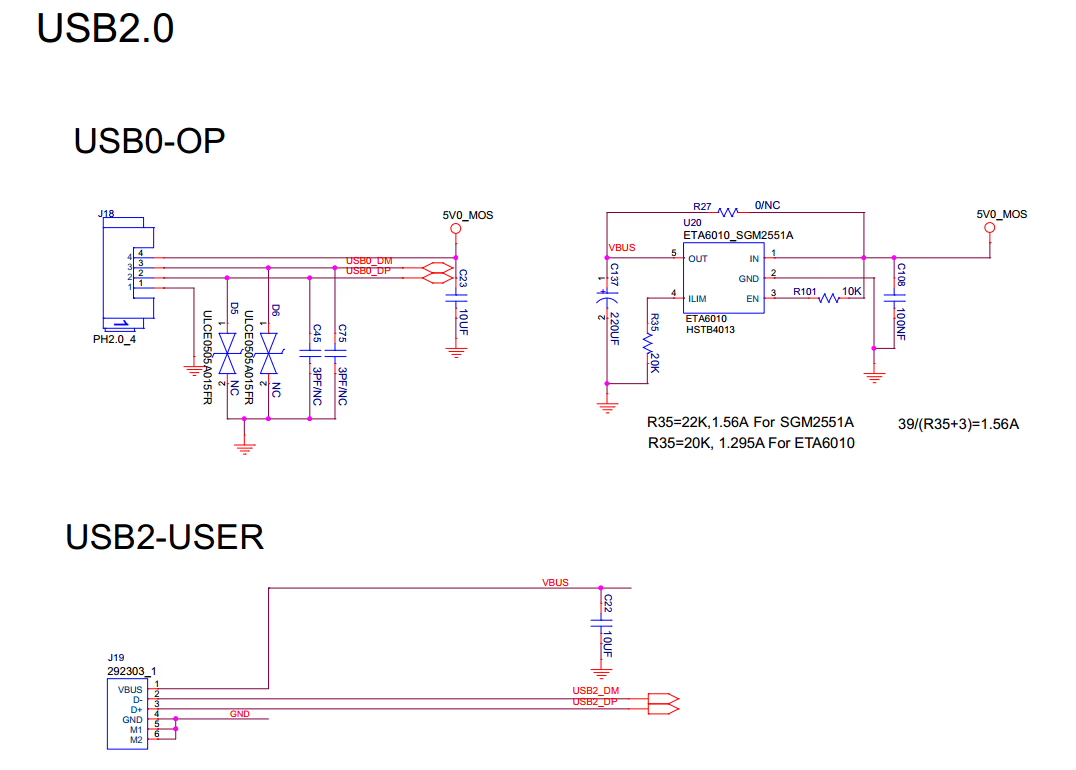
Please note that the two USB ports are connected to different USB controllers inside the CPU, but both ports support connecting a USB flash drive.
If you plan to extend the onboard USB port to your enclosure with a cable, please ensure the USB extension cable is strictly equal-length and preferably shielded to maintain signal integrity.
Important reminders:
-
If a USB flash drive is already connected to the internal USB port, please do Olumsuz connect another USB drive to the external USB port, as the system supports recording to only one USB drive at a time.
-
When both an SD card and a USB flash drive are inserted, the system will prioritize the SD card for recording.




iVcan.com –
I have been using the COFDM TX/RX transmitter and decoder boards for several months, and I am extremely impressed with their performance. The video quality is consistently clear, whether using SDI or CVBS AHD inputs, and the H265 support ensures smooth, high-definition transmission with minimal latency. The AES encryption adds an extra layer of security, which is essential for professional drone operations. Kurulum basitti, and the serial port transparent transmission function works flawlessly. Etraflı, these modules are reliable, sağlam, and perfect for demanding wireless video applications.