





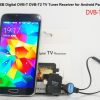
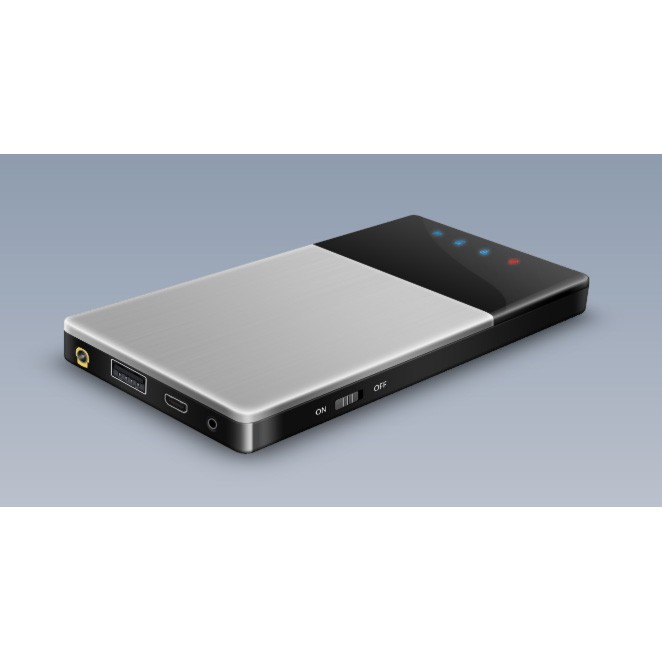
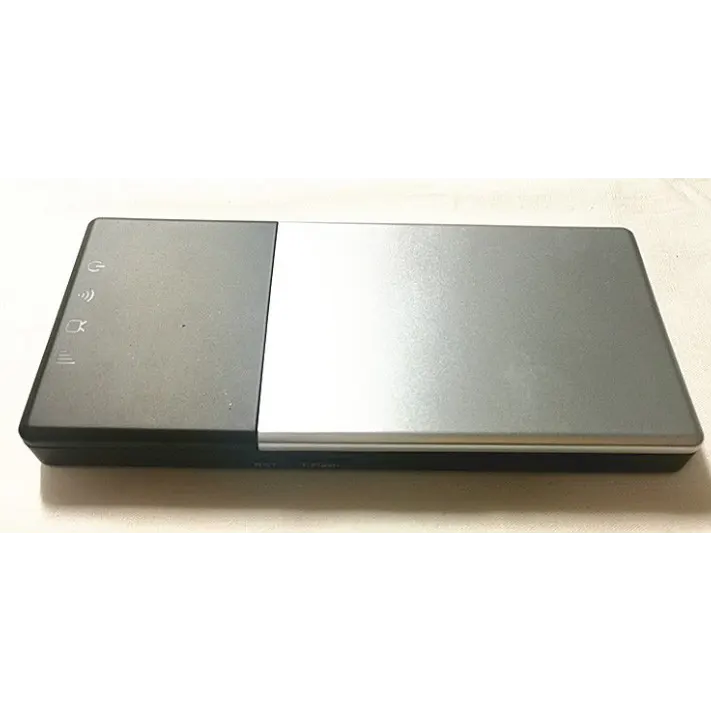
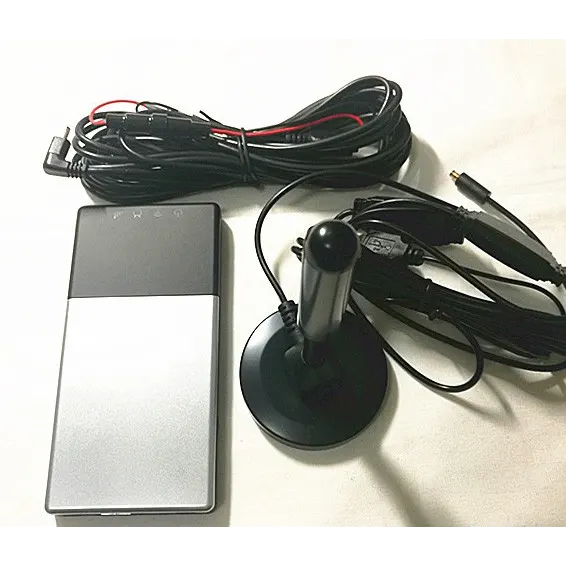
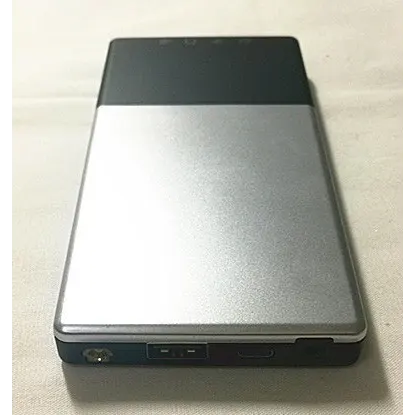
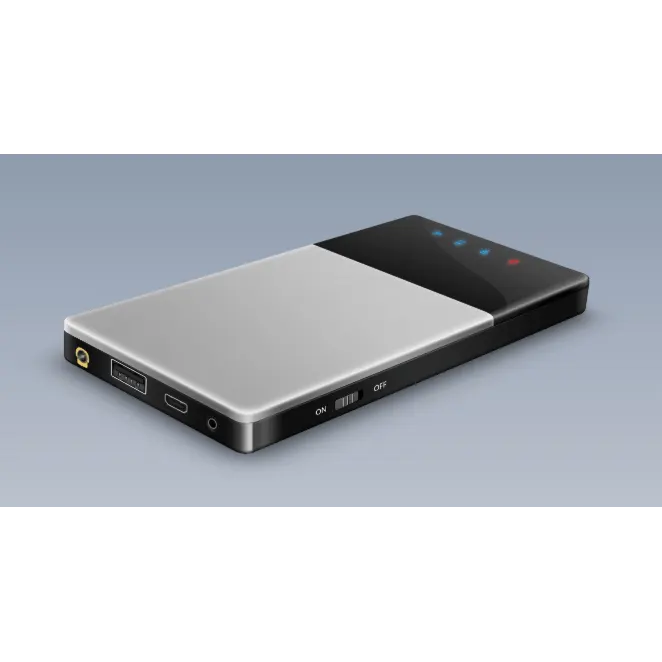
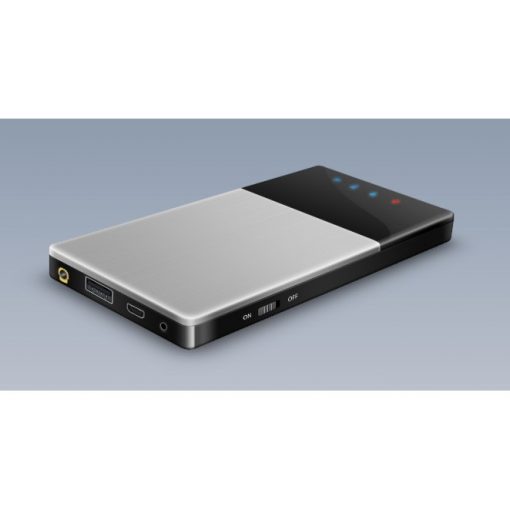
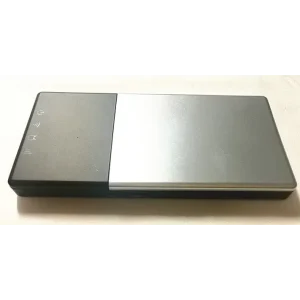
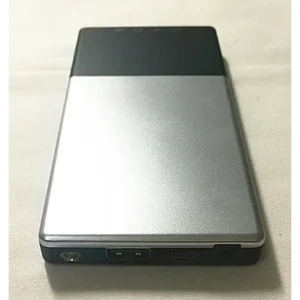
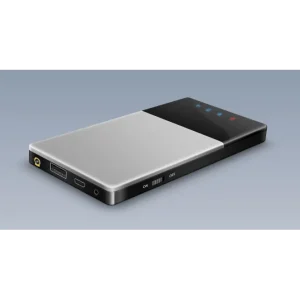

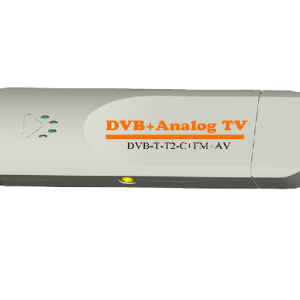
WIFI DVB-T2 Tuner Digital TV DVB-T Receiver
WIFI DVB-T2 Tuner Digital TV DVB-T Receiver
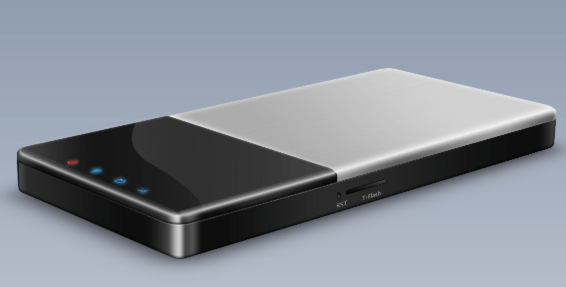
Vcan1654 WIFI DVB-T2 For Android IOS Smartphone
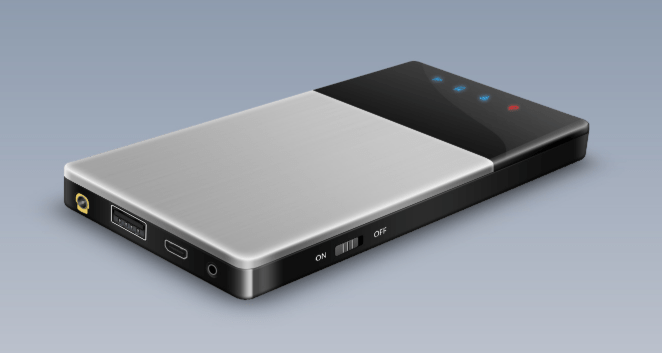
विषयसूची
विक्रय बिंदु
Support Android and IOS Apple
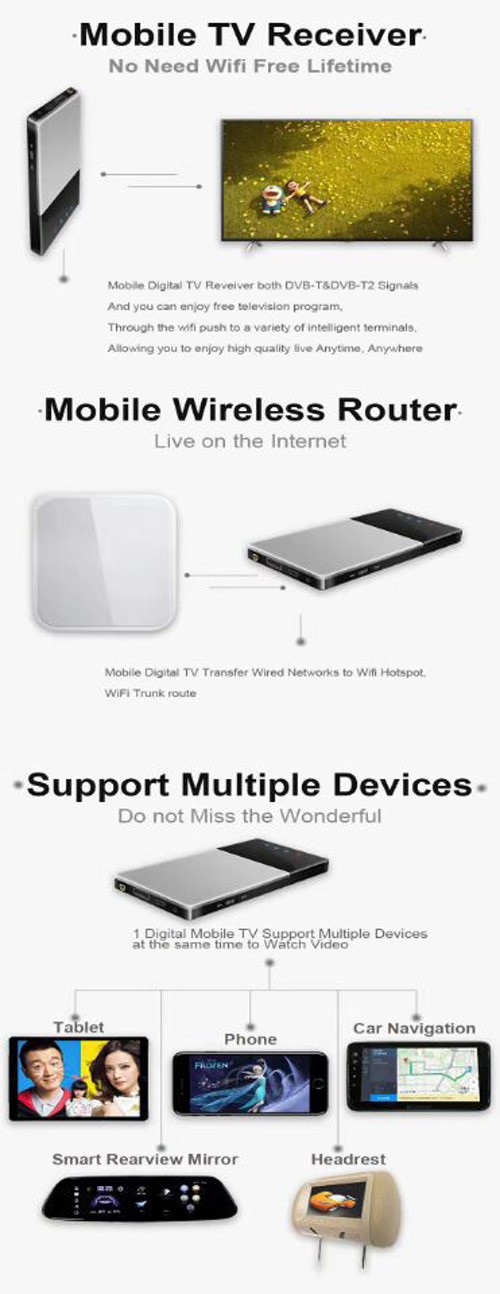
Air live TV, No need Internet
Support HD TV and MPLP DVB-T2
समर्थन 1 Device to many Phones
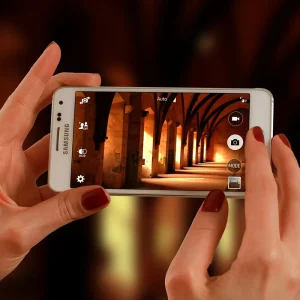
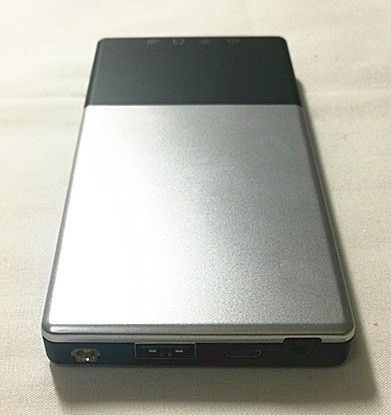
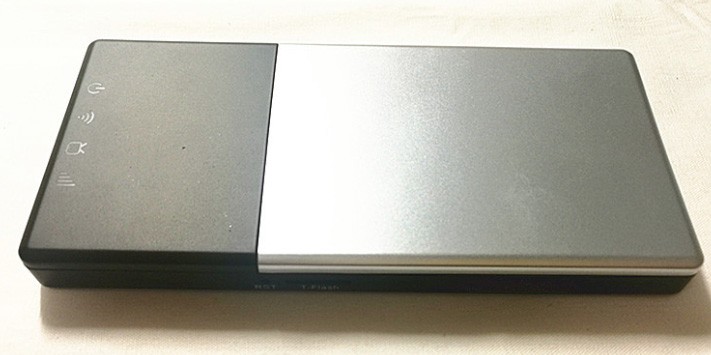
This is designed with the fashion-conscious in mind, it is elegant, colorful. Connects wireless with android and IOS devices, supports 1-many devices to watch TV at the same time.
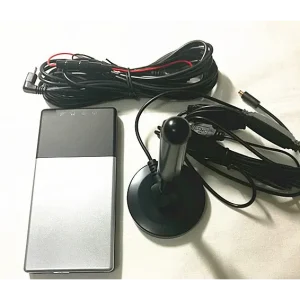
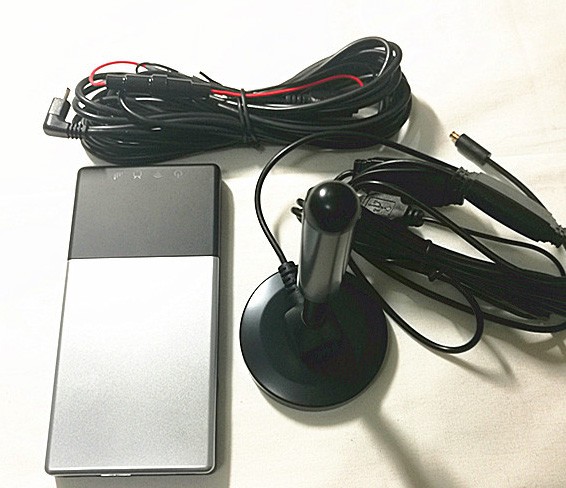
we adopt removable and rod antenna selectable to suit for different application environments, no matter where you watch TV-in home or outdoor.
विशेषताएं
- Support OS: एंड्रॉइड 10 or IOS
- Watching Air live TV Without 3G/4G supporting
- Support HD TV and MPLP format
- Support 1-many watching at the same time (3 उपकरण)
- Retractable Rod antenna.
- Auto finding Wi-Fi account
- Engineering menu
- Floating window play
- Support record format
- Micro USB 2.0 high speed (only for charging)
- WIFI receive distance: 10एम
- आयाम: 68L X 54W X 12H (मिमी)
- वजन: 70जी
- Without Battery
विशेष विवरण
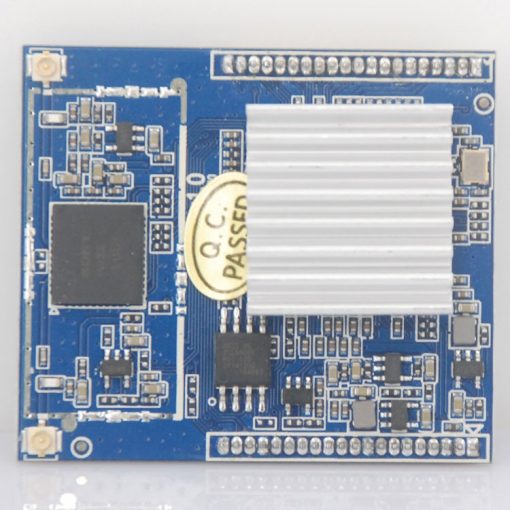
- CPU: 580MHz MIPS 24K CPU core.
- याद: SDRAM 512 Mbits DDR2
- Wi-Fi 802.11b/g/n, MAC/BB/Radio, 2.4गीगा.
- इनपुट वोल्टेज: DC 5V � 5% (from external power source)
- बिजली की खपत: less than 2W (DVBT2 mode)
- Receive Frq: वीएचएफ (170~230 MHz), यूएचएफ (470~860 MHz)
- डीवीबी-टी का समर्थन करें / DVB-T2 MPEG2/MPEG4
- DVB-T2 का समर्थन करें (EN302 755) डीवीबी-टी (EN300 744)
- 2K से 8K FFT आकार का समर्थन करें
- पंचर कोड का समर्थन करें: 1/2, 2/3, 3/4, 4/5, 5/6 & 7/8
- समर्थन बैंडविड्थ: 1.7/5/6/7/8/10मेगाहर्ट्ज
- स्ट्रीम कैप्चर का समर्थन करें: पीईएस & टी
- रिकॉर्डिंग प्रारूप का समर्थन करें
- वीडियो प्रारूप: एमपीईजी2 एमपी & एमएल / 264
- ऑडियो प्रारूप: MPEG2 ऑडियो परत I & द्वितीय / एएसी
- इनपुट सिग्नल: 75 ओम डिजिटल टीवी एंटीना इनपुट
- संवेदनशीलता: -84डी बी एम
How to do?
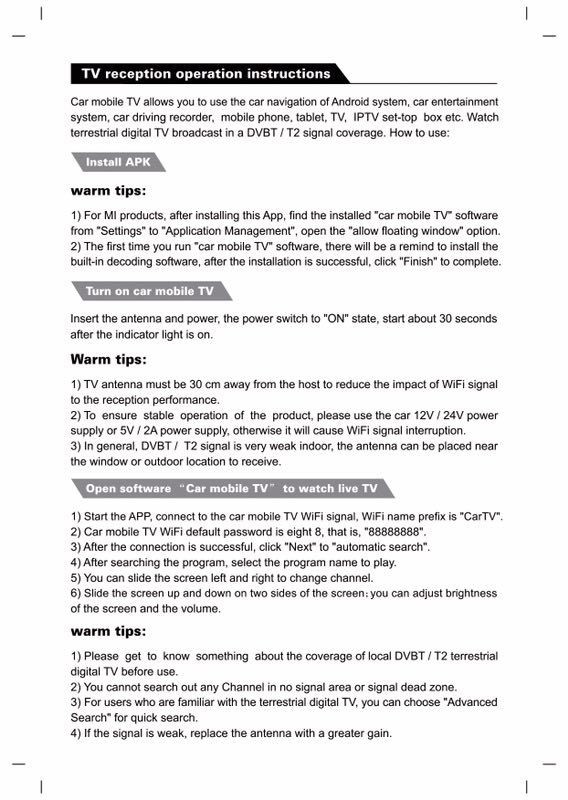
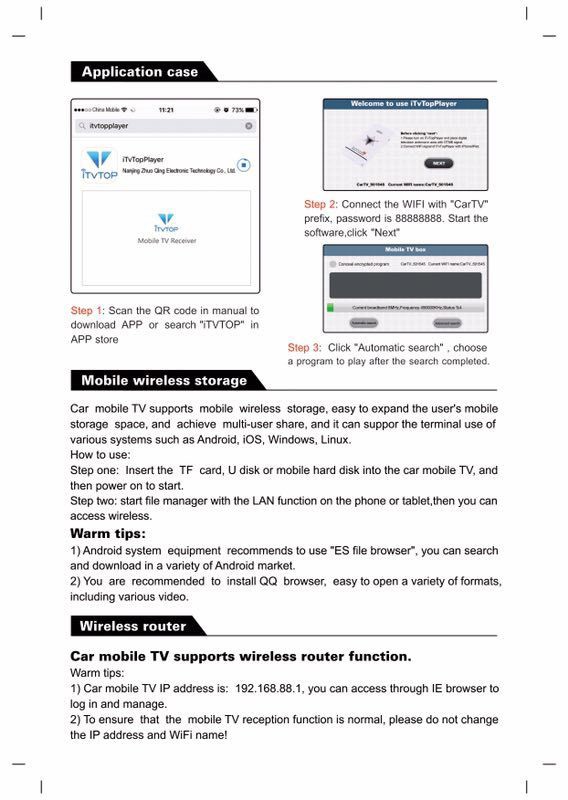
ईnter the address 192.168.88.1 to search, and it can be used as a mobile router hotspot when it is connected to the home WIFI network. The WIFI name of this device is: CARTV,

पैकिंग
Single Weight:0.5किग्रा
Single Size:15x12x5cm
How to install
1. Power on WIFI tv box
2. खोज Download iTVtop.APK and install the app.
3. Open the application after WIFI light of V2 is on
4. Waiting for V2 connecting with your android device automatically
5. Or manual connect WIFI devices at your mobile phone WIFI setting.
6. Select your country, then click scan.
गैलरी
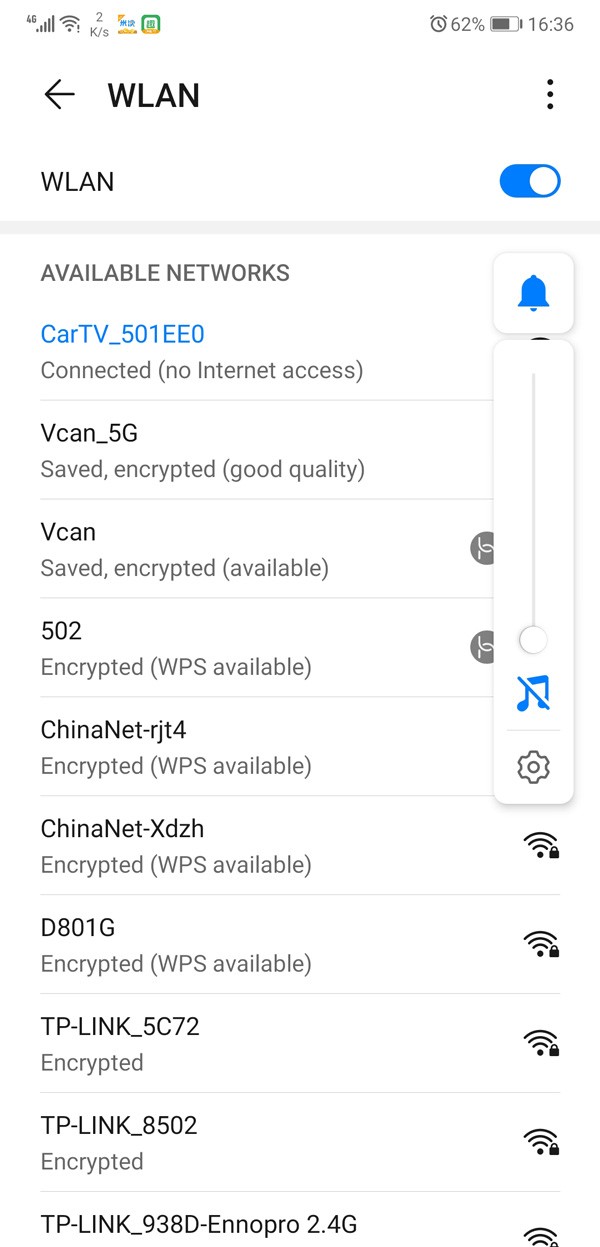
WIFI Name
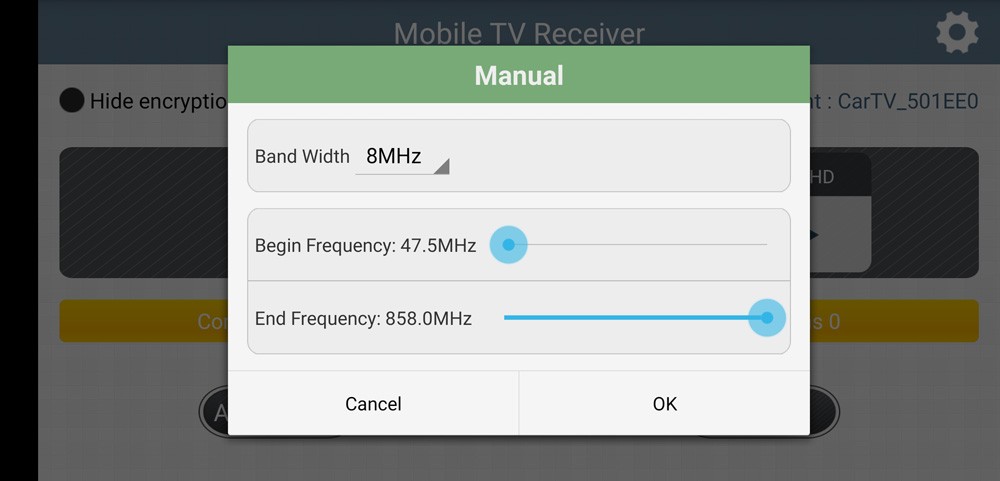
Manual search Frequency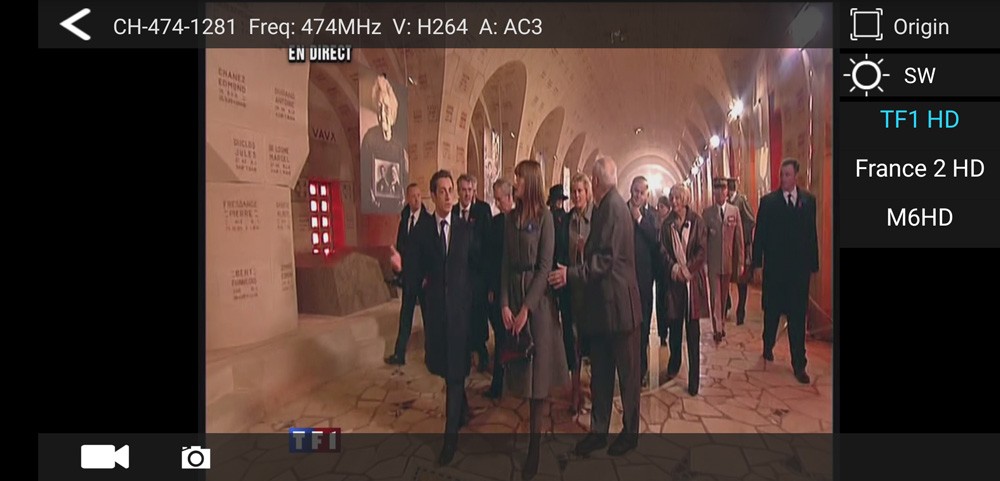
TV Play UI
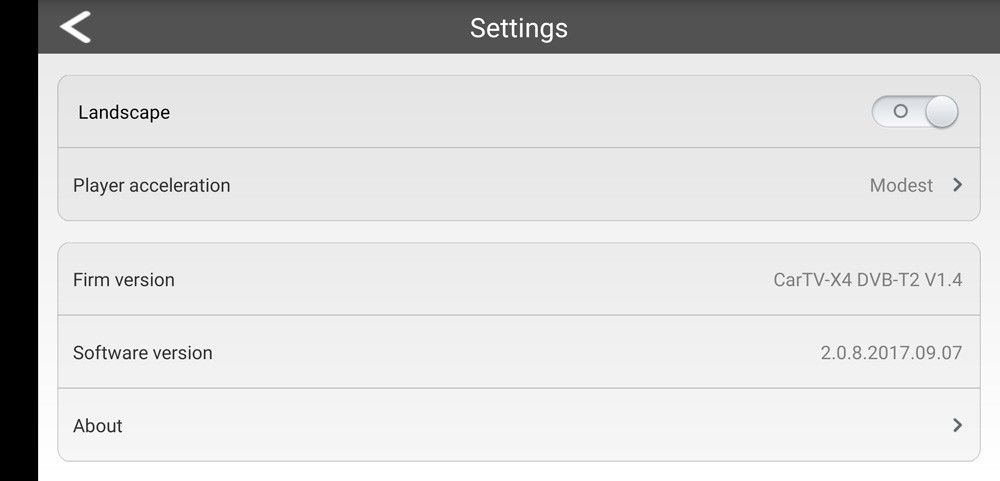
Vcan1654 APP Setting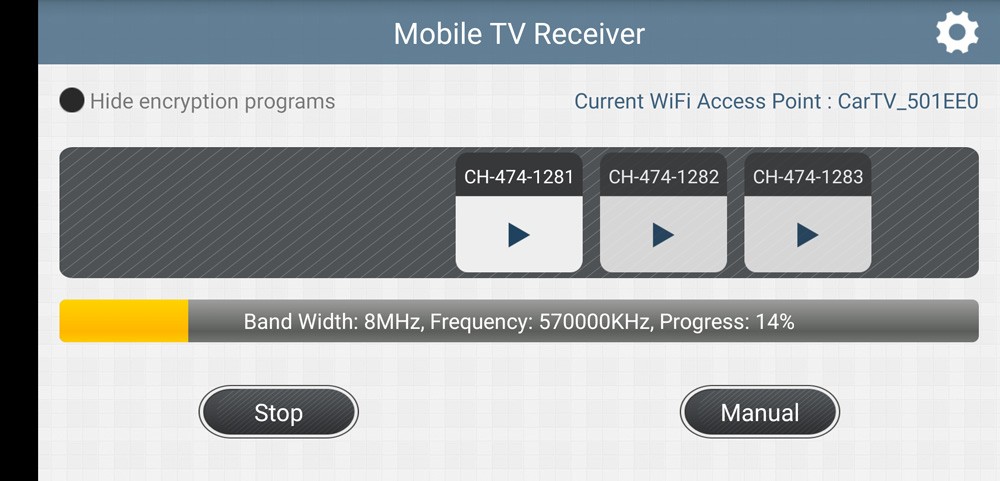
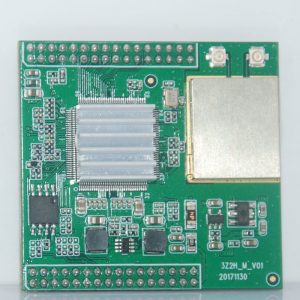
Auto-Search Frequency




समीक्षा
अभी तक कोई समीक्षा नहीं.